
Clack
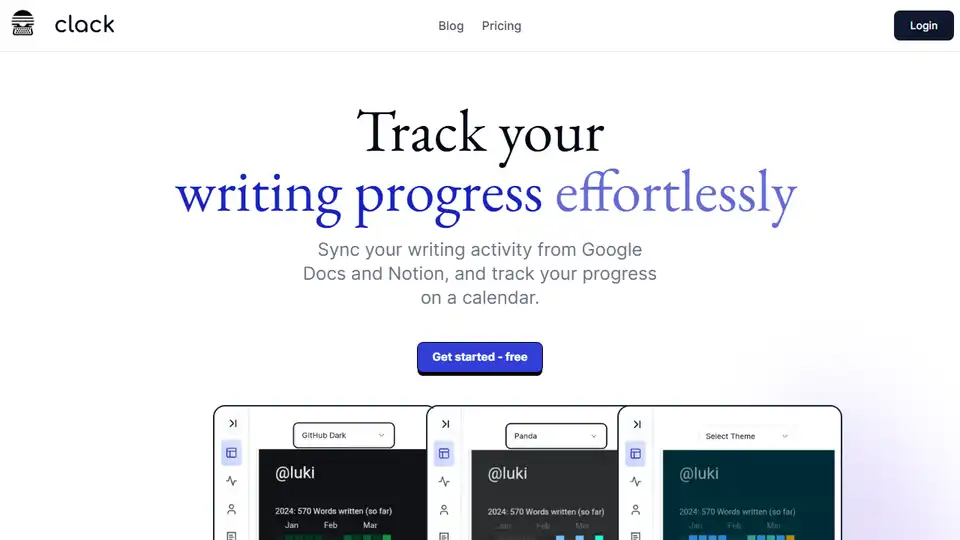
Overview of Clack
Clack: Effortlessly Track Your Writing Progress
What is Clack? Clack is a writing progress tracker that seamlessly syncs with Google Docs and Notion, allowing you to visualize your writing activity on a calendar. It helps you stay motivated and organized by providing a clear overview of your writing habits.
Key Features:
- Google Docs & Notion Integration: Seamlessly track your writing activity from both Google Docs and Notion.
- Unlimited Document Storage: Enjoy unlimited document storage and accessibility without constraints.
- Notion Widget: Visualize your data and uncover trends directly from your Notion workspace.
- AI-powered Notion-Style Editor: Experience a familiar and intuitive editing interface similar to Notion's, enhanced with AI autocomplete features.
- Multiple Heatmap Themes: Customize your experience by choosing the heatmap theme that best suits your style.
- Secure Document Storage: Documents are stored encrypted with AES-256-CBC encryption for maximum security.
How does Clack work?
Clack works by connecting to your Google Docs and Notion accounts. Once connected, it tracks your writing activity, such as document creation, edits, and word count. This data is then visualized on a calendar, allowing you to see your progress over time.
1. Sync: Connect Clack to your Google Docs and Notion accounts. 2. Think: Clack automatically tracks your writing activity. 3. Shine: Visualize your progress and gain insights into your writing habits.
Why is Clack important?
- Increased Productivity: By tracking your progress, Clack can help you stay motivated and productive.
- Improved Organization: Clack provides a clear overview of your writing habits, helping you stay organized.
- Better Insights: Clack helps you gain insights into your writing habits, allowing you to identify areas for improvement.
How to get started with Clack?
Getting started with Clack is easy. Simply visit the Clack website and sign up for a free account. Once you have an account, you can connect to your Google Docs and Notion accounts and start tracking your progress.
Security
Your documents are stored encrypted with AES-256-CBC encryption for maximum security.
Pricing
Clack is free to use. There are paid tiers in the works to extend functionality.
Best Alternative Tools to "Clack"
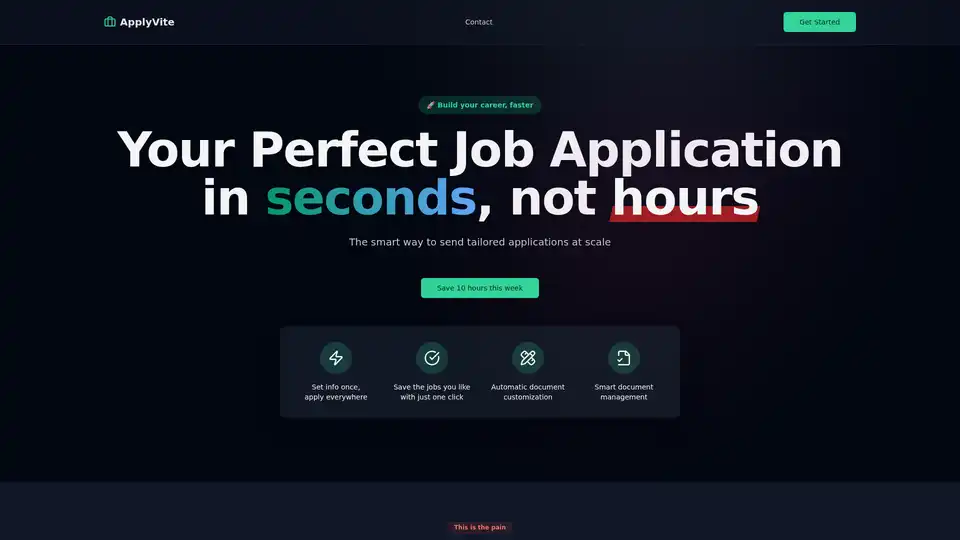
ApplyVite is the complete platform for building your career, faster. Send tailored applications at scale and land your dream job in record time.
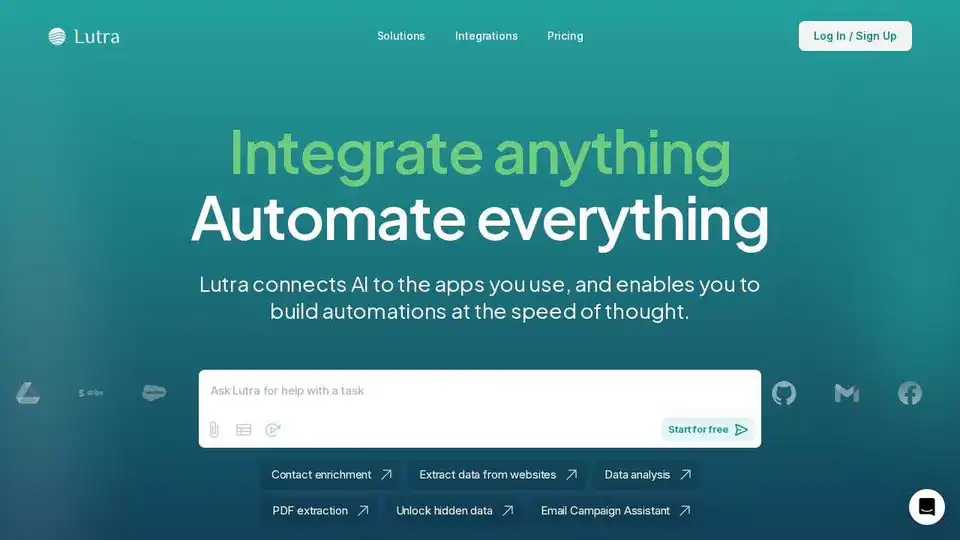
Lutra AI is a productivity agent connecting to your work apps, automating data enrichment, email management, and workflow automation. Secure, reliable, and SOC2 compliant.
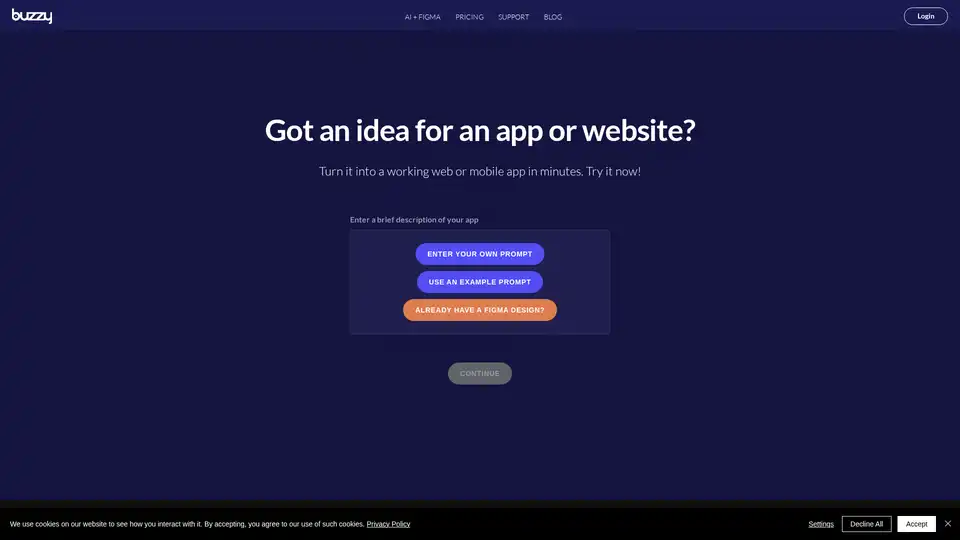
Buzzy is an AI-powered no-code platform that transforms ideas into high-quality Figma designs and full-stack web or mobile apps in minutes. Start from scratch or integrate with Figma without coding for rapid app development.
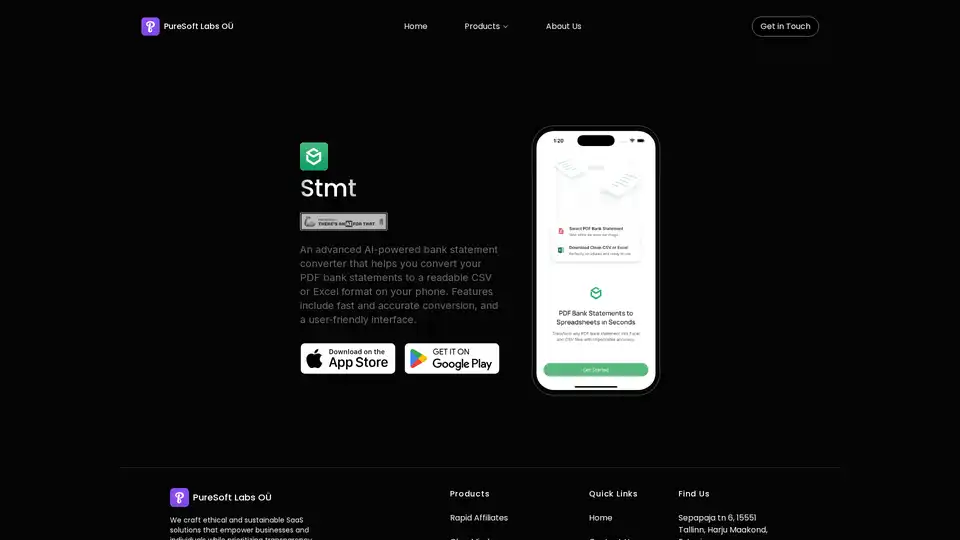
An advanced AI-powered bank statement converter that helps you convert your PDF bank statements to a readable CSV or Excel format on your phone. Features include fast and accurate conversion, and a user-friendly interface.