
Jamie
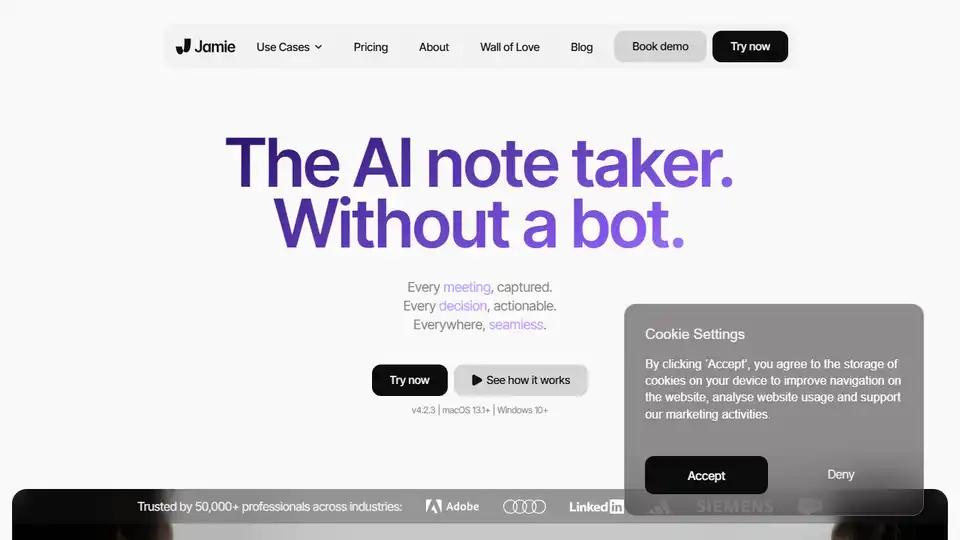
Overview of Jamie
Jamie: Your Personal AI Note Taker - Capture Every Meeting, Actionable Decisions
What is Jamie? Jamie is an AI-powered meeting note taker designed to automatically capture detailed meeting notes, summarize discussions, and identify actionable items. It eliminates the need for manual note-taking, saving you time and ensuring you never miss crucial information.
How does Jamie work? Jamie leverages AI, specifically GPT-4 and Claude 3.5, for transcribing and summarizing meetings. It works across various platforms, including online video conferencing tools and in-person meetings via microphone input. It is GDPR compliant and hosted in Europe, emphasizing user privacy.
Key Features:
- Automatic Meeting Summaries: Jamie automatically generates detailed meeting summaries, freeing you from manual note-taking.
- Task and Decision Identification: The tool identifies key tasks and decisions made during meetings, ensuring follow-up actions are clear.
- Cross-Platform Compatibility: Jamie works seamlessly across online and offline meetings, supporting all video conferencing platforms.
- Question Answering: Users can ask questions across past meetings and receive instant answers, powered by AI search capabilities.
- Privacy-First Approach: Hosted in Europe and GDPR compliant, Jamie prioritizes user data privacy.
- Multi-Language Support: Jamie supports over 100 languages, making it suitable for global teams.
Use Cases:
- For Founders: Jamie is built for ambitious founders who need to capture every meeting detail and make informed decisions.
- For Teams: It helps teams stay aligned, automate follow-up tasks, and improve productivity.
- For Individuals: Jamie empowers individuals to save time, focus on the conversation, and access meeting insights quickly.
How to Use Jamie:
- Download Jamie: Install the application on macOS (13.1+) or Windows (10+).
- Start Meeting: Begin your meeting as usual.
- Supercharge Your Workday: Let Jamie automatically capture and summarize the meeting.
Why is Jamie Important?
- Saves Time: Automates note-taking and follow-up tasks, freeing up valuable time.
- Improves Productivity: Ensures important details are captured and actionable items are identified.
- Enhances Collaboration: Facilitates easy sharing of meeting notes and insights with team members.
- Reduces Stress: Eliminates the pressure of manually taking notes during meetings.
What Problems Does Jamie Solve?
- Wasting time on manual meeting notes
- Forgetting important details and insights
- Writing manual follow-up emails
Testimonials:
- Madeline Wendler (Global Head of Products at Siemens Mobility): "Spending the whole day in meetings, using jamie as my personal AI assistant, can save us a person's resource and ensure that all important takeaways are captured."
- Tom Bachem (Founder & Chancellor at CODE University): "It is impressive to see how far this technology has come and I can’t wait to see others use jamie to make their lives easier."
- Isaac Harvey (Disability Advocate): "Because of my disability, I have never been able to take meeting notes… until I discovered jamie. From the day I started using jamie up until now, I no longer have to worry that I’m going to forget something during a meeting."
Where can I use Jamie? You can use Jamie in any meeting scenario, whether it's online video conferences, in-person discussions, or hybrid setups. It integrates seamlessly with popular platforms like Zoom, Google Meet, and Microsoft Teams.
Best way to improve meeting productivity? Jamie is positioned as a solution to replace manual meeting notes with AI-powered summaries. Use Jamie to automate note-taking, share insights, and improve team alignment. This tool enhances productivity by ensuring no crucial information is missed and actionable items are clearly defined.
Tags Related to Jamie
