
Smart Upscaler
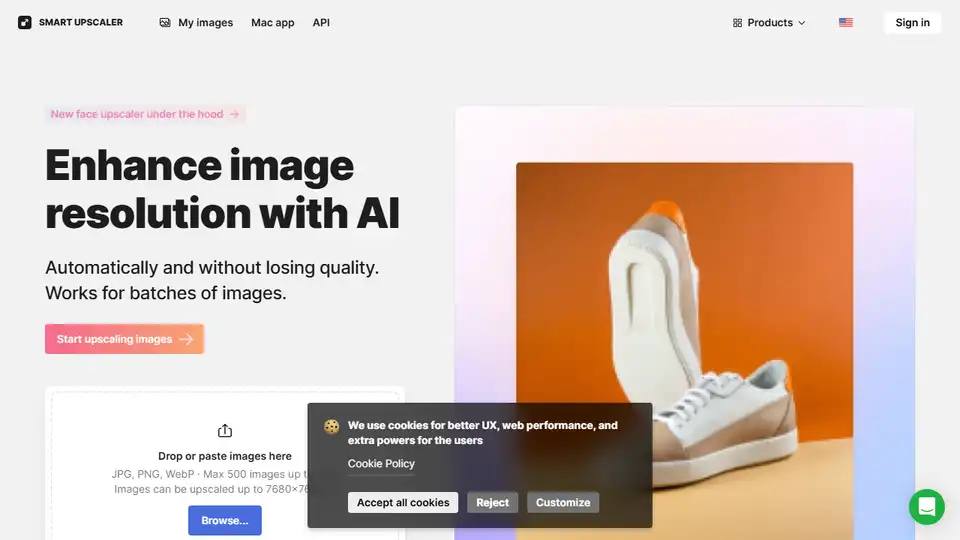
Overview of Smart Upscaler
What is Smart Upscaler?
Smart Upscaler is an advanced AI-powered tool designed to enhance the quality and resolution of images. It leverages state-of-the-art artificial intelligence technology to upscale images, also known as super-resolution, without losing details. This tool is particularly useful for photographers, designers, and content creators who need high-quality images for their projects.
Key Features of Smart Upscaler
- AI-Powered Enhancement: Uses deep learning algorithms trained on over 5 million images to improve image quality.
- Batch Processing: Supports uploading up to 500 images at once, making it efficient for large-scale projects.
- High Resolution: Can upscale images up to 7680x7680px, ensuring high-quality output.
- API Access: Provides API access for seamless integration into other applications and workflows.
- Secure Storage: Uploaded images are stored securely, allowing users to view their history and re-download enlarged photos without additional charges.
How Does Smart Upscaler Work?
Smart Upscaler uses deep learning-based algorithms to analyze and enhance images. The process involves:
- Uploading Images: Users can upload images in JPG, PNG, or WebP formats, with a maximum size of 5MB per image.
- AI Processing: The AI algorithm analyzes the images and enhances their resolution and quality.
- Downloading Results: Users can download the enhanced images, which can be up to 8 times the original resolution.
How to Use Smart Upscaler?
- Upload Images: Drop or paste images into the Smart Upscaler interface. You can upload up to 500 images at once.
- Select Options: Choose the desired upscaling options, such as resolution and quality settings.
- Process Images: Click the "Start upscaling" button to begin the AI-powered enhancement process.
- Download Results: Once the processing is complete, download the enhanced images.
Why Choose Smart Upscaler?
- High-Quality Results: Smart Upscaler ensures that the enhanced images retain their details and quality.
- Efficiency: The batch processing feature allows for quick and efficient upscaling of multiple images.
- Ease of Use: The user-friendly interface makes it easy for anyone to use, regardless of their technical expertise.
- API Integration: The API access allows for seamless integration into existing workflows and applications.
Who is Smart Upscaler For?
Smart Upscaler is ideal for:
- Photographers: Who need to enhance the quality of their photos for professional use.
- Designers: Who require high-resolution images for their design projects.
- Content Creators: Who need high-quality images for their blogs, social media, and other online content.
- Developers: Who can integrate the Smart Upscaler API into their applications for automated image enhancement.
Best Way to Enhance Images
Smart Upscaler provides a convenient and efficient way to enhance the quality and resolution of images. Whether you need to upscale a single image or process a large batch, Smart Upscaler offers the tools and features to get the job done quickly and effectively.
Tags Related to Smart Upscaler
