
AI Humanizer
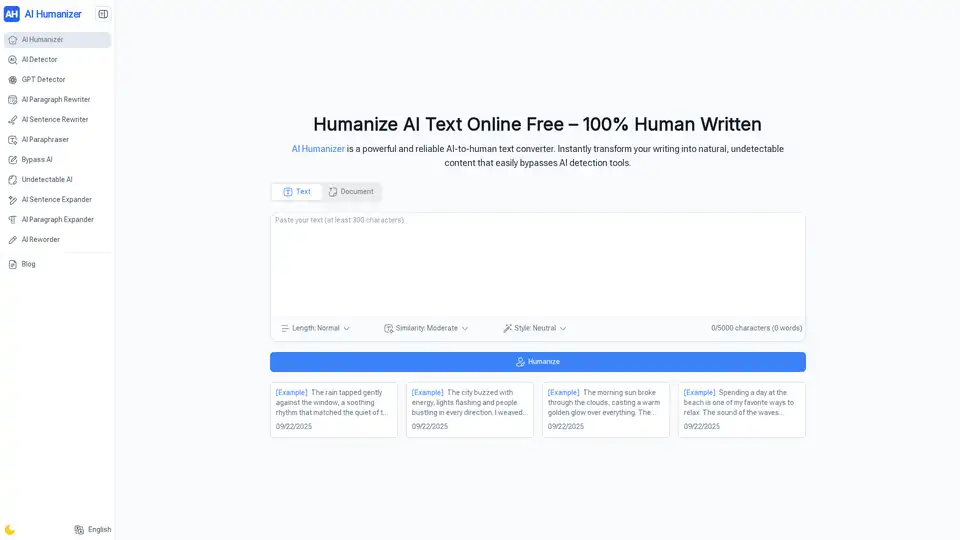
Overview of AI Humanizer
What is AI Humanizer?
AI Humanizer is a powerful and reliable AI-to-human text converter designed to transform robotic, AI-generated text into natural, human-like language. This tool is essential for anyone looking to enhance the readability and authenticity of their AI-generated content, ensuring it bypasses AI detection tools effortlessly.
Key Features of AI Humanizer
- Handle Super Long Texts: AI Humanizer can humanize long AI texts with ease, making even lengthy drafts sound smooth, natural, and ready to share.
- Unlimited Humanizing Free: Enjoy unlimited usage without any hidden caps or limits. AI Humanizer is completely free to use.
- Set Your Human Touch: Customize the level of humanization with options for lighter edits or deeper rewrites to achieve the perfect flow.
- Built-In AI Detector Check: AI Humanizer includes AI detection features to ensure your text remains authentic and human-like.
- Multiple Language Styles: Adapt your AI text to sound natural in different tones and languages, making it suitable for any audience.
- No Sign-Up Needed: Start rewriting instantly without the need for sign-up or any hassle.
How Does AI Humanizer Work?
AI Humanizer operates through a simple three-step process:
- Paste or Upload Text: Drop your content into AI Humanizer by pasting it or uploading files. The tool supports long drafts as well.
- Customize Humanize Style: Choose the tone and style you want for your text—academic, casual, or creative. AI Humanizer adapts to your needs.
- Copy or Download Output: Once polished, copy your text or download it in various formats such as TXT, PDF, or DOCX.
How to Use AI Humanizer?
Using AI Humanizer is straightforward and user-friendly:
- Input Your Text: Paste your AI-generated text or upload a document.
- Select Your Preferences: Choose the desired tone and style for your text.
- Generate and Download: Let AI Humanizer work its magic and download your humanized text in your preferred format.
Why Choose AI Humanizer?
AI Humanizer is trusted by top organizations and innovators globally. It is recognized for its ability to handle super long texts, offer unlimited free usage, and provide a built-in AI detector check. The tool is versatile and can be used by students, researchers, content creators, freelancers, business professionals, marketers, and everyday users.
Who is AI Humanizer For?
- Students and Researchers: Use AI Humanizer to rewrite AI drafts into clear, natural text for essays, papers, and study notes.
- Content Creators: Bloggers and YouTubers trust AI Humanizer to turn robotic AI text into engaging, human-like scripts.
- Freelancers and Writers: AI Humanizer helps freelancers polish AI content so clients receive authentic, high-quality writing every time.
- Business Professionals: From reports to emails, AI Humanizer makes AI text sound professional, natural, and easy to read.
- Marketers and SEO Experts: With AI Humanizer, marketers rewrite AI copy to pass detection tools and connect better with audiences.
- Everyday Users: Anyone can use AI Humanizer to make AI writing sound real—whether for resumes, posts, or personal notes.
User Reviews of AI Humanizer
- M. Johnson (College Student): "AI Humanizer helped me rewrite my thesis draft so it read smoothly instead of robotic. My advisor thought it was fully my own work, which boosted my confidence."
- S. Rivera (Freelance Writer): "I use AI Humanizer for client blogs. It turns stiff AI drafts into clear, natural copy without me spending hours editing. Clients keep coming back for more."
- D. Lee (Small Business Owner): "For my small business, AI Humanizer makes AI text sound friendly and approachable in marketing emails. My open rates went up, and customers reply more."
- A. Patel (Graduate Student): "I rely on AI Humanizer when polishing research papers. The tool makes dense AI notes sound academic yet human, saving me tons of time on rewrites."
- K. Williams (SEO Specialist): "SEO content often gets flagged, but with AI Humanizer, I can humanize AI text online free and still keep keywords intact. Rankings and trust improved fast."
- L. Brown (Marketing Manager): "I use AI Humanizer for LinkedIn posts. It smooths out AI text so my updates feel personal and authentic, and engagement from my network has doubled."
Frequently Asked Questions about AI Humanizer
- What makes AI Humanizer different from other tools?: AI Humanizer stands out due to its ability to handle super long texts, offer unlimited free usage, and provide a built-in AI detector check.
- Is AI Humanizer really free with no limits?: Yes, AI Humanizer is completely free with no hidden caps or limits.
- Can AI Humanizer handle super long documents?: Absolutely, AI Humanizer is designed to handle even the longest documents with ease.
- What kind of styles can AI Humanizer create?: AI Humanizer can adapt to various tones and styles, including academic, casual, and creative.
- Will AI Humanizer help me beat AI detectors?: Yes, AI Humanizer includes features to ensure your text remains authentic and human-like, helping it bypass AI detection tools.
- Is my data safe when using AI Humanizer?: AI Humanizer prioritizes user data safety and ensures your information is secure.
- What file formats can I download from AI Humanizer?: You can download your humanized text in TXT, PDF, or DOCX formats.
- Can I use AI Humanizer for school, work, or personal projects?: Yes, AI Humanizer is versatile and can be used for a wide range of applications, including school, work, and personal projects.
Conclusion
AI Humanizer is an indispensable tool for anyone looking to enhance the authenticity and readability of their AI-generated content. With its powerful features, ease of use, and unlimited free access, it is the go-to solution for students, content creators, freelancers, business professionals, and everyday users alike. Try AI Humanizer today and experience the difference it can make in your writing.
AI Article Generation AI Text Polishing AI Writing Assistance Paper and Report Generation News and Blog Generation Email and Business Writing
Best Alternative Tools to "AI Humanizer"
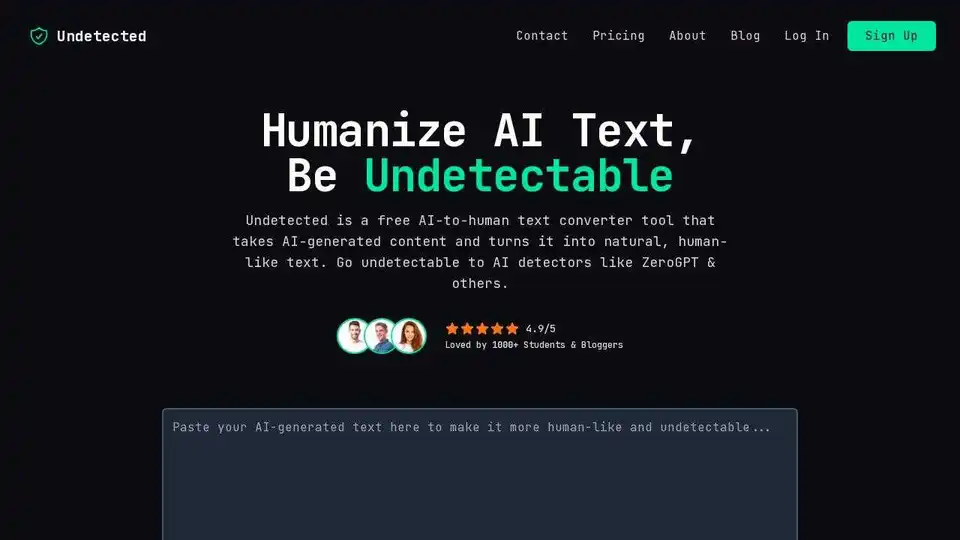
Undetected is a free AI to human text converter that humanizes AI content, making it undetectable to AI detectors like ZeroGPT. Bypass AI detection & improve content quality.
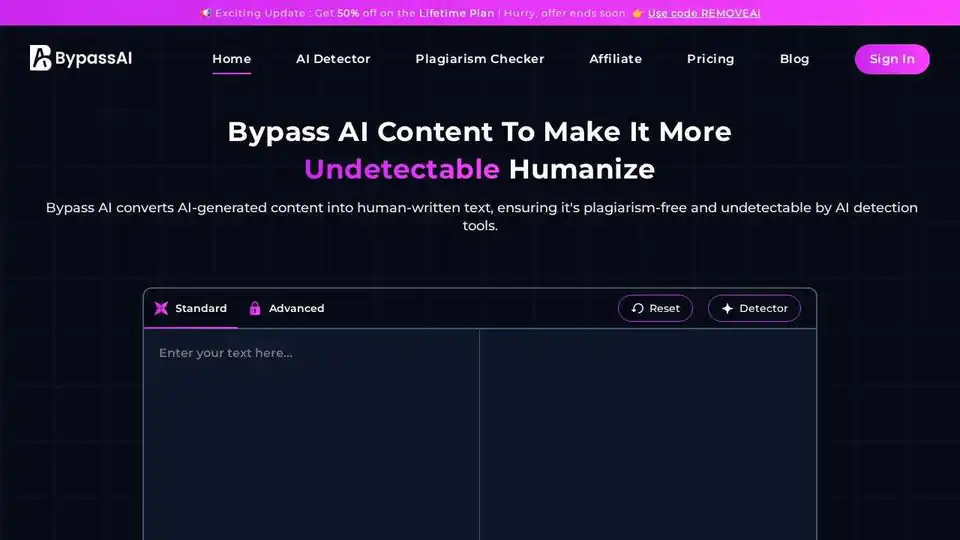
Bypass AI transforms AI-generated text into human-like content, bypassing AI detection. Humanize AI text to ensure authenticity and improve SEO performance. Perfect for content creators, students, and professionals.
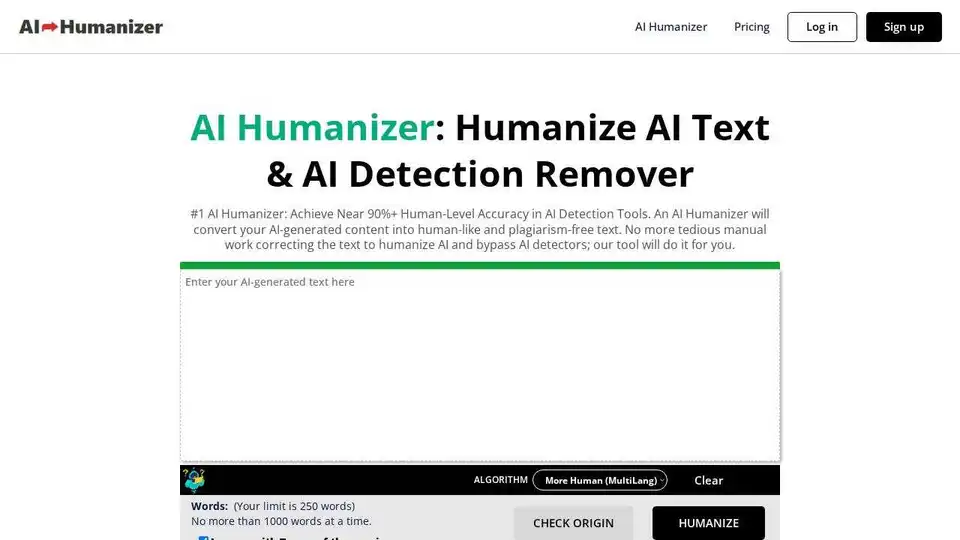
AI Humanizer converts AI-generated text into human-like content, bypassing AI detectors. It enhances engagement, SEO, and authenticity while ensuring plagiarism-free, error-free text.
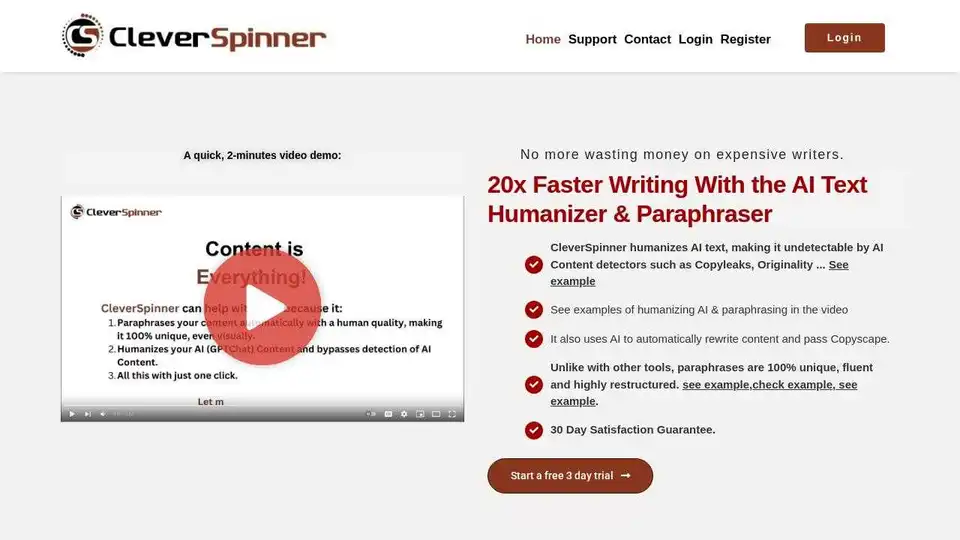
CleverSpinner is an AI-powered tool that humanizes AI-generated text, rewrites content to pass AI detectors like Copyleaks, and spins articles for unique and high-quality content creation. Get a free trial today!
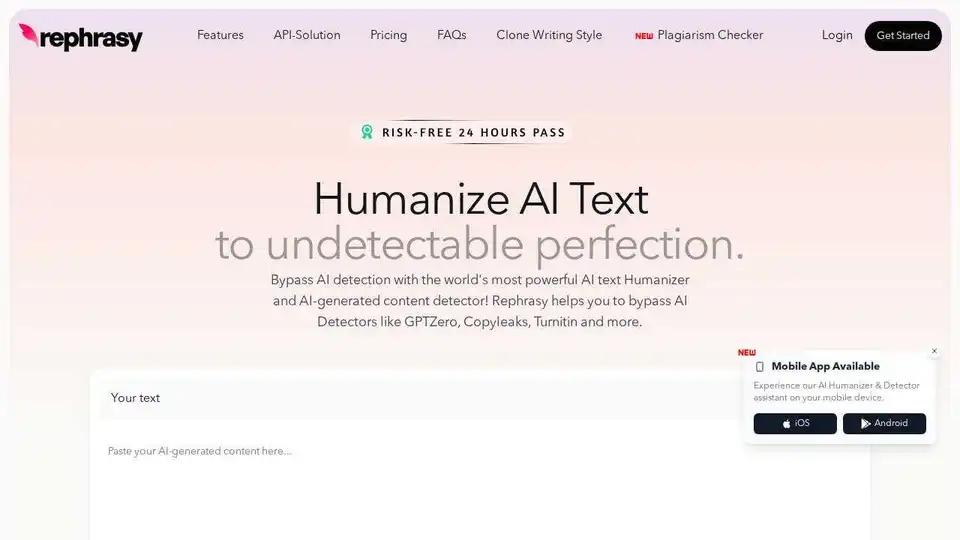
Rephrasy is an AI humanizer that bypasses AI detection like GPTZero and Turnitin. Ensure your AI content remains undetectable with Rephrasy's advanced AI text humanization technology.