
AI Menu Photo
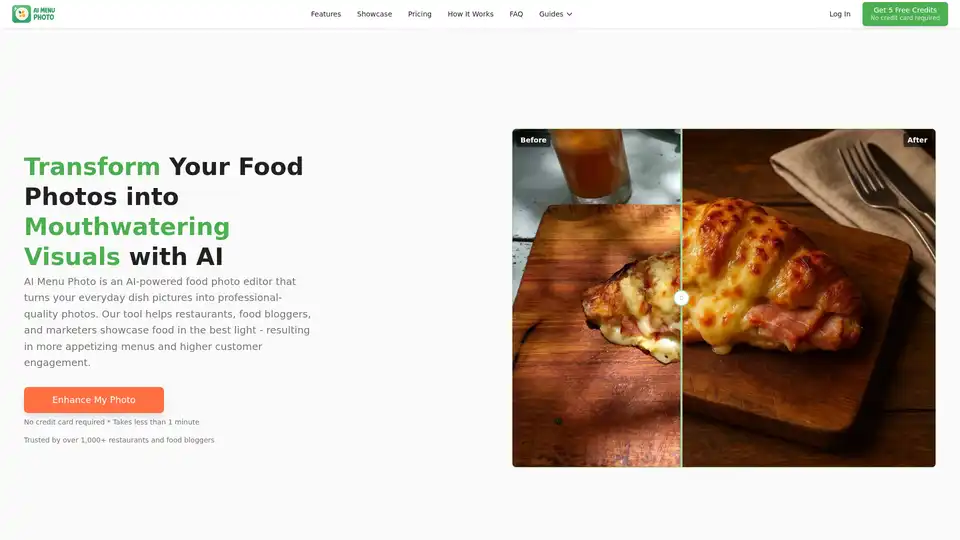
Overview of AI Menu Photo
AI Menu Photo: Transform Your Food Photos with AI
What is AI Menu Photo? It's an AI-powered food photo editor designed to transform ordinary dish photos into professional-quality visuals. This tool is ideal for restaurants, food bloggers, and marketers looking to enhance their menu photos, increase customer engagement, and ultimately boost sales.
How does AI Menu Photo work?
AI Menu Photo simplifies the process of food photography by automating complex editing tasks. Here's a breakdown of how it works:
- Upload Your Food Image: Start by uploading the photo you want to enhance.
- AI Magic in Seconds: The AI analyzes the image, perfecting lighting, enhancing colors, sharpening details, and seamlessly removing or replacing backgrounds.
- Customize Your Style: Tailor the look to your brand by selecting a predefined professional style or creating a unique aesthetic using AI-powered editing capabilities.
- Generate & Preview: Generate your new AI-enhanced image and preview the results.
- Export for Any Platform: Easily export your masterpiece, using the built-in aspect ratio crop feature to ensure photos are perfectly sized for platforms like Uber Eats, DoorDash, Grubhub, your website, or social media.
Key Features and Benefits:
- AI-Powered Perfection & Styling: Instantly perfects lighting, color, and clarity, applying chef-approved styles or creating custom looks.
- Clean Backgrounds & Versatile Angles: Instantly remove distracting backgrounds and generate various camera angles (top-down, 45-degree, side-profile) from a single image.
- Platform-Perfect: Export perfectly sized and framed images for Uber Eats, Grubhub, DoorDash, and social media. Offers square, landscape, and portrait formats without awkward cropping.
- Prompt-Powered Edits: Add, remove, or tweak ingredients instantly for always-fresh menu photos.
- Comprehensive AI Photo Capabilities:
- Effortless Upload & True AI Transformation
- Advanced Styling & Brand Consistency
- Intelligent Composition & Perspective
- Core AI Image Enhancement
- Platform-Ready & User-Friendly
Why Choose AI Menu Photo?
- Cost-Effective: Get stunning, professional food photography for just $5.99/month, saving hundreds compared to traditional photoshoots and expensive editing software.
- Time-Saving: Stop wasting hours in Lightroom. Upload one dish photo and let AI Menu Photo handle lighting fixes, background cleanup, and platform-perfect sizing—all in seconds.
- Increase Orders: Improve the visual appeal of your menu and delivery app listings to attract more customers and increase orders.
Who is AI Menu Photo for?
- Restaurants & Cloud Kitchens: Boost orders with irresistible menu photos and get new dishes online faster.
- Food Bloggers & Influencers: Create stunning social media images to engage your audience and grow your following.
- E-commerce & Delivery Platforms: Ensure consistent vendor photos and meet platform-specific guidelines.
Plans & Pricing:
AI Menu Photo offers several plans to suit different needs:
- Starter: $5.99/month for 10 credits.
- Professional: $11.99/month for 20 credits, including consistent styling memory and reference image uploads.
- Enterprise: $24.99/month for 40 credits, including batch processing and team sharing (coming soon).
Top-up credits are also available, and they never expire while your subscription is active.
User Reviews:
- Maria R., Owner, Main Street Tacos: "Our online orders jumped 30%! These AI photos make our tacos look irresistible on delivery apps. It's like magic."
- David Chen, Chef, The Golden Wok: "Finally, pro-quality menu photos without the hefty price tag. Our dishes look incredible, and we've saved so much time."
- Aisha K., Baker, The Sweet Spot Bakery: "My cake sales on 'GourmetGo' are through the roof! The AI turns my simple phone snaps into stunning, drool-worthy images."
How to use AI Menu Photo?
- Upload Your Image: Select the food photo you want to enhance.
- Let AI Work its Magic: The AI will automatically correct lighting, enhance colors, and sharpen details.
- Customize and Style: Choose a style from predefined options or create your own.
- Export: Download the enhanced photo in the format you need for your platform or menu.
Why high-quality food photos matter?
Visual appetite is real. Humans process imagery 60,000x faster than text, and hungry brains treat glossy food photos like a dopamine snack. High-quality photos can lead to:
- 30% more orders on Grubhub when items include a thumbnail.
- Up to 26% higher check averages when guests order online versus by phone.
- 5x higher monthly sales for merchants whose web menus feature professional photos.
Conclusion
AI Menu Photo is a game-changer for anyone in the food industry looking to improve their visual marketing. By using AI to enhance food photos, businesses can save time and money while attracting more customers and boosting sales. Whether you're a restaurant owner, food blogger, or marketing professional, AI Menu Photo provides the tools you need to create mouthwatering visuals that drive results. What is the best way to enhance your food photos? The answer is AI Menu Photo.
AI Generated Art Image Enhancement and Repair Image Style Transfer AI Background Removal and Replacement AI Avatar and Cartoonization 3D Modeling and Rendering Logo and UI Design
Best Alternative Tools to "AI Menu Photo"
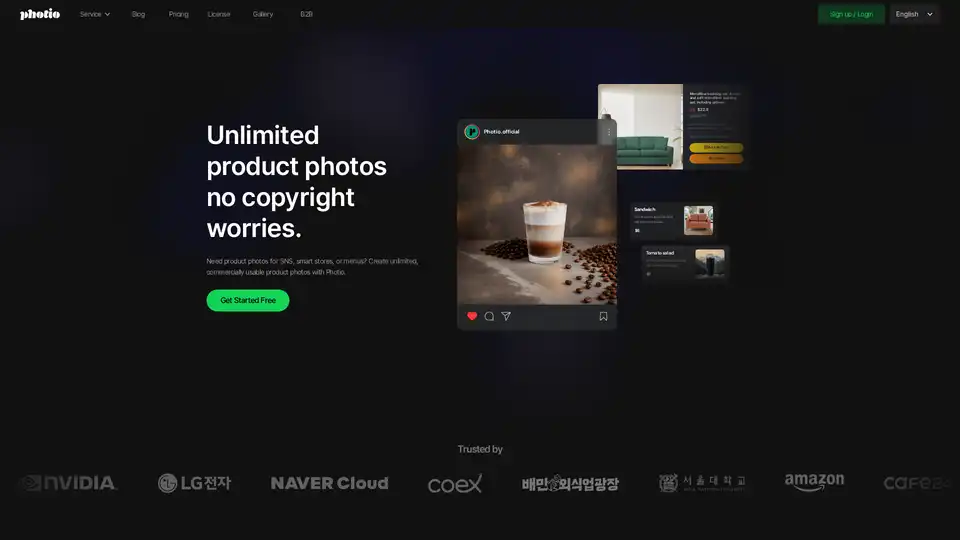
Photio is an AI-powered product photography studio that allows users to create unlimited, commercially usable product photos. It offers various tools like AI Photographer, background removal, and image enhancement.
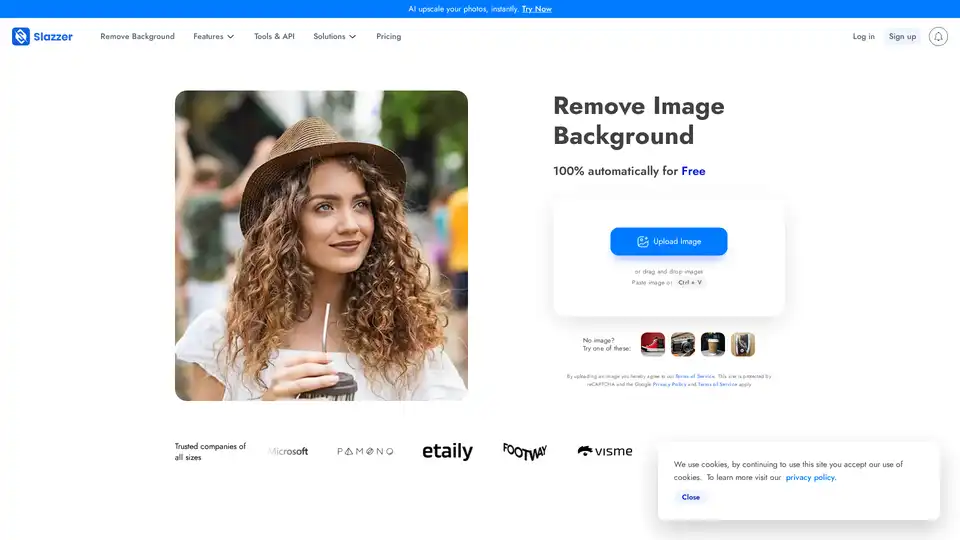
Slazzer is an AI-powered tool that removes image backgrounds automatically in seconds. Upload your photo for instant cutouts, perfect for e-commerce, photography, and design without manual editing.
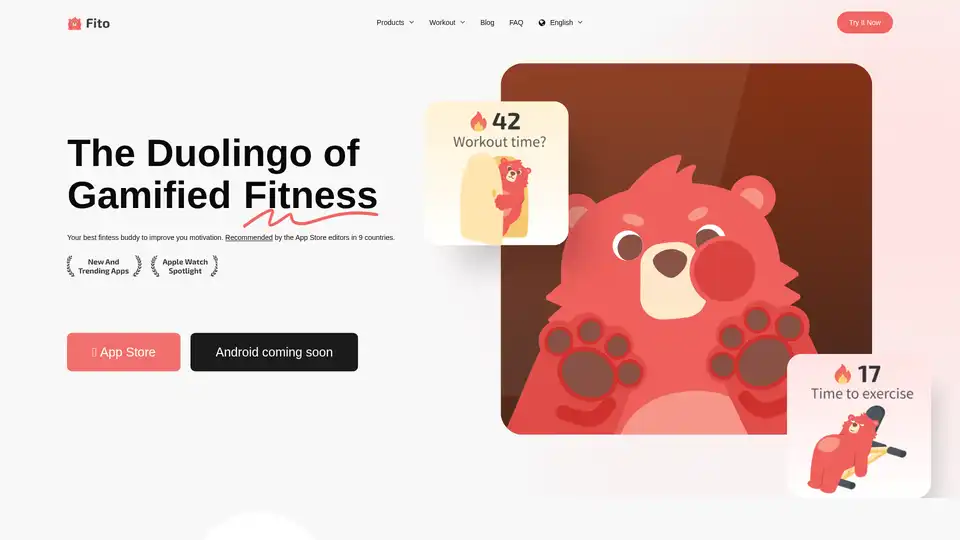
Fito App is a gamified fitness tracker that uses cute bear animations, achievement cards, and social features to motivate users to maintain exercise streaks and achieve fitness goals.
MemeClip is an AI-powered tool that creates hilarious memes and viral videos from text in seconds, with over 1000 templates, multi-language support, and easy text-to-video conversion—no design skills required.