
AI Video Watermark Remover
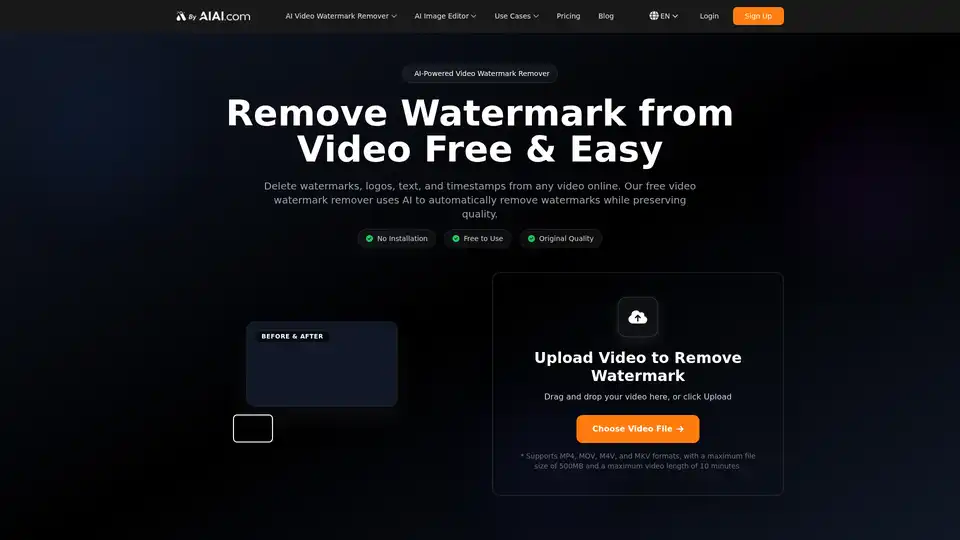
Overview of AI Video Watermark Remover
What is AI Video Watermark Remover?
AI Video Watermark Remover is a free online tool designed to solve a common problem for digital creators: unwanted branding. Whether you are working with AI-generated content from platforms like Sora or Kling, or repurposing clips from social media, this tool uses advanced artificial intelligence to seamlessly remove watermarks, logos, text, and timestamps from your videos. Unlike traditional editors that simply crop or blur the area, this AI-powered solution reconstructs the background to look natural, ensuring the video retains its original quality.
Key Features of AI Video Watermark Remover
The tool offers a suite of features that make it a standout choice for video editing:
- AI-Powered Detection: The core technology automatically scans your video to identify watermarks and logos. You don't need to manually select the area; the AI handles the detection process with high precision.
- Quality Preservation: A major concern when removing watermarks is losing video resolution. This tool ensures that after the watermark is removed, the video remains crisp and clear, with no blurring or mosaicking artifacts.
- Wide Format Support: It is compatible with all major video formats, including MP4, MOV, M4V, and MKV. You can upload videos up to 500MB in size and 10 minutes in length.
- No Installation Required: As a web-based service, there is no software to download or install. You can access the tool directly from your browser.
- One-Click Operation: The workflow is designed for speed. Upload, wait for the AI to process, and download your clean video. It is a simple three-step process.
How Does It Work?
The AI Video Watermark Remover utilizes sophisticated algorithms to analyze video frames. Here is the process:
- Upload: You simply drag and drop your video file or click to upload. The tool supports various formats commonly used by AI video generators and social platforms.
- AI Processing: Once uploaded, the AI scans the footage to locate static or dynamic watermarks. It then intelligently fills the area by analyzing the surrounding pixels and textures. This process mimics how a professional digital artist would manually clone-stamp the area, but it is automated and fast.
- Download: After a few minutes of processing (depending on video length), the clean video is ready for download in its original quality.
Who is AI Video Watermark Remover For?
This tool is versatile and beneficial for various users:
- AI Content Creators: If you generate videos using tools like Kling, Sora, or other AI models, you often get a result with a corner logo. This tool removes those logos so your content looks professional and ready for monetization or posting.
- Social Media Managers: For those managing accounts on TikTok, YouTube, and Instagram, this tool is essential for cross-posting content. You can download a TikTok video and remove the watermark to upload it to Reels or Shorts without violating platform attribution rules.
- Educators and Marketers: Quickly clean up educational videos or promotional materials by removing outdated logos, text overlays, or timestamps that distract from the message.
Why Choose AI Video Watermark Remover?
There are many video editors on the market, but few offer dedicated AI watermark removal for free. Here is why this tool stands out:
- Cost-Effective: You receive 20 free credits upon signing up, enough to process two 4-second videos. The pricing plans for additional credits are competitive and affordable compared to buying expensive video editing software.
- Superior Results: Traditional blurring or pixelation methods ruin the aesthetic of a video. The AI restoration method used here ensures the video looks as if the watermark was never there.
- Time-Saving: Manually removing watermarks frame-by-frame in software like Adobe Premiere or After Effects takes hours. This tool does it in minutes.
Frequently Asked Questions (FAQ)
Can this tool remove watermarks from Sora or Kling AI videos? Yes, it is specifically optimized to handle the branding and watermarks found on outputs from the latest AI video models.
Does removing the watermark affect video quality? No. The AI is trained to maintain the original resolution and texture. The result is a clean video without the blurring often associated with lower-quality removal tools.
Is it free to use? Yes, it offers a free tier with credits. You can also purchase credit packs if you need to process longer or more frequent videos.
Is this a replacement for video editing software? For watermark removal, yes. However, for complex editing (cutting, transitions, color grading), it works best as a companion tool to standard editing software.
Best Alternative Tools to "AI Video Watermark Remover"

Tags Related to AI Video Watermark Remover