
Amurex
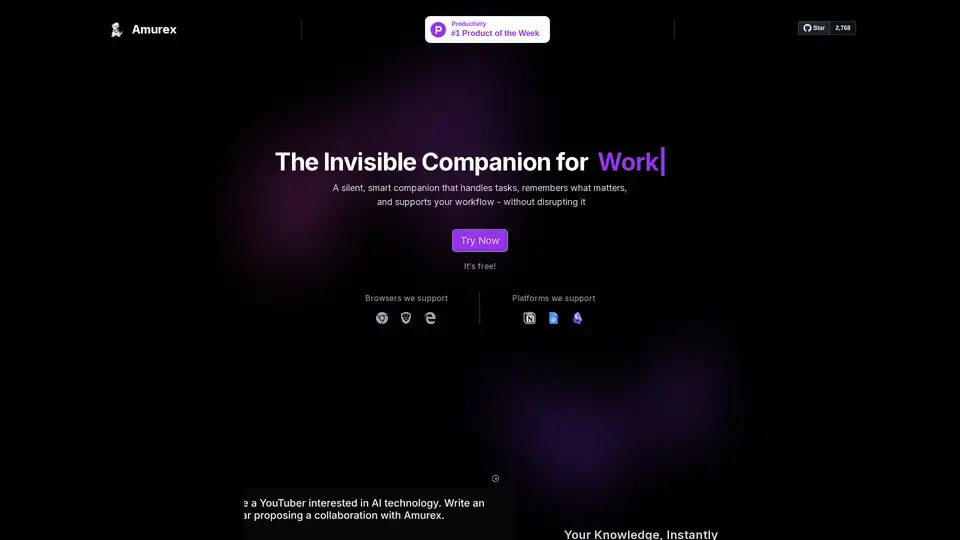
Overview of Amurex
What is Amurex?
Amurex is an innovative AI invisible companion designed to enhance your work and life without getting in the way. Unlike traditional apps that demand your attention, Amurex operates silently in the background as a seamless layer over your existing tools. It's completely free, fully open-source, and accessible via supported browsers, making it a game-changer for productivity enthusiasts seeking task automation and effortless workflow support.
Launched with a focus on eliminating mundane tasks, Amurex integrates deeply with popular platforms like Notion, Google Drive, Obsidian, and more. Whether you're searching knowledge bases, managing meetings, or taming your inbox, this open-source AI assistant handles it all without disrupting your flow.
Key Features of Amurex
Amurex packs powerful AI-driven capabilities into a lightweight, invisible package. Here's what sets it apart:
Instant Knowledge Search: Seamlessly query and retrieve information across integrated apps like Notion, Google Drive, and Obsidian. No more manual digging—your knowledge becomes instantly searchable, saving hours on research.
Meetings on Autopilot: Automatically records meetings, transcribes conversations with high accuracy, generates concise summaries, and tracks action items. Perfect for professionals who juggle multiple calls daily, ensuring nothing slips through the cracks.
Smart Inbox Categorization: Analyzes your emails to automatically categorize and prioritize them. Say goodbye to inbox overload; focus on what matters most with AI-powered organization.
These features work across supported browsers and platforms, requiring no downloads or extra tools. As confirmed in its FAQ, Amurex is 100% open-source—check the GitHub repository for code, contributions, and transparency.
How Does Amurex Work?
Amurex functions as an 'invisible layer' on top of your everyday apps, leveraging advanced AI models for natural language processing, speech-to-text transcription, and intelligent classification. Here's a step-by-step breakdown:
Installation and Setup: Add it via your browser (supports major ones like Chrome, Firefox). Grant permissions for integrations like Google Drive or email clients.
Background Operation: Once active, it runs quietly, monitoring workflows without notifications unless requested.
Core AI Processing:
- For knowledge search: Uses semantic search algorithms to index and retrieve from connected sources.
- For meetings: Employs real-time speech recognition (similar to modern STT tech like Whisper) for transcription, followed by NLP for summarization and entity extraction (e.g., action items).
- For emails: Applies machine learning classifiers to sort based on content, sender, and urgency.
Interaction: Access via hotkeys, voice commands, or existing app interfaces—no new UI to learn.
This architecture ensures minimal resource usage, making it ideal for laptops and desktops alike. Being open-source, developers can customize it further, extending its automation workflow potential.
How to Use Amurex: Quick Start Guide
Getting started is straightforward:
- Visit the official site and hit 'Try Now'—it's free with no signup barriers.
- Install the browser extension from supported browsers.
- Connect your accounts (Notion, Drive, email).
- Enable features like meeting autopilot during your next Zoom or Google Meet.
Pro tip: Explore the GitHub repo for advanced configs, such as custom transcription models or integration scripts.
Use Cases and Practical Value
Amurex shines in real-world scenarios where time is money:
Remote Workers & Teams: Automate meeting notes, reducing post-call admin by 80%. Track action items across distributed teams effortlessly.
Knowledge Workers: Researchers, writers, and analysts benefit from unified search across note-taking apps, accelerating idea generation.
Busy Professionals: Executives and managers reclaim hours from email triage, focusing on high-value decisions.
In customer testimonials (implied by FAQ enthusiasm), users rave about its non-intrusive nature: 'Hell yeah, it's open-source!' reflects community trust.
Who is Amurex For?
Ideal for:
- Productivity hackers tired of app-switching.
- Open-source advocates wanting customizable AI.
- Solopreneurs and small teams needing enterprise-level automation for free.
- Anyone overwhelmed by information overload in hybrid work environments.
Not suited for those preferring standalone apps, but perfect if you value seamlessness.
Why Choose Amurex Over Other AI Tools?
In a crowded AI productivity tools market, Amurex stands out:
| Feature | Amurex | Typical AI Apps |
|---|---|---|
| Cost | Free forever | Subscription-based |
| Visibility | Invisible background | Pop-up interfaces |
| Integrations | Native (Notion, Drive) | Limited APIs |
| Open-Source | Yes, full GitHub access | Proprietary |
| Setup | Browser extension | Heavy downloads |
It aligns with modern trends in AI task management and intelligent search, drawing from proven tech like large language models for summarization. No privacy concerns—open code means auditable data handling.
Pricing and Accessibility
Zero cost: 'You pay nothing for now.' Fully free, with potential future tiers, but core remains accessible.
Frequently Asked Questions
- Is it secure? Open-source transparency ensures it. Review the privacy policy.
- Supported Platforms? Browsers like Chrome; apps like Notion, Drive.
- Contact? Email founders@thepersonalaicompany.com or join Discord/X.
Final Thoughts on Amurex AI Invisible Companion
Amurex redefines productivity by being the silent smart companion you never knew you needed. In an era of AI hype, its practical, no-frills approach delivers real value—boosting efficiency without the bloat. Dive into the GitHub, try it today, and experience workflow nirvana. For meeting transcription, email automation, or knowledge retrieval, Amurex is your go-to open-source solution.
Best Alternative Tools to "Amurex"
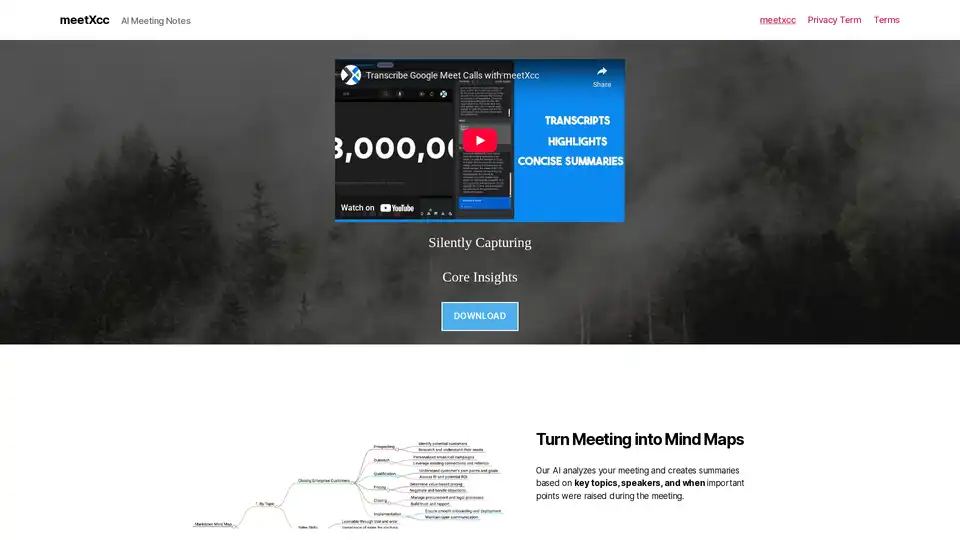
meetXcc is an AI meeting assistant that silently captures Google Meet meetings, providing summaries, transcripts, and mind maps. It integrates seamlessly without bots, saving data to Google Drive.
Iris is an AI assistant enabling instant screen discussions. Capture images, chat about anything displayed, and automate workflows. Powered by the latest models with no rate limits.

Undetectable Interview AI solves coding problems in real-time during interviews, undetected by screen sharing apps. It provides explanations, shortcuts, and supports multiple AI models like GPT-4o.
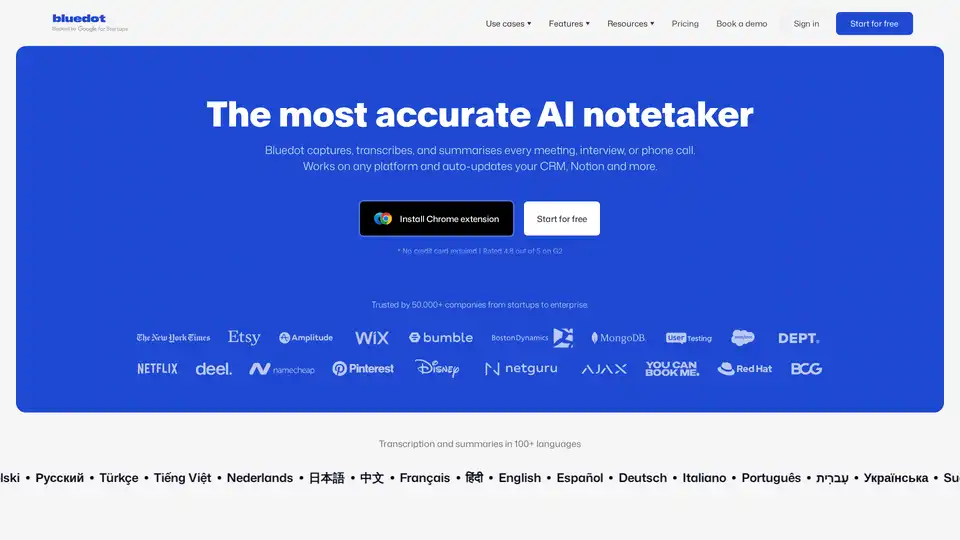
Bluedot AI Note Taker is a bot-free AI meeting assistant that automatically records, transcribes, and summarizes meetings with 99% accuracy. It works across all platforms and integrates with CRM systems.
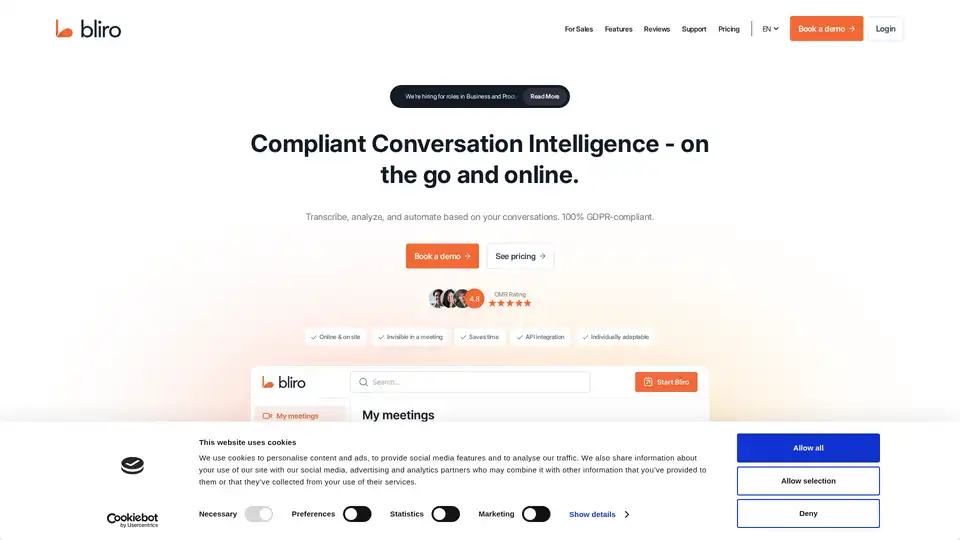
Bliro is a GDPR-compliant conversation intelligence platform that transcribes, analyzes, and automates customer interactions, saving time and improving sales performance.

Apex Vision AI is an AI-powered homework extension offering instant, accurate answers across subjects, saving time and improving grades with seamless LMS integration.
Interview Solver is an AI-powered coding interview copilot that provides instant solutions to LeetCode problems. Pass your technical interviews with ease and land your dream job.
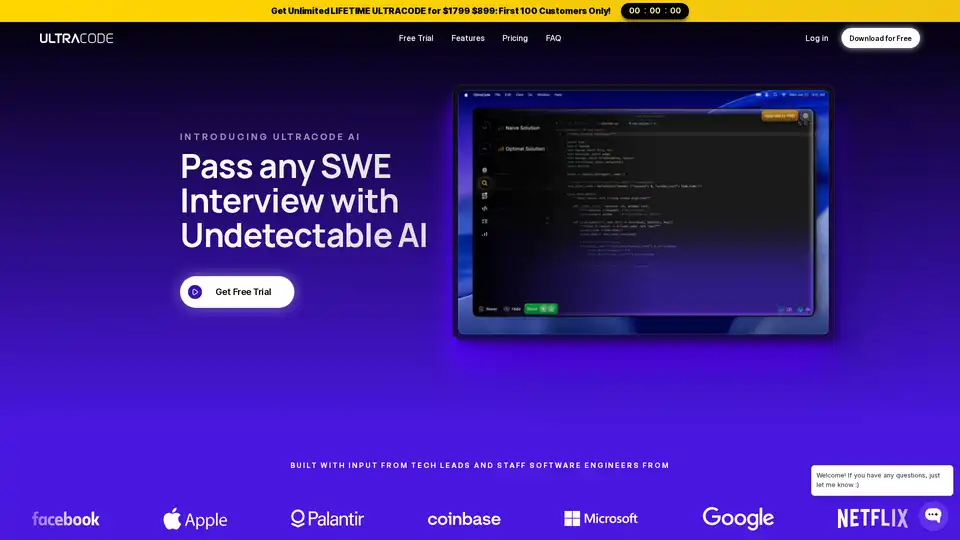
ULTRACODE is the ultimate coding interview AI co-pilot for SWEs. It's fine tuned specifically to give 10 out of 10 answers to any and every technical interview question.
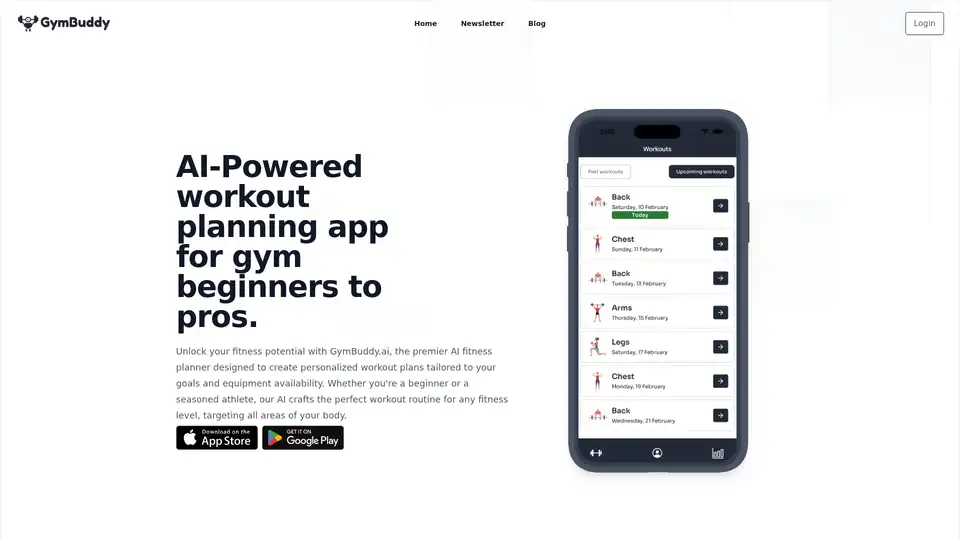
GymBuddy.ai is an AI-powered app that creates personalized workout plans for all fitness levels, using hundreds of exercises to target specific body areas and equipment. Track progress and schedule routines easily for your fitness journey.
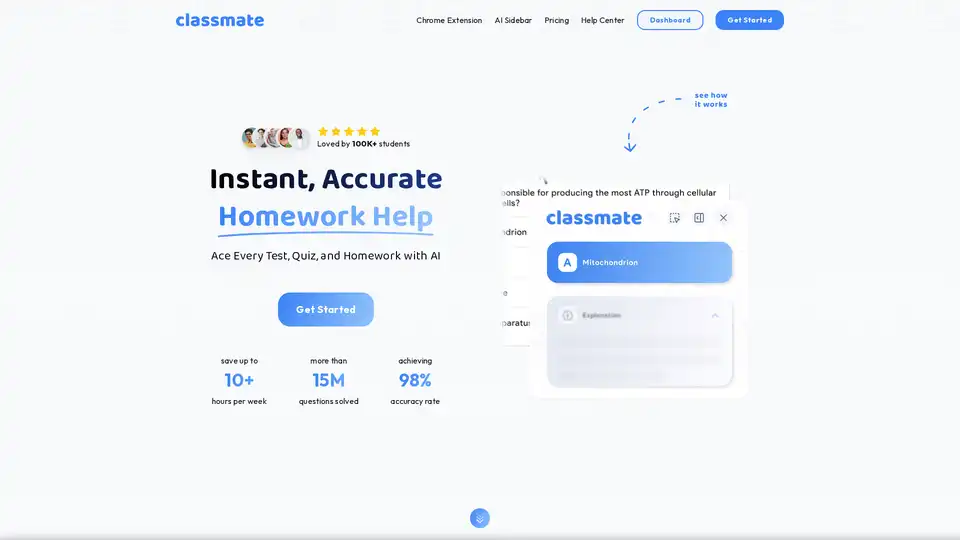
Classmate is a powerful Chrome extension that serves as your 24/7 AI tutor and homework helper. Offering instant answers, step-by-step explanations across subjects like math, science, and more, it helps students save time and achieve better grades with 98% accuracy.

Promptwatch helps companies boost their visibility in AI search engines like ChatGPT, Claude, and Perplexity. Track mentions, analyze AI-driven traffic, and optimize content for better AI search ranking.
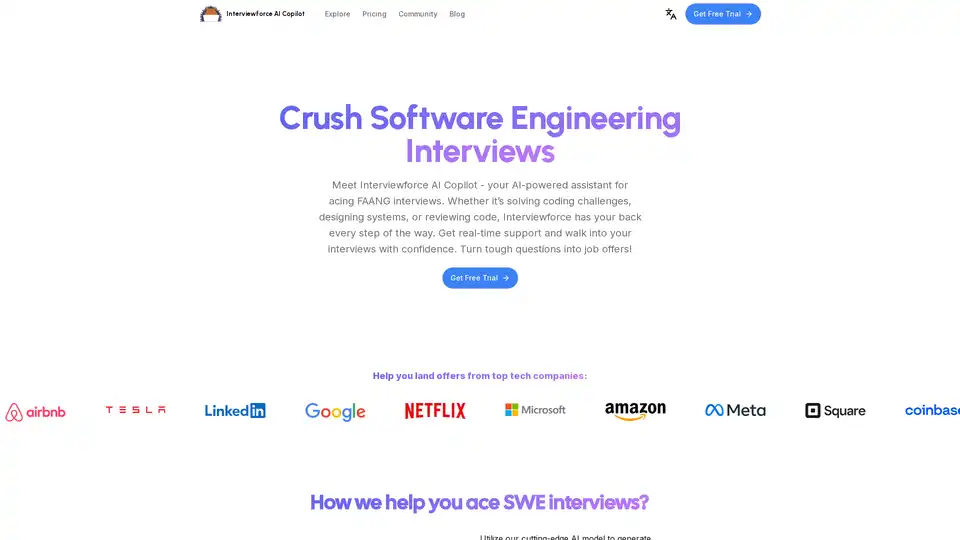
Interviewforce AI Copilot is an AI-powered browser extension designed to help you ace software engineering interviews. Get real-time assistance for coding challenges and system design.
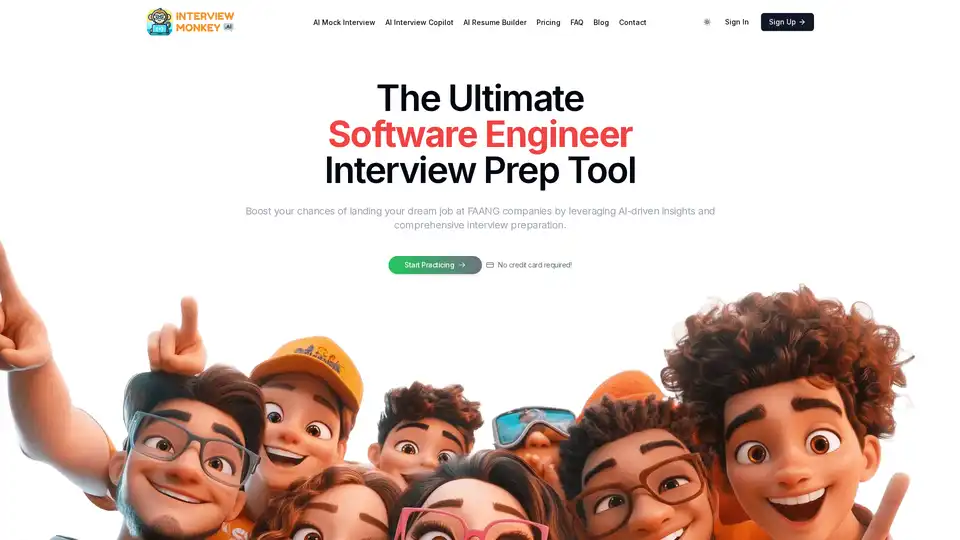
Interview Monkey AI is an AI-powered platform designed to help candidates prepare for coding and system design interviews. It offers AI mock interviews, a resume builder, and an interview copilot to boost your chances of landing a job at top companies.
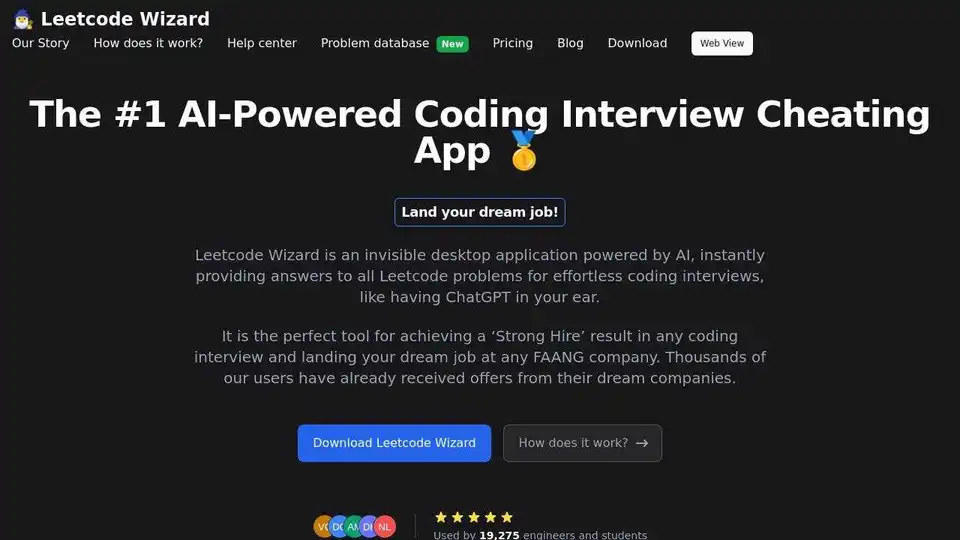
Leetcode Wizard is an AI-powered desktop app that instantly provides solutions to Leetcode problems, helping you ace coding interviews and land your dream job at FAANG companies.