
Apollo
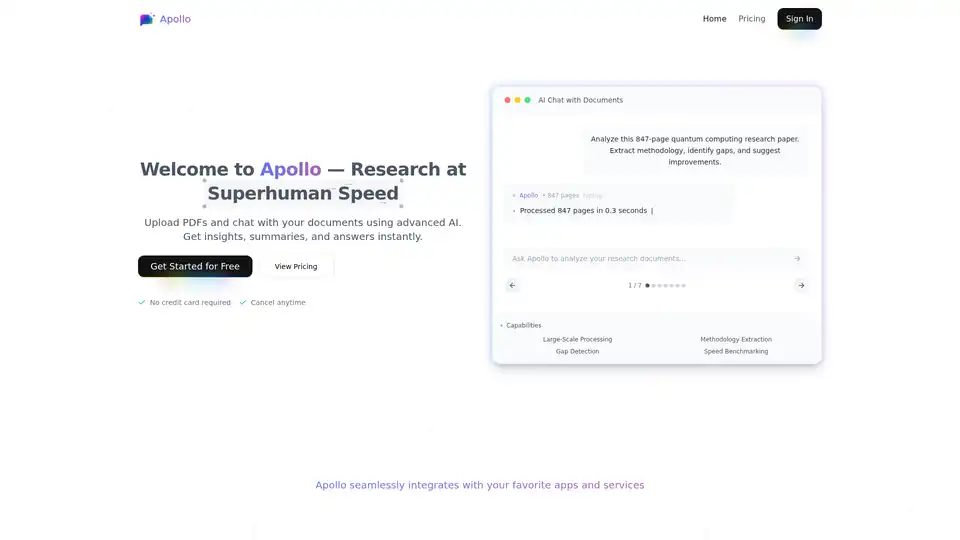
Overview of Apollo
What is Apollo AI?
Apollo AI is a cutting-edge platform designed to supercharge your document analysis workflow. Imagine uploading a massive 847-page quantum computing research paper and extracting key methodologies, spotting research gaps, or generating improvement suggestions in seconds. That's the power of Apollo. Unlike traditional manual reading or basic OCR tools, Apollo leverages advanced AI—likely powered by large language models similar to GPT or Claude—to understand complex PDFs, including charts, data tables, and dense text. It's perfect for professionals drowning in reports, researchers sifting through papers, and teams needing quick insights without the hassle.
Key Features of Apollo AI
Apollo stands out with a suite of features tailored for large-scale document processing:
- AI Chat with Documents: Engage in natural language conversations with your PDFs. Ask anything from "What is the main methodology?" to "Identify gaps in this study."
- Large-Scale Processing: Handles hundreds or thousands of pages effortlessly, benchmarking speed against manual methods.
- Methodology Extraction & Gap Detection: Automatically pulls out research methods, highlights inconsistencies, and suggests enhancements.
- Advanced Analysis: Comprehends charts, financial data, legal jargon, and technical content for comprehensive insights.
- Team Collaboration: Share documents and AI-generated insights seamlessly with colleagues.
- Secure & Private: Enterprise-grade encryption ensures your sensitive files stay protected.
- Integrations: Connects with your favorite apps for a unified workflow.
These features make Apollo not just a reader, but an intelligent research assistant. For instance, data analysts can dissect financial reports, legal researchers speed through contracts, and medical pros stay ahead of studies—all saving hours weekly.
How Does Apollo AI Work?
Getting started is straightforward with three simple steps:
- Upload Your PDF: Drag-and-drop or click to add your file. No size limits mentioned, but it excels with massive docs like 847-page papers.
- Ask Questions: Type natural queries in the chat interface. The AI processes context across the entire document.
- Get Insights Instantly: Receive precise answers, summaries, key extracts, or visualizations in seconds.
Behind the scenes, Apollo likely uses multimodal AI models trained on vast document corpora, combining NLP for text, computer vision for images/charts, and reasoning engines for analysis. This enables speed benchmarking: what takes humans hours, Apollo does in moments. No credit card needed to try—free tier available, with pricing plans for power users.
Best Use Cases for Apollo AI
Apollo shines in scenarios where time is money and documents are dense:
- Academic & Research: Analyze papers for lit reviews, gap spotting, or grant proposals. Professors like James Wilson report daily use with students.
- Business & Finance: Extract insights from reports. Financial advisors like Olivia Martinez focus on strategy over slogging through pages.
- Legal & Compliance: Review contracts quickly. Sarah Johnson cuts 100-page doc time from hours to minutes.
- Data & Market Analysis: Content strategists like Alex Nguyen process market research at scale.
- Healthcare & Science: Medical researchers query studies efficiently.
Stats speak volumes: 5,000+ active users, 1M+ documents analyzed, 98% satisfaction, 4.9/5 rating. Users rave about productivity boosts—Michael Chen saved hours on financial reports; teams saw skyrocketing efficiency.
Why Choose Apollo Over Other Tools?
In a sea of AI apps, Apollo excels for document-specific tasks. Competitors like ChatPDF or Humata might offer basics, but Apollo's depth in methodology extraction, gap detection, and enterprise security sets it apart. It's faster, more accurate on complex files, and user-friendly. Plus, seamless integrations and collaboration features make it team-ready. For solo users, the free start and anytime cancellation lower barriers.
Who is Apollo AI For?
- Researchers & Academics: Lit reviews, paper analysis.
- Professionals: Analysts, PMs, consultants handling reports.
- Teams: Collaborative projects needing shared insights.
- Anyone Overwhelmed by PDFs: From students to executives.
If you're tired of endless scrolling, Apollo transforms drudgery into discovery.
Pricing & Getting Started
Free to begin—no card required. View plans for advanced features like unlimited uploads or API access. Documentation, blog, and API reference available for devs.
Real User Testimonials
"Apollo has saved me hours of document analysis. The AI understands complex financial reports almost instantly." – Michael Chen, Data Analyst
"I can now analyze 100-page legal documents in minutes instead of hours." – Sarah Johnson, Legal Researcher
"Our team's productivity skyrocketed." – David Rodriguez, Product Manager
Ready to unlock insights? Sign up at Apollo's site and experience research at superhuman speed.
This tool embodies AI's promise in knowledge work, blending accuracy, speed, and usability for E-E-A-T compliant results. Whether informational searches like "best PDF AI analyzer" or transactional "try Apollo AI free," it delivers.
Best Alternative Tools to "Apollo"
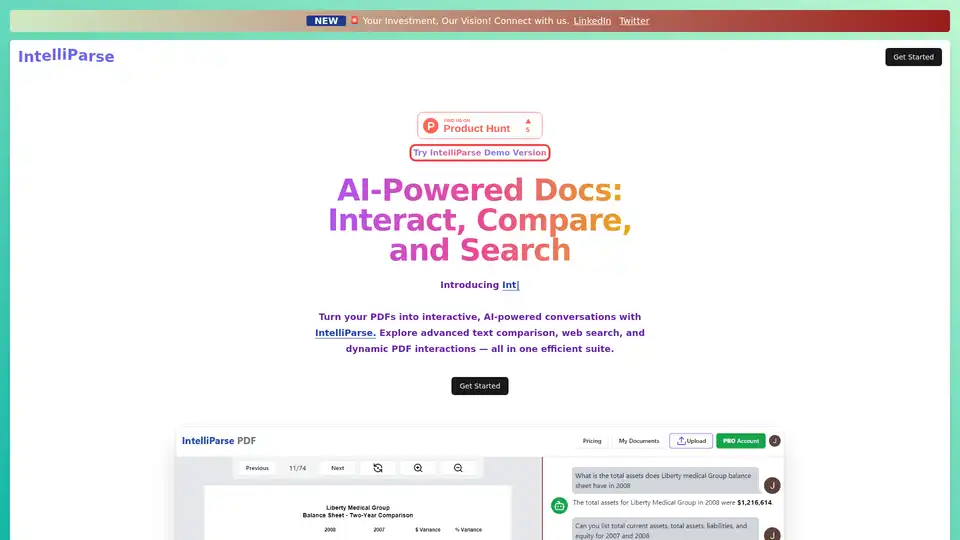
IntelliParse transforms PDFs into interactive AI experiences. Chat with docs, compare texts, search the web, and store securely for efficient document handling and quick insights.
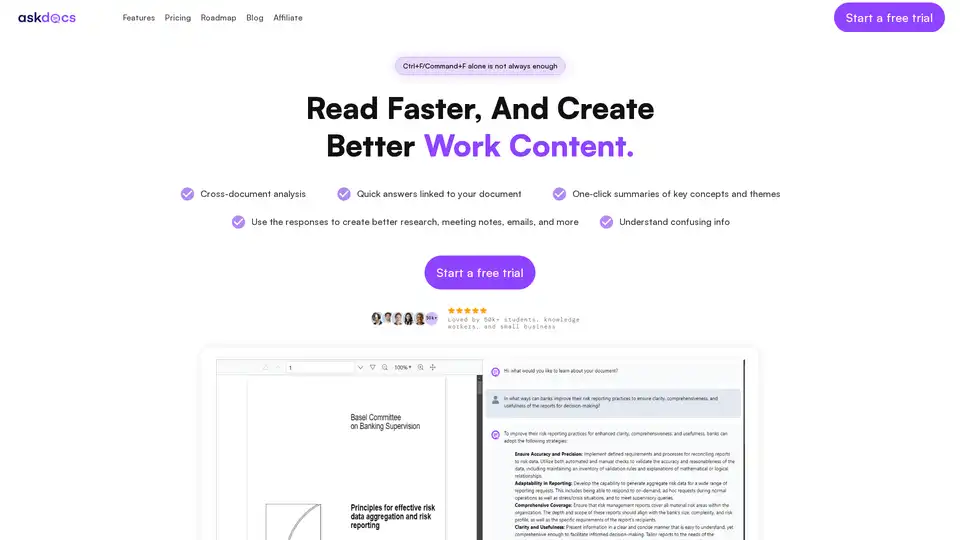
AskDocs is a trusted generative AI tool for PDF and document research. Upload files, ask questions, and get instant answers with citations plus one-click summaries. Ideal for students, researchers, and professionals to enhance productivity.
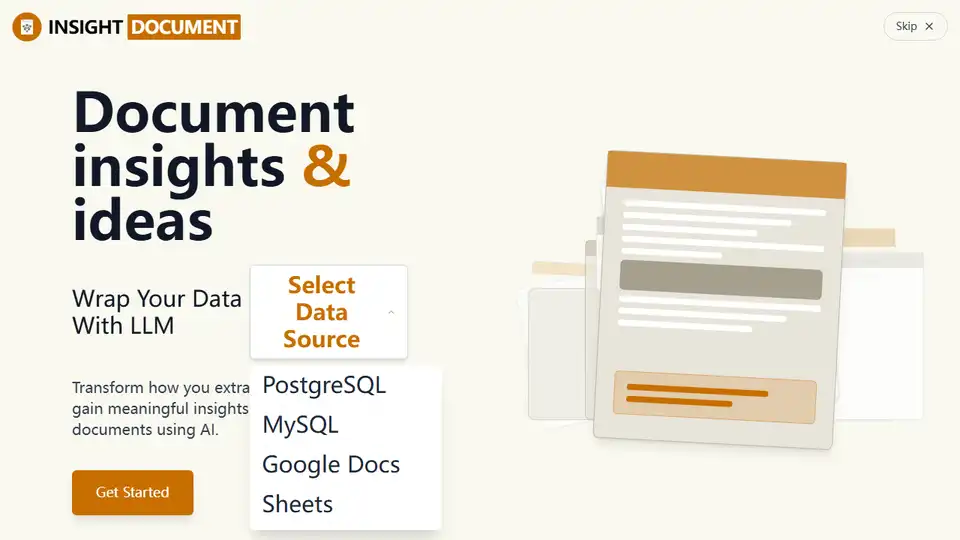
INSIGHT DOCUMENT is an AI-powered platform for document analysis and report generation. Extract knowledge, analyze content, and gain meaningful insights from your documents with advanced AI.
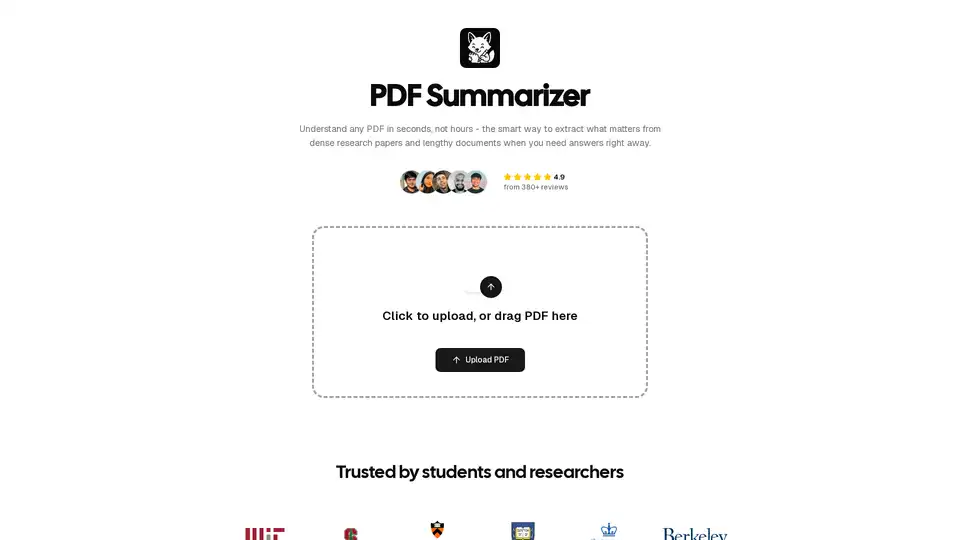
PDF Summarizer uses AI to quickly extract key information from PDFs. Summarize research papers and documents in seconds, saving you hours of reading. Trusted by students and researchers.
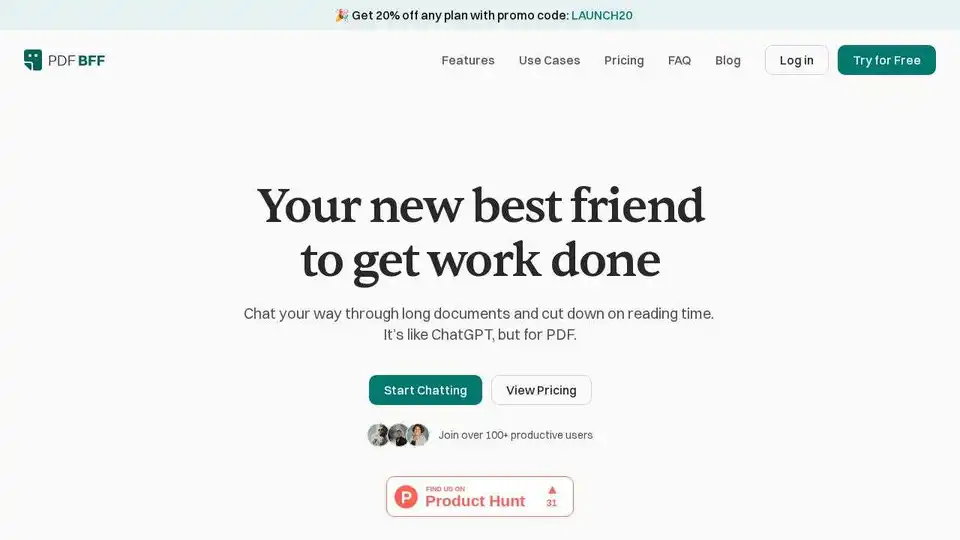
PDF BFF is your AI-powered best friend for summarizing, extracting insights, and chatting with any PDF document. Boost productivity and save time with AI suggestions and instant summaries.
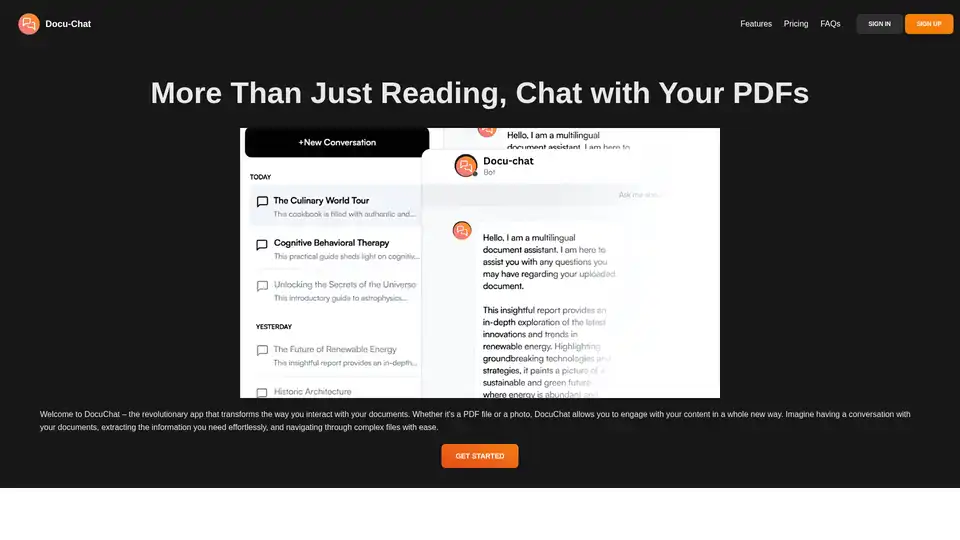
Docu-Chat transforms document interaction. Chat with PDFs effortlessly, powered by ChatGPT. Summarize, ask questions, and save time. Sign up now!
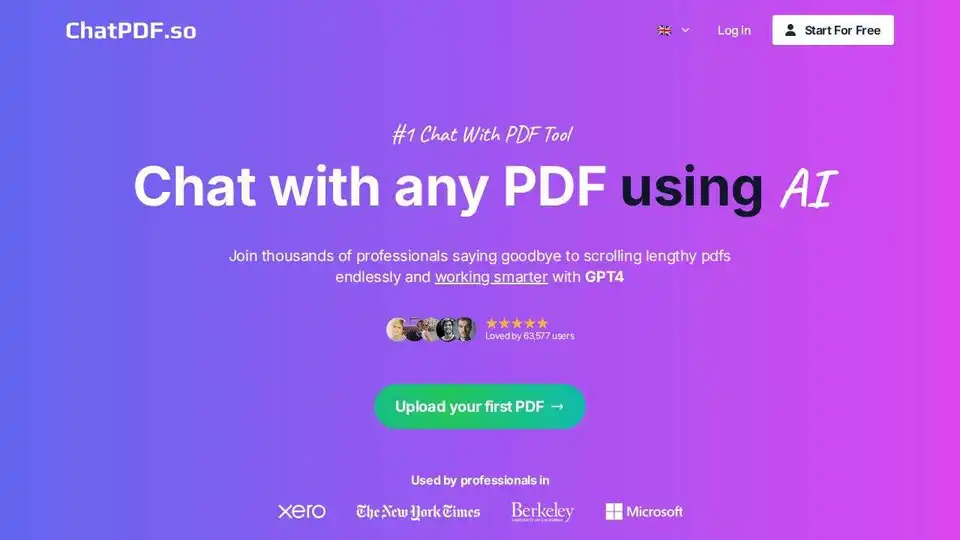
ChatPDF.so is an AI-powered tool that allows you to chat with PDF documents, ask questions, summarize content, generate reports, and even create a chatbot trained on your PDFs. Simplify your work and studies with AI.
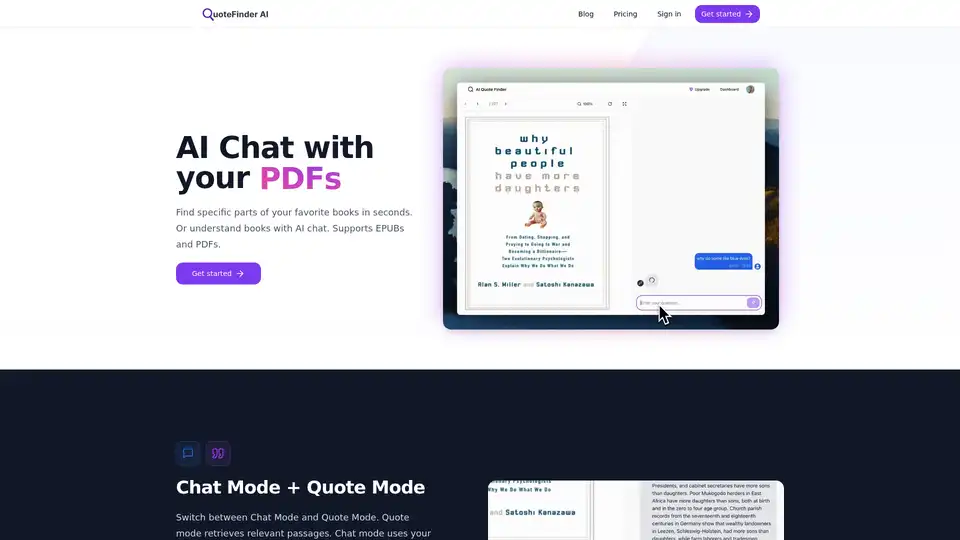
Use AI to chat with and search for quotes across many of the best books in the world. Discover specific passages in seconds with QuoteFinder AI's intelligent search and chat features for PDFs and EPUBs.
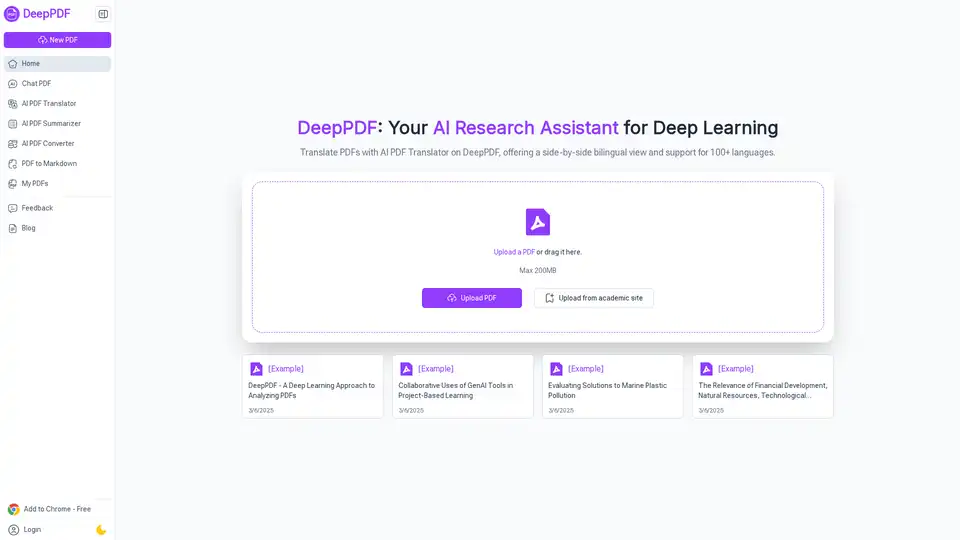
DeepPDF is an AI-powered research assistant for PDFs, featuring chat interactions, summaries, translations, and analysis of key terms, images, and formulas to streamline deep learning and document handling.
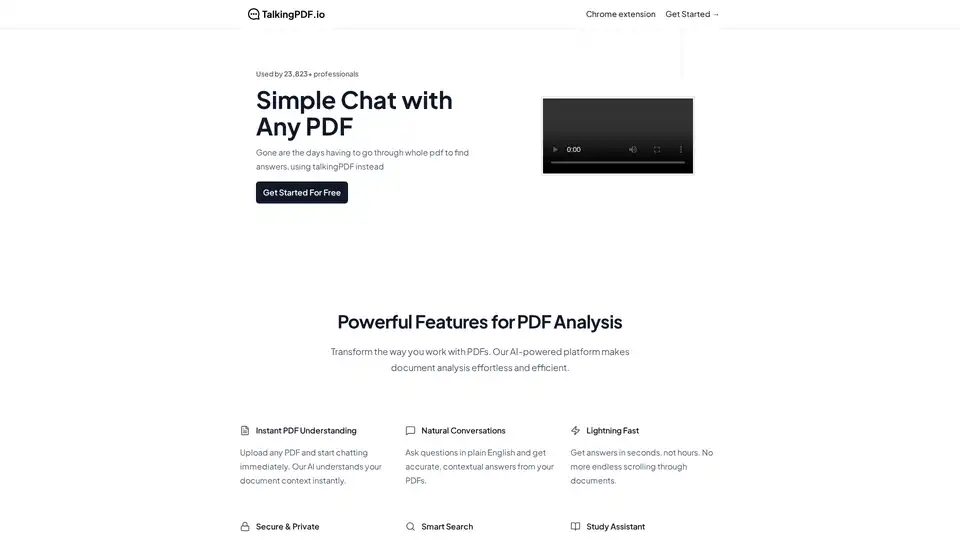
TalkingPDF is a Chrome extension that enables users to chat with any PDF using AI. It allows for instant understanding, natural conversations, and smart search within PDF documents, making document analysis effortless.
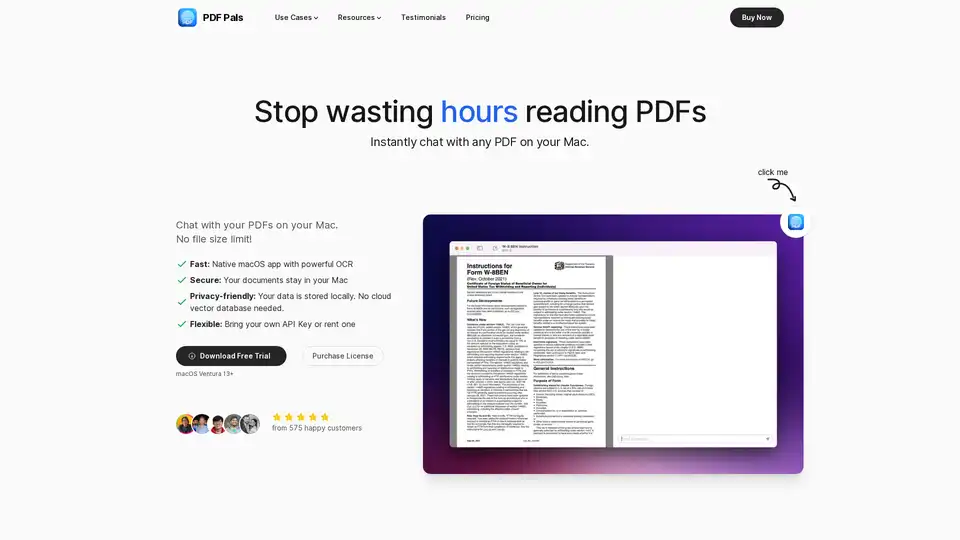
PDF Pals is a native Mac app that lets you chat with any PDF instantly using AI, with no file size limits. Enjoy fast OCR, local storage for privacy, and support for OpenAI APIs. Perfect for researchers, developers, and professionals analyzing documents.
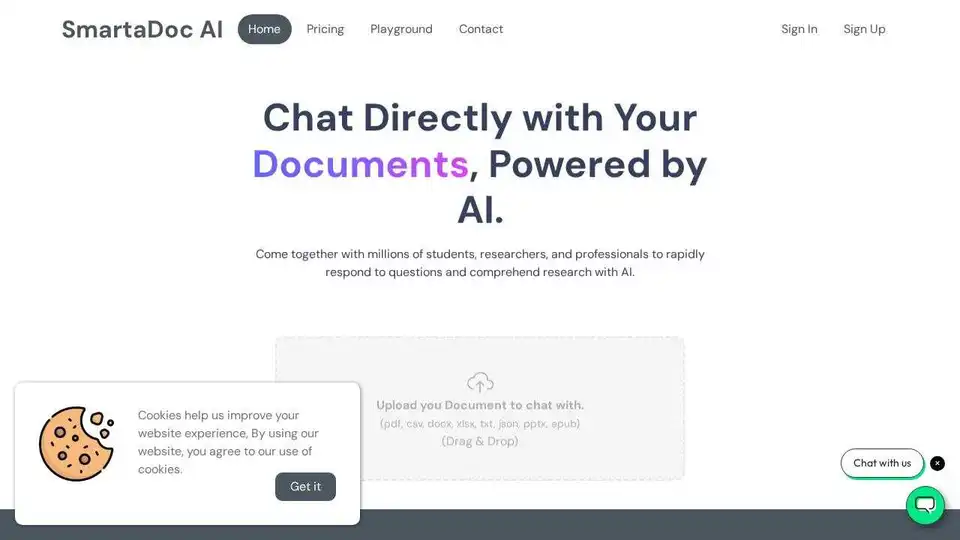
SmartaDoc AI lets you chat with your documents using AI. Quickly get answers and insights from PDFs, TXT, CSV, JSON, XLSX, DOCX, PPTX, and EPUB files. Ideal for students, researchers, and professionals.
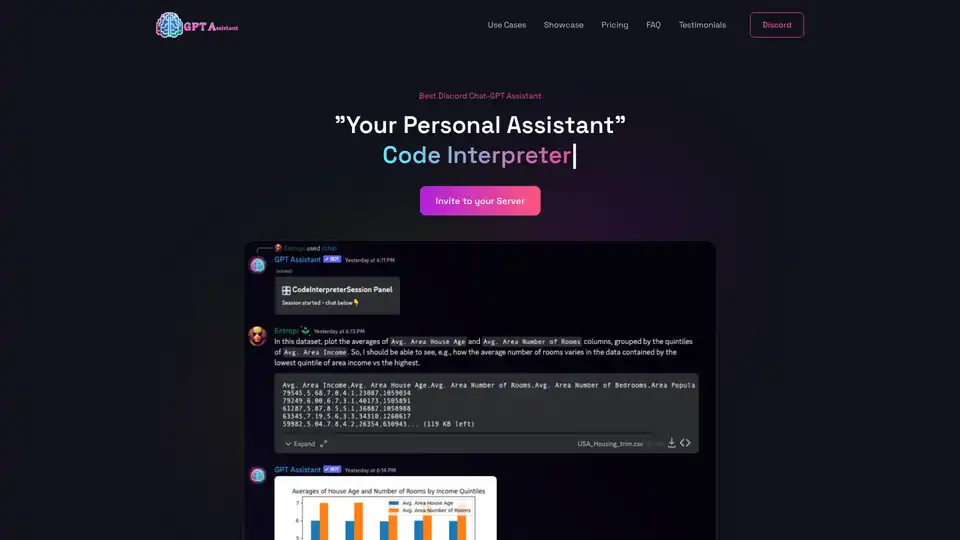
GPT Assistant is a versatile Discord bot powered by advanced AI, offering code interpretation, PDF analysis, interactive chats, and more for seamless productivity in Discord servers.
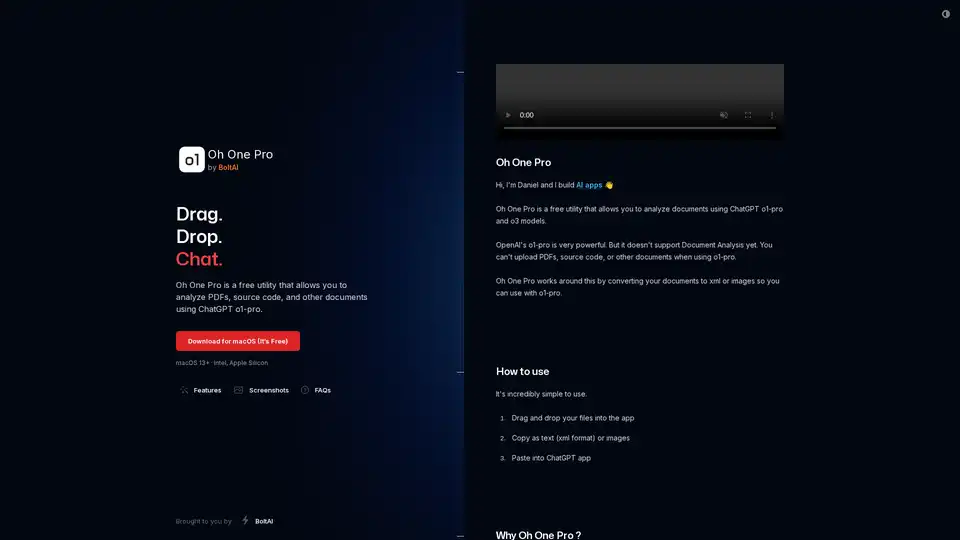
Oh One Pro is a free macOS utility for analyzing PDFs, source code, and documents using ChatGPT's o1-pro and o3 models. Convert files to XML or images for seamless integration, ensuring privacy with local processing.