
Chat4Data
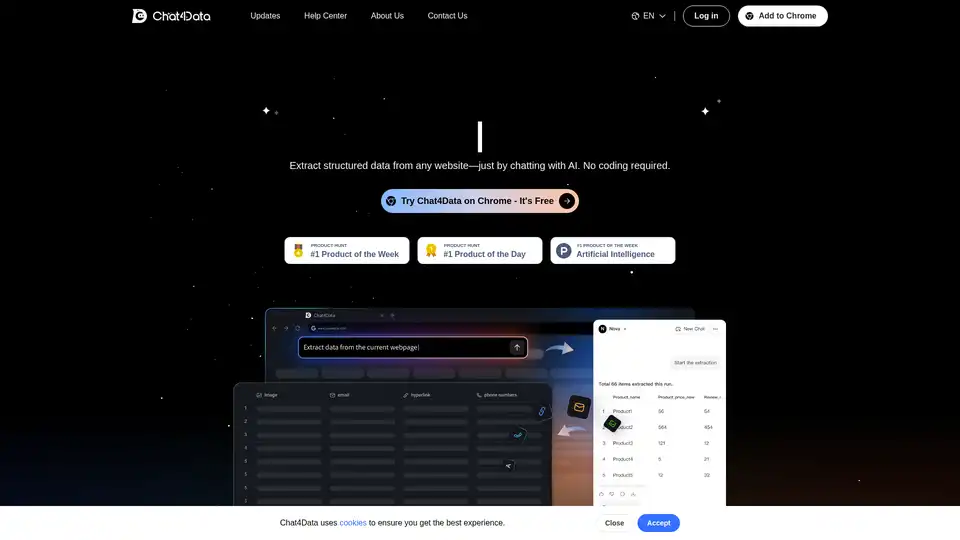
Overview of Chat4Data
Chat4Data: The AI-Powered Web Scraping Extension
What is Chat4Data? Chat4Data is a Chrome extension that leverages artificial intelligence to simplify web scraping. It allows users to extract structured data from websites using natural language, eliminating the need for coding.
How does Chat4Data work?
Chat4Data uses AI to understand your instructions and automatically identify and extract the desired data from any website. Here's a simplified breakdown:
- Installation: Install the Chat4Data extension from the Chrome Web Store.
- Sign Up: Create a free Chat4Data account.
- Chat and Extract: Enable the extension on your target website and chat with the AI to extract the data you need.
Key Features and Benefits:
- No Coding Required: Extract data simply by chatting with AI.
- Presets for Speed: Use presets to get data 10x faster.
- Comprehensive Data Extraction: Captures images, links, emails, phone numbers, and hidden elements.
- Spreadsheet Ready: Converts web data into spreadsheet format.
- Automatic Pagination: Crawls every page and subpage to extract complete datasets.
Who is Chat4Data for?
Chat4Data is designed for a wide range of users, including:
- Data Analysts: Quickly gather data for analysis and reporting.
- Marketers: Extract market research data and competitor information.
- Researchers: Collect data for academic or scientific research.
- Business Professionals: Automate data collection for business intelligence.
- **Anyone who needs to extract data from websites efficiently.
Why Choose Chat4Data?
- AI-Powered: Leverages AI to understand natural language and extract data accurately.
- Easy to Use: No coding skills required.
- Comprehensive: Extracts various data types from any website.
- Efficient: Automates data collection and saves time.
- Affordable: Offers a free tier with 1 million free tokens and affordable pricing.
How to Use Chat4Data?
Here are the basic steps to use Chat4Data:
- Install the Extension: Download and install the Chat4Data extension from the Chrome Web Store.
- Sign Up/Log In: Sign up for a free account or log in to your existing account.
- Navigate to the Target Website: Go to the website from which you want to extract data.
- Activate the Extension: Enable the Chat4Data extension on the website.
- Chat with the AI: Use natural language to tell the AI what data you want to extract.
- Review and Adjust: Review the extracted data and make any necessary adjustments.
- Export the Data: Download the data in CSV or Excel format.
Addressing Common Issues:
- "Something went wrong" Error: This error typically occurs when the AI model experiences high demand. Try re-analyzing, refreshing the page, checking your internet connection, or restarting the extension.
Chat4Data Pricing:
Every new user gets 1 million free starting tokens. After that, it costs $1 per million tokens.
Here are some examples of token consumption:
- Amazon product scraper: 0.25–0.4M tokens
- Google Maps scraper: 0.1–0.2M tokens
- LinkedIn profiles: 0.1–0.15M tokens
Frequently Asked Questions:
- What types of websites can I scrape using Chat4Data? Chat4Data works with most HTML websites, including e-commerce platforms, news sites, real estate listings, job boards, directories, and educational portals.
- Do I need coding skills to use Chat4Data? No, Chat4Data is designed for everyone. Simply tell it what data you want in plain language, and the AI does the rest.
- Is Chat4Data capable of scraping data behind login? Yes, Chat4Data can scrape password-protected websites. Just log into the site in your browser first, then use Chat4Data to extract data while you're authenticated.
In conclusion
Chat4Data simplifies web scraping through its AI-driven approach, making data extraction accessible to users without coding expertise. Its versatility, ease of use, and affordability make it a valuable tool for various data-driven tasks.
AI Task and Project Management AI Document Summarization and Reading AI Smart Search AI Data Analysis Automated Workflow
Best Alternative Tools to "Chat4Data"
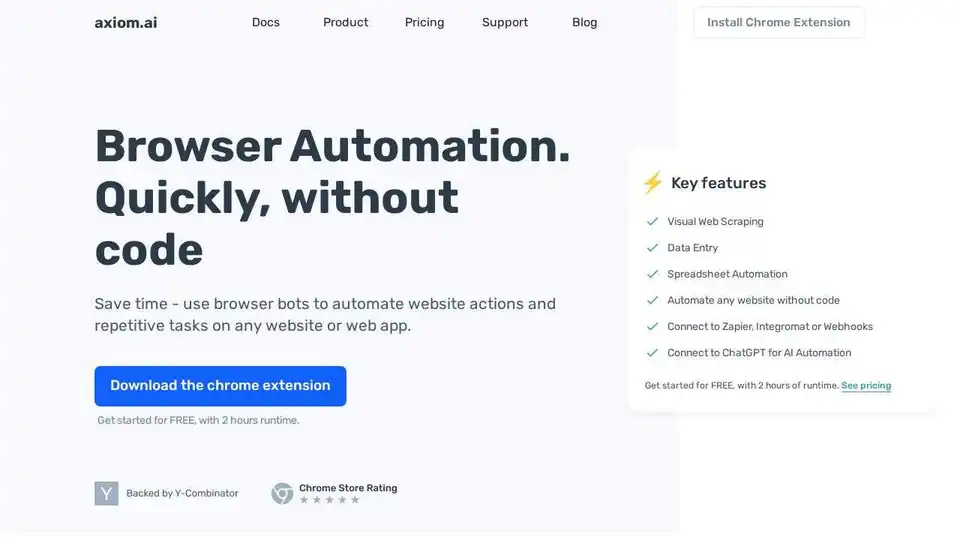
Axiom.ai: Automate website actions and repetitive tasks on any website or web app without code. Build browser bots quickly using a Chrome extension for visual web scraping, data entry, and more.
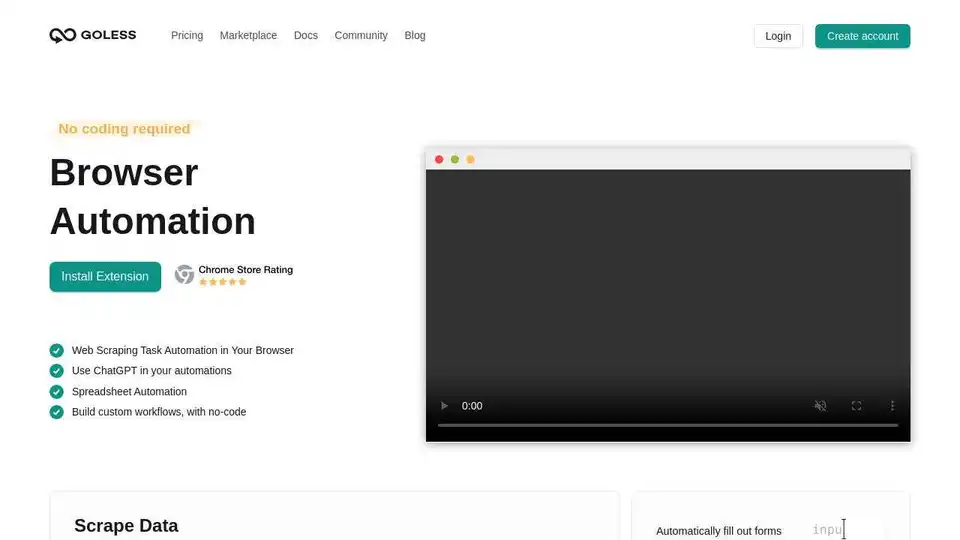
Automate web browser actions with GoLess! No-code web automation tools simplify tasks, scrape data, automate forms, and integrate ChatGPT. Try it free!
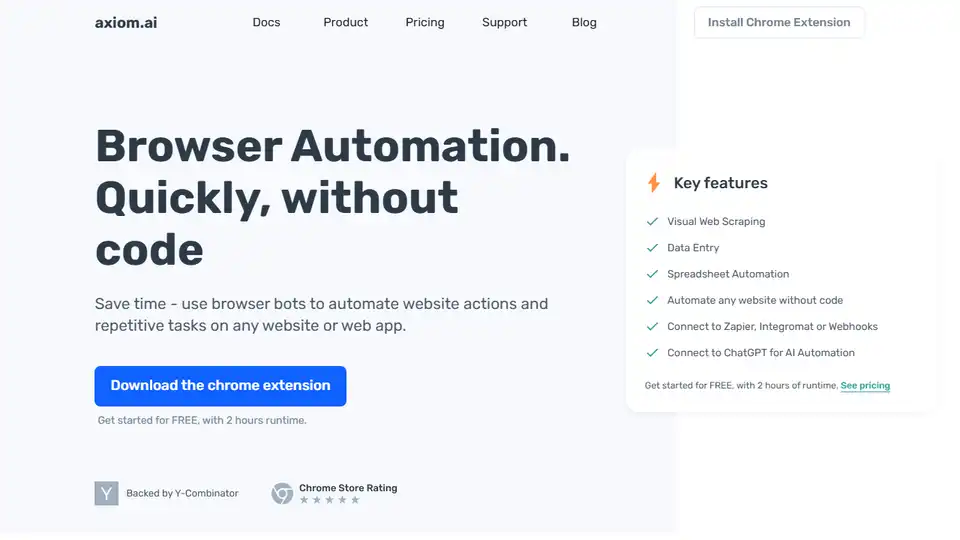
Axiom.ai: Automate website actions and repetitive tasks using browser bots without code. Visual web scraping, data entry, and connect to ChatGPT.
Discover the power of Maps Scraper AI, an AI-powered Google Maps scraper. Efficiently extract business data, reviews, and locations to enhance your marketing strategies and insights.