
Codiga
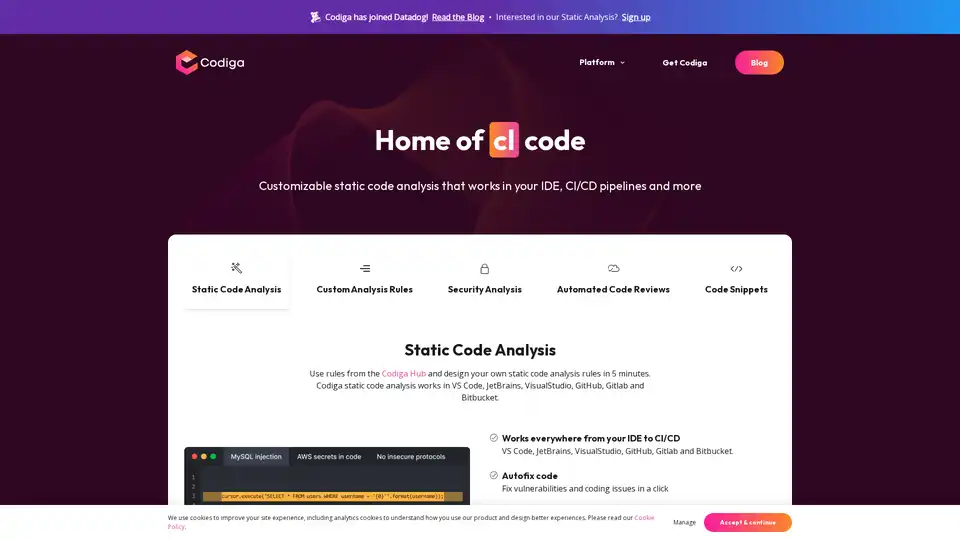
Overview of Codiga
Codiga: Revolutionizing Code Quality with Real-Time Static Analysis
In the fast-paced world of software development, maintaining high code quality and ensuring security are paramount. Codiga is a cutting-edge static code analysis platform designed to empower developers and organizations to achieve these goals efficiently and effectively. Integrating seamlessly with popular IDEs, CI/CD pipelines, and code repositories, Codiga provides real-time feedback, automated code reviews, and customizable analysis rules, making it an indispensable tool for modern software development.
What is Codiga?
Codiga is a static code analysis platform that helps developers write cleaner, more secure, and maintainable code. It works by analyzing code without executing it, identifying potential bugs, security vulnerabilities, and coding style violations. Codiga supports a wide range of programming languages and integrates with popular development tools, providing developers with instant feedback and actionable insights.
Key Features of Codiga
- Real-Time Static Code Analysis: Analyze code in real-time as you type, directly within your IDE. This immediate feedback helps catch errors early and prevents them from propagating further into the development process.
- Customizable Analysis Rules: Create your own static code analysis rules in minutes using Codiga's intuitive interface. Tailor the analysis to your specific coding standards, project requirements, and security policies.
- Security Analysis: Detect security vulnerabilities such as OWASP Top 10, MITRE CWE, and SANS/CWE Top 25. Protect your applications from potential threats and ensure compliance with industry best practices.
- Automated Code Reviews: Automate code reviews and streamline the code review process. Codiga automatically identifies and flags potential issues, allowing reviewers to focus on more critical aspects of the code.
- Code Snippets: Access a library of pre-built code snippets to accelerate development and ensure code consistency. Use these snippets as templates for common tasks and customize them to your specific needs.
- Broad Integration: Codiga seamlessly integrates with popular IDEs such as VS Code, JetBrains, and Visual Studio, as well as CI/CD platforms like GitHub, GitLab, and Bitbucket. This broad integration ensures that Codiga fits seamlessly into your existing workflow.
- Autofix Code: Fix vulnerabilities and coding issues with a single click. Codiga provides automated fixes for common problems, saving you time and effort.
How Does Codiga Work?
Codiga works by analyzing source code without executing it. It uses a set of predefined and customizable rules to identify potential issues such as:
- Security Vulnerabilities: Detects common security flaws like SQL injection, cross-site scripting (XSS), and buffer overflows.
- Code Smells: Identifies code that is difficult to read, understand, or maintain.
- Coding Style Violations: Enforces coding style guidelines to ensure consistency across the codebase.
- Duplicated Code: Detects duplicated code blocks, which can lead to maintenance issues and increased risk of errors.
- Complexity: Measures the complexity of code and identifies functions that are too long or too complex.
By identifying these issues early in the development process, Codiga helps developers write cleaner, more secure, and more maintainable code.
Who is Codiga For?
Codiga is designed for a wide range of users, including:
- Software Developers: Improve code quality, reduce bugs, and ensure security.
- Development Teams: Streamline code reviews, enforce coding standards, and accelerate development.
- Security Professionals: Identify and mitigate security vulnerabilities in code.
- Organizations: Ensure compliance with industry best practices and protect applications from potential threats.
Why Choose Codiga?
- Improved Code Quality: Codiga helps developers write cleaner, more maintainable code, reducing the risk of bugs and security vulnerabilities.
- Increased Productivity: By automating code reviews and providing real-time feedback, Codiga helps developers work more efficiently.
- Reduced Costs: By identifying and fixing issues early in the development process, Codiga helps reduce the costs associated with bug fixes and security breaches.
- Enhanced Security: Codiga helps protect applications from potential threats by identifying and mitigating security vulnerabilities.
How to Use Codiga
- Sign Up: Create a Codiga account on the Codiga website.
- Install Plugin: Install the Codiga plugin for your IDE of choice (VS Code, JetBrains, Visual Studio).
- Connect Repository: Connect your code repository (GitHub, GitLab, Bitbucket) to Codiga.
- Start Analyzing: Start analyzing your code in real-time and receive instant feedback on potential issues.
Codiga and the Software Development Life Cycle (SDLC)
Codiga integrates seamlessly into the SDLC, providing value at every stage:
- Development: Real-time analysis in the IDE helps developers catch errors early and write cleaner code.
- Code Review: Automated code reviews streamline the code review process and ensure that all code meets quality standards.
- Testing: Codiga helps identify potential issues before they make it into production, reducing the risk of bugs and security vulnerabilities.
- Deployment: Git hooks ensure that only code that meets quality standards is deployed to production.
- Production: Codiga provides ongoing monitoring of code quality and security, helping to detect and mitigate potential issues before they cause problems.
Conclusion
Codiga stands out as a powerful and versatile static code analysis platform, offering real-time feedback, customizable rules, and broad integration with popular development tools. Whether you're an individual developer or part of a large organization, Codiga can help you improve code quality, reduce bugs, and ensure security. Embrace Codiga and elevate your software development process to new heights.
By incorporating Codiga into your development workflow, you're not just writing code; you're crafting robust, secure, and maintainable software that stands the test of time. With its focus on real-time analysis, automated reviews, and customizable rules, Codiga is the ultimate tool for modern software development.
Call to Action
Ready to experience the power of Codiga? Sign up today and start writing better code now! Check out their official website to learn more and get started.
Best Alternative Tools to "Codiga"
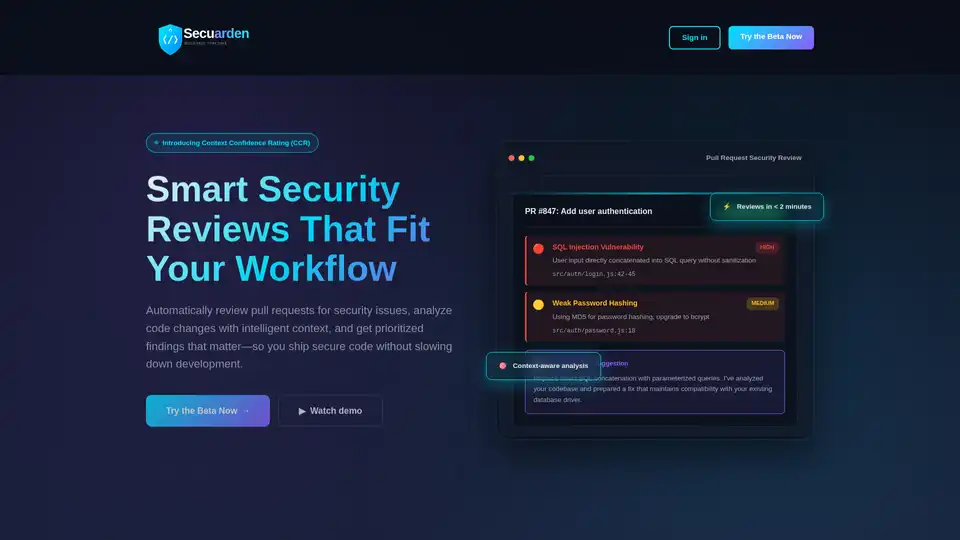
Secuarden is an AI-powered security code review tool that automates pull request reviews, analyzes code changes with context, and suggests fixes to help developers ship secure code faster.
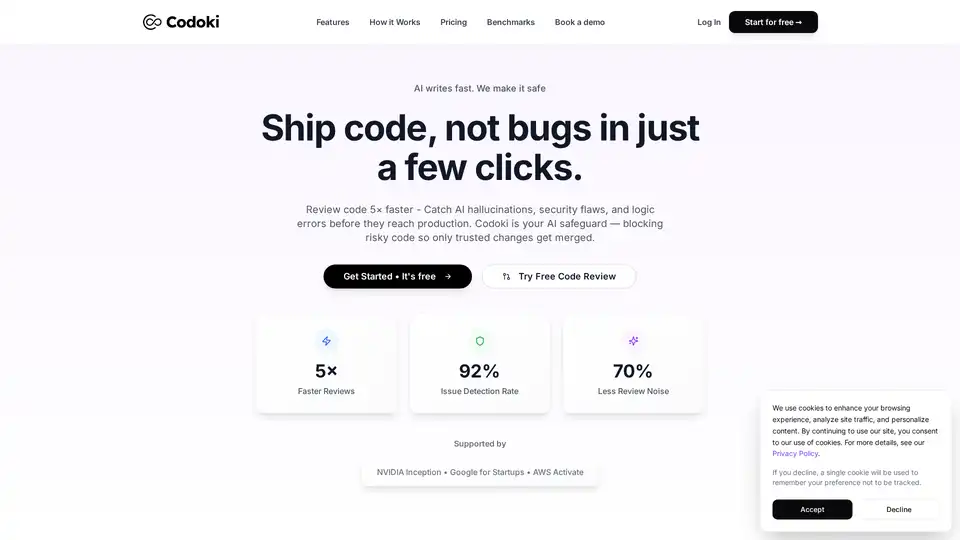
Codoki is an AI-powered code review tool that helps teams ship code faster and with fewer bugs. It analyzes pull requests in seconds, catching 92% of issues before they reach production with AI, static and dynamic analysis.
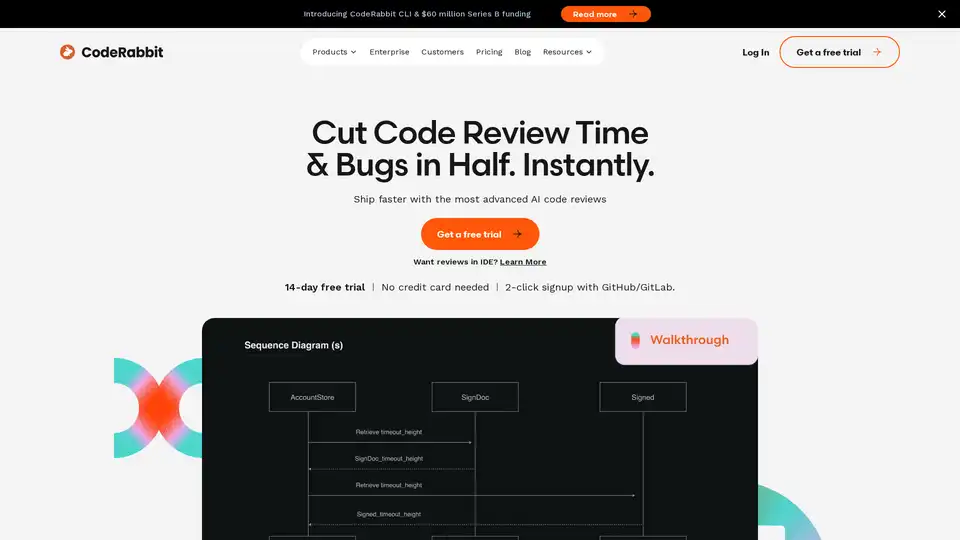
CodeRabbit provides AI-powered code reviews that catch 95%+ bugs, freeing developers to ship code faster. Get automated reports, PR summaries, and more.
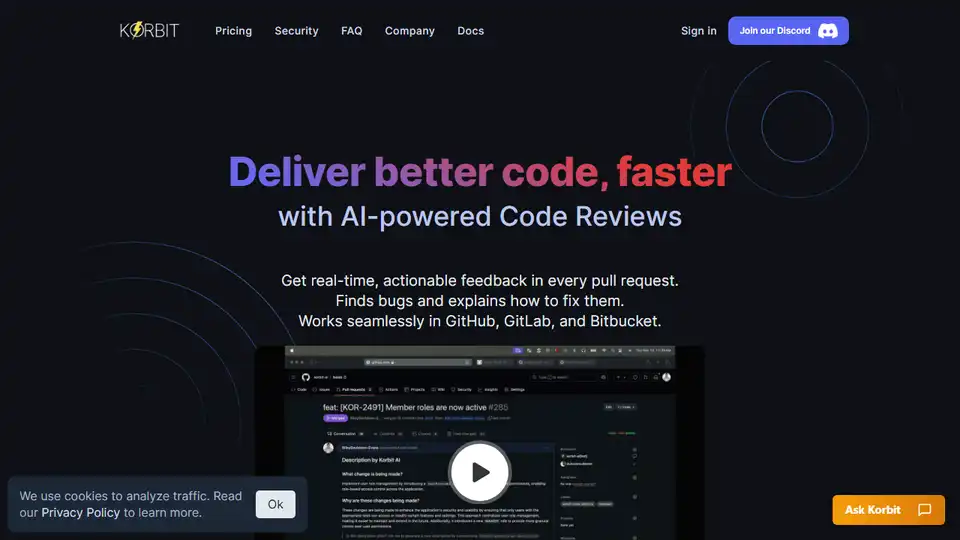
Korbit AI is an AI code reviewer for GitHub, GitLab, and Bitbucket, enabling faster review cycles and improved code quality. Detect bugs and vulnerabilities early with AI-powered PR reviews.
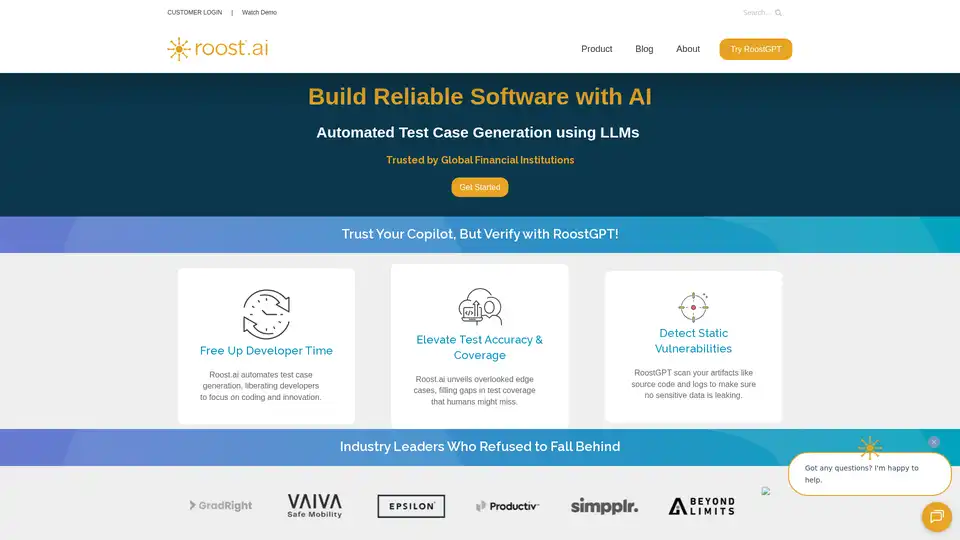
RoostGPT by Roost.ai uses AI to automate test case generation, improve test accuracy & coverage, and detect static vulnerabilities, freeing up developers to focus on coding and innovation.
AI Code Reviews designed for modern dev teams. Cut review time, improve code quality, and ship with confidence — with contextual, senior-level feedback.

Junie is an AI coding agent by JetBrains that enhances coding productivity. It helps developers by collecting context, writing code, and running tests. Designed for developers, teams, and businesses.
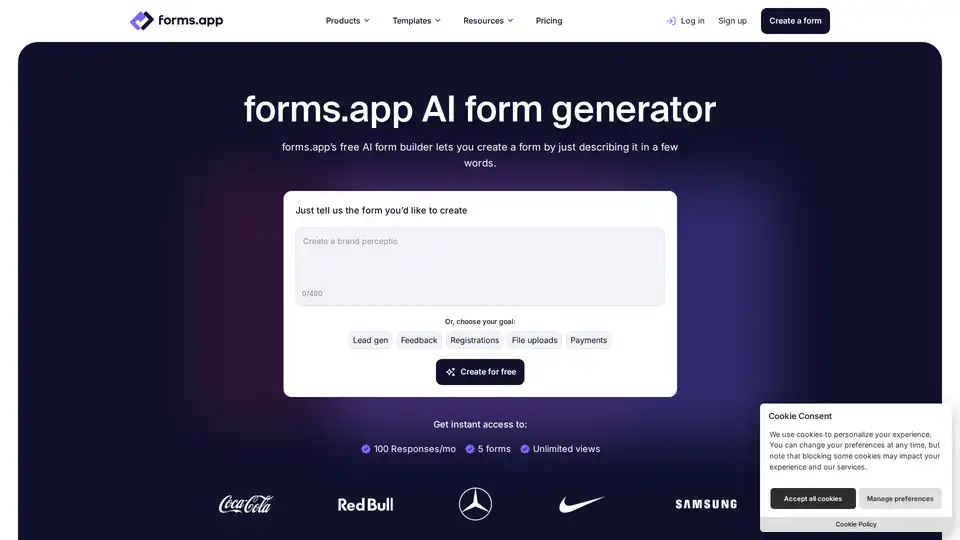
Easily make online forms with AI for free. forms.app’s free AI form builder will help you with your forms, questions, analysis, and more.
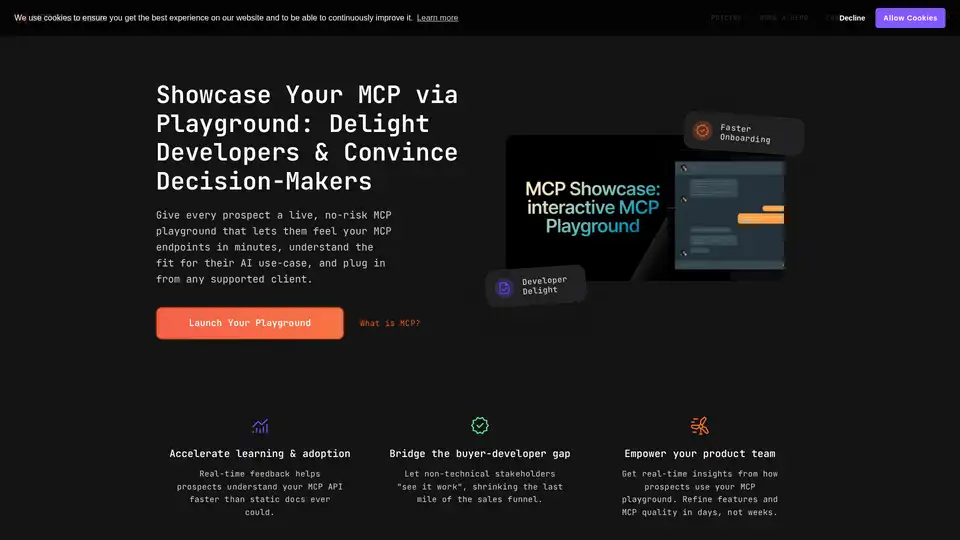
MCP Showcase offers an interactive playground to explore, chat with, and integrate your Model Context Protocol (MCP) API in minutes. Delight developers and convince decision-makers with a live, no-risk demo environment.
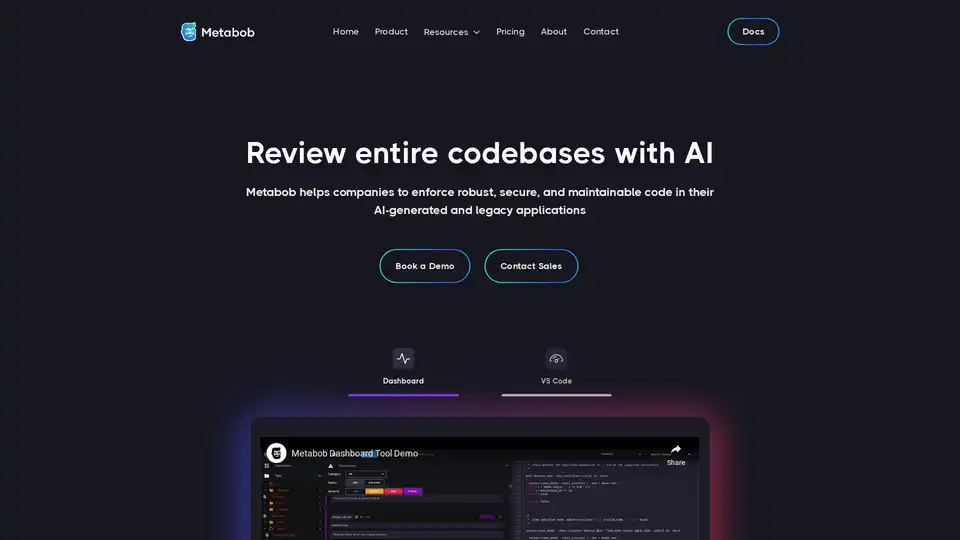
Metabob is an AI code review tool that uses graph-attention networks and generative AI to address code complexity in legacy and AI-generated software systems.
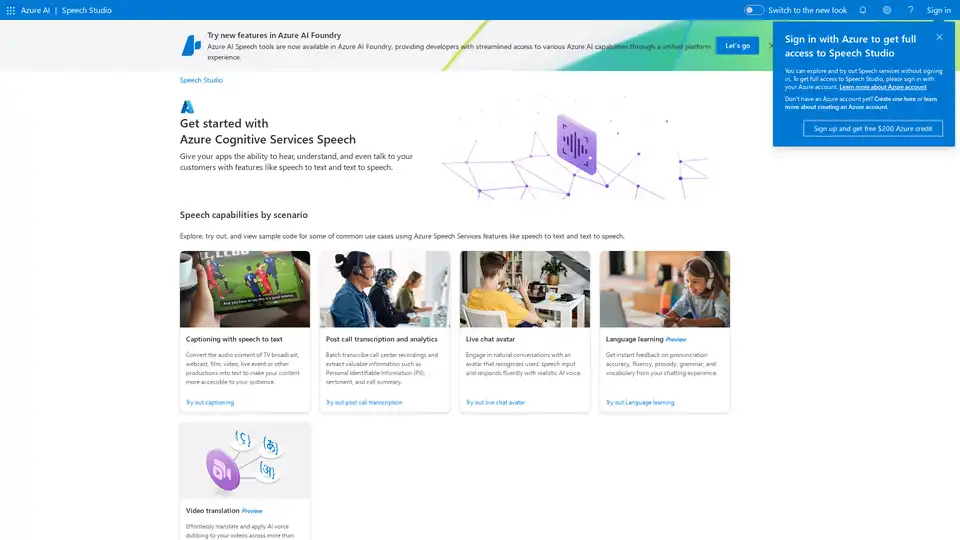
Azure AI Speech Studio empowers developers with speech-to-text, text-to-speech, and translation tools. Explore features like custom models, voice avatars, and real-time transcription to enhance app accessibility and engagement.
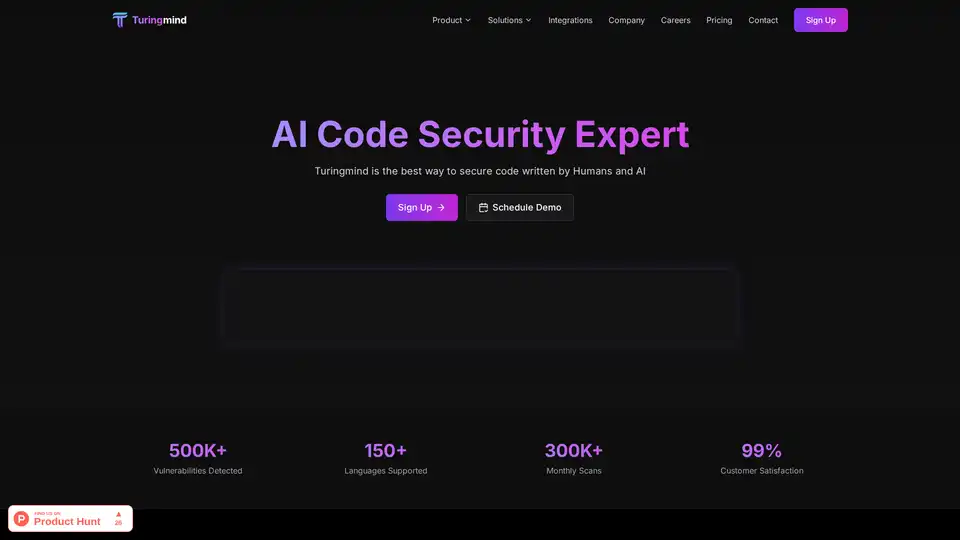
Turingmind is an AI-powered application security platform that provides advanced code analysis, vulnerability detection, and threat modeling to secure code written by humans and AI.
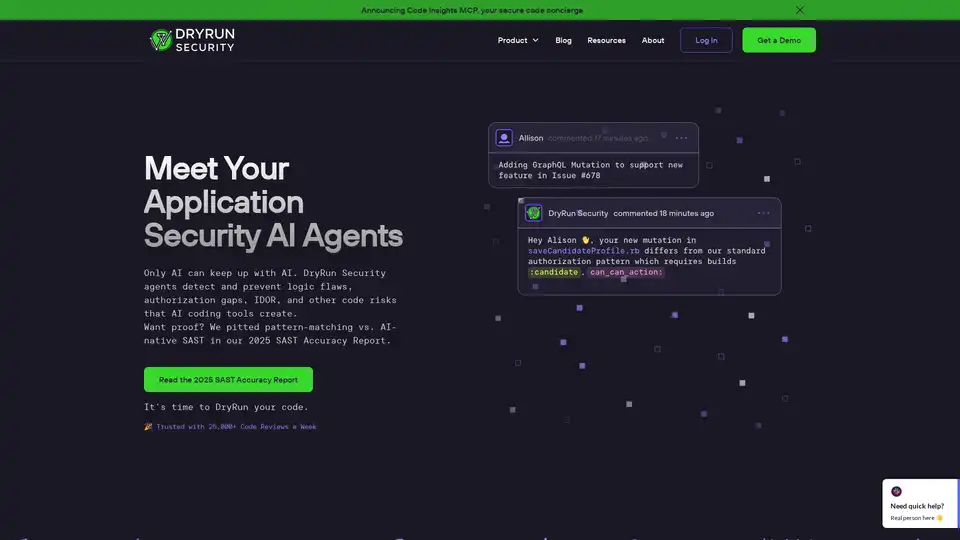
DryRun Security is an AI-powered application security platform that detects code risks missed by traditional SAST tools. It offers contextual security analysis, natural language code policies, and integrates with GitHub and GitLab.
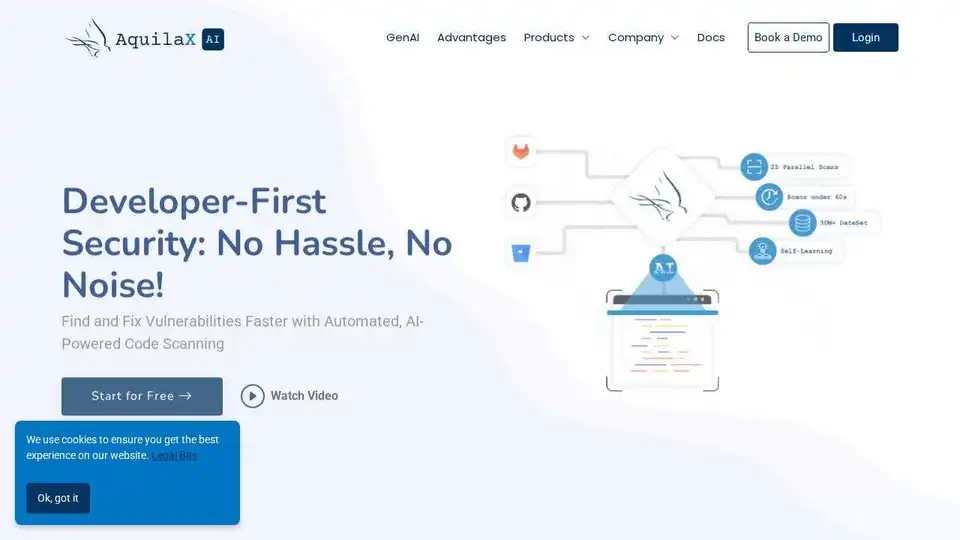
AquilaX Security is an AI-powered DevSecOps platform that automates security scanning, reduces false positives, and helps developers ship secure code faster. Integrates SAST, SCA, container, IaC, secrets, and malware scanners.