
Findr
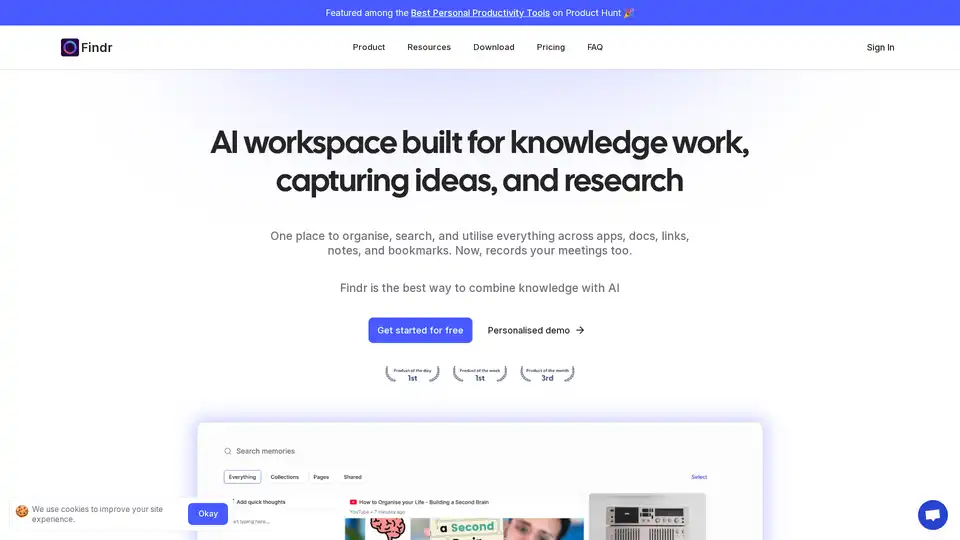
Overview of Findr
Findr: Your AI-Powered Second Brain for Knowledge Management
What if you could instantly access any piece of information you've ever saved, across all your apps, without switching tabs or racking your brain? That's the promise of Findr, an AI workspace designed to act as your "second brain." It's a place to organize, search, and utilize everything from notes and documents to links and emails, all powered by the latest AI technology.
What is Findr?
Findr is an all-in-one AI workspace designed to help you capture ideas, organize knowledge, and access information seamlessly. Think of it as a personal knowledge management (PKM) system on steroids, leveraging AI to make your entire digital universe searchable and accessible at the speed of thought. It's more than just a note-taking app; it's a system for building a comprehensive and interconnected knowledge library.
How does Findr work?
Findr works by creating an AI memory bank that captures and understands the context of any data you save. It allows you to:
- Capture Anything: Save articles, videos, notes, PDFs, emails, and more.
- Organize Effortlessly: Group related items into curated spaces for projects, topics, or presentations.
- Search at the Speed of Thought: Find information instantly with a personal search engine fine-tuned to your mind.
- Chat with Your Knowledge: Ask questions and get context-aware answers from your saved content.
Findr integrates with popular apps like Google Drive, Notion, and Slack, allowing you to search your entire workspace from one central location. It uses AI to understand the relationships between different pieces of information, helping you discover new insights and connections.
Key Features of Findr
- AI-Powered Search: Findr utilizes AI to provide instant answers and context-aware search results. The search is designed to mimic the way your mind works, making it incredibly fast and intuitive.
- Knowledge Library: Capture and organize anything that inspires you. Quickly search, recall, and consume any memory when needed without switching context or breaking your flow.
- Curated Spaces: Create collections to group related ideas, articles, and files. This feature is perfect for tracking projects, exploring topics, or preparing for presentations.
- App Integrations: Connect to Google Drive, Notion, Slack, and other apps to search your entire workspace in one place.
- Web Clipper: Save entire webpages or specific quotes directly from your browser with the Chrome extension.
- Mobile App: Access your second brain on the go with the iOS app.
Who is Findr for?
Findr is designed for:
- Researchers: Centralize and streamline research, connect ideas, and retrieve information from papers, notes, and charts.
- Consultants: Manage and access client information, research, and presentations in one place.
- Sales Professionals: Quickly find relevant information during sales calls and presentations.
- Engineers: Organize and access technical documentation, code snippets, and project information.
- Writers: Capture ideas, organize research, and access writing samples and drafts.
- Anyone overwhelmed by information overload.
Essentially, Findr is for anyone who wants to:
- Improve their memory and recall.
- Organize their digital lives.
- Become more productive.
- Unlock new insights from their existing knowledge.
Why Choose Findr?
- Instant Recall: Find any piece of information across all your apps in seconds.
- Context-Aware Intelligence: AI understands the nuance of your saved information, delivering precise answers.
- Unified Knowledge Management: Eliminate the chaos of multiple apps by saving everything in one place.
- Proactive Insights: Discover connections, generate ideas, and unlock insights from your own knowledge.
- Creative Flow: Capture ideas seamlessly and maintain your momentum.
Findr Pricing
Findr offers a range of pricing plans, including:
- Free Plan: Limited features for basic use.
- Pro Plan: $20/month for unlimited audio & meeting recordings, app integrations, and access to premium models like Claude 3.5 and GPT-4 Turbo.
- Einstein Plan: $30/month for Pro features plus proactive AI, intelligent self-organizing memories, and smart spaced repetition.
- Enterprise & Teams Plan: Custom pricing for organizations requiring admin dashboards, shared workspaces, and dedicated support.
User Testimonials
Here's what users are saying about Findr:
- Aditya Arora, CEO Faad Capital: "With Findr, accessing the right information when needed has become effortless. It searches through mountains of data points and conversations and delivers precise results."
- Tom Orbach, Growth Marketing at Wiz: "The search feature is amazing. I can find emails, files, or chat history all in one spot."
- Gabe Moronta, Marketing at Visla: "Findr makes it so very easy! I love it!!"
- Vineet Agarwal, Principal Architect, Google: "Findr is a game-changer when it comes to navigating through different applications to search for any information."
Security
Findr prioritizes security with robust encryption, secure infrastructure, and strict access controls. It's a SOC 2 certified platform, meaning its entire architecture and codebase can be audited at any time.
How to Get Started with Findr
- Download the Desktop App: Available for Mac and Windows.
- Install the Chrome Extension: Save webpages and quotes with a single click.
- Get the iOS App: Access your second brain on the go.
- Connect Your Apps: Integrate with Google Drive, Notion, Slack, and more.
Frequently Asked Questions
- Why should I use Findr? Findr is for people with 100+ tabs open, who read more than they can remember, and are always hungry for more knowledge.
- How is it different from ChatGPT? Findr focuses on organizing, finding, and consuming information you've saved, using your content to generate answers.
- What is the concept behind a second brain? A second brain is a personal knowledge management system that eliminates the need for using multiple apps to save notes, files, and bookmarks.
Conclusion
Findr is more than just a tool; it's an extension of your mind. It empowers you to capture, organize, and utilize your knowledge in ways you never thought possible. By creating an AI-powered second brain, Findr helps you transform information overload into actionable insights and achieve superhuman memory.
If you're looking for a way to boost your productivity, enhance your memory, and unlock the power of your knowledge, Findr is definitely worth checking out.
Best Alternative Tools to "Findr"
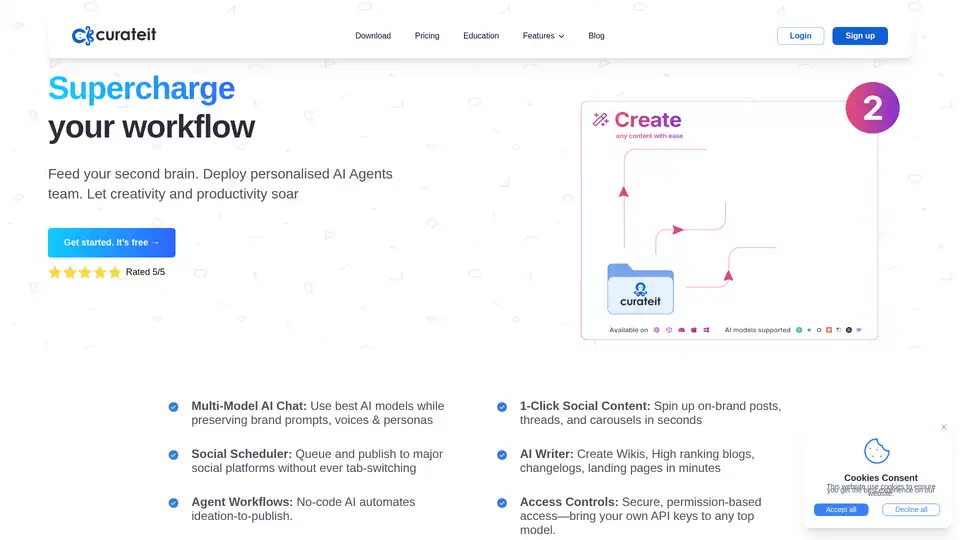
CurateIt is an AI-powered productivity tool that acts as your second brain, helping you curate, organize, and showcase your work. It offers AI-driven search, summarization, and content creation, along with robust bookmarking and organization features.
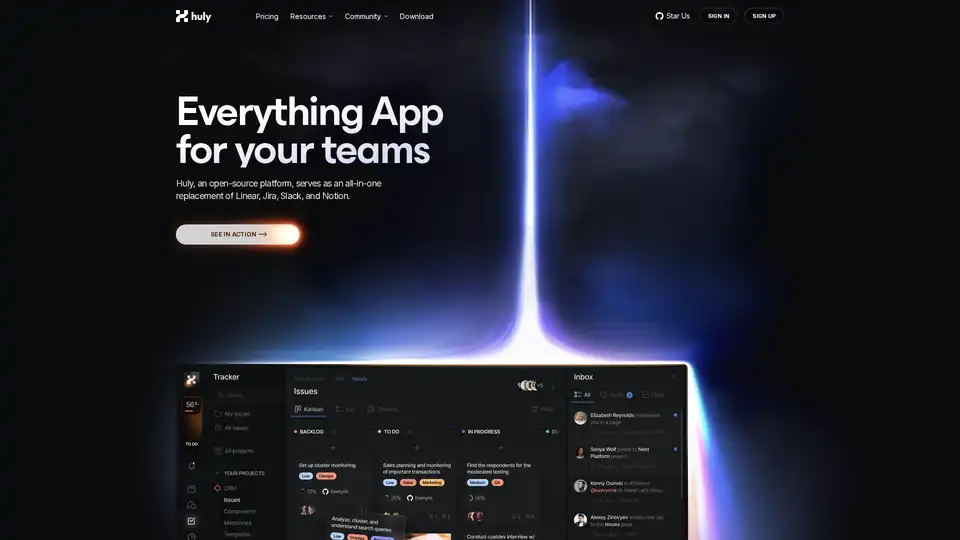
Huly is an open-source platform that replaces Linear, Jira, Slack, and Notion with all-in-one tools for project management, team chat, virtual offices, and AI-powered knowledge bases to boost team productivity.
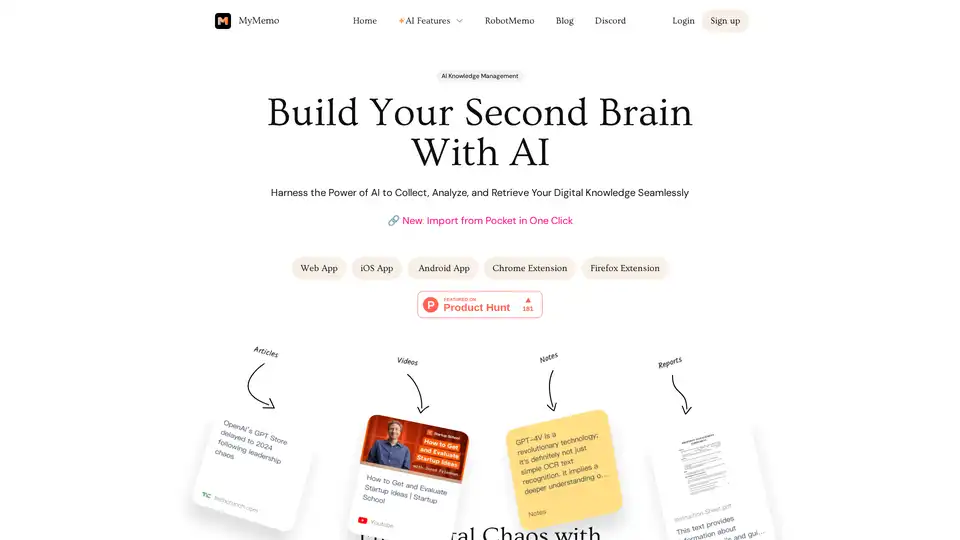
MyMemo is an AI-powered knowledge management tool that helps you build a second brain by collecting, analyzing, and retrieving your digital knowledge seamlessly. Use AI Chat to get instant answers from your personalized knowledge base.
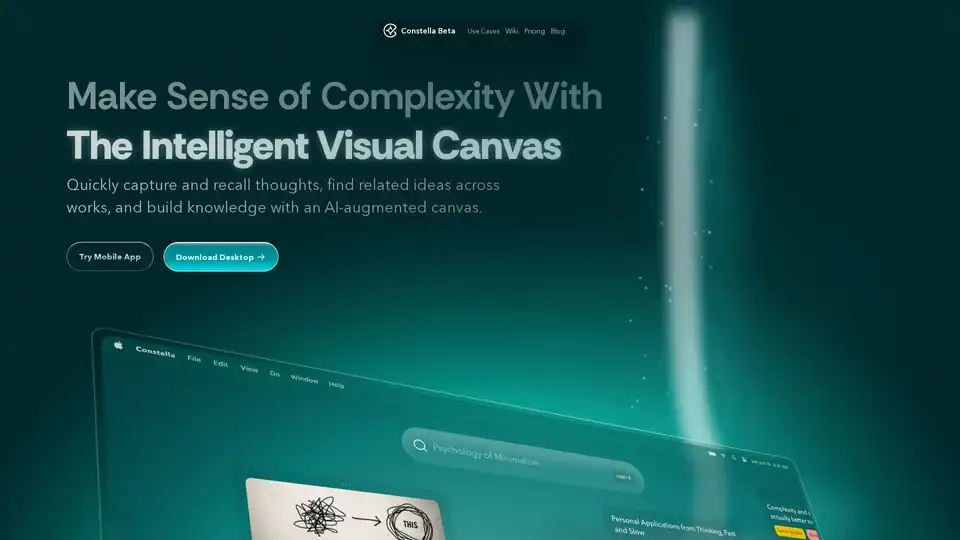
Constella is an AI-powered second brain app with a visual canvas. It helps you capture thoughts, recall related ideas, and build knowledge. Features include AI-augmented canvas, seamless deep thinking, and instant capture.
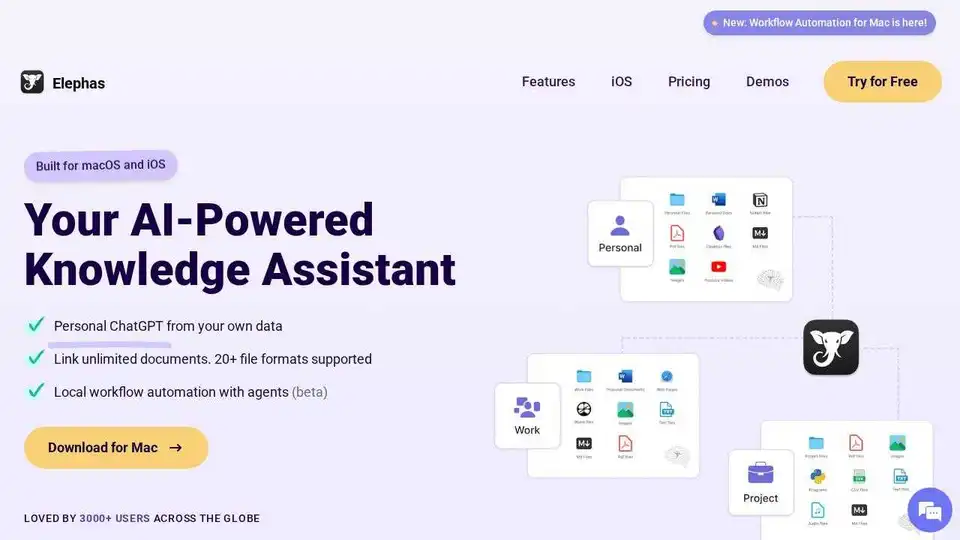
Elephas is an AI-powered personal knowledge assistant for Mac, iPhone & iPad. Search, summarize, and reason over your files, notes, and docs. Personal ChatGPT from your own documents and notes.
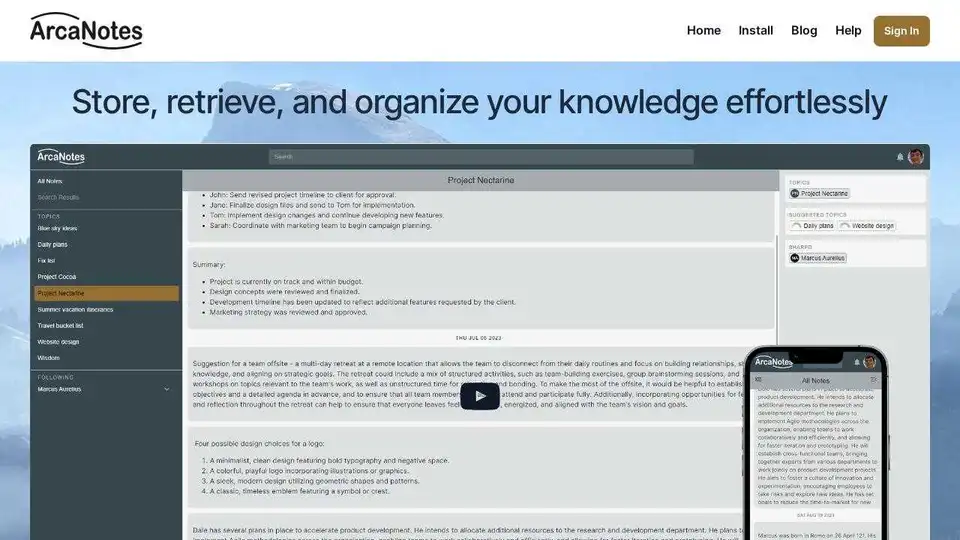
ArcaNotes is an AI-enhanced micro-note app designed to boost productivity and knowledge management. Capture, organize, and retrieve your knowledge effortlessly with AI-powered features.
Knowbase.ai is a tool that combines file storage with an AI chatbot, allowing users to upload files and then chat with their collected knowledge. It supports various file formats and offers a free plan.
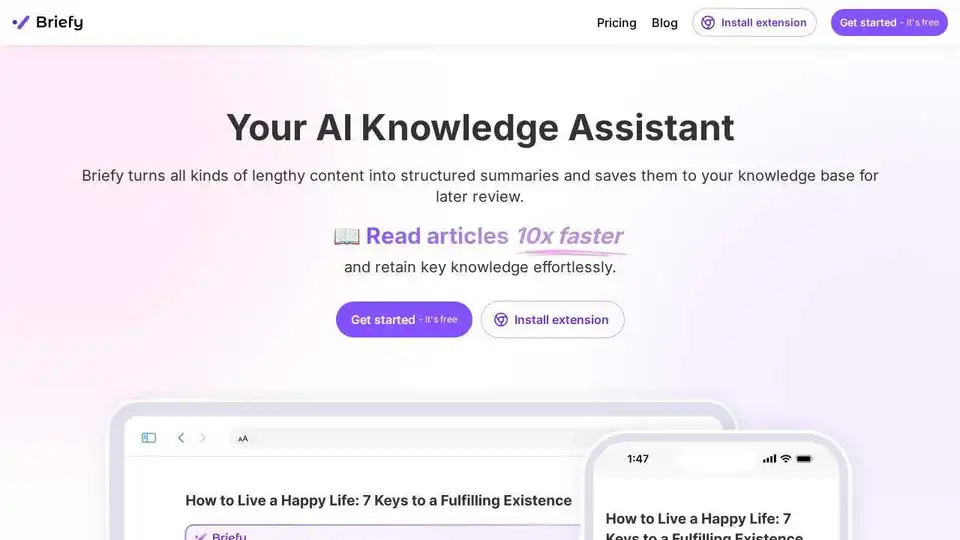
Briefy is an AI knowledge assistant that summarizes articles, videos, and more. Save summaries to your knowledge base and learn faster with Briefy. Get started for free!
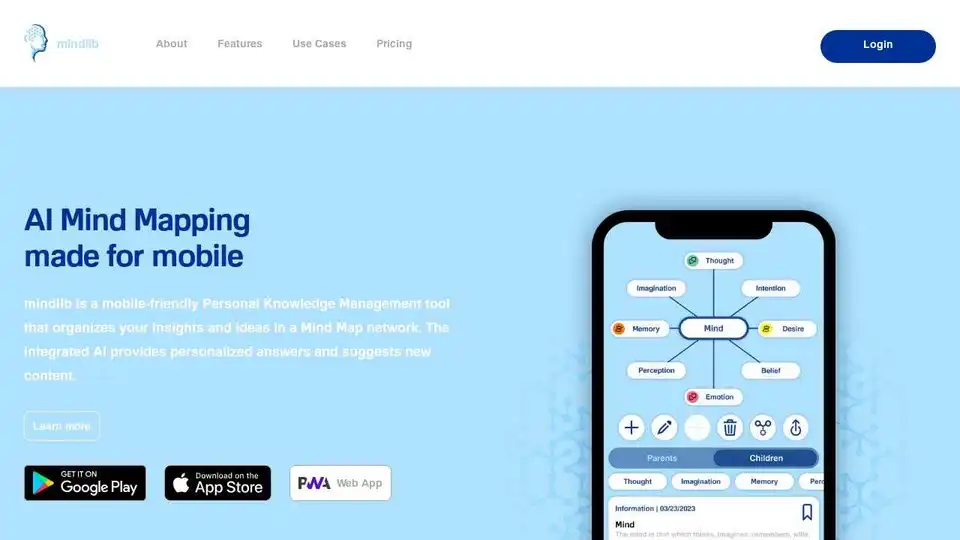
mindlib is an AI-powered personal knowledge management tool with mind mapping. Structure ideas, expand knowledge, and gain insights on mobile and web.
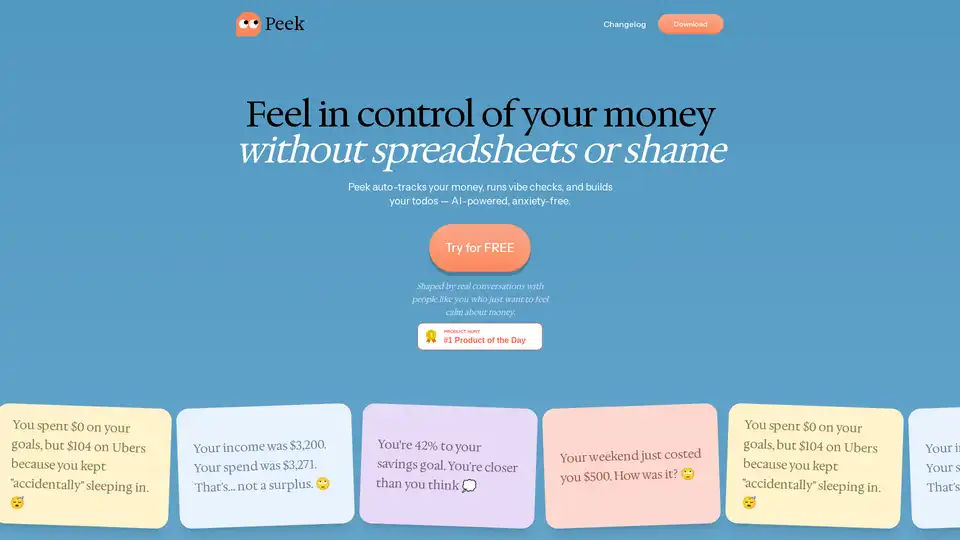
Understand your spending and build better habits with AI. Peek auto-tracks your money, provides vibe checks, and helps set achievable goals for anxiety-free financial wellness.
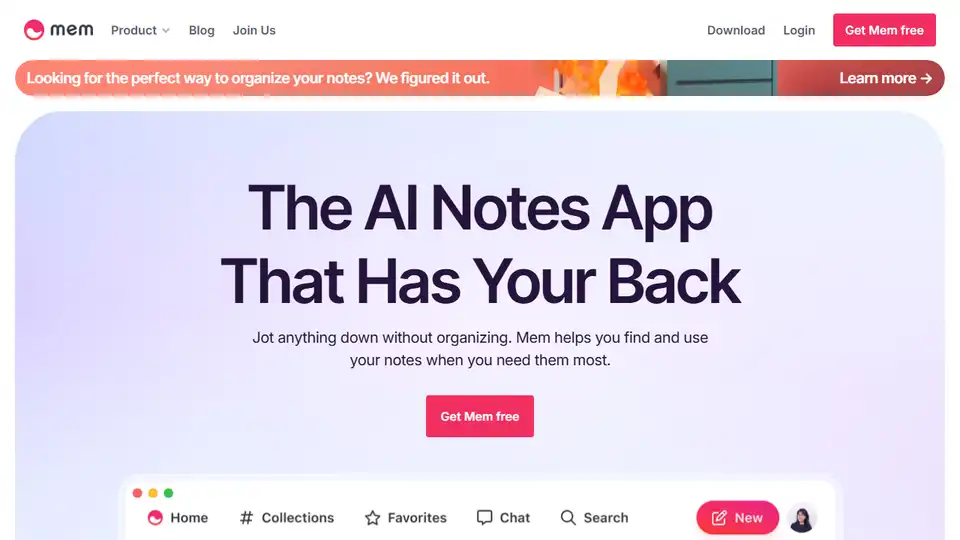
Mem is an AI-powered notes app that helps you organize your thoughts, find information quickly, and rediscover past notes. Use Mem Chat for summaries and content creation.
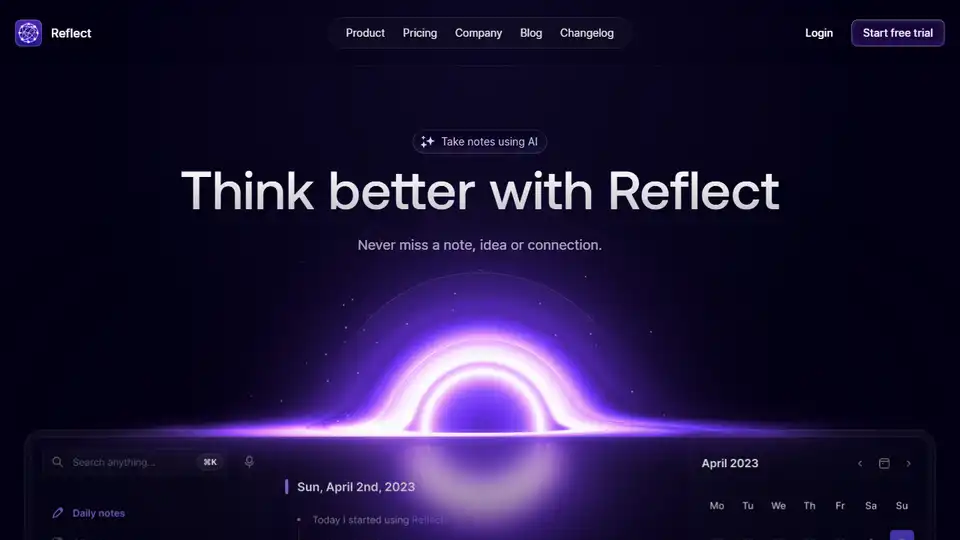
Reflect Notes is a minimalist note-taking app with AI integration, designed to mirror your thinking and connect your ideas.
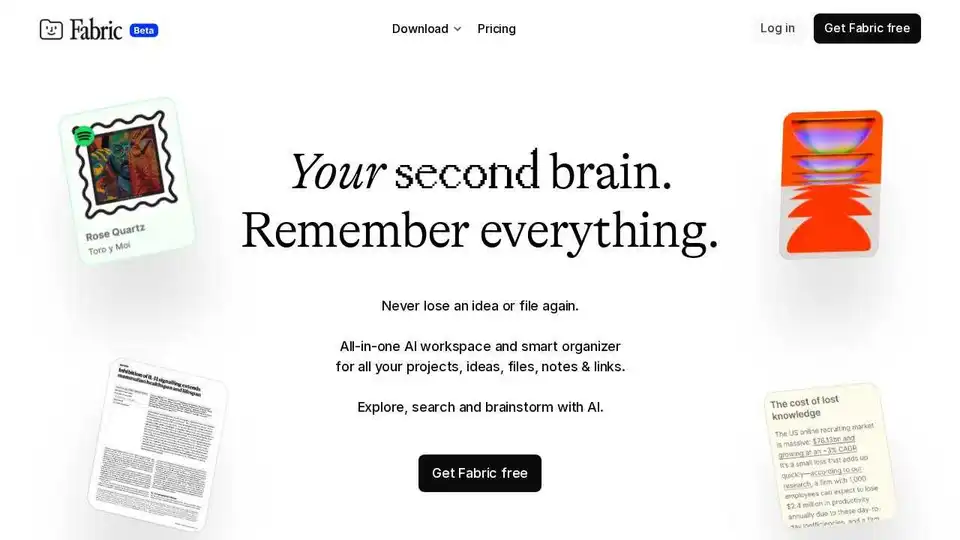
Fabric is an AI-powered workspace & file explorer that helps you organize all your files, notes, and ideas in one place. Never forget anything again with Fabric's smart search and AI assistant.
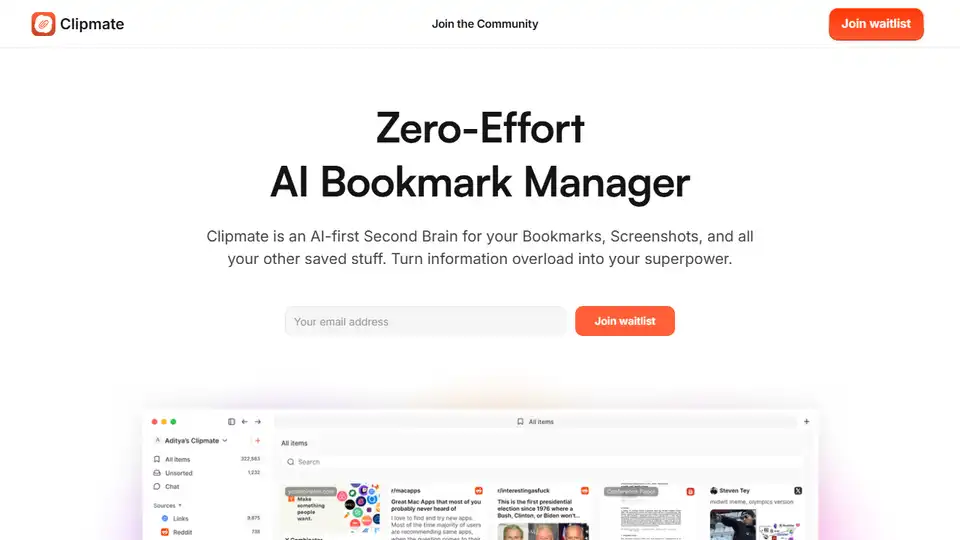
Clipmate AI is an AI-powered bookmark manager that automatically organizes bookmarks, screenshots, and saved links across platforms. Instantly searchable and effortless to use.