
FydeOS
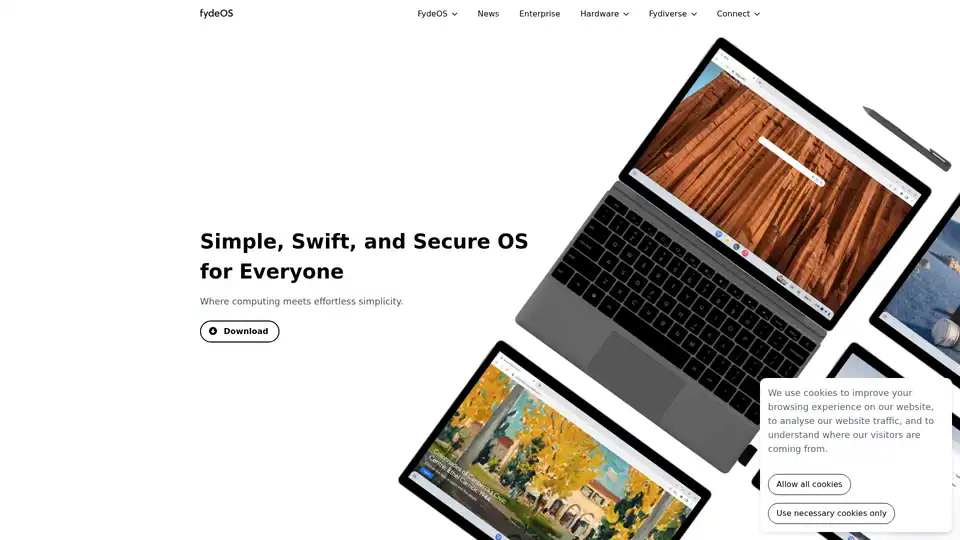
Overview of FydeOS
What is FydeOS?
FydeOS is a lightweight, fast, and secure operating system built on the Chromium OS project. It is designed to provide a simple and intuitive user experience, making it suitable for a wide range of users, from individuals to enterprises. FydeOS aims to deliver a seamless computing experience with support for Web, Android, and Linux applications, ensuring compatibility with various software and platforms.
Key Features of FydeOS
- Seamless Background Updates: FydeOS updates are installed silently in the background, ensuring uninterrupted workflows.
- Speedy Performance: FydeOS offers fast boot times (around 8 seconds) and efficient performance, even on older hardware.
- App Compatibility: Supports Web, Android, and Linux apps, catering to diverse user needs.
- Built-in Security: Features read-only access and virus protection to safeguard against malware.
- FydeOS AI: Integrates AI capabilities at the OS level for smart control across applications.
How does FydeOS work?
FydeOS leverages the Chromium OS core, enhancing it with additional features and optimizations for broader hardware compatibility. The system is designed to be resource-efficient, allowing it to run smoothly on various devices, including PCs, tablets, and single-board computers (SBCs).
Key Components: FydeOS includes components like a read-only file system for enhanced security, automatic background updates for convenience, and support for multiple application types (Web, Android, and Linux) to meet diverse user requirements.
FydeOS vs. Windows
| Feature | FydeOS | Windows |
|---|---|---|
| Pricing | Free version available | High license fees |
| System Stability | Rock-solid stability, no blue screens | Frequent crashes |
| Security and Privacy | Robust security with read-only file system | Vulnerable to attacks, privacy issues |
| Performance and Efficiency | Lightning-fast start-up, resource-efficient | Slow startup, requires significant hardware resources |
| Updates and Maintenance | Automatic, seamless background updates | Manual updates, frequent reboots and disruptions |
| User Interface | Simple, user-friendly | Complex, steep learning curve |
| Multi-platform Support | Supports Android and Linux apps | Windows apps only |
| Hardware Compatibility | Broad compatibility with PCs, tablets, ARM SBCs | Limited compatibility |
FydeOS vs. ChromeOS
| Feature | FydeOS | ChromeOS |
|---|---|---|
| OS Stability | Stable | Stable |
| Security | Secure | Secure |
| Performance & Efficiency | Efficient | Efficient |
| Updates & Maintenance | Seamless | Seamless |
| User Interface | User-friendly | User-friendly |
| Multi-platform Support | Broadly compatible | Chromebooks only |
| Hardware Compatibility | Broadly compatible | Chromebooks only |
| Device Customization | Yes | No |
| Brand Customization | Yes | No |
| Local Deployment | Yes | No |
| Privacy | De-Google option available | Privacy risk |
Who is FydeOS for?
FydeOS is suitable for:
- Individuals: Users seeking a fast, secure, and easy-to-use operating system for their PCs or tablets.
- Enterprises: Organizations looking to streamline operations, reduce costs, and enhance security across their device fleet.
- Education: Schools and educational institutions needing a reliable and manageable OS for student devices.
- Kiosk and Digital Signage: Businesses requiring a stable and remotely manageable OS for kiosks and digital displays.
Enterprise Solutions
FydeOS offers enterprise-specific features, including:
- FydeOS Management Cloud: Allows centralized control and configuration of thousands of devices and policies.
- Brand Customization: Enables businesses to replace the system logo with their own for a branded experience.
- Kiosk Mode: Sets up systems in under 5 minutes with automatic updates, built-in security, and remote management.
How to get started with FydeOS
- Download FydeOS Image: Obtain the FydeOS image from the official website.
- Create a Bootable USB Drive: Use a tool like Rufus or Etcher to create a bootable FydeOS USB drive.
- Install FydeOS to Your PC: Boot your PC from the USB drive and follow the on-screen instructions to install FydeOS.
Why Choose FydeOS?
FydeOS stands out due to its focus on simplicity, security, and speed. It offers a cost-effective alternative to traditional operating systems like Windows and provides a seamless experience across various devices. With features like background updates, app compatibility, and robust security, FydeOS is an excellent choice for users seeking a modern and efficient computing solution.
By integrating AI at the operating system level and providing tools for enterprise management, FydeOS is well-positioned to meet the evolving needs of both individual and business users. Its compatibility with older hardware also makes it a sustainable choice for extending the life of existing devices.
Best Alternative Tools to "FydeOS"
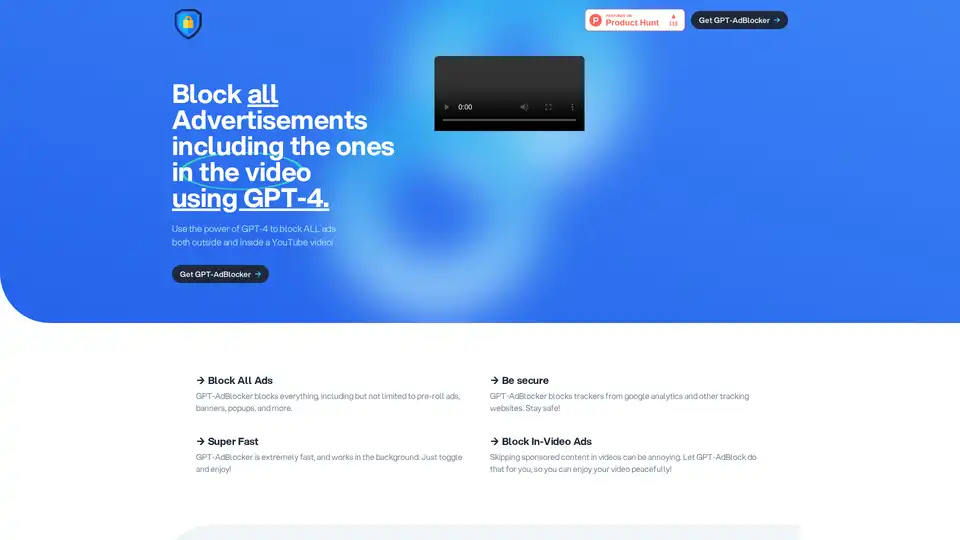
GPT-AdBlocker is an innovative Chrome extension powered by GPT-4 that intelligently blocks all ads, including in-video YouTube ones, trackers, and more for a seamless, secure browsing experience.
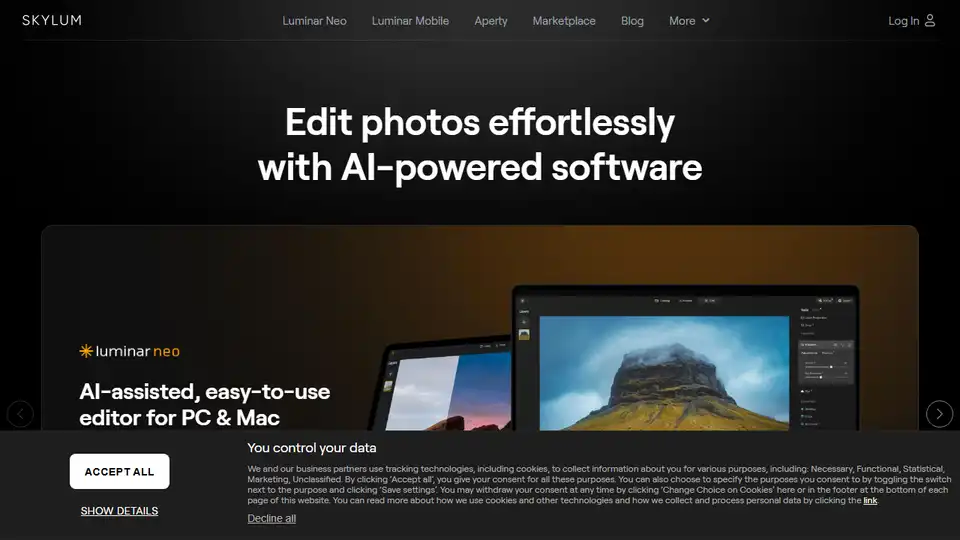
Skylum offers AI-powered photo editing software like Luminar Neo, Aperty, and Luminar Mobile for effortless photo enhancement on PC, Mac, and mobile devices. Explore innovative tools for professional and amateur photographers.

Artinails is an AI-powered nail designs generator that transforms your ideas into unique nail art. Customize styles and create flawless manicures effortlessly. Free trial available.
DuckDuckGo is a privacy-focused browser and search engine that blocks trackers, targeted ads, and cookie pop-ups. It offers private search, ad blocking, and a secure password manager to protect your data.