
Ghostwriter Add-ins for Microsoft Office
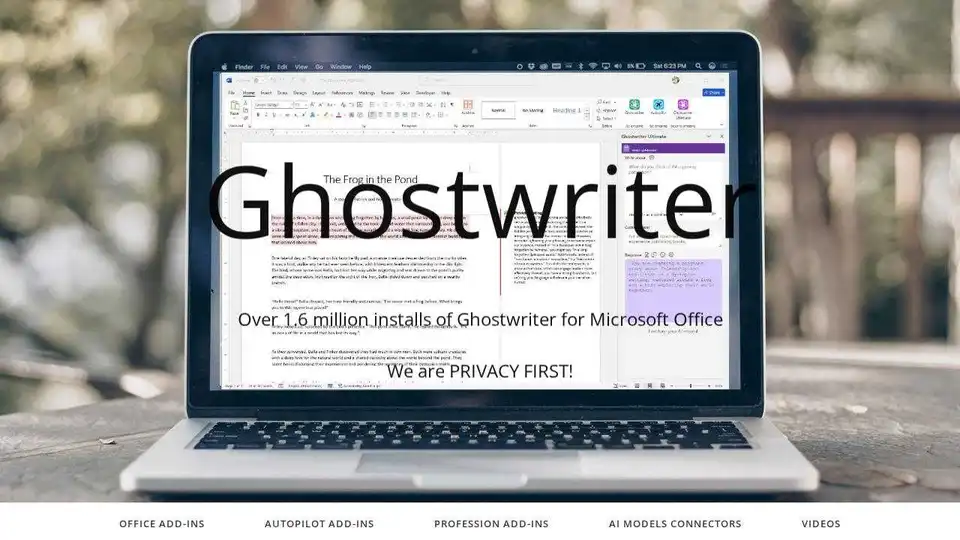
Overview of Ghostwriter Add-ins for Microsoft Office
Ghostwriter: Your AI-Powered Writing Assistant for Microsoft Office
What is Ghostwriter? Ghostwriter is a suite of AI-powered add-ins for Microsoft Office designed to help you brainstorm, plan, and create content faster than ever before. It integrates seamlessly with Word, Excel, Outlook, and PowerPoint to enhance your writing and content creation process.
How does Ghostwriter work? Ghostwriter leverages the power of AI models like OpenAI's ChatGPT to provide intelligent assistance within your familiar Microsoft Office environment. Whether you're drafting emails, creating presentations, analyzing data, or writing documents, Ghostwriter offers various features tailored to each application.
Key Features and Benefits:
- Brainstorming and Planning: Generate ideas and outlines for your content.
- Content Creation: Create compelling content quickly with AI assistance.
- Writing Styles and Tones: Choose from various writing styles and tones to match your brand and audience.
- Language Translation: Translate text into multiple languages.
- Quick Action Prompts: Utilize pre-defined prompts to get started quickly.
- Personas: Assume different roles and perspectives for targeted content creation.
- Inline Editing: Edit and refine AI-generated content directly within your document.
- AI Prompt Writer: Create custom prompts for specific needs.
Ghostwriter Add-ins:
Ghostwriter Word: Designed for students and professionals, Ghostwriter Word offers features such as writing styles, tones, creative settings, and response length adjustments. It is available in Basic, PRO, and Ultimate editions.
- Ghostwriter Word Basic: Perfect for students at all levels of education, it offers writing styles, tones, creative settings, response length adjustments, and access to GPT4o Mini and GPT4.1 Mini models.
- Ghostwriter Word PRO: Used by over half a million users worldwide, it includes quick action prompts, 50 agents/personas, language translation, and access to GPT 4.1, GPT 4o & Minis models.
- Ghostwriter Word Ultimate: The most advanced version with a new interactive interface, AI Prompt Writer, inline editing, and access to GPT4o, 4.1, o1, and mini models.
Ghostwriter Outlook: Ideal for those who frequently create and respond to emails, this add-in helps streamline your email writing process with quick action prompts, personas, writing styles, written tones, creative settings, response length adjustments, and language translation. It offers integration with GPT 4.1, GPT 4o, and Azure Cognitive Services.
Ghostwriter Excel: Analyze data within your Excel tables with AI-powered insights and generate sample data. It offers quick action prompts, personas, written tones, creative settings, response length adjustments, and language translation. It also supports GPT 4.1, GPT 4o, and Azure Cognitive Services.
Ghostwriter PowerPoint: Quickly generate bulleted facts and ideas for your presentations. It offers quick action prompts, personas, writing styles, written tones, creative settings, response length adjustments, and language translation. It also supports GPT 4.1, GPT 4o, and Azure Cognitive Services.
Available AI Models:
Ghostwriter supports a variety of AI models to suit your specific needs, including:
- OpenAI o1 Reasoning
- Google AI
- Grok by xAI
- Microsoft Azure AI
- Meta Llama
- Anthropic Claude
- Mistral AI
How to Get Started with Ghostwriter:
- Open Microsoft Office (Word, Excel, Outlook, or PowerPoint).
- Click on the "Get Add-ins" button on the ribbon bar.
- Search for "Ghostwriter" in the Office Add-in Store.
- Click "Add" to install the add-in.
Privacy First Approach:
Ghostwriter prioritizes your privacy and data security. While a shared OpenAI API key is included with each purchase, it is highly recommended to obtain your own API key from OpenAI for complete privacy and control over your data.
Why is Ghostwriter important?
Ghostwriter is important because it empowers users to create high-quality content more efficiently. By leveraging the power of AI, users can overcome writer's block, generate creative ideas, and refine their writing with ease. Ghostwriter is a valuable tool for students, professionals, and anyone who wants to improve their writing and communication skills.
AI Article Generation AI Text Polishing AI Writing Assistance Paper and Report Generation News and Blog Generation Email and Business Writing
Best Alternative Tools to "Ghostwriter Add-ins for Microsoft Office"
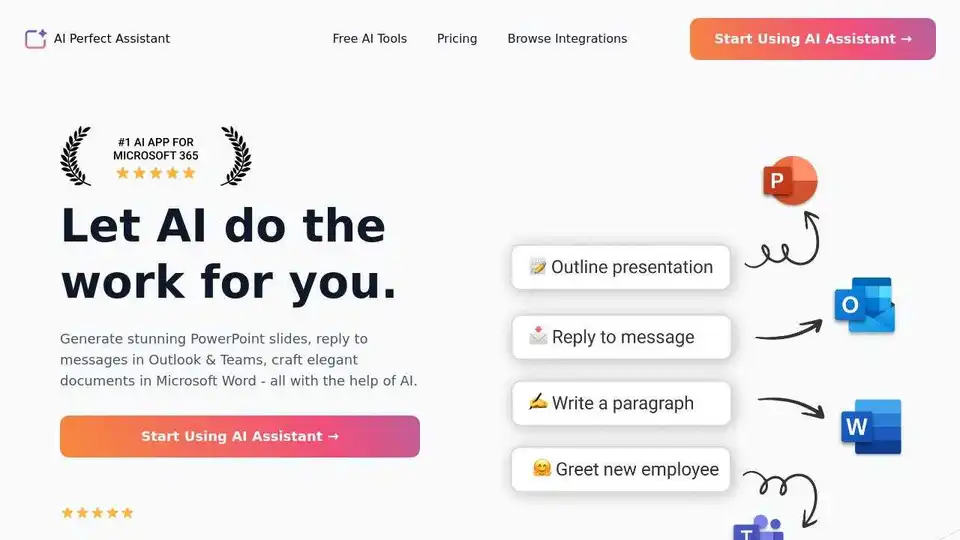
AI Perfect Assistant provides AI-powered tools for Word, Outlook, Excel, PowerPoint & more. Enhance writing, generate content, and automate tasks with 60+ AI tools seamlessly integrated into your Office 365 suite.
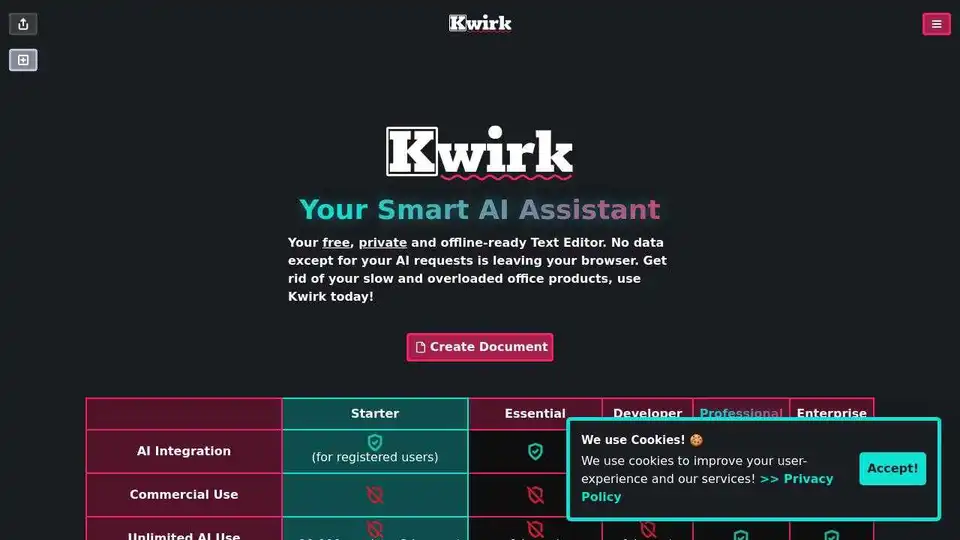
Kwirk.io is a smart AI assistant and text editor designed to streamline workflows and boost productivity. It offers AI-powered writing tools, offline readiness, and is available on web, iOS, and Android, automating routine tasks efficiently.
Boost your writing skills with the best writing assistant software. ParagraphAI improves fluency, grammar, spelling, and style for free.
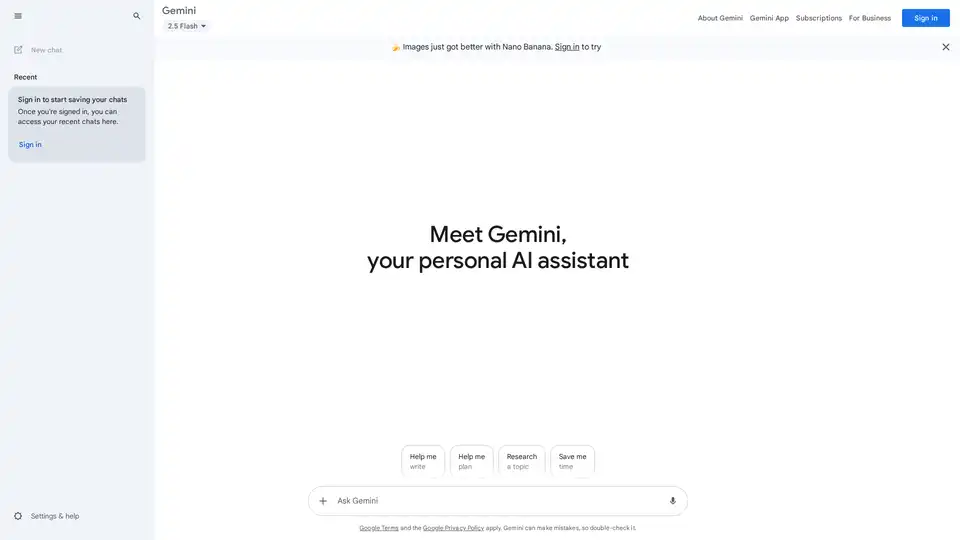
Google Gemini is a multimodal AI assistant that integrates with Google's ecosystem to provide advanced writing assistance, planning, brainstorming, and productivity tools through text, voice, and visual interactions.