
GitBrain
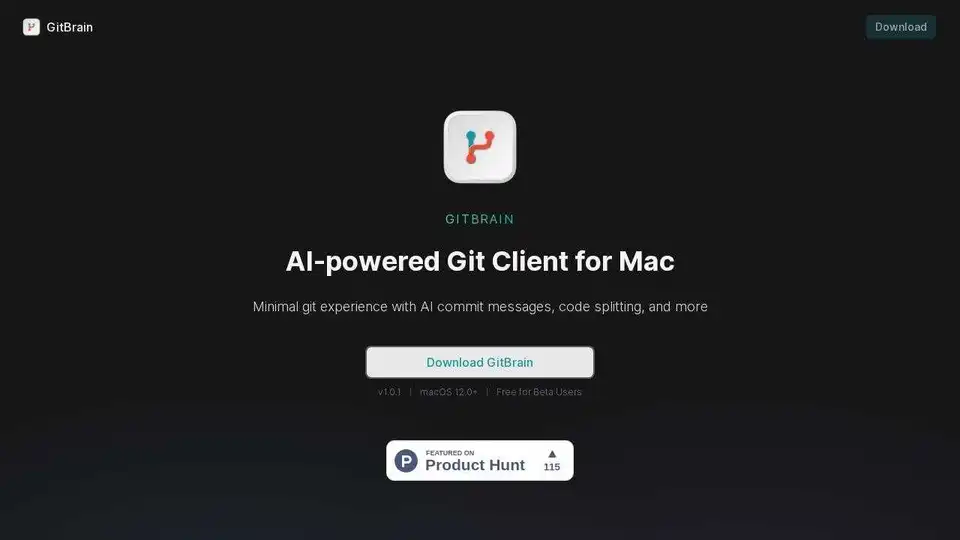
Overview of GitBrain
GitBrain: AI-Powered Git Client for Mac
What is GitBrain? GitBrain is an AI-powered Git client designed specifically for macOS. It aims to reduce the time developers spend on Git-related tasks, allowing them to focus more on coding.
Key Features:
- Intelligent Code Splitting: GitBrain automatically splits large code changes into smaller, more manageable commits. This makes code review easier and helps maintain a cleaner commit history.
- AI-Generated Commit Messages: The tool generates customizable commit messages using AI, saving developers time and ensuring consistent messaging. You can customize and edit the AI-generated commit messages to best suit your needs.
- Self Code Review: GitBrain provides a summary of your code changes, enabling you to easily review them before committing. This helps catch potential errors and ensures that no unwanted changes are committed.
- IDE Integration: GitBrain automatically detects the project you are working on from your favorite IDEs, providing a seamless Git management experience.
- Keyboard-Friendly Design: Navigate and perform Git operations efficiently using keyboard shortcuts.
- Native Mac App: Optimized for macOS with a native UI, including menu bar and floating panel support, and light & dark mode themes.
How does GitBrain work?
GitBrain leverages AI to analyze code changes and suggest appropriate commit splits and messages. It integrates with popular IDEs to automatically detect projects and provides a streamlined interface for managing Git repositories.
- Code Changes Detection: It monitors the changes in your code.
- AI-Powered Analysis: AI analyzes these changes.
- Intelligent Commit Suggestions: It offers suggestions for splitting the code and creates corresponding commit messages.
- Commit Management: Manage your commits with ease.
Why is GitBrain important?
GitBrain addresses several common challenges faced by developers when using Git:
- Time Savings: Automates tedious Git tasks, such as commit message generation and code splitting.
- Improved Code Quality: Encourages smaller, more focused commits, leading to better code review and easier debugging.
- Enhanced Productivity: Allows developers to focus on coding rather than Git management.
How to use GitBrain?
- Download and Install: Download GitBrain from the official website and install it on your macOS system.
- IDE Integration: GitBrain automatically detects your project from your favorite IDEs.
- Start coding: As you make changes to your code, GitBrain will intelligently split your code changes into multiple AI-generated commits.
- Review and Commit: Review the suggested commits and messages, make any necessary adjustments, and commit your changes.
Where can I use GitBrain?
GitBrain is ideal for:
- Individual developers looking to improve their Git workflow.
- Teams seeking to enforce consistent commit practices.
- Projects of any size and complexity.
Best way to improve your Git workflow?
By using GitBrain, you can dramatically improve your Git workflow. The intelligent code splitting, AI-generated commit messages, and self code review help you maintain cleaner commit history, catch potential errors, and save time on Git-related tasks.
Best Alternative Tools to "GitBrain"

Codeaid is an AI-powered coding assessment platform designed to streamline developer hiring. It features an AI Interviewer, realistic coding challenges, and automated scoring to efficiently evaluate candidates.
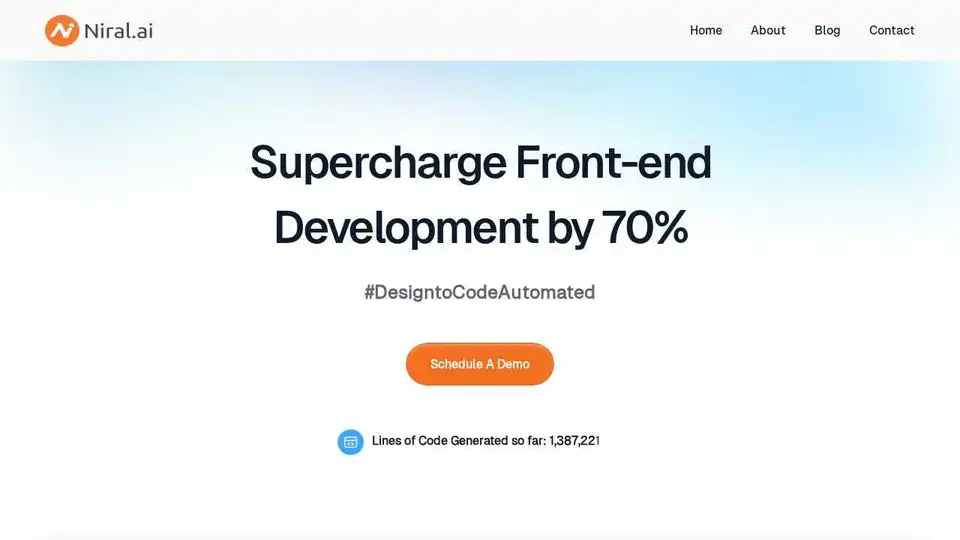
Transform your design process with Niral.ai’s AI-powered design-to-code platform. Convert Figma designs to production-ready code effortlessly.

WebUtility.io is an all-in-one online toolkit providing free and easy-to-use tools for developers, designers, and content creators. Features include code beautifiers, minifiers, converters, and generators.
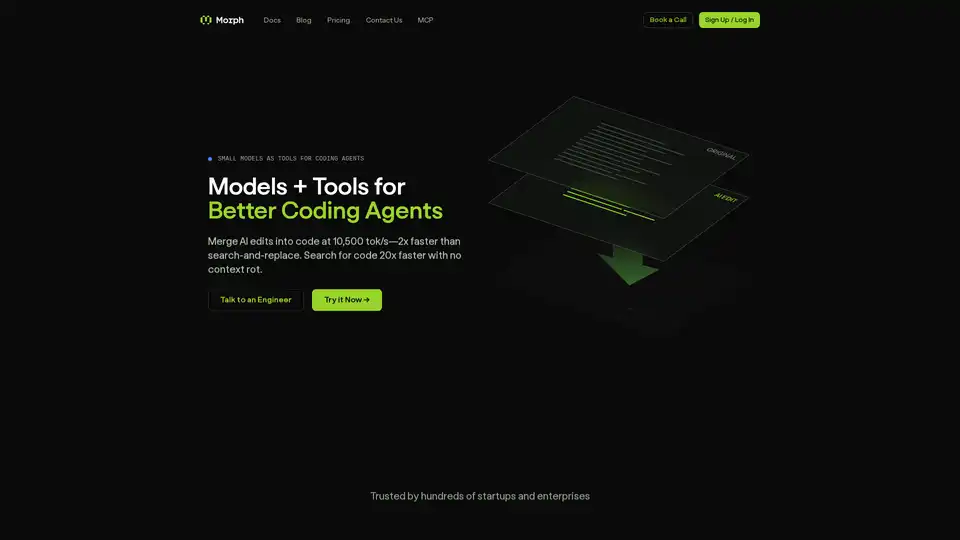
Morph enables lightning-fast AI code edits at 10,500+ tokens/second with 98% accuracy, outperforming leading models. Ideal for coding agents, it offers semantic search, embeddings, and seamless OpenAI-compatible integration.
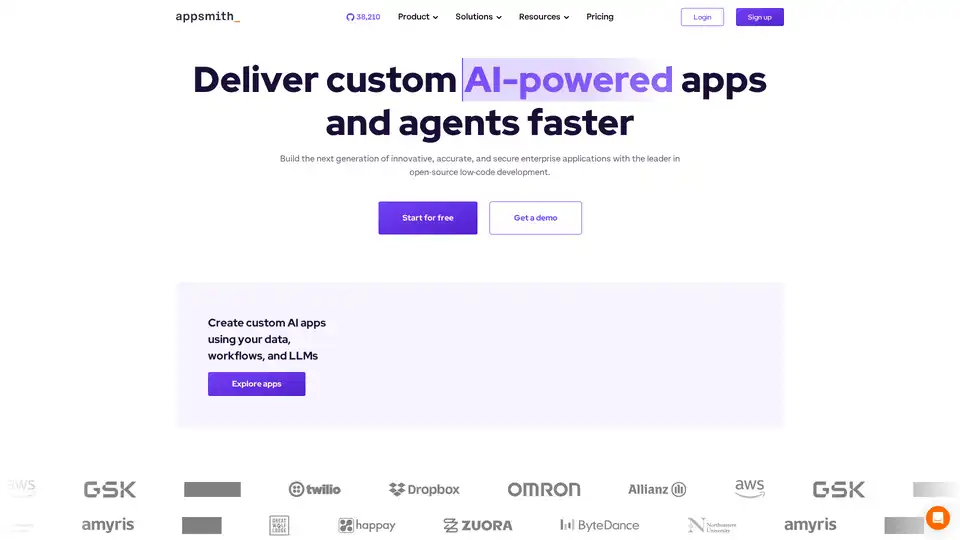
Appsmith is an open-source low-code platform that enables developers to build custom AI-powered applications and internal tools rapidly. It connects to various data sources and offers full control over application development.

Open Lovable is a free open-source AI tool that transforms any website into React/Next.js apps in seconds. Clone websites, generate clean code, and maintain full ownership. The best Lovable.ai alternative for developers.
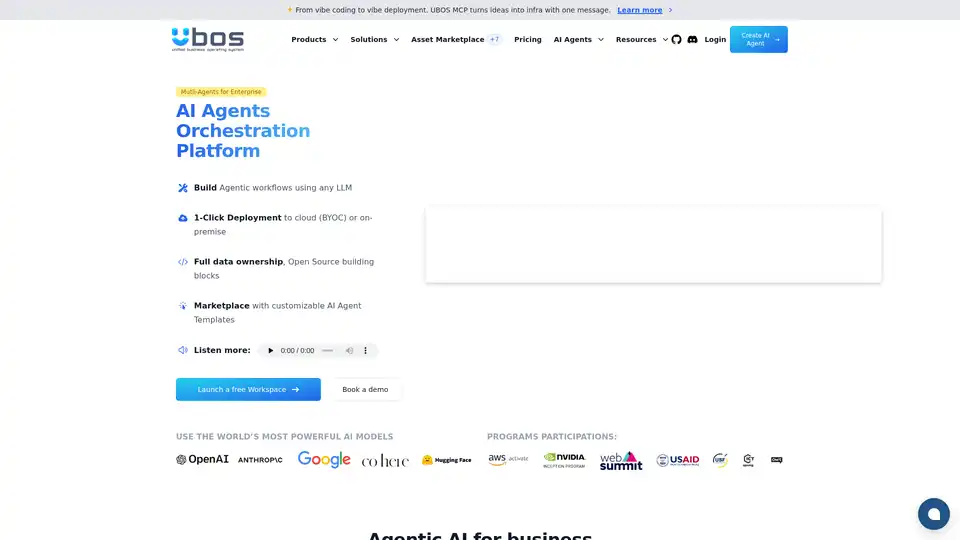
UBOS is a business operating system for AI agents, providing a low-code platform for building, deploying, and managing AI-driven applications with multi-agent orchestration and open-source tools.
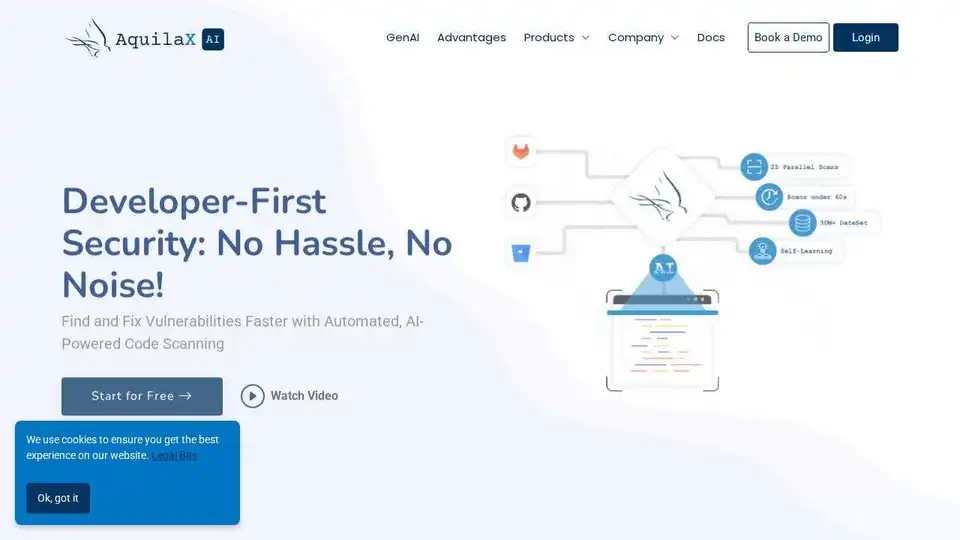
AquilaX Security is an AI-powered DevSecOps platform that automates security scanning, reduces false positives, and helps developers ship secure code faster. Integrates SAST, SCA, container, IaC, secrets, and malware scanners.
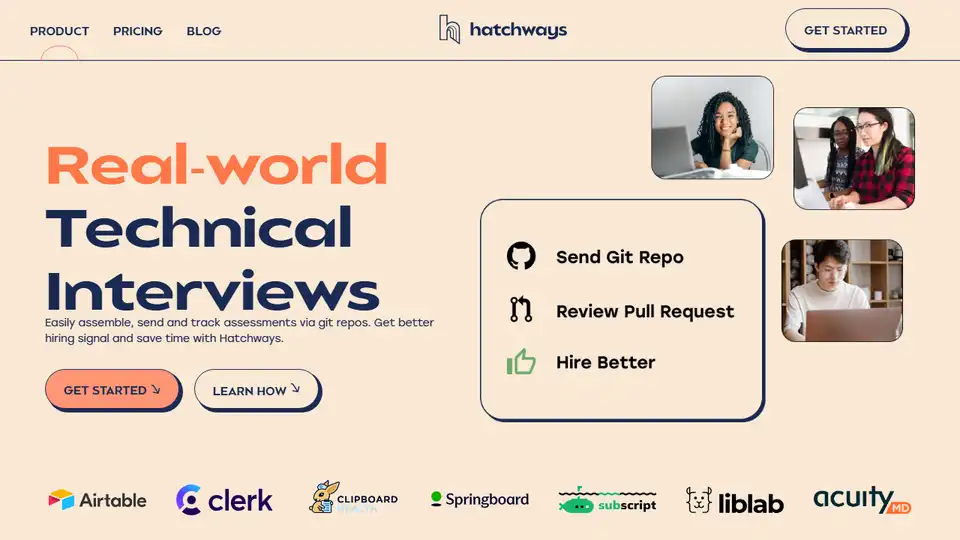
Hatchways is a technical interview platform that uses real-world coding assessments via Github repos. Improve hiring with better candidate experience, data-driven feedback, and save time.

Paradime is an AI-native data platform replacing dbt Cloud. It offers AI-powered development, automated pipelines, and intelligent cost optimization to boost productivity, reduce downtime, and cut costs for data teams.
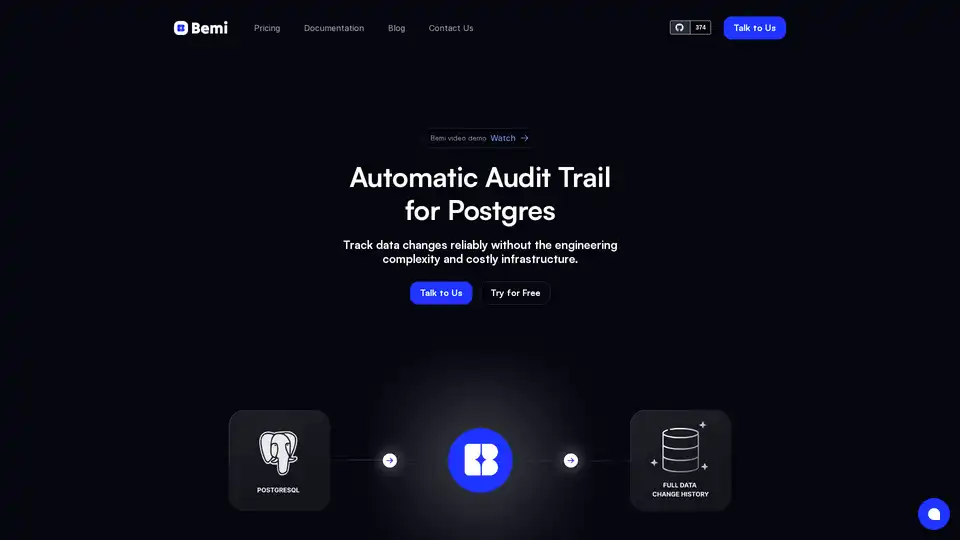
Bemi is an automatic audit trail solution for Postgres, offering seamless integration and 100% reliable data change tracking for audit, compliance, troubleshooting, and data recovery.
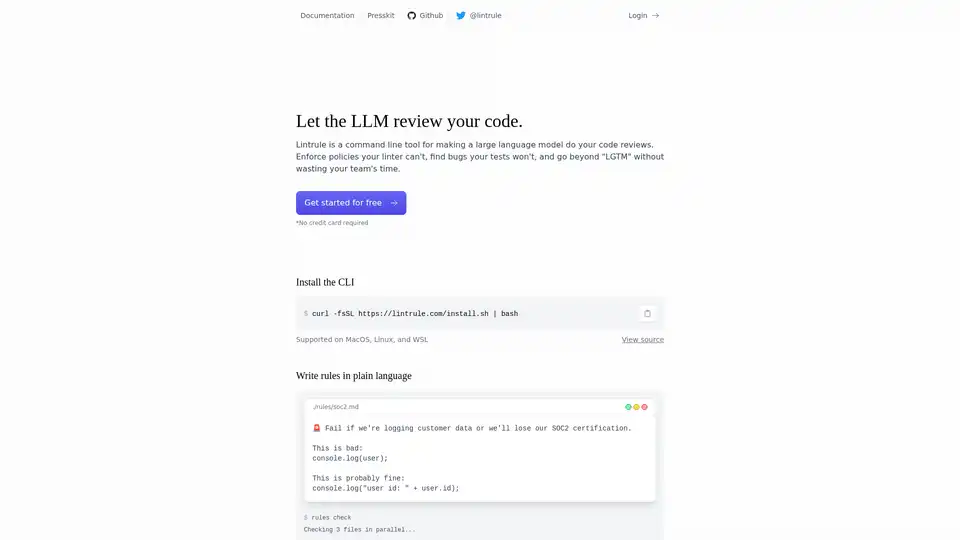
Lintrule is an AI-powered command-line tool that automates code reviews. It helps enforce coding policies, find bugs, and improve code quality, saving developers time and resources.

UI Bakery is a low-code platform for developers to quickly build internal tools, admin panels, and web apps with drag-and-drop UI and workflow automation. Connect to databases, APIs, and deploy with ease.
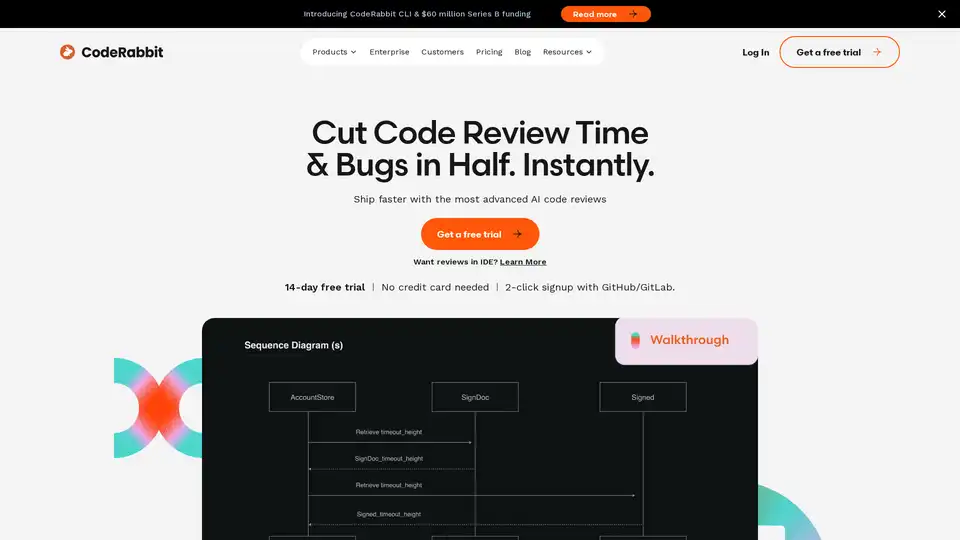
CodeRabbit provides AI-powered code reviews that catch 95%+ bugs, freeing developers to ship code faster. Get automated reports, PR summaries, and more.