
Copilot Voice
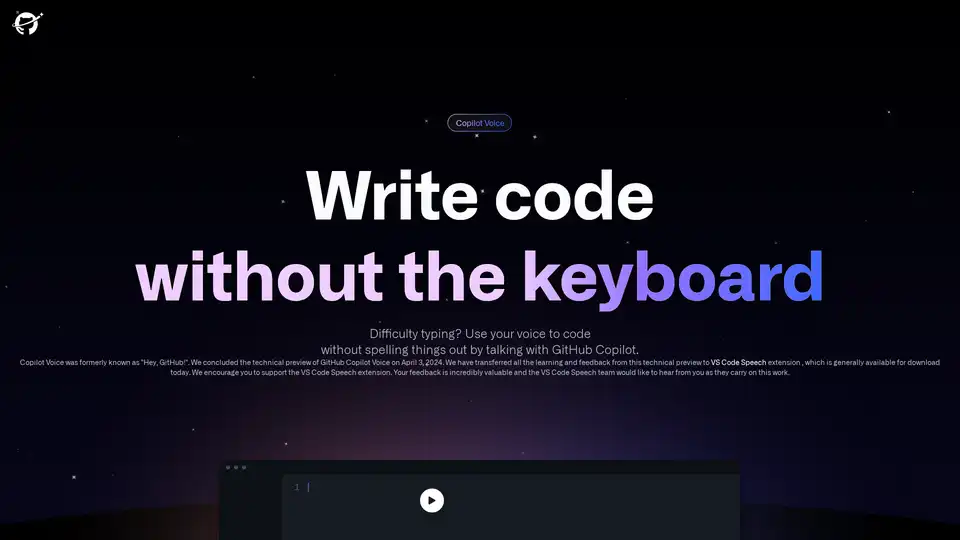
Overview of Copilot Voice
What is Copilot Voice?
Copilot Voice is an innovative voice-controlled coding assistant developed by GitHub Next. It allows developers to write, edit, and navigate code using natural language commands, making coding more accessible and efficient. Originally known as "Hey, GitHub!", Copilot Voice has evolved into the VS Code Speech extension, which is now generally available for download.
Key Features of Copilot Voice
- Voice-Controlled Coding: Write and edit code using your voice. Simply state your intent in natural language, and Copilot Voice will suggest the appropriate code snippets.
- Code Navigation: Navigate through your codebase effortlessly. Use commands like "go to line 34" or "go to method X" to move around your code.
- Code Summarization: Get explanations for specific lines of code. Ask Copilot Voice to explain lines 3-10, and it will provide a summary of what the code does.
- IDE Control: Control Visual Studio Code with voice commands. Toggle zen mode, run the program, or use any other VS Code command.
How Does Copilot Voice Work?
Copilot Voice leverages advanced speech recognition and natural language processing technologies to understand and execute voice commands. It integrates seamlessly with Visual Studio Code, providing a hands-free coding experience. Developers can dictate code, navigate through files, and even get code explanations without touching the keyboard.
How to Use Copilot Voice?
- Installation: Download the VS Code Speech extension from the Visual Studio Code marketplace.
- Setup: Configure the extension according to your preferences and ensure your microphone is set up correctly.
- Voice Commands: Start using voice commands to write, edit, and navigate code. For example, say "Copilot, import pandas" to add the pandas library to your code.
- Code Navigation: Use commands like "go to line 34" or "go to method X" to navigate through your codebase.
- Code Summarization: Ask for explanations of specific code segments by saying "Explain lines 3-10".
Why Choose Copilot Voice?
Copilot Voice is designed to enhance productivity and accessibility for developers. It is particularly useful for those who have difficulty typing or prefer a hands-free coding experience. By using natural language commands, developers can focus more on the logic and structure of their code rather than the mechanics of typing.
Who is Copilot Voice For?
Copilot Voice is ideal for:
- Developers with physical disabilities that make typing difficult.
- Developers who want to increase their coding speed and efficiency.
- Developers who prefer a hands-free coding experience.
- Educators and students who want to learn coding in a more interactive way.
Best Way to Use Copilot Voice
To get the most out of Copilot Voice, it is recommended to:
- Use clear and concise voice commands.
- Familiarize yourself with the available commands and their syntax.
- Provide feedback to the VS Code Speech team to help improve the extension.
Conclusion
Copilot Voice represents a significant advancement in coding accessibility and efficiency. By integrating voice control with Visual Studio Code, it offers a unique and powerful tool for developers. Whether you are looking to increase your productivity or need a more accessible way to code, Copilot Voice is a valuable addition to your development toolkit.
Tags Related to Copilot Voice
