
GitMind
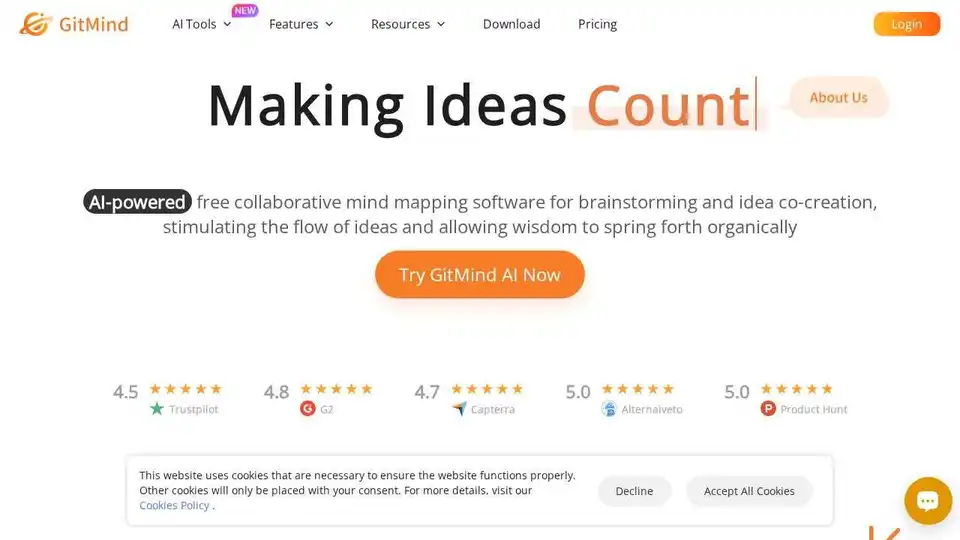
Overview of GitMind
What is GitMind?
GitMind is a free AI-powered mind mapping and brainstorming tool designed to enhance creativity and collaboration. It allows users to create and collaborate on mind maps, flowcharts, UML diagrams, and more in real-time. GitMind is ideal for project planning, note-taking, and team collaboration, making it a versatile tool for both individuals and organizations.
Key Features of GitMind
- AI-Powered Mind Mapping: GitMind leverages AI to help users create mind maps quickly and efficiently. The AI can suggest ideas, organize thoughts, and even generate mind maps from text inputs.
- Real-Time Collaboration: Users can collaborate on mind maps and other diagrams in real-time, making it perfect for team projects and brainstorming sessions.
- Versatile Diagramming Tools: GitMind supports a wide range of diagrams, including flowcharts, organizational charts, UML diagrams, and swimlanes.
- User-Friendly Interface: The tool is designed to be intuitive and easy to use, with a clean interface that allows users to focus on their ideas.
- Cross-Platform Accessibility: GitMind is available as a web application and also offers mobile apps for iOS and Android, ensuring users can access their mind maps anytime, anywhere.
How Does GitMind Work?
GitMind works by providing a platform where users can create and collaborate on mind maps and other diagrams. The AI-powered features help users organize their thoughts and generate ideas more efficiently. Users can start with a blank canvas or use one of the many templates available. The real-time collaboration feature allows multiple users to work on the same mind map simultaneously, making it ideal for team projects.
How to Use GitMind?
- Sign Up: Create an account on the GitMind website.
- Create a Mind Map: Start with a blank canvas or choose a template.
- Add Ideas: Use the AI-powered features to add and organize your ideas.
- Collaborate: Invite team members to collaborate on the mind map in real-time.
- Export and Share: Export your mind map in various formats and share it with others.
Why Choose GitMind?
- Free to Use: GitMind offers a free plan with essential features, making it accessible to everyone.
- AI-Powered: The AI features help users generate ideas and organize their thoughts more efficiently.
- Collaborative: Real-time collaboration makes it perfect for team projects and brainstorming sessions.
- Versatile: Supports a wide range of diagrams, making it suitable for various use cases.
- User-Friendly: The intuitive interface ensures a smooth user experience.
Who is GitMind For?
GitMind is ideal for:
- Students: For note-taking, project planning, and studying.
- Professionals: For project management, brainstorming, and presentations.
- Teams: For collaborative projects and idea sharing.
- Educators: For creating lesson plans and organizing educational content.
Best Way to Use GitMind
The best way to use GitMind is to leverage its AI-powered features and real-time collaboration capabilities. Start by creating a mind map for your project or idea, then invite team members to collaborate and refine the ideas together. Use the various diagramming tools to visualize your thoughts and organize them effectively.
User Reviews
GitMind has received positive reviews from users worldwide. Here are some testimonials:
- Daniele V: "Maybe the best free online tool for mind maps (I tried few others). Very versatile and very fast, as soon as you learn the main shortcuts. Amazing. Thank you!"
- Geert Broodcoorens: "GitMind is by far the best mindmapping tool I have tried and I use it daily. This is the most important tool for any analyst, that is why I also recommend it to all my colleagues."
- Jonathan: "GitMind is one of the cleanest and best mind mapping tools I have ever used. I have been using mind maps for various technical subjects to maintain up to date information about the subject. GitMind is very easy to use and the interface is very interactive."
Conclusion
GitMind is a powerful and versatile tool that combines AI-powered mind mapping with real-time collaboration. It is ideal for individuals and teams looking to enhance their creativity and productivity. With its user-friendly interface and wide range of features, GitMind is a valuable tool for anyone looking to organize their thoughts and ideas effectively.
Tags Related to GitMind
