
GPT Image
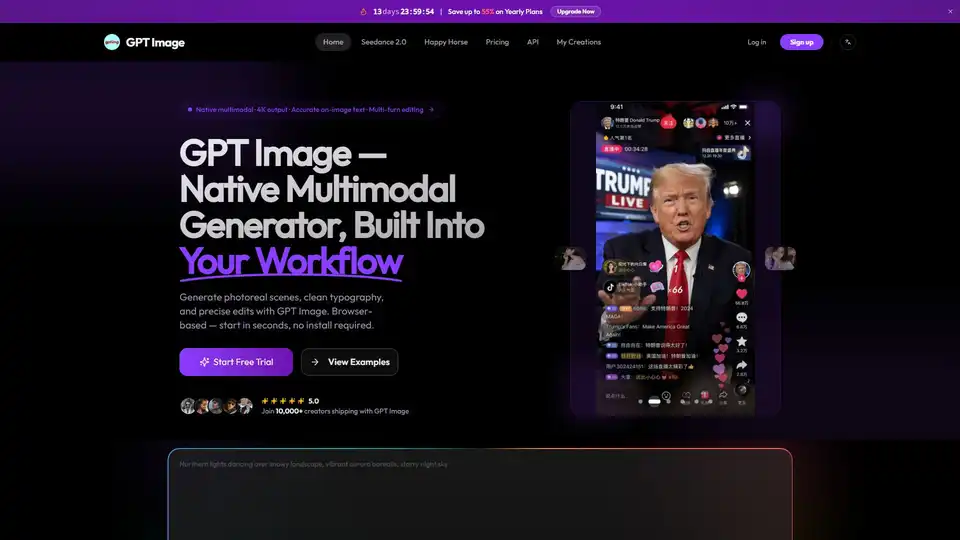
Overview of GPT Image
What is GPT Image?
GPT Image is a native multimodal image generation model that understands language like a large language model. Unlike older diffusion tools, prompts behave like natural conversation instead of incantation. This platform allows users to generate photorealistic portraits, vector-style illustrations, 4K posters, editable UI mockups, and infographics all from one model. Currently running on GPT Image 2, the flagship version, users can access current-generation quality without setting up an API key themselves. It is designed for creators, designers, and marketers who need high-quality visual content quickly and efficiently.
What are the key features of GPT Image?
GPT Image stands out in the crowded AI image generation market due to several core capabilities that address common pain points in visual content creation.
Native Multimodal Capabilities
The model understands language deeply, allowing for nuanced prompts. You can describe complex scenes, subjects, and specific text requirements, and the model interprets them with high accuracy. This multimodal understanding means it recognizes real-world objects like a MacBook, a Tesla Cybertruck, or a Renaissance painting without needing excessive detailing.
Clean Text Inside Images
One of the most significant breakthroughs of GPT Image is its ability to write readable words, not letter-soup. This feature is crucial for posters, product labels, social graphics, and UI mockups where typography actually has to land correctly. Independent text-in-image benchmarks show it tops the competition, rendering short headlines cleanly. While long paragraphs over 20 words may show occasional typos, it is highly reliable for headline copy, logos, and labels where accuracy matters.
Precise Multi-Turn Editing
Users can upload a reference photo and ask for a change in plain English. The model rewrites only the part named and keeps lighting, faces, and composition intact across multiple rounds. GPT Image 2 holds visual consistency across five or more rounds of edits. This is great for product variant renders, headshot cleanups, and A/B testing creatives without re-shooting. You can ask for a different background, then different lighting, then different framing, and each step builds on the last.
High-Resolution Output
Resolution goes up to 4096×4096 for print-ready work. Whether you need photorealism, 3D, anime, illustration, vector, or data-viz styles, one GPT Image model covers it all. This flexibility eliminates the need to switch between different tools for different styles.
How does GPT Image work?
GPT Image operates as a browser-based application, meaning there is no software installation required. The workflow is designed to be intuitive, moving from prompt to final image in four simple steps.
- Write Your Prompt: Describe the scene, subject, and any text you want rendered inside the image. GPT Image reads natural language the way GPT does, so detailed briefs work well.
- Upload a Reference (Optional): Drop in a product photo, a headshot, or a mockup if you want GPT Image to edit it instead of starting from scratch. You can mask the exact region you want changed.
- Pick Quality and Size: Choose low, medium, or high quality and pick an aspect ratio from square to widescreen. GPT Image outputs up to 4K when you need print-ready files.
- Download and Iterate: Results return in about 5 to 8 seconds per image. Refine the prompt, adjust the mask, or swap reference photos and rerun. Every render lands in My Creations with 7-day retention.
Use Cases for GPT Image
The versatility of GPT Image makes it suitable for a wide range of professional applications.
Product Photography
Create lifestyle scenes without the photo studio. Describe your product on a sunlit kitchen counter or a Tokyo street corner, and the model returns it in seconds. You can swap backgrounds, colorways, and seasons across your whole SKU catalog without another shoot. Text labels and logos stay legible, which is where most other generators break.
Social Media and Ads
Generate scroll-stopping graphics with real copy. Write the headline you want in the prompt, and it lands in the image correctly. Build Instagram carousels, TikTok covers, YouTube thumbnails, and paid ad creative without handing anything to a designer. Maintain consistent brand colors and fonts across a whole campaign.
Designers and Documentation
Produce infographics, diagrams, and UI mockups efficiently. Feed the model a rough description of a dashboard, a process diagram, or a pitch-deck slide. It lays out the boxes, arrows, and labels with accurate text. Content teams use it to ship visuals faster than a designer's calendar allows.
The GPT Image Model Family
Understanding the different versions helps users choose the right tool for their needs and budget.
- GPT Image 1 (April 2025): The first public release. Up to 4096×4096 resolution. Strong at text rendering and world knowledge from day one.
- GPT Image 1-mini (October 2025): A cost-optimized variant. Roughly 80% cheaper than the base model while keeping the same core quality for drafts and bulk jobs.
- GPT Image 2 (December 2025): The current flagship. About four times faster than the original at launch, with 5 to 8 seconds per image rendering time. It is 20% cheaper and holds facial likeness across five or more rounds of edits.
Pricing and Quality Tiers
GPT Image 2 ships with Low, Medium, and High quality tiers. There are three aspect ratios available: square, portrait, and landscape. Low quality is priced at $0.009 per 1024×1024 render, making it cheap enough for drafts. High quality delivers production-grade text and photorealism. The platform offers a free trial to start, followed by pay-as-you-go credit packs.
Why choose GPT Image?
Choosing the right AI tool depends on speed, quality, and ease of use. GPT Image excels in all three areas. The December 2025 update cuts generation time significantly, dropping pricing while improving consistency. The ability to handle text accurately within images is a distinct advantage over many competitors that struggle with typography. Furthermore, the browser-based nature means you can start creating immediately without technical setup.
Who is GPT Image for?
- Marketers: Who need rapid ad creative variations.
- E-commerce Sellers: Who require consistent product imagery across different backgrounds.
- Designers: Who want to speed up the mockup and ideation process.
- Content Creators: Who need thumbnails and social graphics with correct text.
Conclusion
GPT Image represents a significant step forward in multimodal AI generation. By combining high-resolution output, accurate text rendering, and precise editing capabilities into a single browser-based workflow, it removes many barriers to professional visual content creation. Whether you are generating photoreal scenes, clean typography, or precise edits, GPT Image provides the tools to ship faster. Start with free trial credits in your browser today and experience the next generation of AI image generation.
Tags Related to GPT Image
