
GTA AI
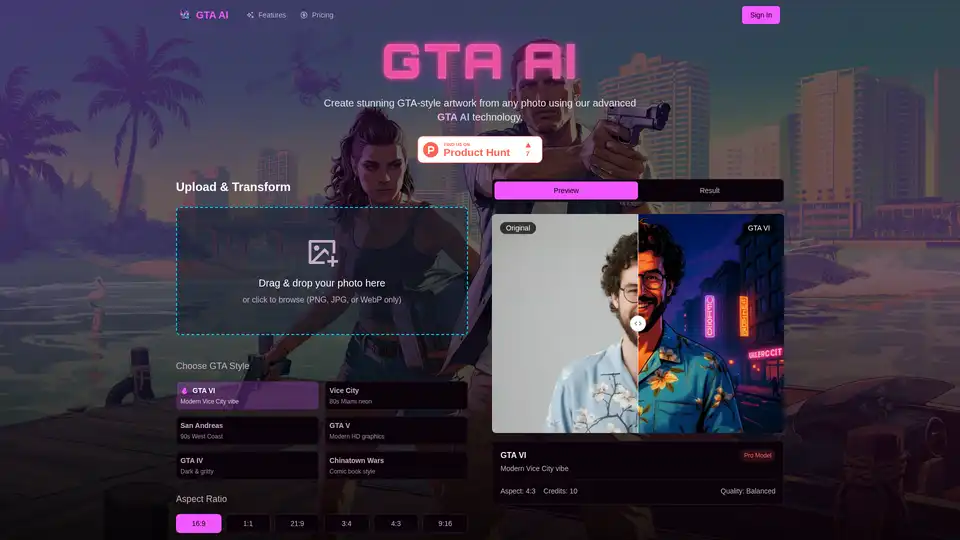
Overview of GTA AI
Transform Your Photos into Grand Theft Auto Art with GTA AI
GTA AI is an innovative AI platform that transforms your ordinary photos into stunning Grand Theft Auto-style artwork. Using advanced machine learning technology, GTA AI combines sophisticated AI models with extensive training on GTA visual aesthetics to deliver authentic and artistic transformations.
What is GTA AI?
GTA AI is designed to convert your images into GTA-style artwork using cutting-edge artificial intelligence. It analyzes facial features, lighting, and composition to recreate your images in the iconic Grand Theft Auto style. The platform offers various styles inspired by different GTA games, ensuring high-quality and authentic artistic transformations.
How does GTA AI work?
GTA AI leverages advanced AI models trained on a vast library of Grand Theft Auto visuals. Here’s how it works:
- Upload Your Photo: Start by uploading your photo to the GTA AI platform. It supports various image formats such as JPG, PNG, and WebP.
- Choose GTA Style: Select from six authentic GTA game styles, including Vice City, San Andreas, GTA IV, GTA V, GTA VI, and a classic aesthetic.
- AI Transformation: The AI analyzes your photo and transforms it into GTA-style artwork within seconds.
- Download & Share: Download your high-resolution GTA artwork and share it with the world.
Key Features of GTA AI
- Instant Photo Transformation: Transform any image into breathtaking Grand Theft Auto-style artwork in seconds.
- Multiple Transformation Styles: Choose from six distinct GTA artistic styles, each reflecting a unique era of the game.
- Customizable Character Avatars: Turn yourself or your friends into customized GTA characters with a range of stylistic options.
- Scene and Environment Generation: Transform real-world photos into fully-realized GTA-style landscapes and settings.
- Guaranteed Privacy and Security: Ensures photos are processed securely with encryption protocols and automatic deletion after processing.
- High-Quality Artwork Downloads: Download your GTA artwork in various formats including PNG, JPG, and WebP with full-resolution outputs.
Why Choose GTA AI?
- Professional Quality: GTA AI uses fine-tuned AI models optimized for Grand Theft Auto aesthetics through extensive training on high-fidelity visual references.
- Authentic Styles: Offers six meticulously crafted GTA game styles, each representing a distinct era in gaming history.
- Privacy & Security: Protects your photos with military-grade enterprise encryption protocols and automatic deletion from servers after processing.
- Lightning-Fast Processing: Generates high-quality GTA artwork in under 10 seconds with our optimized AI processing pipeline.
Benefits of Using GTA AI
- Transform Photos Quickly: Create GTA-style artwork in seconds, perfect for content creators and digital artists who need fast results.
- Multiple Style Options: Offers a variety of GTA game styles to match your preference.
- Easy to Use: Simple four-step process to transform photos into GTA masterpieces.
Who is GTA AI for?
GTA AI is perfect for:
- Gamers: Create unique avatars or profile pictures.
- Content Creators: Make eye-catching images for social media.
- Artists: Experiment with new styles.
- Anyone: Who wants to see what they would look like in the Grand Theft Auto world.
How to Use GTA AI?
- Upload Your Photo: Sign up for free and upload any photo or take a selfie.
- Choose GTA Style: Select from six authentic GTA game styles including Vice City, San Andreas, GTA IV, GTA V, GTA VI, and a classic aesthetic.
- AI Transformation: Our advanced AI models analyze and transform your photo into authentic GTA-style artwork.
- Download & Share: Download your high-resolution GTA artwork in seconds and share your legendary transformation with the world.
Frequently Asked Questions About GTA AI
What is GTA AI and how does it work?
GTA AI is a smart tool that transforms your regular photos into artworks that look like they belong in the Grand Theft Auto games. You upload your photo, and the AI uses advanced technology to understand the GTA style and make your photo look like it was created in the game.
Can I upload any type of photo?
Yes, you can upload various types of photos such as JPG, PNG, or WebP.
Is my photo safe when I use GTA AI?
Absolutely! Your privacy is important. Your photos are encrypted and automatically deleted after the transformation.
How long does it take to transform my photo?
The transformation is super fast! Most photos are turned into GTA-style art in less than 10 seconds. If you choose the high-quality option, it may take a little longer.
Do I need to have special skills to use GTA AI?
Not at all! The interface is very user-friendly, and it guides you through the steps.
Can I download my GTA artwork?
Yes! After your photo changes into GTA art, you can easily download it in different formats like PNG, JPG, and WebP.
What styles can I choose for transforming my photos?
GTA AI offers several different styles, each resembling famous GTA games like Vice City or GTA V.
Can I create GTA characters using GTA AI?
Yes! You can change yourself or your friends into characters that look like they come from the Grand Theft Auto games.
What types of people use GTA AI?
Gamers, content creators, and artists use GTA AI for various purposes.
How do I get started with GTA AI?
Visit the site, upload your photo, choose a style, pick a quality option, and click generate.
Transform Your Photos into GTA Legends
Join our growing creator community. Start generating epic GTA artwork today with free credits.
Best Alternative Tools to "GTA AI"
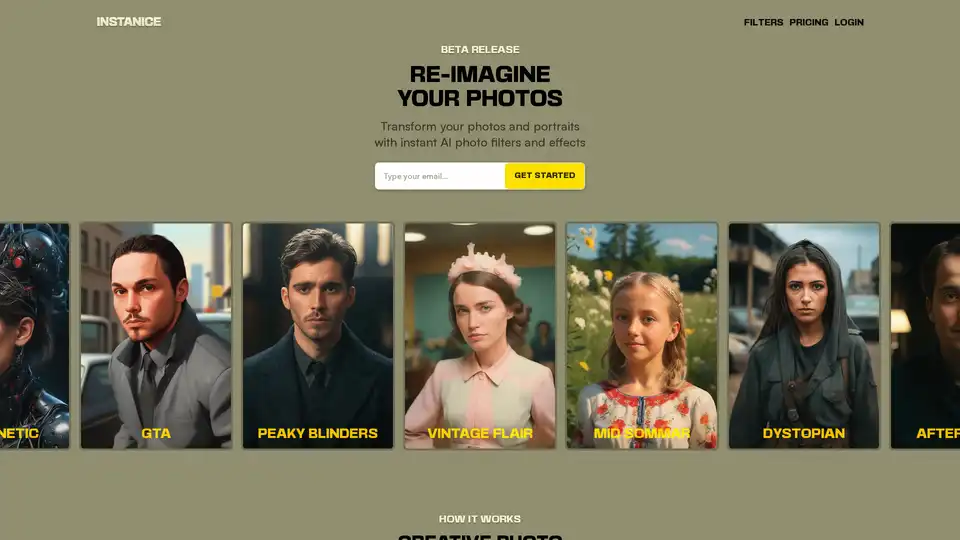
Transform your photos and portraits instantly with Instanice's AI photo filters and effects. Upload a photo, choose a style like Cybernetic or GTA, and download your reimagined image—no editing skills required.
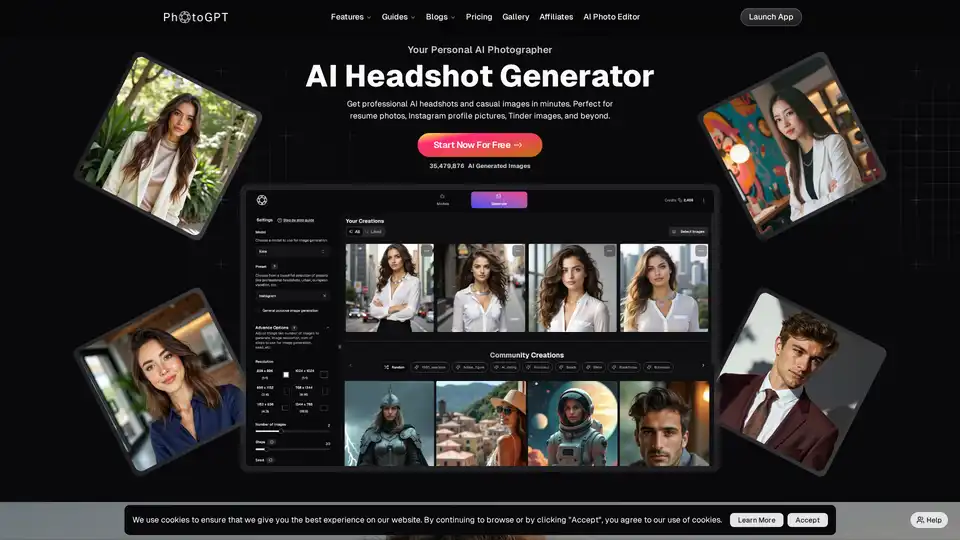
PhotoGPT is an AI photographer that creates realistic, personalized images and headshots from selfies. Train your own AI model and generate visuals in any style. Features include prompt assistance, image upscaling, and one-click styling.
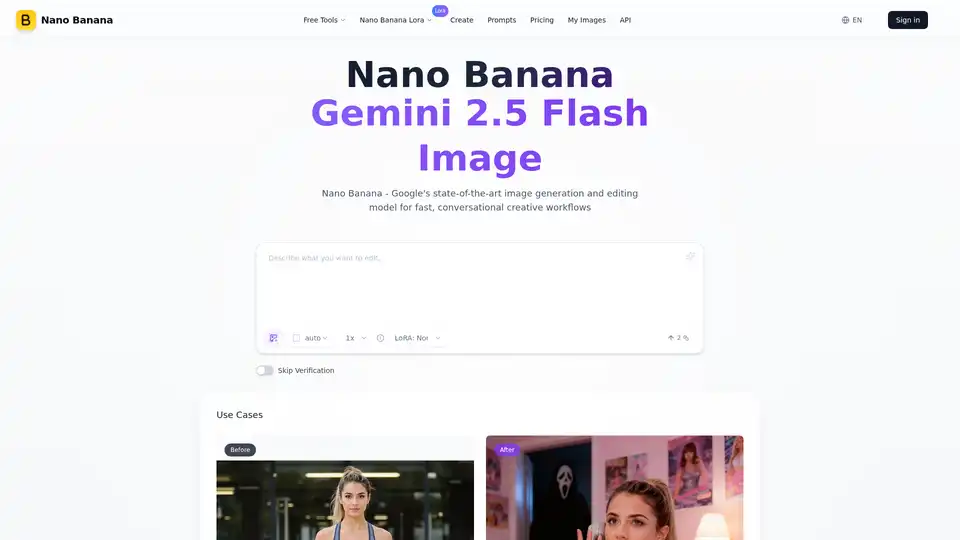
Nano Banana (Gemini 2.5 Flash Image) maintains perfect character consistency, allowing you to edit images with text prompts at a faster speed.
Transform your photos into stunning artwork with AI! Create oil paintings, watercolors, anime portraits, and 100+ artistic styles. Free AI art generator with instant results. Professional quality photo to art conversion.
Picarta uses AI to predict where a photo was taken. Upload a photo and find its GPS location. Accurate image geolocalization solution for exploration, research and decision-making.
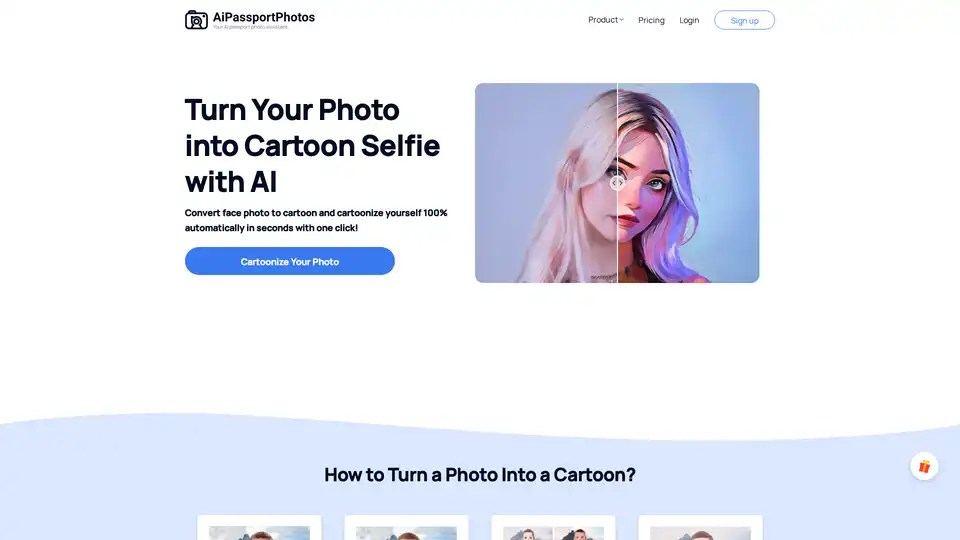
Turn photo to cartoon with AiPassportPhotos Cartoonizer! Convert any image into cartoon selfie with AI in one click. Create cartoon PFP, 3D cartoon or AI cartoon art easily!
PhotoRater is an AI-powered photo rating app that provides instant style feedback and personalized tips to enhance your appearance for social media, dating profiles, and professional headshots.
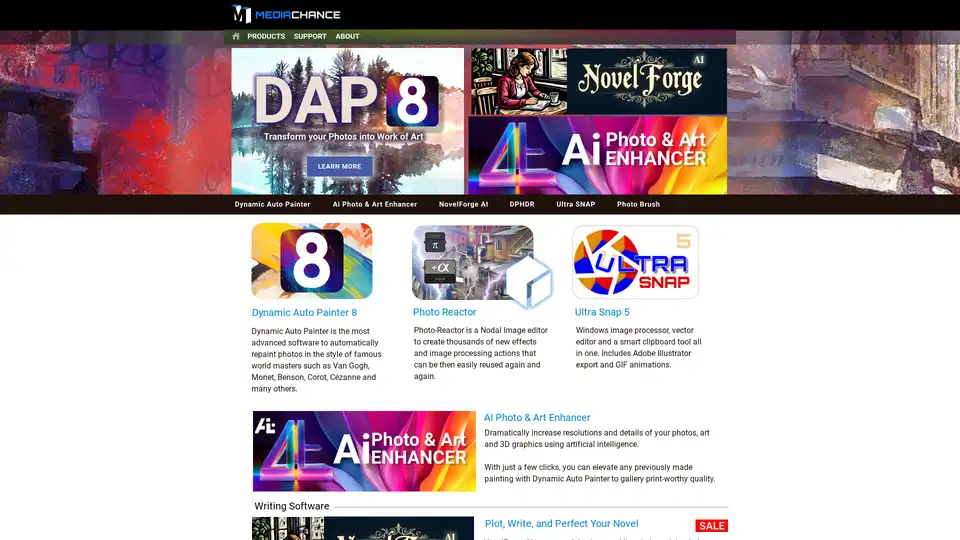
AI Photo & Art Enhancer uses artificial intelligence to dramatically increase the resolution and details of photos, art, and 3D graphics, enabling users to create gallery-quality prints with just a few clicks.
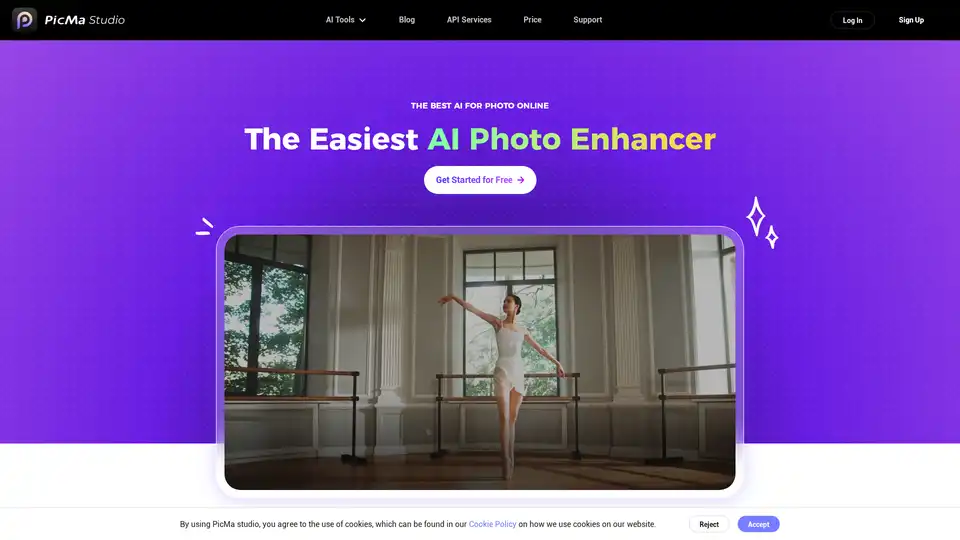
PicMa Photo Enhancer uses AI to enhance image resolution and quality. It offers features like unblurring, old photo restoration, and colorization of black and white images, available as a mobile app.
Upload your photo to AI Face Analyzer and get an objective beauty score based on symmetry, proportionality, and clarity. Discover your radiant potential!
Upload your photo to Am I Pretty AI and get an instant beauty score based on facial analysis. Discover your attractiveness with AI-powered facial symmetry assessments.
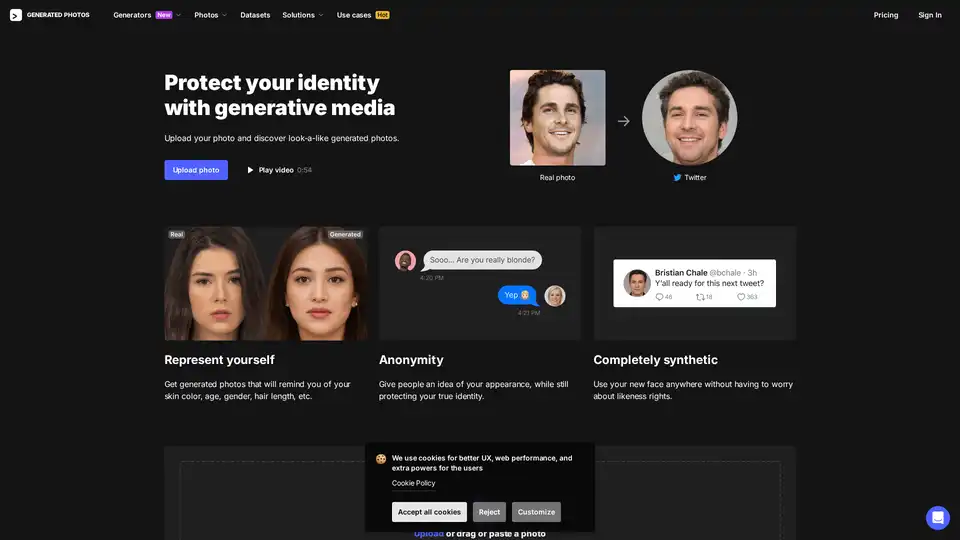
Upload your photo to AI Anonymizer and generate look-alike synthetic faces that match your features while protecting your online identity. Ideal for privacy-conscious users seeking anonymous representations.
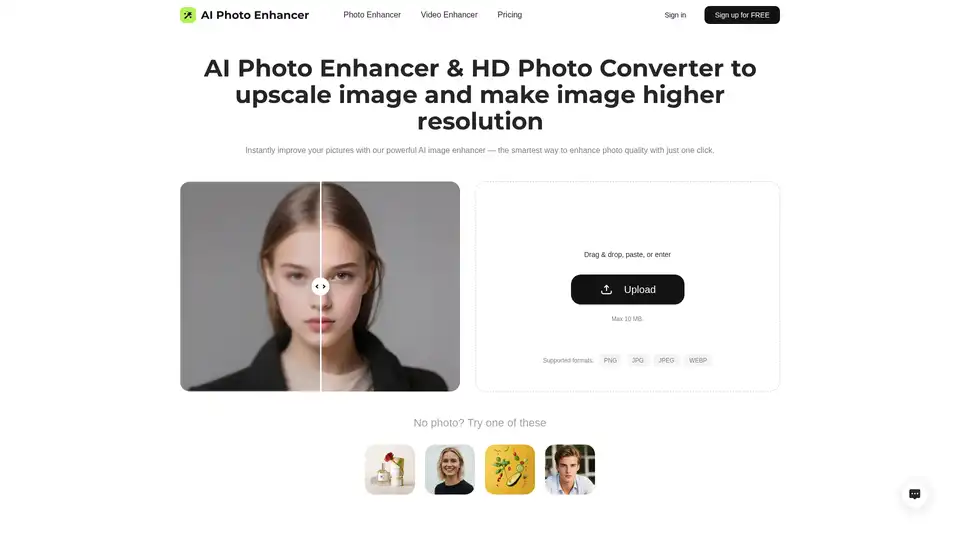
Enhance photo quality with AI Photo Enhancer! Free AI image upscaler to 4K resolution. Fix blurry pictures online and convert pics to HD. Improve resolution of image now!
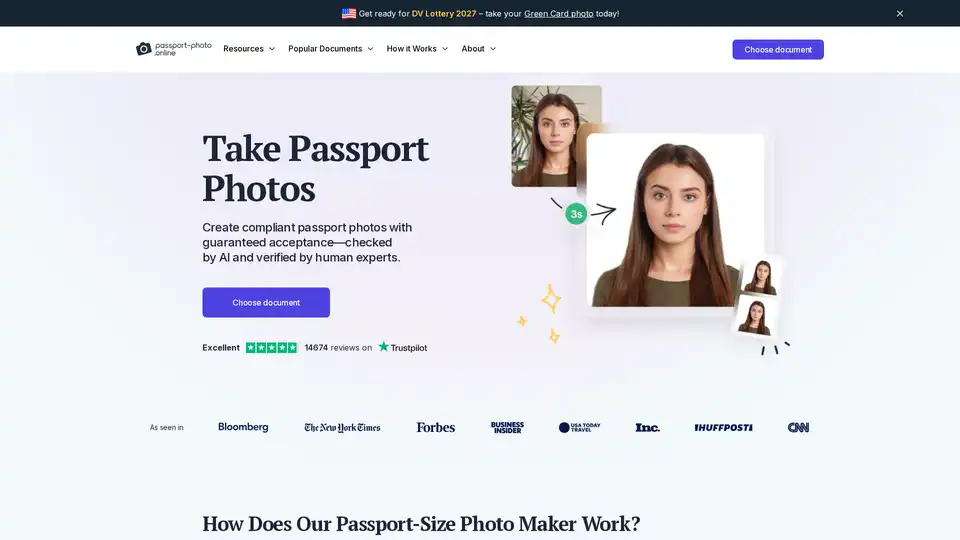
Passport Photo Online provides a quick and easy way to create compliant passport, visa, and ID photos using AI and expert verification. Get digital or printed photos with guaranteed acceptance.