
Image Upscaler
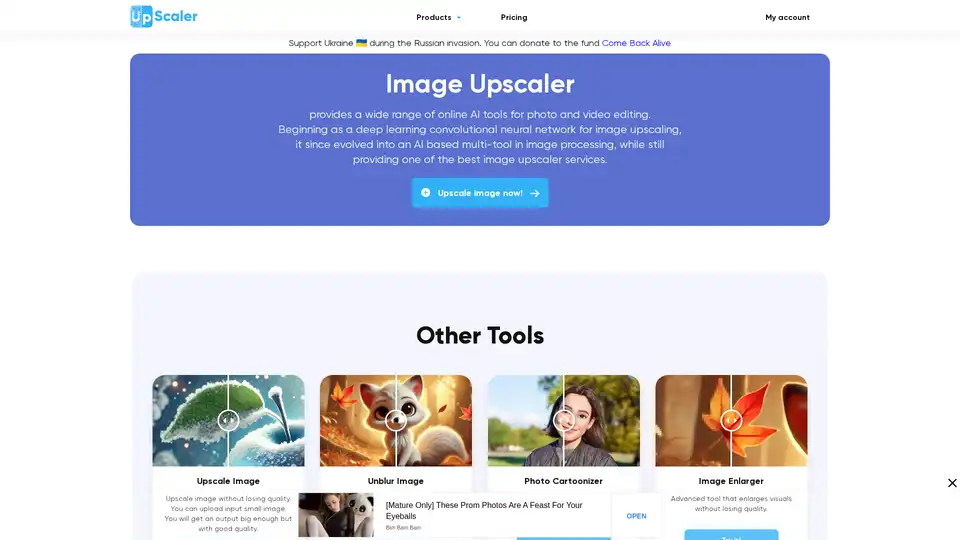
Overview of Image Upscaler
Image Upscaler: Enhance Your Photos with AI
What is Image Upscaler? Image Upscaler is an online platform that leverages artificial intelligence to provide a suite of tools for image and video editing. Originally developed as a deep learning convolutional neural network for image upscaling, it has expanded into a comprehensive AI-driven multi-tool for image processing.
Key Features and Benefits
Image Upscaler is designed to help users enhance, modify, and transform their images with ease. Here's a breakdown of its core functionalities:
- Image Upscaling: Enlarge images without losing quality using advanced AI algorithms.
- Image Enhancer: Improve overall image quality and clarity.
- Unblur Image: Sharpen blurry images caused by motion or defocus.
- Photo Cartoonizer: Convert regular photos into cartoon-style images.
- Image Enlarger: Enlarge visuals while maintaining quality.
- Video Cartoonizer: Transform short videos into cartoon or anime styles.
- Background Removal: Automatically remove backgrounds from images with AI.
- Object Removal (Inpaint): Remove unwanted objects from photos.
- Other tools: Photo to sketch, vintage filter, blur face, remove JPEG artifacts, photo to Anime, photo to painting, blur background, Anime Upscaler.
How does Image Upscaler work?
Image Upscaler employs advanced AI technology, specifically deep learning convolutional neural networks, to analyze and process images. The AI algorithms identify patterns and details within the image, allowing the platform to upscale, enhance, or modify the image while preserving its quality. The platform uses machine learning models trained on vast datasets of images to provide accurate and high-quality results.
Who is Image Upscaler for?
Image Upscaler caters to a wide range of users, including:
- Bloggers and Social Media Users: Enhance images for Instagram, Facebook, Twitter, and Pinterest.
- Website Owners: Improve the visual appeal of their websites.
- Self-Development Coaches: Create engaging visual content.
- Students, Managers, and Scientists: Use AI image processing for presentations, reports, and research.
Why choose Image Upscaler?
- Advanced AI Technology: Cutting-edge algorithms for precise image upscaling and enhancement.
- Fast Processing: Delivers high-quality results in seconds.
- Free and Paid Options: Offers both free and premium plans to suit various user needs and budgets.
- Multiple Format Support: Compatible with a wide range of image formats.
- Privacy and Security: Ensures user data and images are kept secure with strict data protection policies.
- Regular Updates: Continuously updates and improves algorithms and features based on user feedback.
Practical Applications and Use Cases
Image Upscaler can be applied in numerous scenarios:
- Enhancing Product Photos: Improve the quality and detail of product images for e-commerce.
- Restoring Old Photos: Upscale and unblur old or damaged photos to bring them back to life.
- Creating Marketing Materials: Generate high-quality visuals for advertisements and promotional content.
- Improving Social Media Content: Make your social media posts more visually appealing.
Frequently Asked Questions (FAQ)
What is Image Upscaler?
Image Upscaler is an online service that uses AI to enhance, upscale, and edit images.
Is Image Upscaler free?
Image Upscaler offers both free and paid options. The free version has limitations, while the subscription provides more features and higher usage limits.
What kind of image problems can be fixed with Image Upscaler?
Image Upscaler can fix issues such as blurriness, low resolution, lack of detail, and unwanted objects.
How do I improve the quality of a photo with Image Upscaler?
Simply upload your image to the platform and select the desired enhancement options. The AI will automatically process the image to improve its quality.
Which image formats can I use for editing?
Image Upscaler supports a wide range of image formats, including JPEG, PNG, and more.
Enhance your images today
Image Upscaler provides a comprehensive and user-friendly solution for anyone looking to enhance, upscale, or modify their images. With its advanced AI technology, fast processing, and various features, it’s a valuable tool for both personal and professional use.
Tags Related to Image Upscaler
