
Kaze AI
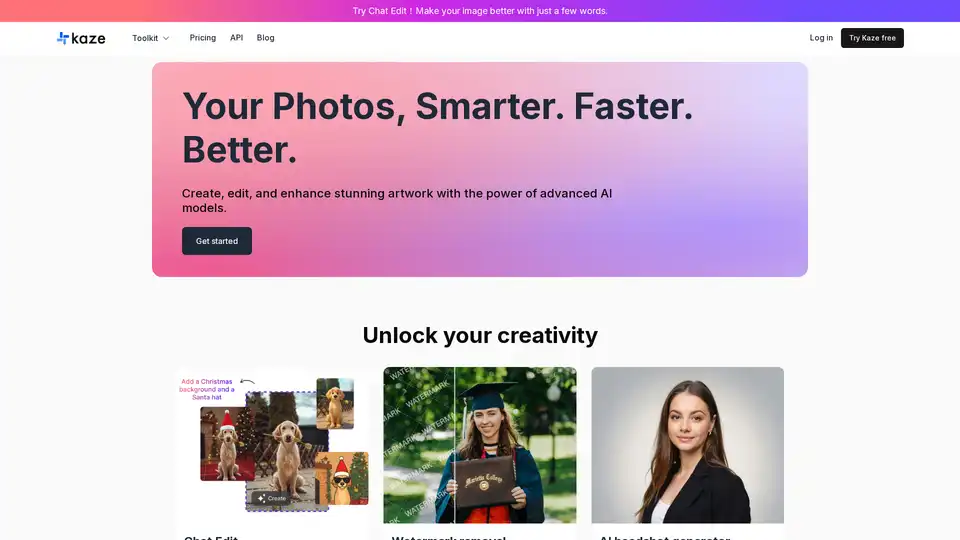
Overview of Kaze AI
Kaze AI: Your AI-Powered Image Editing Toolkit
What is Kaze AI? Kaze AI is an online platform that utilizes advanced AI models to provide users with a comprehensive suite of image editing and enhancement tools. From removing unwanted watermarks to generating professional headshots, Kaze AI aims to simplify the image editing process and deliver studio-quality results in seconds.
Key Features of Kaze AI:
- Chat Edit: Refine images using simple text prompts, leveraging AI to translate your vision into reality.
- Watermark Removal: Eliminate watermarks and restore images to their original condition without leaving any traces.
- AI Headshot Generator: Create professional-grade headshots quickly, ideal for LinkedIn, resumes, and personal branding.
- Photo Restoration: Revive old, damaged photos using AI to bring back lost details and colors.
- AI Hair Changer: Experiment with new hairstyles virtually, offering natural-looking hair transformations.
- AI Image Expander: Expand image borders and reframe photos with precision, leveraging AI for seamless uncropping.
- Background Removal: Instantly remove backgrounds from any image using Kaze AI's AI-powered eraser.
- Image Upscaler: Enhance low-resolution images while preserving sharp details, suitable for print, web, and professional applications.
Additional AI-Powered Tools:
Kaze AI offers a wide range of other features, including:
- Body Editor
- People Removal
- AI Breast Expansion
- Ghibli Style Transfer
- Skin Tanning
- Blemish Remover
- Muscle Generator
How does Kaze AI work?
Kaze AI uses advanced AI models to analyze and manipulate images based on user input. For example, the Watermark Removal tool identifies and removes watermarks by intelligently filling in the underlying image details. The AI Headshot Generator uses machine learning algorithms to create realistic and professional-looking headshots from user-uploaded photos.
Why choose Kaze AI?
- Speed: Achieve stunning results in seconds, thanks to optimized AI algorithms.
- Quality: Studio-quality enhancements ensure professional-grade outcomes.
- Ease of Use: Simple and intuitive interface makes image editing accessible to everyone.
- Versatility: A comprehensive toolkit caters to a wide range of image editing needs.
Who is Kaze AI for?
Kaze AI is designed for anyone who needs to edit or enhance images quickly and easily. This includes:
- Professionals: Ideal for creating headshots, enhancing product photos, and restoring images for commercial use.
- Social Media Users: Perfect for improving profile pictures, creating eye-catching content, and removing unwanted elements from photos.
- Hobbyists: A fun and accessible tool for experimenting with different styles, restoring old photos, and creating unique artwork.
Get Started with Kaze AI
Ready to unlock your creativity? Try Kaze AI for free and experience the power of AI-driven image editing. With a range of tools and a user-friendly interface, Kaze AI makes it easy to achieve professional results in seconds.
Kaze AI is more than just an image editor; it's a creative partner that empowers users to bring their visions to life. Whether you're a professional photographer or a casual user, Kaze AI provides the tools and technology you need to create stunning visuals.
Tags Related to Kaze AI
