
KoboldCpp
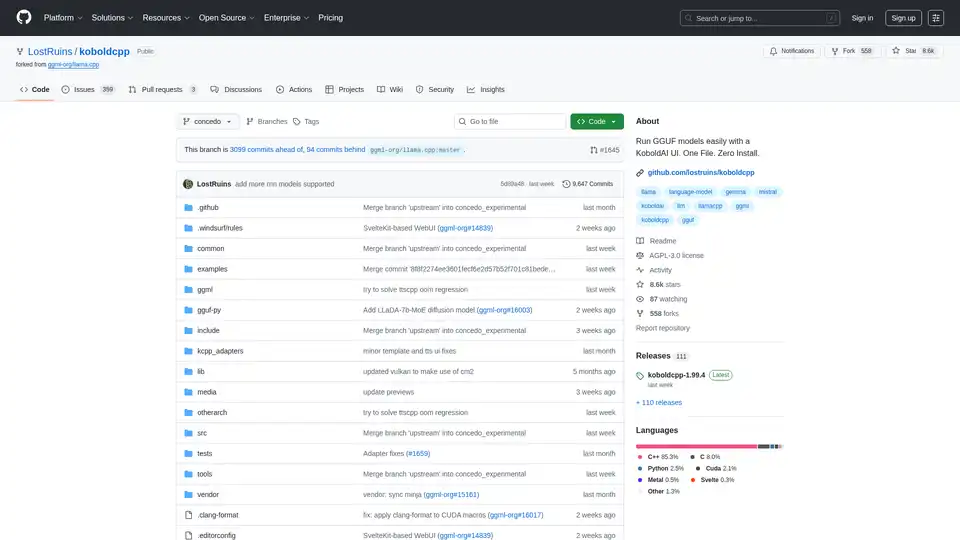
Overview of KoboldCpp
KoboldCpp: Your All-in-One AI Text and Image Generation Solution
What is KoboldCpp? KoboldCpp is a versatile, user-friendly AI software designed for both text and image generation. Inspired by the original KoboldAI, it simplifies the process of running GGML and GGUF models, offering a single, self-contained executable with no installation required.
Key Features
- Single File Executable: No installation or external dependencies needed.
- CPU and GPU Support: Runs efficiently on both CPU and GPU, with options for full or partial offloading.
- LLM Text Generation: Compatible with all GGML and GGUF models, ensuring backward compatibility.
- Image Generation: Supports Stable Diffusion 1.5, SDXL, SD3, and Flux for generating high-quality images.
- Speech-To-Text: Integrates Whisper for voice recognition.
- Text-To-Speech: Supports OuteTTS, Kokoro, Parler, and Dia for voice generation.
- API Endpoints: Provides compatible API endpoints for popular web services like KoboldCppApi, OpenAiApi, OllamaApi, and more.
- Bundled UI: Includes KoboldAI Lite UI with editing tools, save formats, memory, world info, author's note, characters, and scenarios.
- Multiple Modes and Themes: Offers chat, adventure, instruct, and storywriter modes, along with various UI themes.
- Data Format Support: Supports Tavern Character Cards, JSON savefiles, and persistent stories.
- Additional Features: Includes new samplers, regex support, web search, RAG via TextDB, and image recognition/vision.
- Cross-Platform: Ready-to-use binaries for Windows, MacOS, and Linux, with support for Colab, Docker, Android (via Termux), and Raspberry Pi.
How does KoboldCpp work?
KoboldCpp leverages the power of llama.cpp and stable-diffusion.cpp to provide a seamless AI experience. It works by:
- Loading GGML or GGUF models for text generation.
- Utilizing Stable Diffusion models for image generation.
- Employing Whisper for speech recognition and various TTS engines for voice generation.
- Providing API endpoints for integration with other services.
How to Use KoboldCpp
- Download: Get the latest Koboldcpp executable for your operating system from the official releases page.
- Run: Simply execute the downloaded file. No installation is required.
- Load a Model: Obtain a GGUF model from sources like Hugging Face. Beginners might find
L3-8B-Stheno-v3.2,Tiefighter 13B, orGemma-3-27B Abliteratedsuitable. - Connect: By default, you can access KoboldCpp through
http://localhost:5001.
Windows Usage
- Download the
koboldcpp.exefile. - Run the executable to launch the GUI.
- Load a GGUF model and connect to the local server.
Linux Usage
- Download the
koboldcpp-linux-x64binary. - Make the file executable with
chmod +x koboldcpp-linux-x64. - Run the binary using
./koboldcpp-linux-x64.
MacOS Usage
- Download the MacOS binary.
- Set the file to executable using
chmod +x koboldcpp-mac-arm64. - Run the binary with
./koboldcpp-mac-arm64.
Run on Colab
KoboldCpp offers an official Colab GPU Notebook for easy setup and use.
Run on RunPod
KoboldCpp can be deployed on RunPod cloud GPUs for scalable performance.
Optimizing Performance
- GPU Acceleration: Use
--usecuda(Nvidia) or--usevulkan(Any GPU) flags. - GPU Layer Offloading: Employ
--gpulayersto offload model layers to VRAM. - Context Size: Increase context size with
--contextsize. - CPU Compatibility: Use
--noavx2for older CPUs.
Who is KoboldCpp for?
KoboldCpp is ideal for:
- AI enthusiasts who want a simple, all-in-one solution for text and image generation.
- Developers seeking API endpoints for integrating AI capabilities into their applications.
- Creatives looking for tools to enhance their storytelling, roleplaying, and content creation processes.
Why Choose KoboldCpp?
KoboldCpp stands out due to its:
- Ease of use
- Comprehensive feature set
- Cross-platform compatibility
- Performance optimization options
Additional Resources
- Models: Find GGUF text models on Hugging Face and image models on CivitAI.
- Documentation: Refer to the KoboldAI API documentation for endpoint details.
- Community: Join the KoboldAI Discord server for support and discussions.
KoboldCpp simplifies AI-driven text and image generation, making it accessible to a wide range of users. Whether you're generating stories, creating images, or integrating AI into your projects, KoboldCpp offers a robust and user-friendly solution. By supporting various platforms and providing optimization options, it ensures a smooth and efficient AI experience. Consider exploring KoboldCpp for your next AI project.
Best Alternative Tools to "KoboldCpp"
Text Generation Web UI is a powerful, user-friendly Gradio web interface for local AI large language models. Supports multiple backends, extensions, and offers offline privacy.
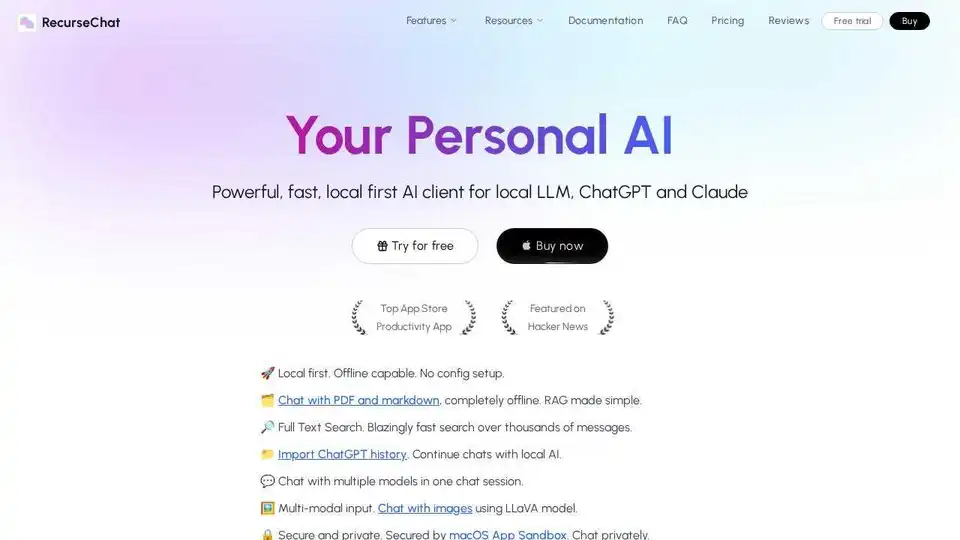
RecurseChat: A personal AI app that lets you talk with local AI, offline capable, and chats with PDF & markdown files.
mistral.rs is a blazingly fast LLM inference engine written in Rust, supporting multimodal workflows and quantization. Offers Rust, Python, and OpenAI-compatible HTTP server APIs.
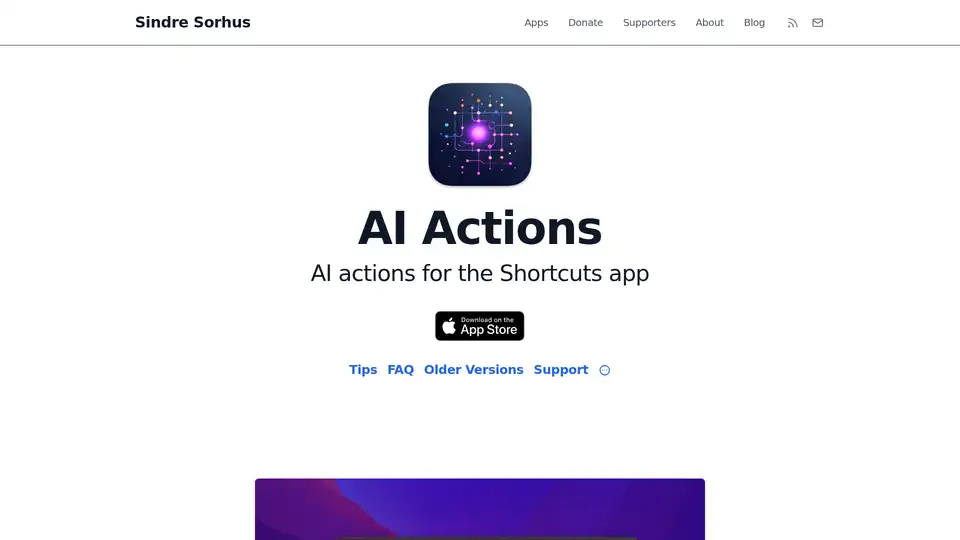
AI Actions enhances Apple's Shortcuts app with powerful AI integrations like GPT-4o, Claude, and DALL·E, using your own API keys for secure, customizable automation on iOS and macOS.
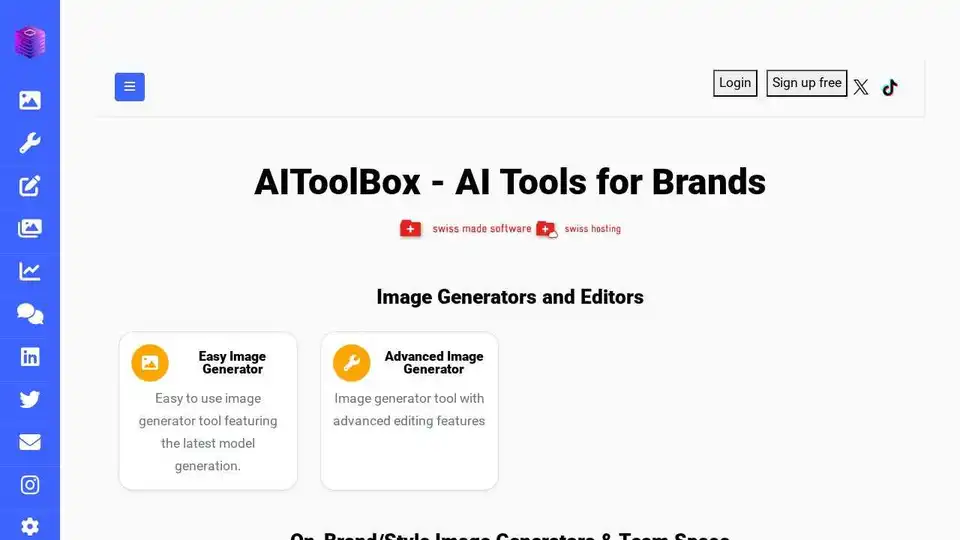
AIToolBox offers Swiss-hosted AI solutions for image and content generation. Tailored AI tools for data privacy, operational efficiency, and strategic decision-making. Boost brand engagement with AI.
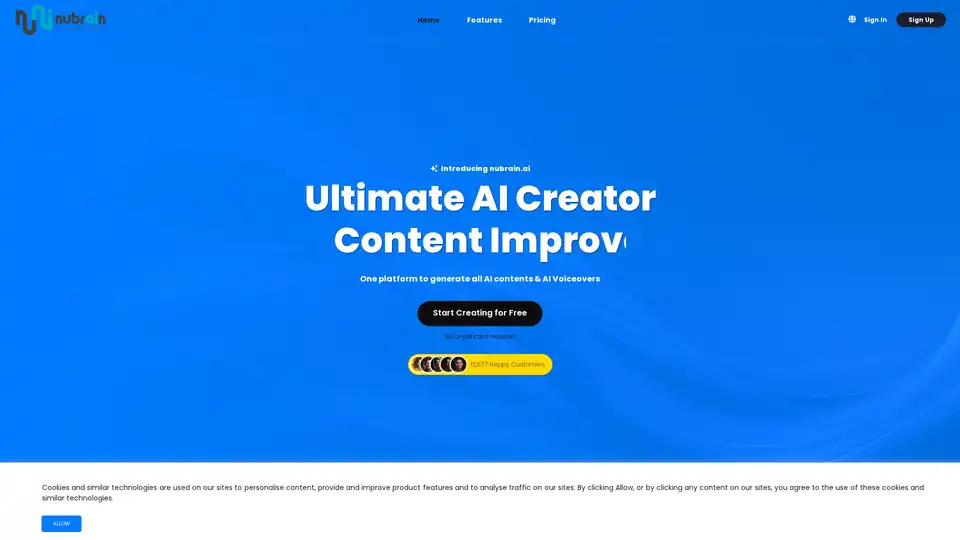
Discover nubrain.ai, the all-in-one AI toolkit for generating custom text, images, articles, voiceovers, and more. Boost productivity with versatile tools for content creation, marketing, and beyond—no credit card required to start.
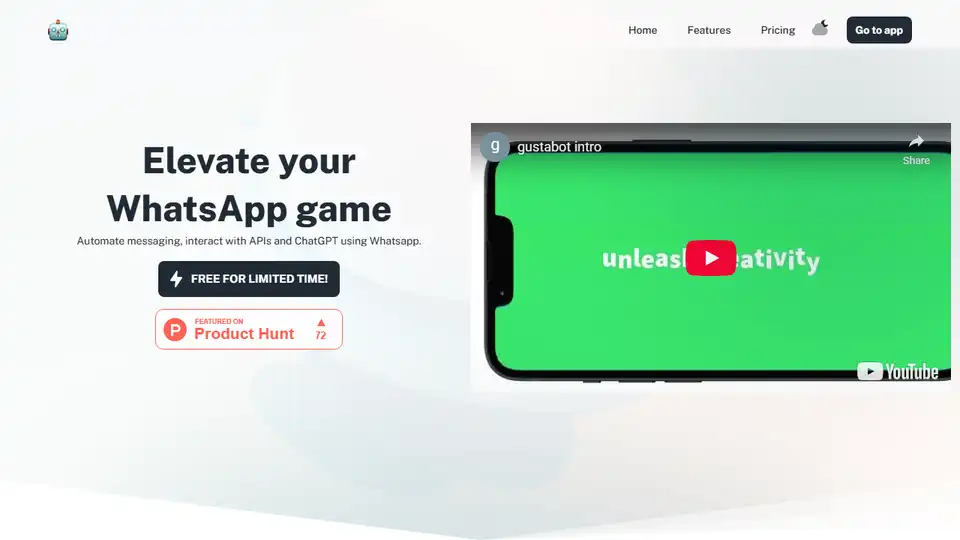
Gustabot: Automate WhatsApp messaging, interact with APIs and ChatGPT. Free for a limited time!
Jynnt simplifies your AI experience with over 100 AI models, organized workspaces, and pay-as-you-go pricing. An AI paradise for streamlined innovation.
AI Horde is a volunteer crowd-sourced distributed cluster for AI image and text generation. Join as a worker or use the API for free!
Flux AI offers advanced AI image and video generation tools. Create stunning visuals with text-to-image and image-to-video technology. Try Flux Kontext AI and Flux.1 AI models for free.
Red Panda AI is a next-generation AI image generator excelling in text integration and vector art. Create stunning visuals with custom styles for branding, marketing, and more.
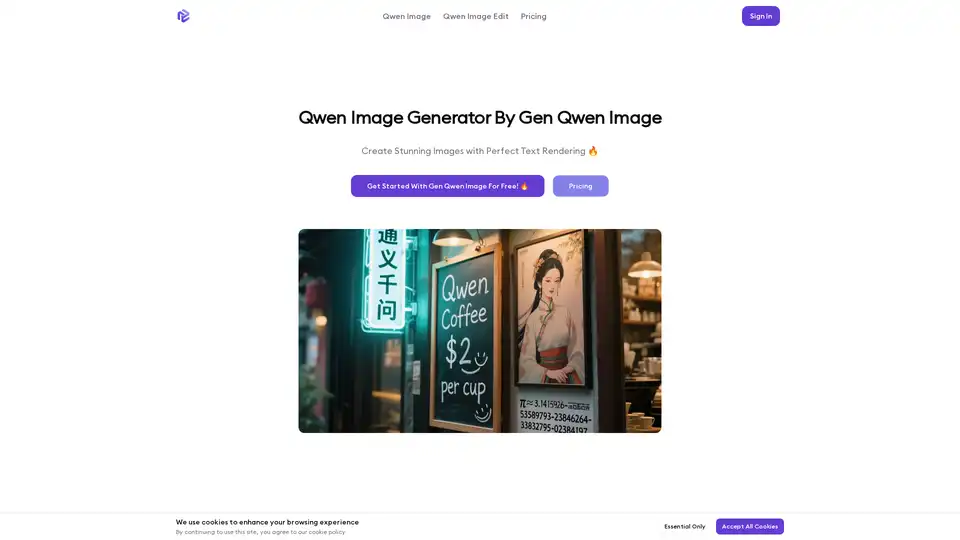
Qwen Image is an advanced 20B parameter image generator with breakthrough text rendering capabilities, supporting complex Chinese and English text generation, precise image editing, and multi-modal creation.
Blacktooth AI provides a comprehensive suite of AI tools for text, image, audio, and video generation, all for $19/month. Effortlessly create content, code, images, and more with the best AI tools on the market.

DeftGPT is a Chrome extension offering AI-powered text generation, summarization, and translation. It features real-time text creation, multi-language support, image generation, and document chat powered by GPT-4.