
Lexa
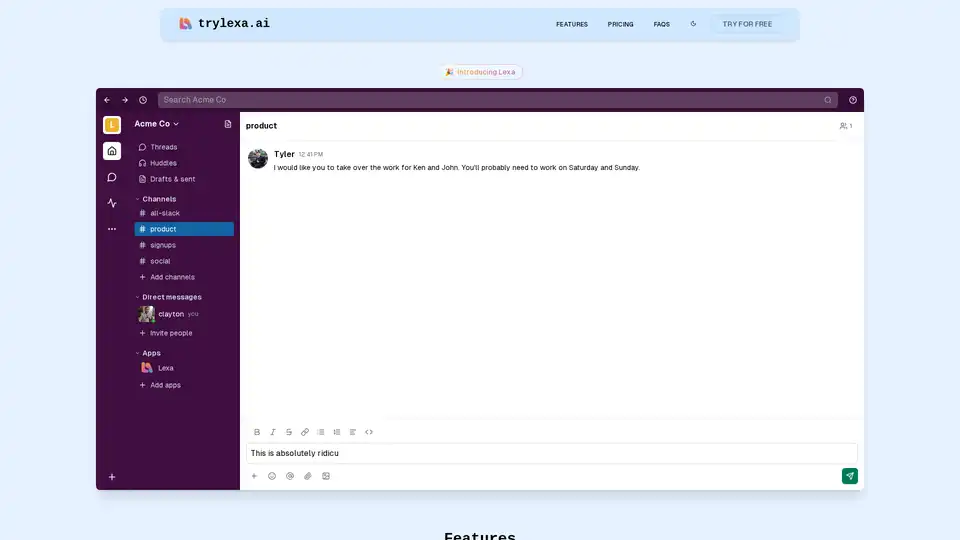
Overview of Lexa
Lexa: Your AI-Powered Communication Coach for Slack
What if you had an AI assistant that could help you communicate more effectively at work, right within Slack? Introducing Lexa, an innovative AI communication coach designed to refine your messages, reduce misunderstandings, and foster better collaboration through AI-powered insights.
What is Lexa?
Lexa is a Slack application that acts as your personal Language Evaluation and Analysis Assistant. It leverages the power of AI, specifically Claude 3.7 Sonnet models, to analyze the sentiment, context, and tone of your messages before you send them. This ensures that your communication is clear, professional, and well-received.
Key Features of Lexa:
- Sentiment Analysis: Lexa analyzes the sentiment of your messages to help you avoid potential misinterpretations and ensure your message is received as intended. It flags potentially negative or ambiguous language.
- Slash Commands: Use slash commands within Slack to quickly analyze your last X messages or request an analysis before sending a new message. This provides instant feedback and allows you to adjust your communication style on the fly.
- Multilingual Support: Lexa supports multiple languages, making it a valuable tool for global teams. Communicate effectively with colleagues from different cultural backgrounds.
- Conversational Feedback: Start a thread with Lexa to dive deeper into the feedback you receive. This allows you to explore specific areas for improvement and develop your communication skills.
- Secure & Private: Your data is never shared with anyone. Lexa does not store any messages or conversations, ensuring your privacy and confidentiality.
How Does Lexa Work?
Lexa seamlessly integrates with your Slack workspace. Once installed, you can use slash commands to analyze your messages or enable real-time sentiment analysis. The AI models then evaluate your text and provide feedback on the following:
- Sentiment: Identifies the emotional tone of your message (positive, negative, or neutral).
- Context: Analyzes the surrounding conversation to understand the context of your message.
- Tone: Detects the overall tone of your message (formal, informal, friendly, etc.).
Based on this analysis, Lexa provides suggestions for improving your communication, such as rephrasing certain sentences, adjusting your tone, or clarifying your message.
Why Choose Lexa?
In today's fast-paced work environment, effective communication is crucial for success. Misunderstandings can lead to delays, errors, and even conflicts. Lexa helps you avoid these pitfalls by providing real-time feedback and guidance on your communication style.
Here are some of the benefits of using Lexa:
- Improved Clarity: Ensure your messages are clear, concise, and easy to understand.
- Reduced Misunderstandings: Avoid potential misinterpretations by analyzing the sentiment and tone of your messages.
- Enhanced Collaboration: Foster better collaboration by communicating effectively with your colleagues.
- Increased Productivity: Save time and reduce errors by communicating more efficiently.
- Professional Communication: Maintain a professional image by using appropriate language and tone.
Who is Lexa For?
Lexa is ideal for:
- Remote Teams: Facilitate clear and effective communication across geographically dispersed teams.
- Global Organizations: Communicate effectively with colleagues from different cultural backgrounds.
- Customer Service Teams: Ensure consistent and professional communication with customers.
- Sales Teams: Improve your communication skills to close more deals.
- Anyone who wants to improve their communication skills: Lexa can help you become a more effective communicator in all aspects of your life.
Lexa Pricing
Lexa offers various pricing plans to suit your needs:
- Startup: $25/month for up to 25k messages/month.
- Pro: $50/month for up to 100k messages/month.
- Enterprise: Contact Lexa for a custom plan with unlimited messages/month.
All plans include email support, and the Pro and Enterprise plans offer 24/7 priority support.
FAQs
What types of AI models does Lexa AI use?
Lexa uses Claude 3.7 Sonnet models to analyze sentiment, context, and tone in communications. Lexa's team continues to monitor the industry for the best models to use.
What data does Lexa store?
Only what is absolutely necessary. Lexa stores your Slack Workspace ID, Slack User IDs, and Slack team name, along with some basic subscription information. No messages or conversations are stored.
Is Lexa open source?
Not yet, but the team is planning to open-source the project in the future.
Conclusion
Lexa is more than just a Slack app; it's your personal communication coach. By leveraging the power of AI, Lexa helps you communicate more effectively, reduce misunderstandings, and foster better collaboration within your team. Try Lexa today and experience the difference it can make in your workplace communication!
Best Alternative Tools to "Lexa"
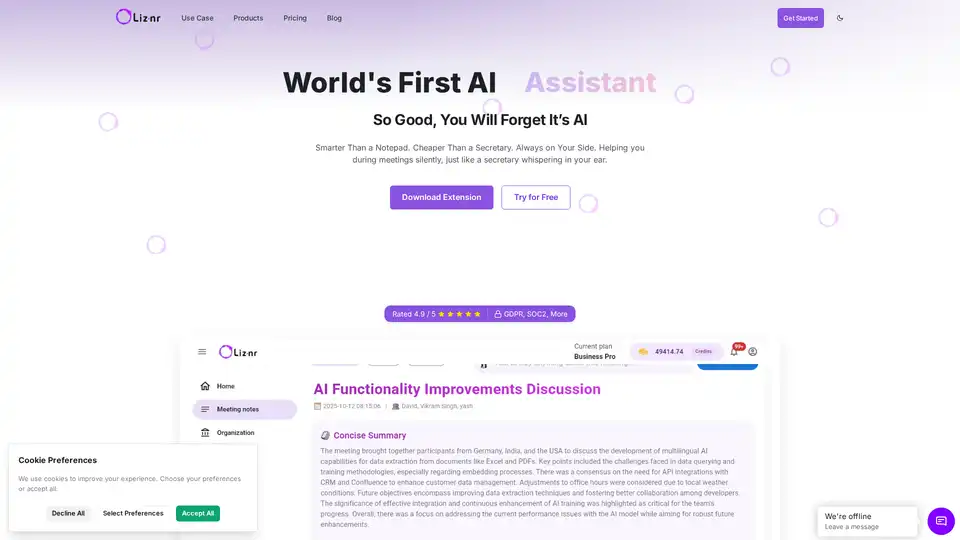
Liznr AI is a powerful meeting assistant that provides real-time transcription, personalized summaries, action items, and search across conversations. Integrates with CRM, Slack, and more for teams in sales, education, and recruiting.
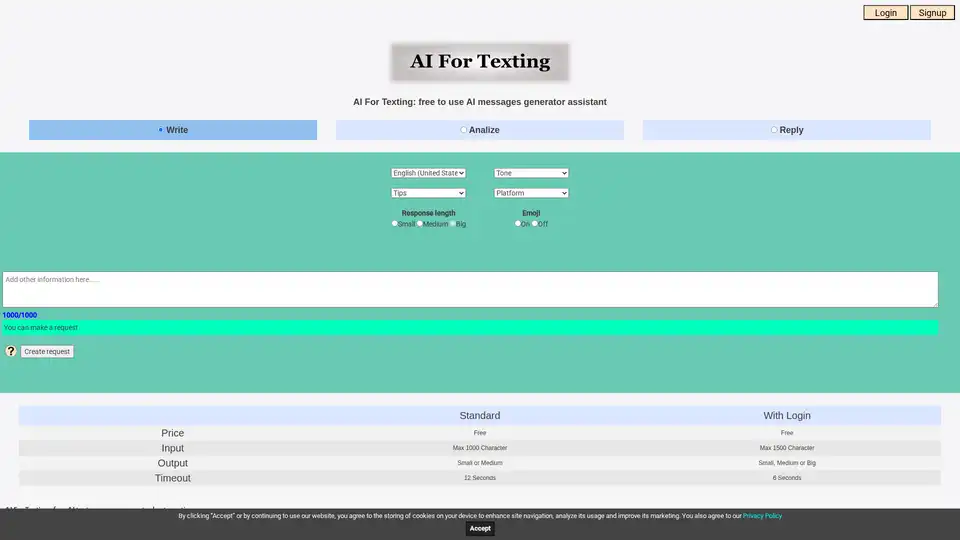
AI For Texting is a free AI-powered messaging tool that helps users write, analyze, and reply to messages across multiple platforms including email, SMS, and social media with customizable language and tone options.
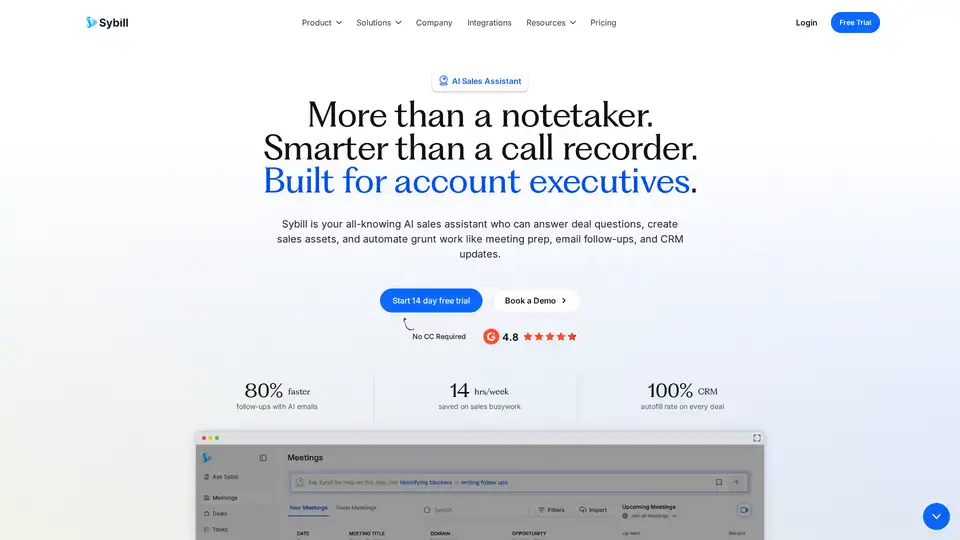
Sybill is an AI sales assistant that automates CRM updates, generates meeting summaries, and creates personalized email follow-ups to save sales teams 14 hours per week.
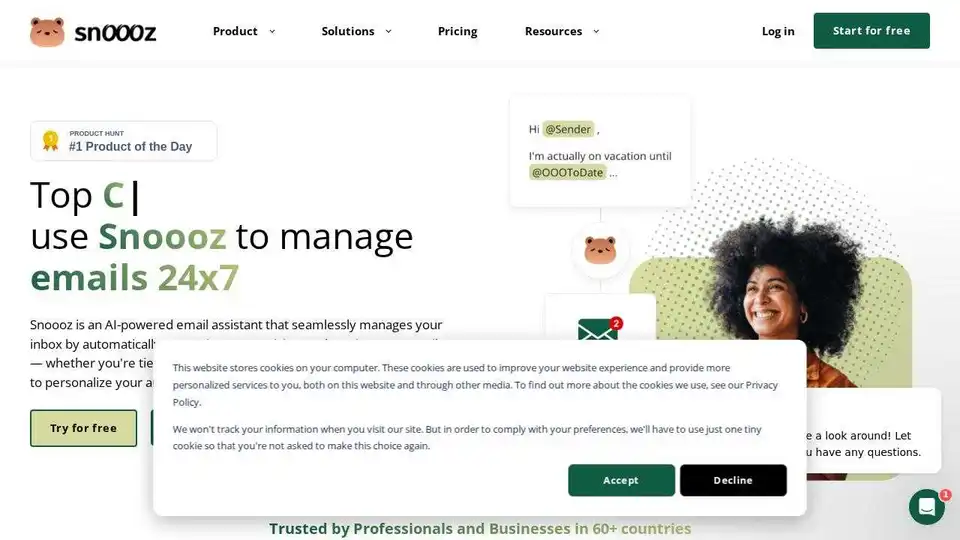
Snoooz AI is an AI-powered email assistant that automatically answers, categorizes, and routes your emails. Personalize auto-replies, improve workflows, and never miss an opportunity.
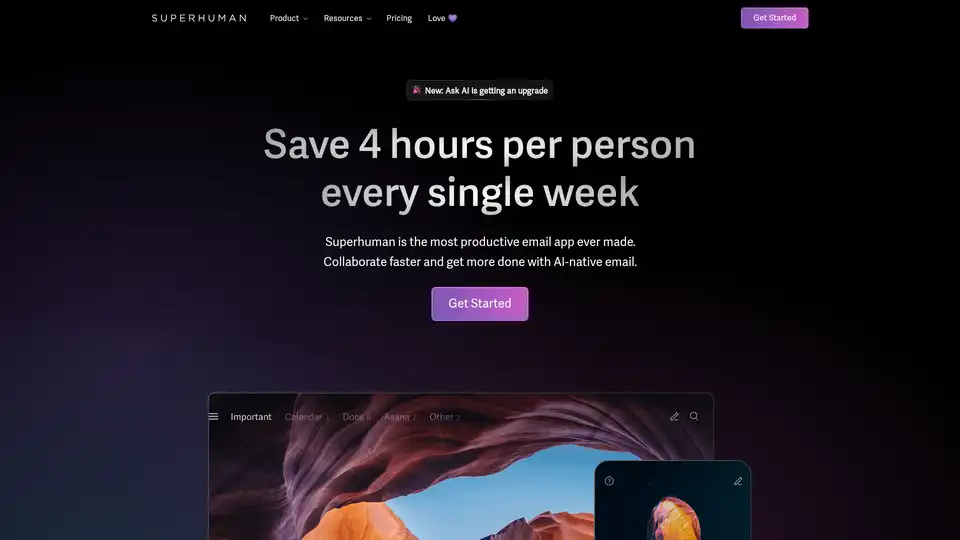
Superhuman is an AI-powered email app that boosts productivity by letting users fly through emails twice as fast, with features like instant replies, snoozing, and smart integrations for Gmail and Outlook.
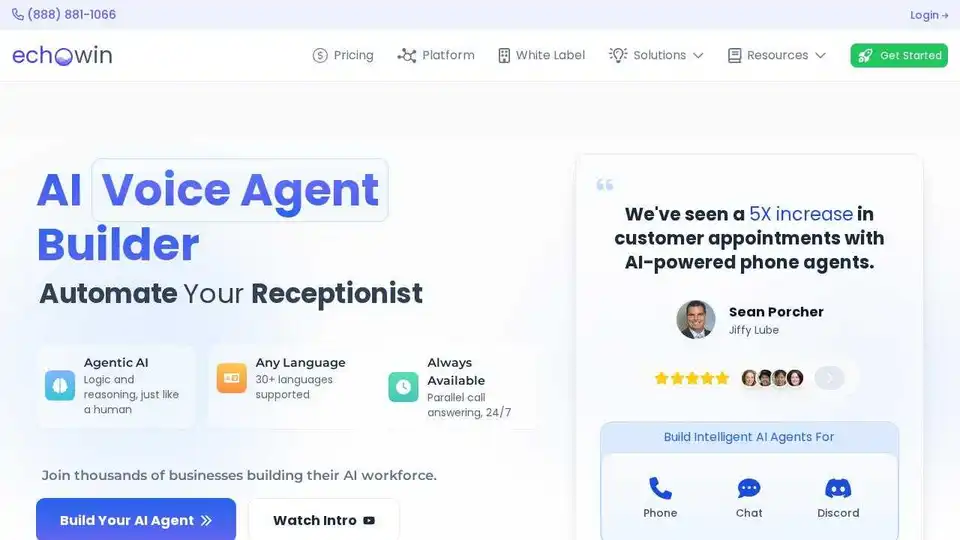
Build AI voice agents with echowin for automated customer communication. Train in plain English and deploy across phone, chat, and Discord. Free trial available.
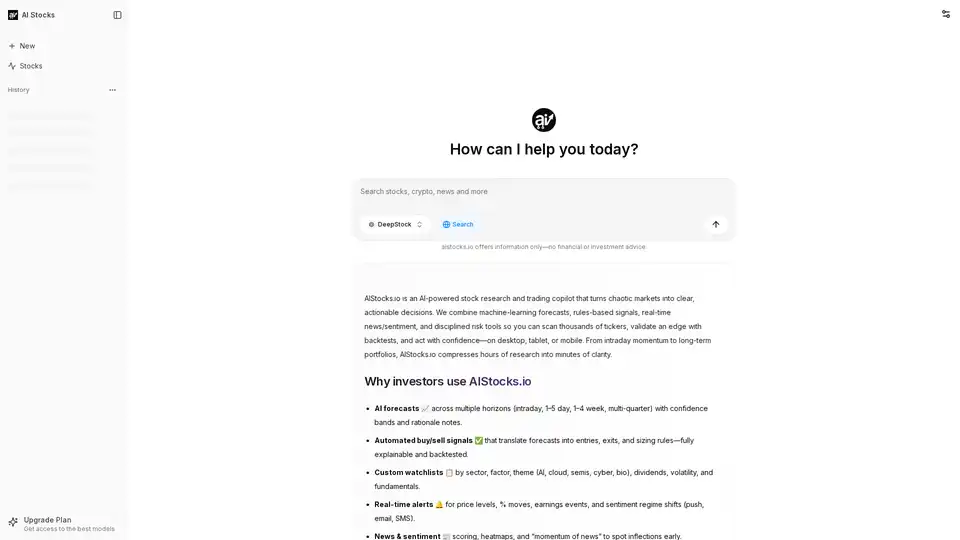
AIStocks.io is an AI-powered stock research platform providing real-time forecasts, automated trading signals, and comprehensive risk management tools for confident investment decisions.
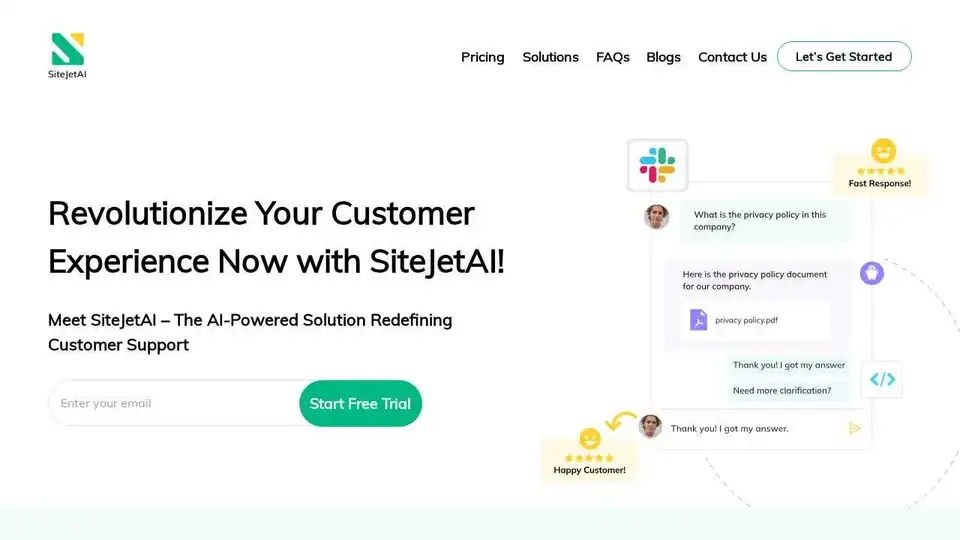
Discover seamless customer support chatbot on SiteJetAI. Enhance user experience, resolve queries, and ensure satisfaction. Elevate your customer support today!
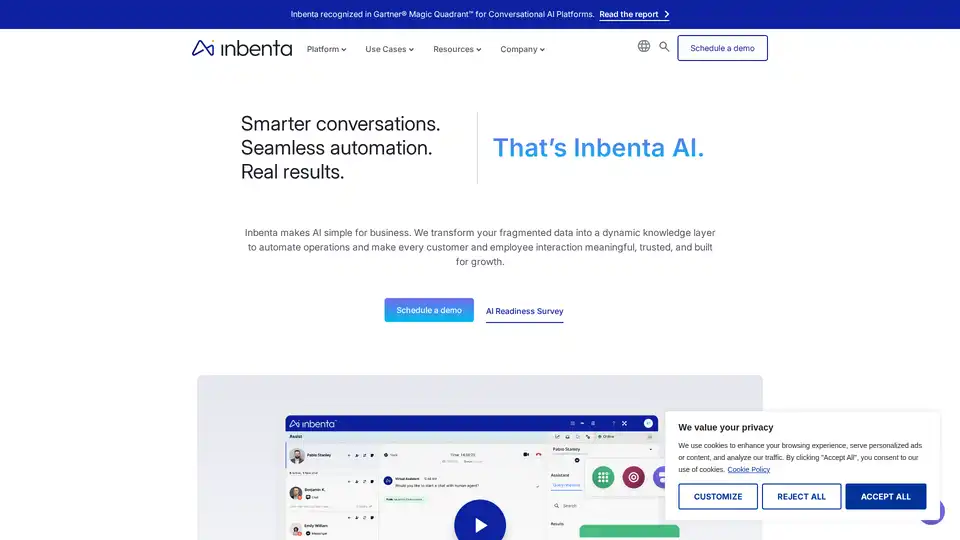
Inbenta delivers AI-powered customer and employee experience solutions with personalized, 24/7, omnichannel support that automates interactions, reduces cost, and boosts satisfaction.
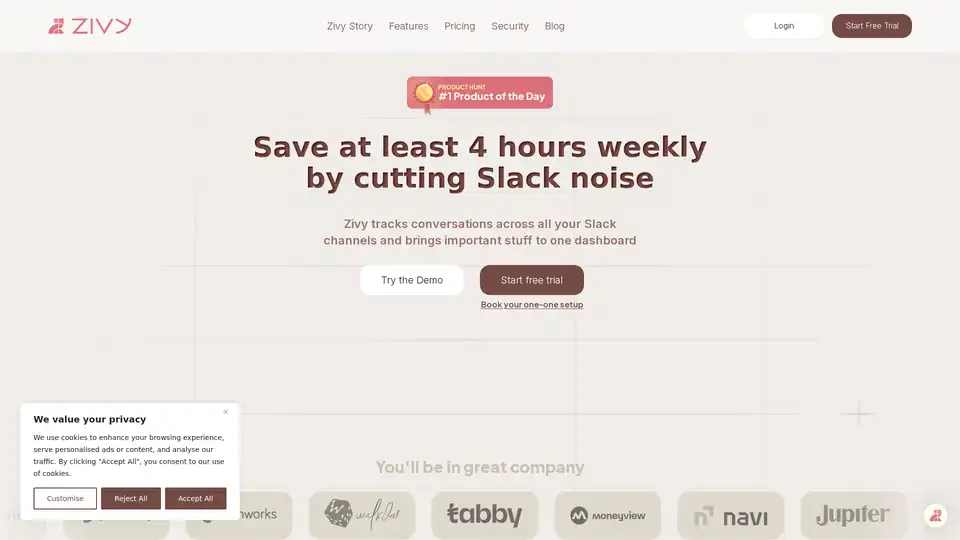
Zivy is an AI-powered Slack co-pilot that filters noise, automates follow-ups, and summarizes threads to boost workplace productivity. Try it risk-free today!
Zivy is an AI-powered Slack management tool that helps teams save time by filtering noise, automating follow-ups, and summarizing threads. Transform Slack chaos into clarity with Zivy's intuitive dashboard.
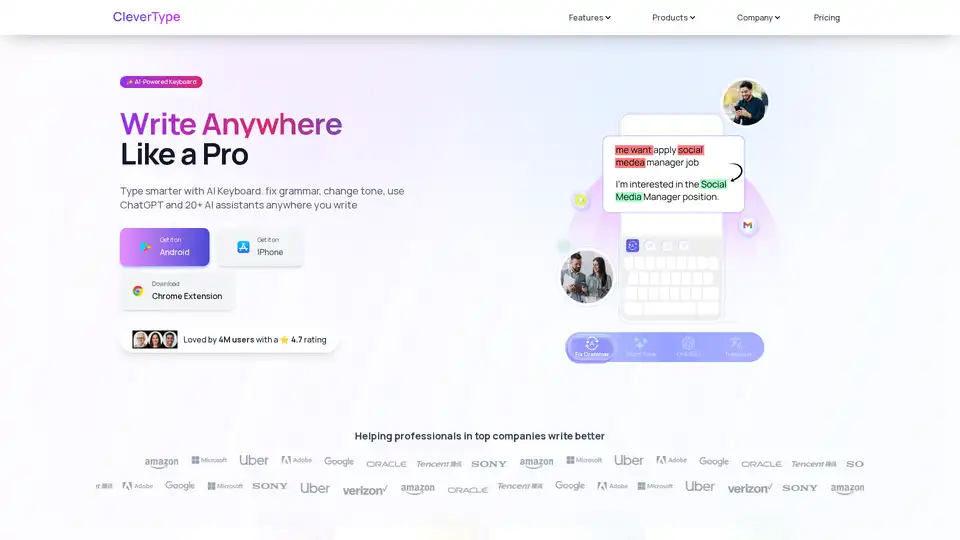
CleverType is an AI-powered keyboard that helps you write better anywhere. It offers grammar correction, tone adjustment, AI replies, and translation features. Available on Android, iOS, and as a Chrome extension.
Velaris is an AI-powered customer success platform that provides complete visibility, predicts churn, and orchestrates personalized customer journeys. See the full picture of every customer and process.

Amie is an AI personal assistant that transforms meeting notes into automated workflows, managing summaries, tasks, and emails. It integrates with popular tools like Google Calendar and Slack to boost productivity.