
MailMaestro
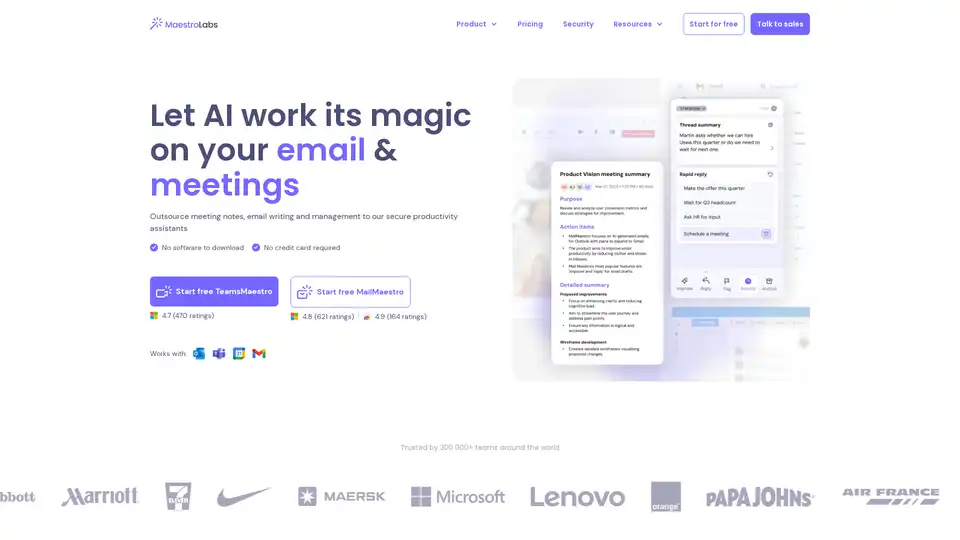
Overview of MailMaestro
What is MailMaestro?
MailMaestro is your magical AI email assistant designed to transform how busy professionals handle their inboxes. Integrated directly into Outlook and Gmail, this powerful tool automates email drafting, summarization, prioritization, and management, helping users save up to 8 hours a week. Powered by advanced language models from OpenAI and Anthropic, MailMaestro delivers natural, context-aware responses in over 20 languages, making it ideal for global teams.
Whether you're drafting professional replies, summarizing lengthy threads, or extracting action items, MailMaestro works its magic right where you need it—without switching apps or downloading software.
Key Features of MailMaestro
MailMaestro stands out with a suite of intuitive features tailored for email productivity:
- AI Email Writer: Provide a short instruction, and get three customized drafts in your preferred language, tone, and length. Perfect for intros, follow-ups, or scratch emails.
- AI Email Summarizer: Instantly condense entire threads or single emails, with options for summary length and multilingual output. Never miss key details again.
- Smart Inbox Management: Automatically tags emails by priority and intent, applies filters, and triages your inbox to achieve 'inbox zero' faster.
- Action Item Detection: Extracts tasks, deadlines, and reminders, sending nudges to keep you on track.
- Magic Templates & Keyword Shortcuts: Speed up repetitive emails with pre-built templates and quick-insert shortcuts for contacts, links, or profiles.
- AI Email Responses: Generates personalized replies based on thread context and attachments.
These features integrate natively: In Outlook, find it in the ribbon sidebar; for Gmail, via Chrome extension. No disruptions to your workflow.
How Does MailMaestro Work?
At its core, MailMaestro leverages cutting-edge natural language processing (NLP) from leading models like those from OpenAI and Anthropic. Here's a breakdown:
- Context Analysis: When you open an email or thread, the AI scans content, attachments, and history for intent, tone, and key elements.
- Generation Phase: Using your prompt (e.g., 'polite follow-up'), it produces multiple drafts or summaries, adapting to your style over time.
- Automation Layer: Background processes handle labeling, reminders, and triage without manual input.
- Security Integration: All data is encrypted in transit and at rest, with options for zero-retention for enterprises.
For Outlook users (web, legacy, new), it's available via Microsoft AppSource with 4.8/5 ratings from 621 reviews. Gmail users download the Chrome extension for seamless sidebar access.
How to Use MailMaestro: Step-by-Step Guide
Getting started is effortless:
- Install via Outlook store or Chrome Web Store (free trial, no credit card).
- Log in and grant permissions.
- In your inbox:
- Click 'Compose' for new emails from prompts.
- 'Reply' for thread-based responses.
- 'Improve' to polish drafts.
- Select tone, length, language—watch three drafts appear.
- Edit, send, and let AI handle the rest.
Pro tip: Use shortcuts like [/phone] for quick inserts.
Why Choose MailMaestro Over Other AI Email Writers?
In a crowded market, MailMaestro excels as the highest-rated tool in the Outlook store and top for Gmail. Users rave about its accuracy, speed, and professionalism:
"MailMaestro has made my emails so much easier and more professional." – Alicia Bates (Outlook)
"Perfect for big thread summaries (which are accurate!) and quick replies." – Luke Mitchell (Outlook)
"Best productivity tool... write email in any language with just a few clicks." – Rafael Cabrera (Gmail)
Unlike generic tools, it offers enterprise security (SOC 2 Type II, GDPR compliant, Microsoft/Google attested), multilingual support, and no data retention options. It's trusted by 300,000+ teams worldwide.
Who is MailMaestro For?
Ideal for:
- Busy Professionals: Office workers handling 121 emails daily.
- Sales & Customer Support: Quick, polished responses save time.
- Global Teams: 20+ languages for international communication.
- Remote Workers: Inbox triage reduces clutter.
From executives to freelancers, anyone tired of email overload.
Real-World Use Cases and Practical Value
- Sales Follow-Ups: Draft personalized intros in client languages, boosting response rates.
- Project Management: Extract action items from threads, auto-assign in TeamsMaestro synergy.
- Customer Service: Summarize complaints, generate empathetic replies.
Users report 2-8 hours saved weekly, better organization, and elevated writing quality. One reviewer called it the "greatest invention since sliced bread."
Security and Compliance: Enterprise-Ready
MailMaestro prioritizes privacy:
| Feature | Details |
|---|---|
| Encryption | In-transit and at-rest |
| Compliance | SOC 2 Type II, GDPR |
| Audits | Regular penetration testing |
| Retention | 0-day options for enterprises |
| Attestations | Microsoft, Google verified |
Frequently Asked Questions
What technology powers MailMaestro? Advanced models from OpenAI and Anthropic for superior NLP.
Is it available for Outlook and Gmail? Yes, full features for all Outlook versions; Chrome extension for Gmail.
Can AI manage my emails? Absolutely—summarizes, prioritizes, automates tasks.
Pricing? Free trial; plans for individuals and teams (check site for details).
MailMaestro reimagines email as effortless productivity. Ready to wave the magic wand? Start free today and reclaim your workday.
Best Alternative Tools to "MailMaestro"
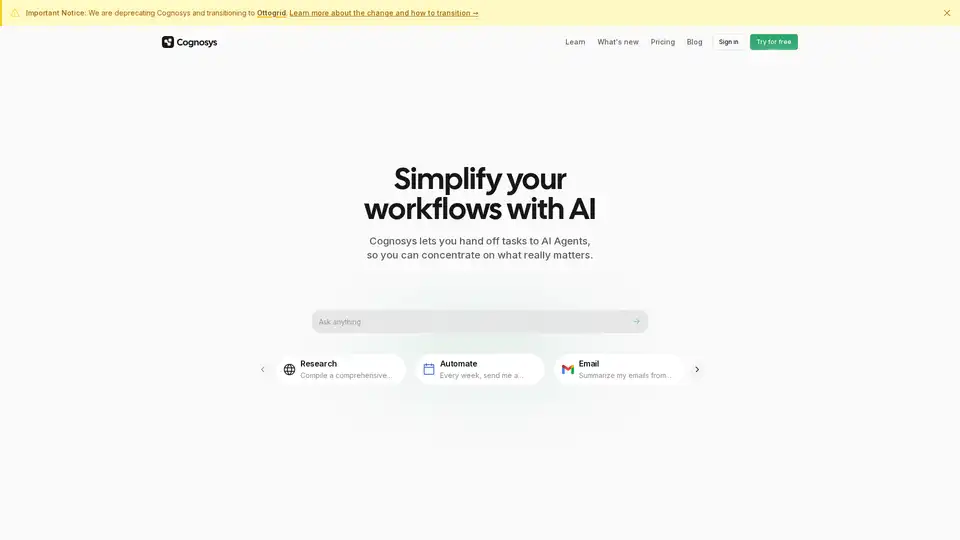
Cognosys is an AI agent that simplifies workflows by automating tasks like research, email summarization, and app integrations, helping users focus on high-value work for faster productivity gains.
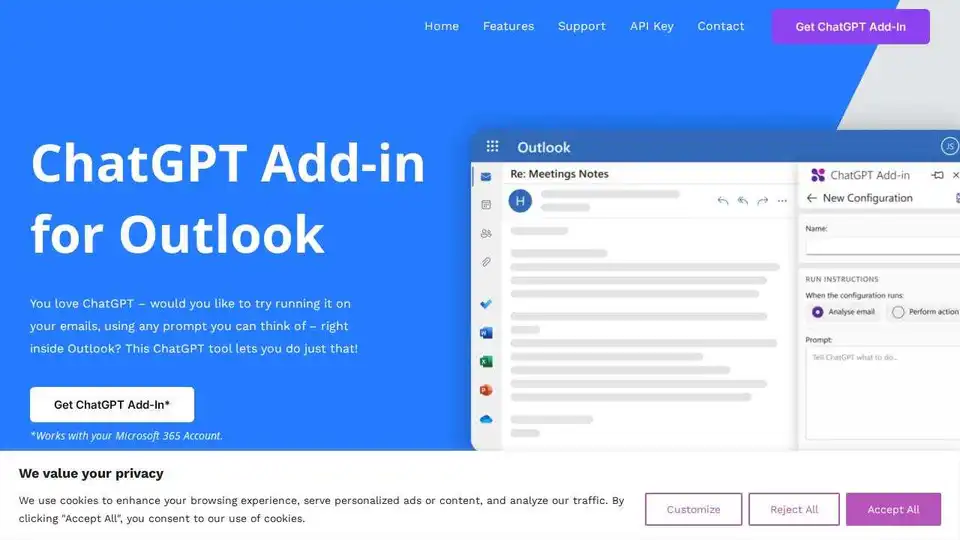
Integrate ChatGPT into Outlook with this add-in! Summarize emails, generate content, and more, directly from your inbox. Requires your own ChatGPT API key.

Superhuman is an AI-powered email app that boosts productivity by letting users fly through emails twice as fast, with features like instant replies, snoozing, and smart integrations for Gmail and Outlook.
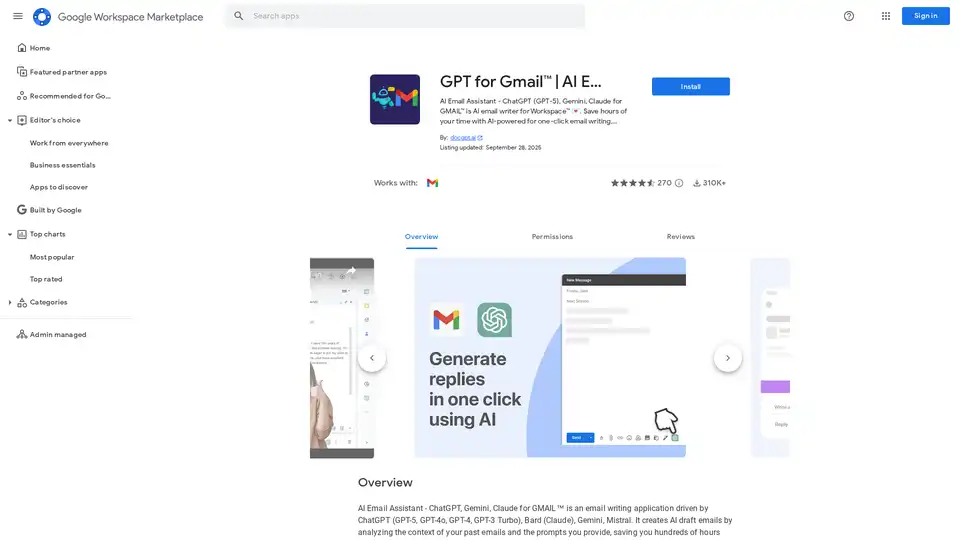
Discover GPT for Gmail, an AI email assistant powered by ChatGPT, Gemini, and Claude. Effortlessly write, translate, and rephrase emails to save hours on Workspace tasks.
Mail Hugs is an AI-powered email assistant that helps you manage your emails efficiently with features like AI email drafting, prioritization, and summarization. Start your free trial today!
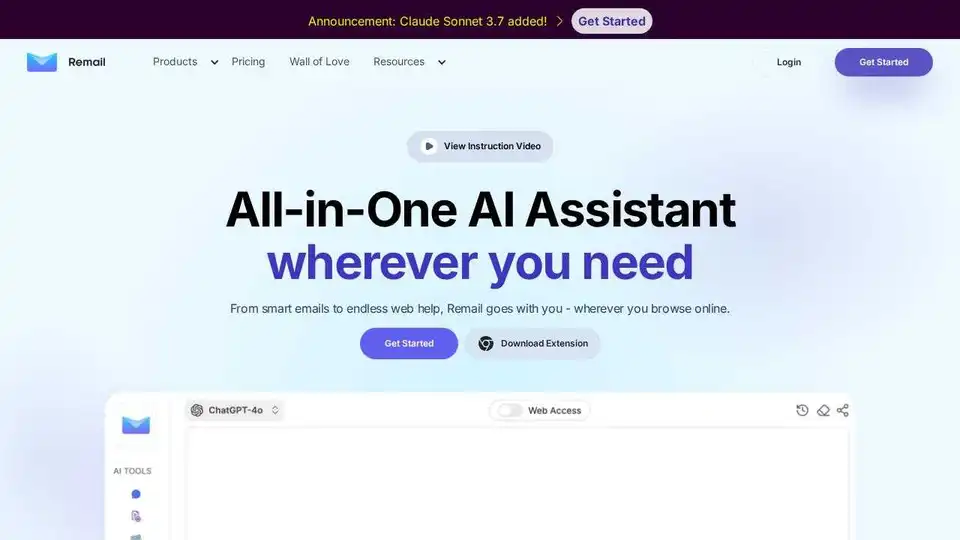
Remail is an AI-powered Chrome extension that helps you write emails 10x faster, summarize web pages, and create content. Boost your productivity with this all-in-one AI assistant.
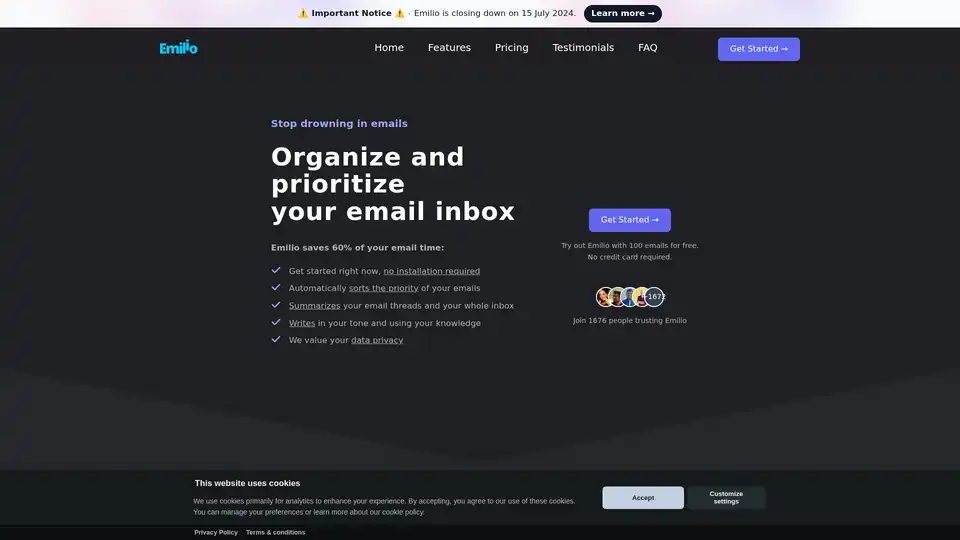
Emilio is an AI email assistant that helps you organize and prioritize your Gmail inbox, summarizes email threads, and drafts replies, saving you up to 60% of your email time.
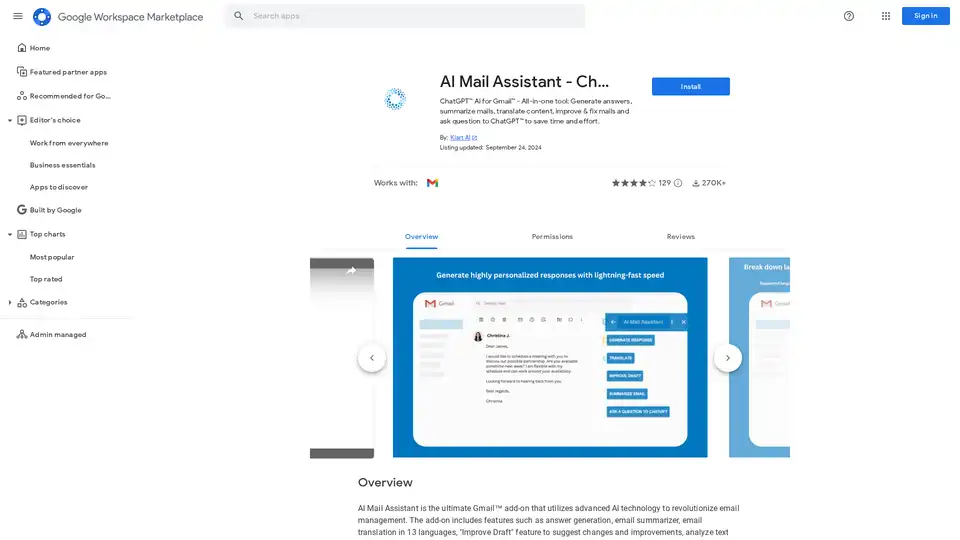
AI Mail Assistant integrates ChatGPT into Gmail for generating responses, summarizing emails, translating in 13 languages, improving drafts, and analyzing content. Save time with AI-powered email management.

Prompter is a beta platform offering curated AI recipes for tasks like social media content, app testing, email templates, and blog drafting. Explore, use, and create your own to start leveraging AI daily.
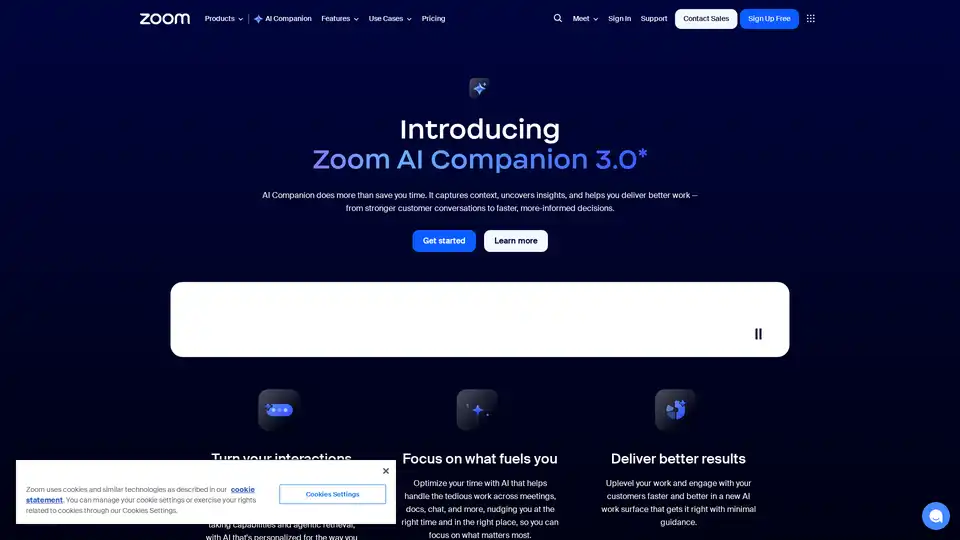
Zoom AI Companion 3.0 revolutionizes productivity by summarizing meetings, drafting emails, generating content, and providing insights—all integrated into the familiar Zoom app for seamless collaboration.

AI Toolbar is a free Chrome extension offering AI-powered virtual assistance. Effortlessly draft emails, summarize texts, translate content, and integrate with ChatGPT—all with one click to boost productivity.
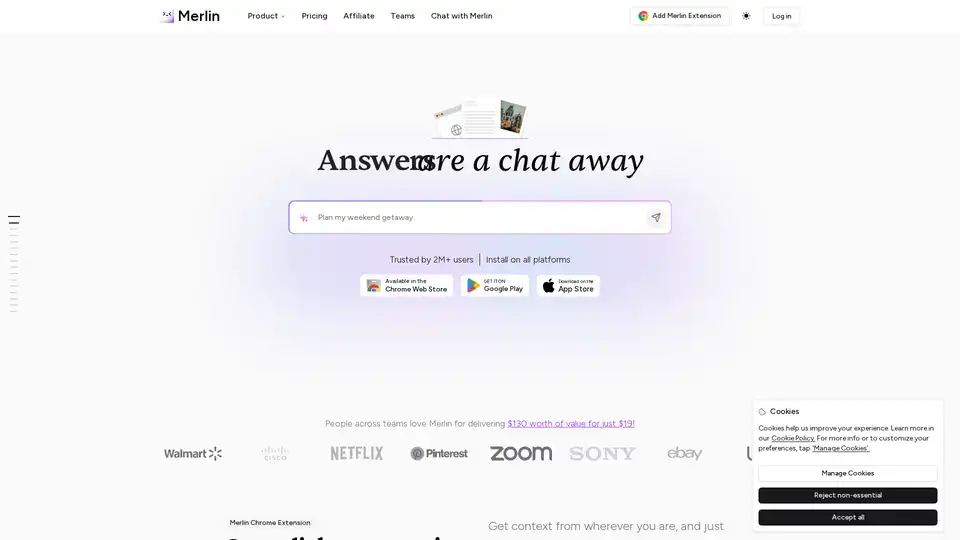
Merlin AI is a versatile Chrome extension and web app that lets you research, write, and summarize content with top AI models like GPT-4 and Claude. Free daily queries for videos, PDFs, emails, and social posts boost productivity effortlessly.
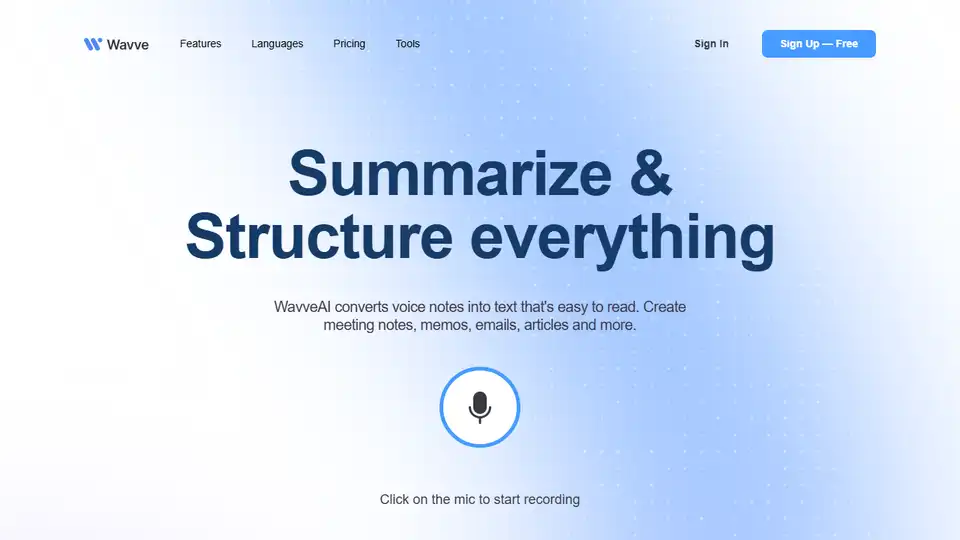
Wavve AI effortlessly records, transcribes, summarizes, and generates content from audio. Convert voice notes into text for meeting notes, emails, articles, and more. Start for free!
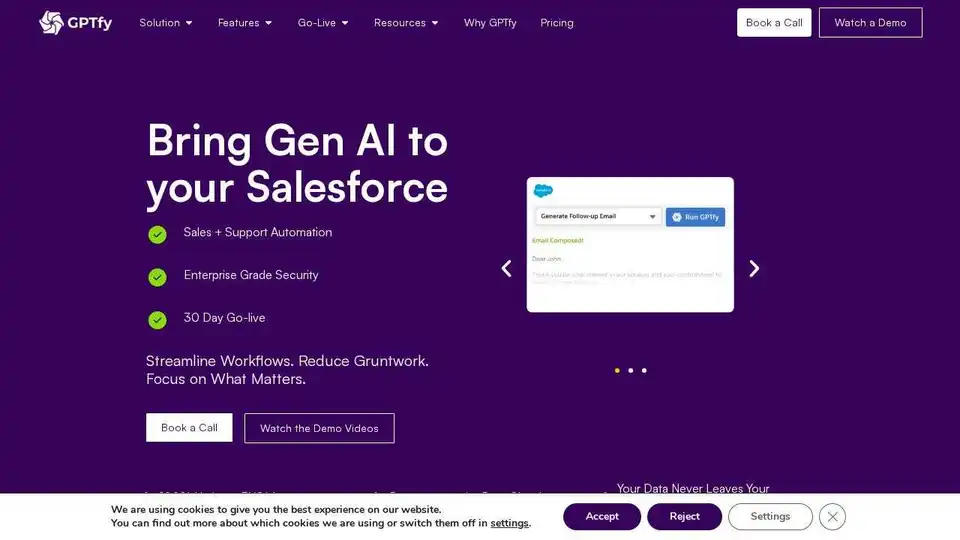
GPTfy: 100% Salesforce Native AI solutions for enterprises, eliminating the need for Data/Agent Cloud. Deploy secure, customizable AI natively.