
NavamAI
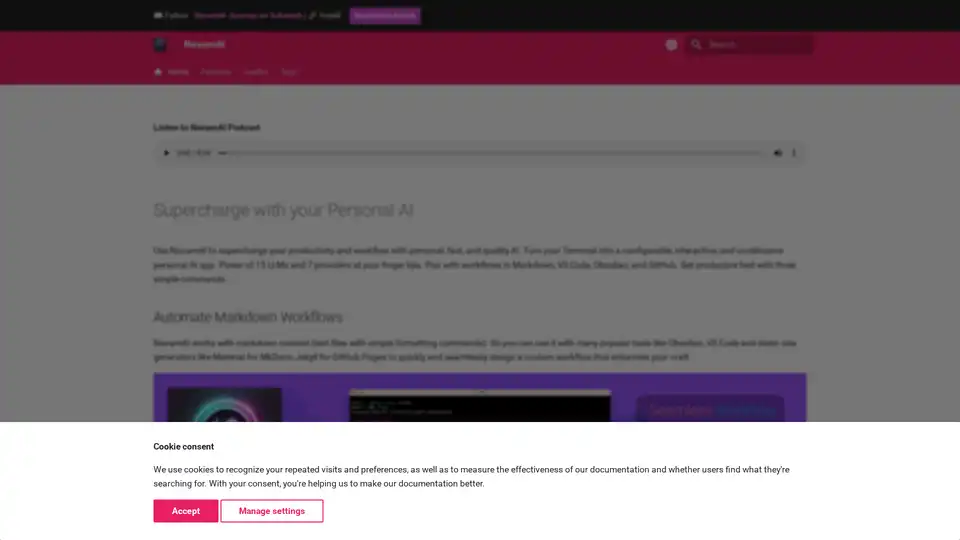
Overview of NavamAI
What is NavamAI?
NavamAI is a powerful personal AI tool designed to supercharge productivity and workflows. It transforms your Terminal into a configurable, interactive, and unobtrusive personal AI application. With NavamAI, you can leverage the power of 15 large language models (LLMs) and 7 providers, making it a versatile tool for various tasks.
Key Features of NavamAI
- Integration with Popular Tools: NavamAI seamlessly integrates with Markdown, VS Code, Obsidian, and GitHub, allowing you to design custom workflows that enhance your productivity.
- Situational App Generation: Create, install, and run fully functional web apps with simple commands. NavamAI generates markdown blogs with code blocks, sections for each file in your project, and install and run scripts.
- Command-Line Interface: NavamAI provides a rich UI within your command prompt, eliminating the need for browser tabs or additional apps. This ensures a pure, simple, and fast workflow.
- Extensive Command Set: NavamAI offers 15 commands to customize your personal AI workflow, including
ask,image,refer, and more. - Configurable and Extensible: Everything in NavamAI is configurable, including commands, models, providers, prompts, model parameters, folders, and document types.
How Does NavamAI Work?
NavamAI works by leveraging the power of large language models (LLMs) to provide fast and quality responses. It integrates with your Terminal, allowing you to prompt the LLM for crisp, single-turn responses. NavamAI also supports vision models, allowing you to analyze images from local paths, URLs, or cameras.
How to Use NavamAI?
- Installation: Install NavamAI using pip:
pip install -U navamai. - Initialization: Initialize NavamAI in your desired folder:
navamai init. - Prompting: Start prompting the model with simple commands like
ask "How old is the oldest pyramid?".
Why Choose NavamAI?
- Fast and Quality AI: NavamAI provides fast and high-quality AI responses, making it ideal for research, Q&A, and generating artifacts.
- Privacy and Control: With NavamAI, you are in control of your workflow, privacy, intents, and artifacts. Everything is configurable and extensible.
- Versatility: NavamAI supports a wide range of models and providers, allowing you to choose the fastest or most capable model for your needs.
Who is NavamAI For?
NavamAI is designed for developers, researchers, and anyone looking to enhance their productivity and workflows with AI. It is particularly useful for those who work with Markdown, VS Code, Obsidian, and GitHub.
Best Way to Use NavamAI
The best way to use NavamAI is to integrate it into your daily workflow. Use it to automate Markdown workflows, generate situational apps, and leverage its extensive command set to customize your AI workflow. With NavamAI, you can do more with less, making it an essential tool for enhancing productivity.
Tags Related to NavamAI
