
Nocket.io
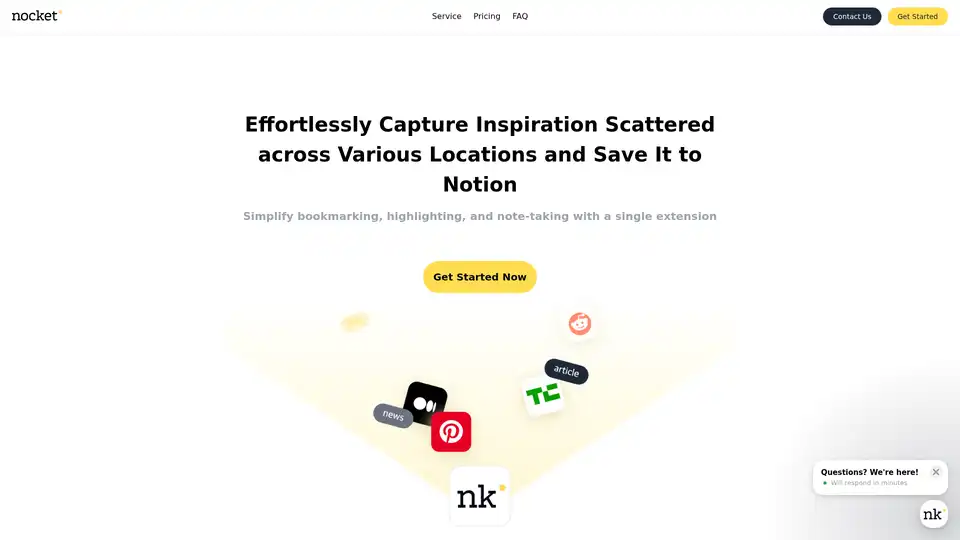
Overview of Nocket.io
What is Nocket.io?
Nocket.io is a powerful Chrome browser extension designed to transform how you capture and organize web-based inspiration. Whether you're browsing articles, videos, or ideas scattered across the internet, Nocket.io lets you save web pages as bookmarks, highlight key sentences and paragraphs, jot down instant thoughts, and even rate content usefulness with star ratings—all while seamlessly integrating everything into your Notion workspace. What sets it apart? Built-in AI-powered summaries for websites and YouTube videos, making it an essential tool for researchers, content creators, and productivity enthusiasts who rely on Notion for knowledge management.
Gone are the days of switching tabs or manually copying content. With Nocket.io, your workflow from inspiration discovery to structured ideation is streamlined, turning fleeting ideas into actionable Notion pages effortlessly.
Key Features of Nocket.io
Nocket.io packs a suite of intuitive features tailored for efficient web clipping and organization:
- Save Web Pages as Bookmarks: One-click capture of entire pages directly to Notion.
- Highlight Important Text: Select and highlight sentences or paragraphs for quick reference.
- Instant Note-Taking: Jot down thoughts and ideas on the fly without leaving your browser.
- Star Ratings for Content: Rate the usefulness of saved material to prioritize your Notion database.
- Seamless Notion Integration: All captures sync automatically to your Notion pages or databases.
- AI Summaries: Generate concise summaries for web pages (limited by plan) and YouTube videos/transcripts.
- YouTube Embed Support: Embed videos and transcripts directly into Notion for easy review.
- Collaborative Features (Pro Plan): Support for team work with up to 3 Notion connections.
These features make Nocket.io a standout in the realm of AI web clipping tools and Notion extensions, combining manual curation with intelligent automation.
How Does Nocket.io Work?
Getting started is straightforward:
- Install from Chrome Web Store: Search for Nocket.io and add it to your browser.
- Connect Your Notion Account: Authorize the extension to access your workspace (up to 3 connections in Pro).
- Capture on the Fly: While browsing, use the extension popup to highlight text, add notes, rate, or save the page.
- AI-Powered Processing: Trigger summaries for complex pages or YouTube videos—the AI distills key points into Notion-ready text.
- Organize in Notion: Captures appear as formatted blocks, embeds, or database entries, ready for your workflows.
The extension leverages modern browser APIs for clipping and integrates with Notion's robust API for syncing. AI summaries are powered by advanced language models, ensuring accurate, context-aware condensations without manual effort. This Notion AI summary extension approach saves hours weekly for users managing information overload.
Pricing Plans: Flexible Options for Every User
Nocket.io offers tiered plans to suit solo users, teams, and power users:
| Plan | Price (Annual/Lifetime) | Key Limits & Features |
|---|---|---|
| Free | Free | 5 web pages/day, 2 AI summaries/day |
| Basic | $40/yr or $90 lifetime | Unlimited saving/highlighting/notes, 5 AI summaries/day, YouTube embeds |
| Pro | $80/yr or $180 lifetime | All Basic + collaboration, unlimited AI summaries for web/YouTube, 3 Notion connections |
Note: Lifetime deals are limited (only 20 left per batch), with VAT excluded based on your location. Full refunds within 3 days.
This structure makes it accessible for casual users while scaling for professionals needing unlimited AI YouTube summaries or team collaboration.
What Are the Best Use Cases for Nocket.io?
Nocket.io shines in scenarios where quick knowledge capture meets structured organization:
- Content Research: Bloggers and marketers clip articles, summarize with AI, and build Notion content calendars.
- Learning & Study: Students highlight lecture notes from web resources or YouTube, rating for exam prep.
- Productivity Workflows: PMs and designers save inspiration boards, embedding videos for team reviews.
- Knowledge Bases: Teams build shared Notion wikis with rated, summarized web intel.
For instance, a digital marketer might capture 10 competitor pages daily, use AI summaries to extract strategies, and rate them in Notion—cutting research time by 70%.
Who is Nocket.io For?
Ideal for:
- Notion Power Users: Anyone deep into Notion databases for PKM (Personal Knowledge Management).
- Researchers & Writers: Needing fast web/Notion syncing with AI aids.
- Teams & Collaborators: Pro plan enables shared workspaces.
- YouTube Enthusiasts: Quick transcript summaries without manual work.
If you're tired of fragmented bookmarks or screenshot overload, Nocket.io is your best Chrome extension for Notion web capture.
Why Choose Nocket.io Over Alternatives?
Unlike basic clippers like Evernote Web Clipper or Raindrop.io, Nocket.io's native Notion focus, star ratings, and AI website summaries provide deeper integration and intelligence. No mobile app yet (browser-only), but desktop/mobile Chrome covers most needs. Supports Chrome primarily; FAQ confirms no other browsers currently.
User-friendly payments via standard methods, with responsive support at contact@nocket.io. Based in Seoul, Korea, with solid business creds (reg. no. 627-06-02969).
How to Get Started with Nocket.io Today?
- Head to the Chrome Web Store and install.
- Sign up for a plan on nocket.io.
- Connect Notion and start capturing!
Elevate your inspiration-to-action pipeline with Nocket.io—the ultimate bridge between the web and Notion. Discover why users rave about its simplicity and power in turning scattered ideas into organized creativity.
Best Alternative Tools to "Nocket.io"
YouMind is an AI creation studio that helps you capture ideas, gather materials, research efficiently, and write polished content. Streamline your creative workflow with AI-powered assistance.
mysamantha is an AI personal assistant designed to organize notes, tasks, and journal entries. It offers features like voice capture, smart labeling, email integration, and cross-device sync. It replaces tools like Notion and Todoist.
Saga is a collaborative AI workspace that integrates notes, docs, tasks, and tools to help teams organize knowledge efficiently. Boost productivity with real-time editing, AI assistance, and seamless integrations.
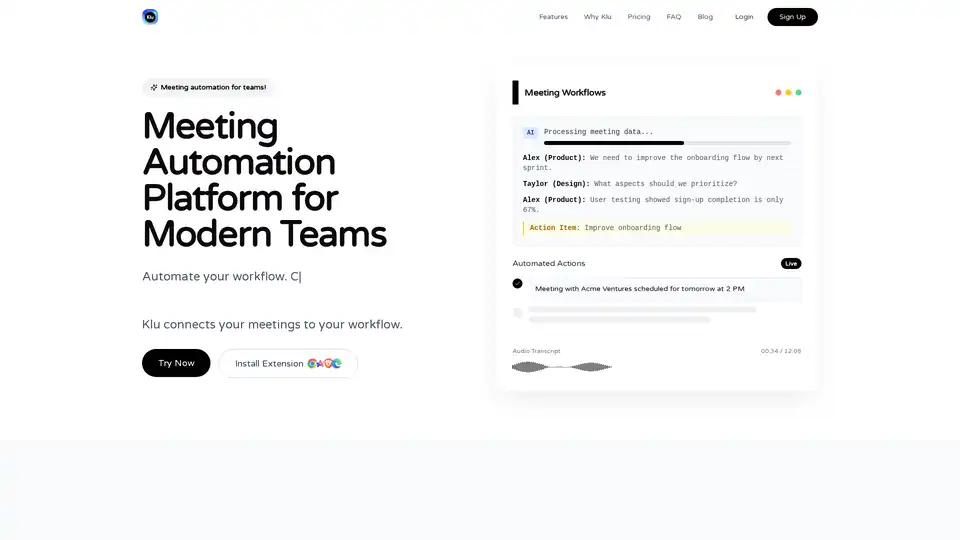
Klu is an AI-powered meeting automation platform that records, transcribes, and integrates meetings with tools like Notion, Asana, and Slack to extract action items and boost team productivity effortlessly.
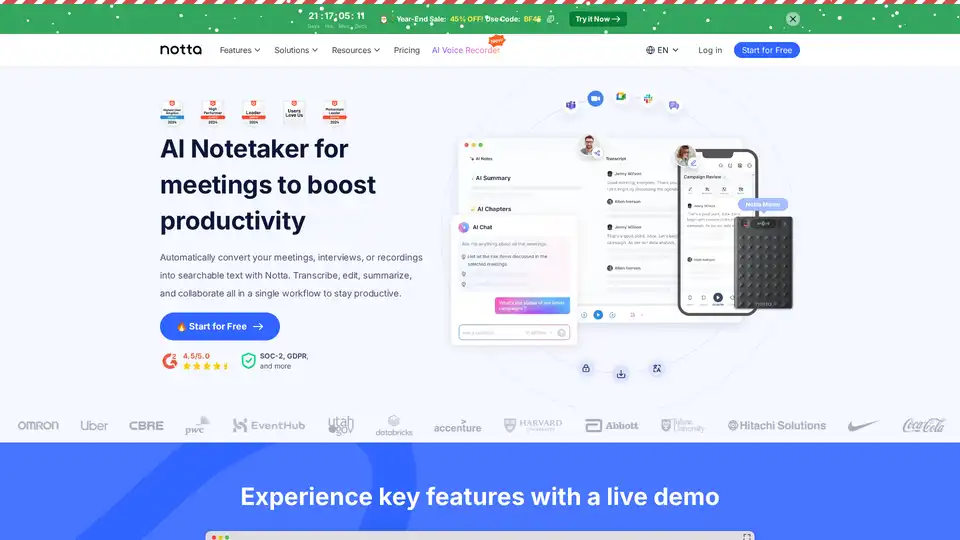
Notta is an AI-powered meeting note taker that transcribes, summarizes, and shares insights from meetings in 58 languages, saving up to 50% time. Features real-time transcription, collaboration, and integrations.
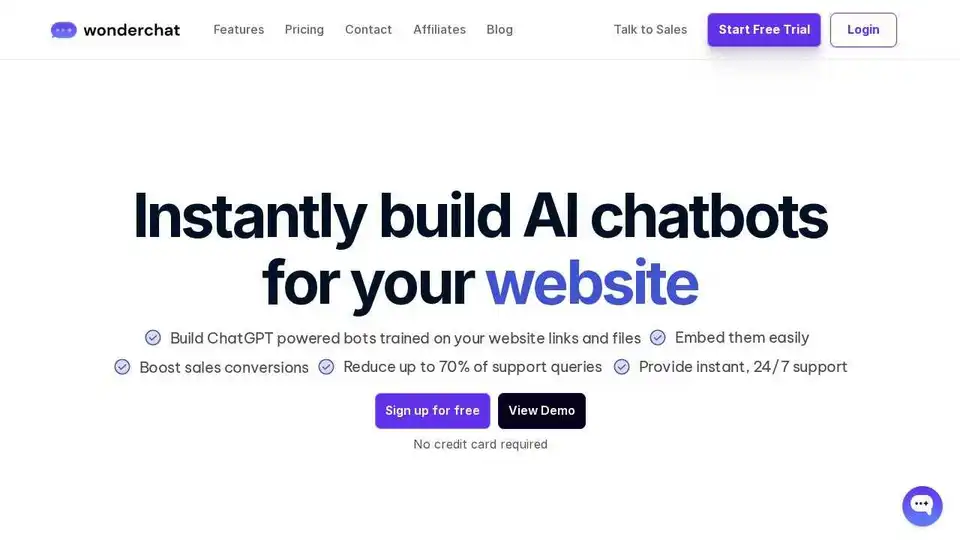
Build AI Agents and chatbots for your website in 1 minute with Wonderchat. Train on your data, automate support tickets, boost sales, and gather analytics. No coding needed.
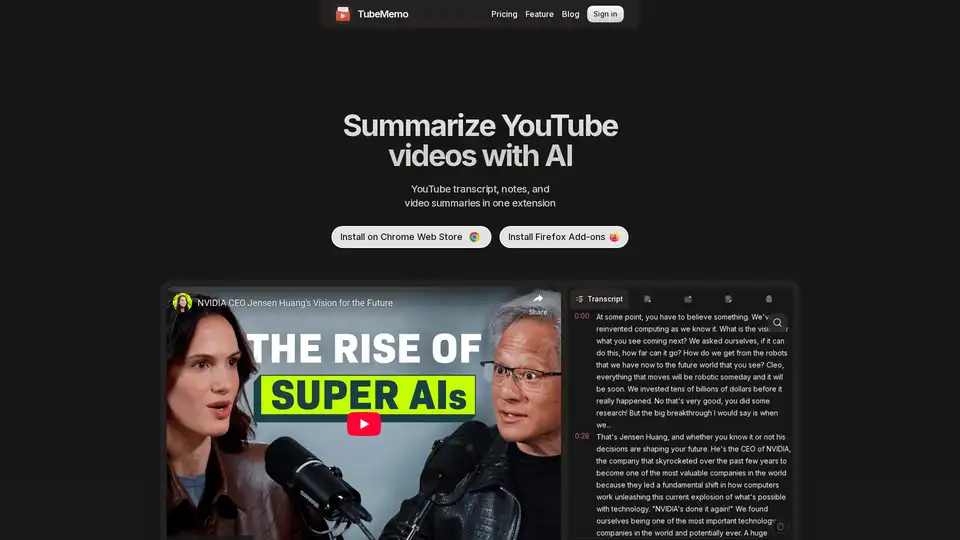
Use TubeMemo to extract, enhance, and summarize YouTube transcripts with AI. Turn videos into smart, searchable notes in seconds.
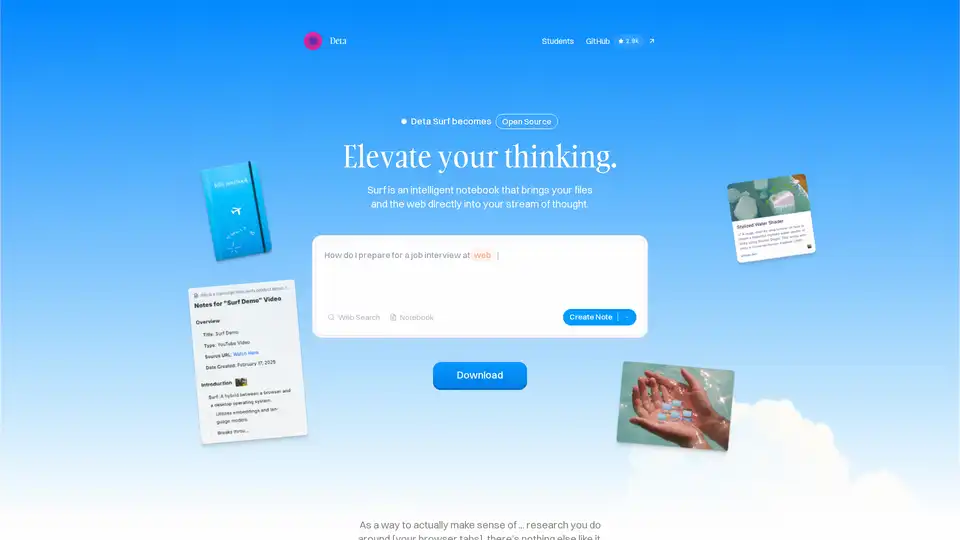
Surf is an open-source intelligent notebook that brings web content, files, YouTube videos, and PDFs into your workflow. Generate notes, summaries, interactive graphs with AI, all locally stored and customizable with your own LLMs.
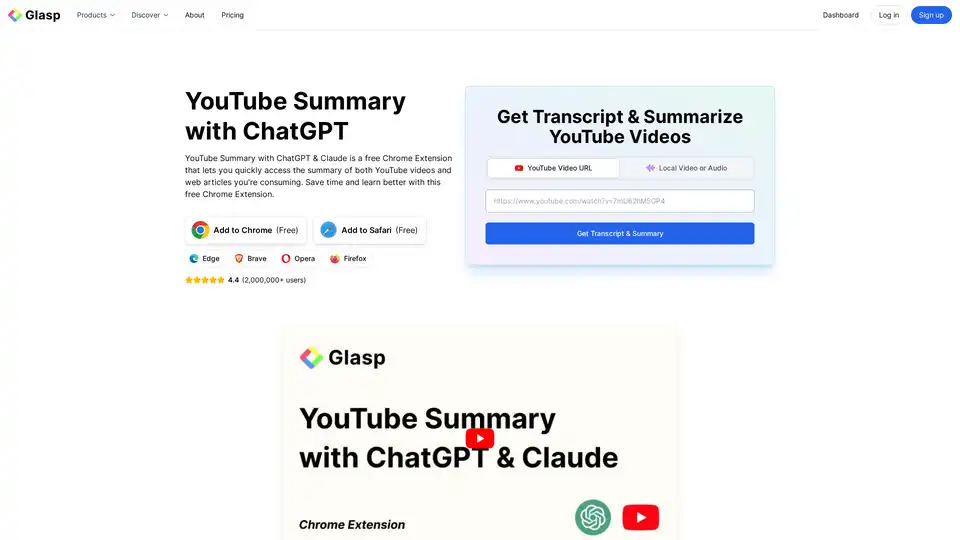
YouTube Summary with ChatGPT & Claude is a free browser extension that provides quick AI-powered summaries and transcripts for YouTube videos, PDFs, and web articles using models like ChatGPT and Gemini. Save time and boost productivity effortlessly.

Exa is an AI-powered search engine and web data API designed for developers. It offers fast web search, websets for complex queries, and tools for crawling, answering, and in-depth research, enabling AI to access real-time information.
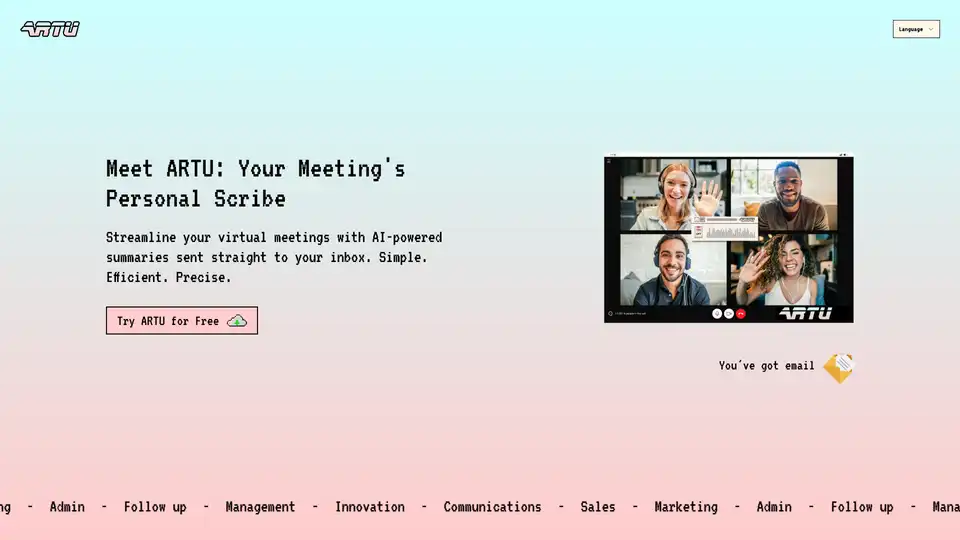
ARTU is an AI copilot that streamlines virtual meetings with AI-powered summaries delivered to your inbox. Get meeting minutes, next steps, and key topics automatically.
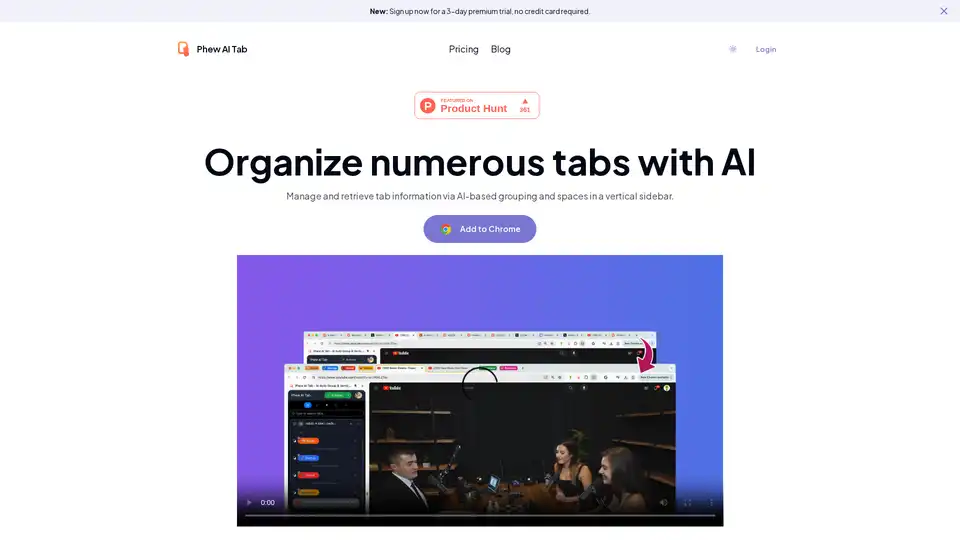
Phew AI Tab is an innovative Chrome extension that uses AI to automatically group and organize tabs, enabling smart searches and secure cloud sync for efficient browsing across devices.
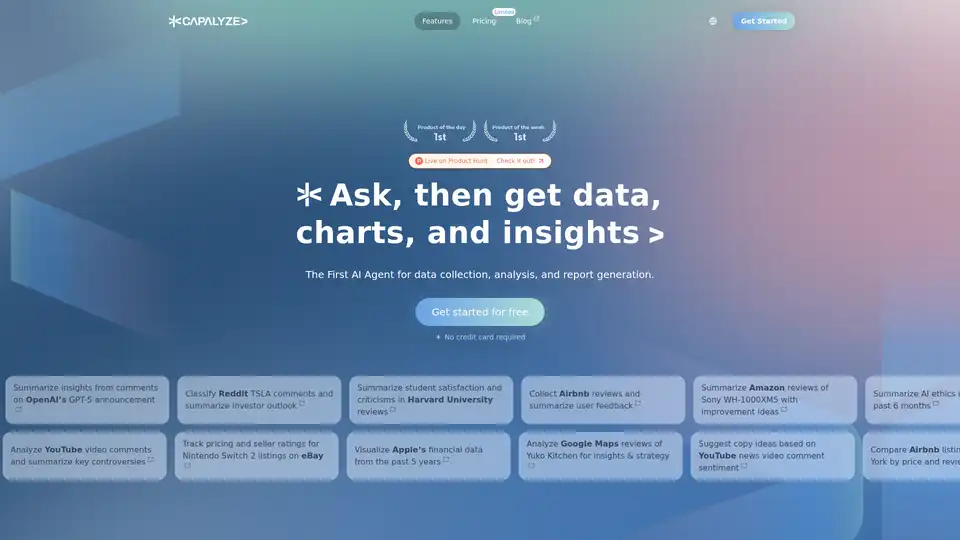
Capalyze is a data analytics tool that empowers businesses with insights through multi-source integration and web data crawling, driving smarter decisions.
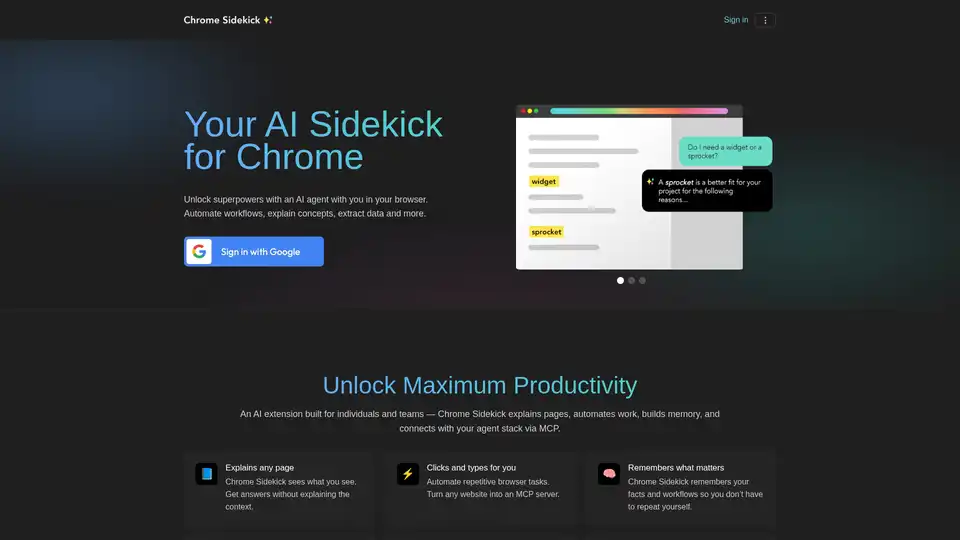
Chrome Sidekick is an AI-powered Chrome extension that automates browser tasks, explains web pages, and remembers important information. Built for individuals and teams to boost productivity.