
ObfusCat
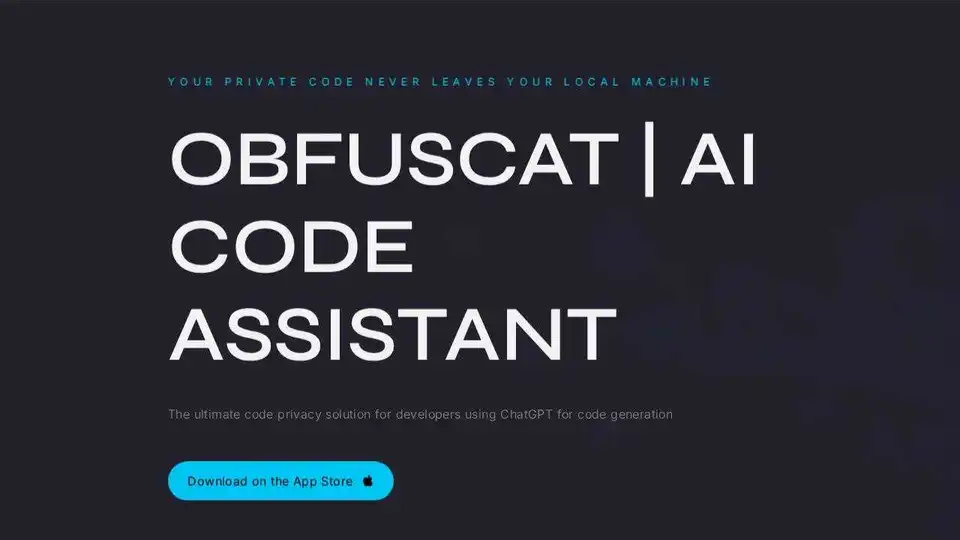
Overview of ObfusCat
ObfusCat: AI Code Assistant - Code Privacy for ChatGPT
What is ObfusCat? ObfusCat is an AI-powered code assistant designed to provide a privacy-preserving solution for developers using ChatGPT for code generation. It ensures that your private code remains confidential by masking it before sending prompts to ChatGPT and unmasking the response upon receipt. All processing occurs locally, so unmasked code never leaves your machine once the secrets list is detected.
How does ObfusCat work? ObfusCat uses a proprietary algorithm to conceal the semantic context of your private code from ChatGPT while keeping the syntax intact. This allows ChatGPT to provide accurate responses without needing to understand the meaning of variable or function names. When ChatGPT returns a response, ObfusCat automatically converts it back into a readable form, ready to be copied into your project.
Key Features:
- Privacy-Preserving: Masks code before sending it to ChatGPT.
- Local Processing: All processing occurs on your local machine.
- Semantic Concealment: Conceals the semantic context while preserving syntax.
- Automatic Unmasking: Automatically converts the response back to a readable form.
Use Cases:
- Automated Tests: ObfusCat assists ChatGPT in writing automated tests, making it easier to achieve complete unit test coverage for your projects. This speeds up development and reduces the cost of manual test writing.
- Bug Fixing: ObfusCat helps you securely identify the root cause of bugs and provides suggestions for resolution using ChatGPT's insights. This minimizes downtime and improves code quality.
- Code Explanation: ObfusCat offers clear explanations of complicated proprietary algorithms, helping you understand them better while maintaining code privacy.
ObfusCat for Business:
ObfusCat for Business offers enhanced, tailor-made features to ensure your confidential information remains secure. Key features include:
- Curated Secrets List: Collaborate with your legal and engineering teams to create a comprehensive list of secrets embedded in your app.
- Focused Prompts: Customize prompts to ensure ChatGPT responds exclusively to code-related inquiries.
- Prompt Safeguard: Set a code obfuscation threshold to ensure only secured prompts are sent to ChatGPT.
- A la carte Additions: Exclusive features customized for corporate accounts.
Why is ObfusCat important?
In today's world, AI-powered code completion models offer faster time-to-market, lower costs, and increased quality. However, sharing code with third parties, even temporarily, can have legal implications. ObfusCat mitigates these risks by adding a layer of security and confidentiality to your code.
How to get started with ObfusCat?
You can download ObfusCat on the App Store. For business inquiries and customized features, you can make a request through the ObfusCat website.
Where can I use ObfusCat?
ObfusCat can be used anywhere you are using ChatGPT for code generation, including writing automated tests, fixing bugs, or understanding complicated algorithms.
Best way to ensure code privacy with ChatGPT?
The best way to ensure code privacy with ChatGPT is to use a tool like ObfusCat, which masks your code before sending prompts and processes everything locally.
AI Programming Assistant Auto Code Completion AI Code Review and Optimization AI Low-Code and No-Code Development
Best Alternative Tools to "ObfusCat"
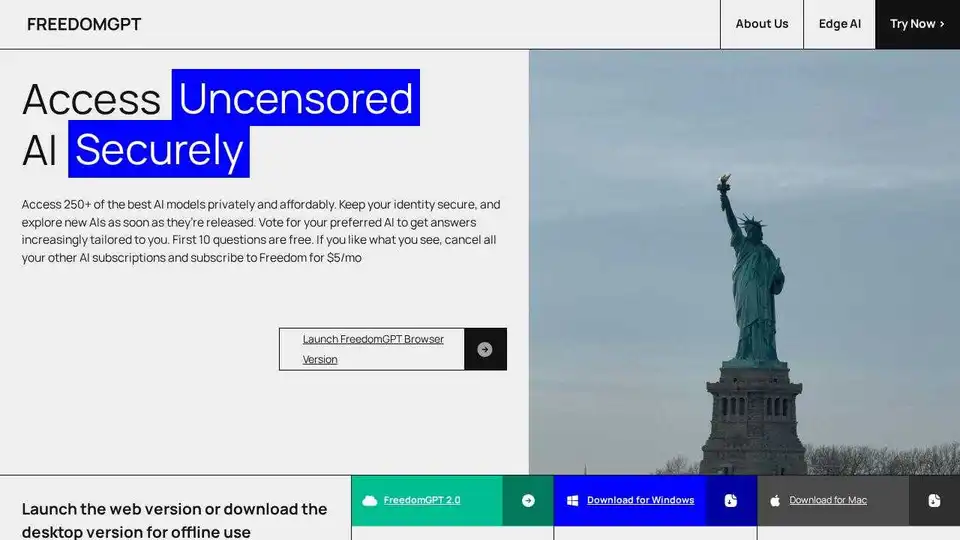
FreedomGPT is an uncensored AI app store providing secure, private, and affordable access to 250+ AI models, including open-source options. Explore unbiased AI with FreedomGPT.

iBEAM FormLift automates the conversion of Oracle Forms to modern web applications (Angular, React, .NET), enhancing scalability and security. Get a free assessment for your migration!
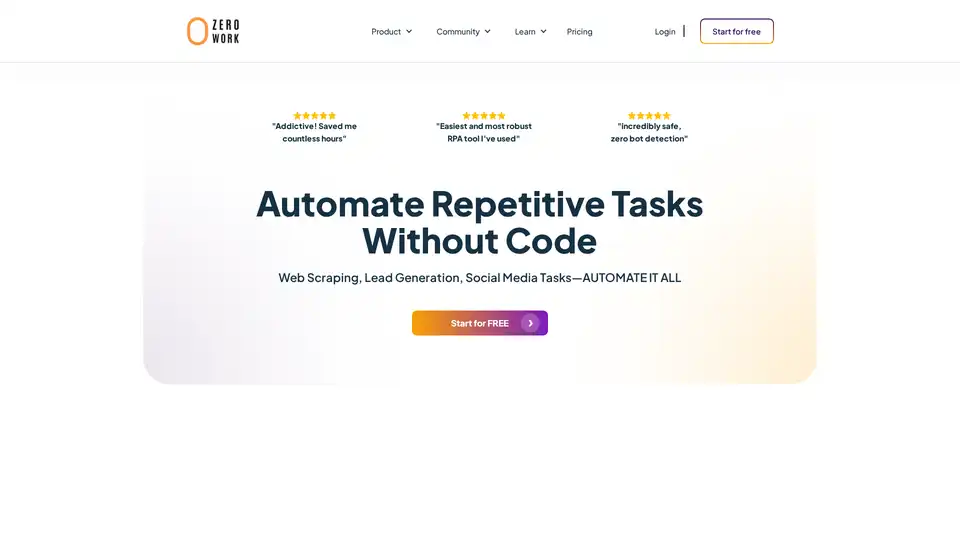
ZeroWork is a user-friendly no-code RPA tool that automates web scraping, lead generation, and social media tasks with built-in AI features. Bypass bots, enrich data, and scale operations effortlessly to save hours daily.
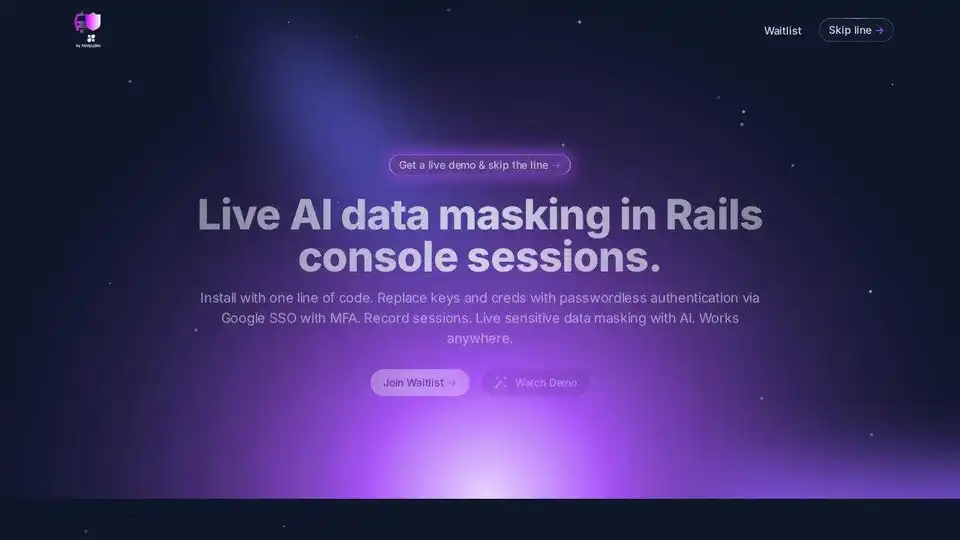
Rails Guard: Live AI data masking in Rails console sessions. Passwordless authentication, session recording, and auditability with one-line setup.