
PageSection
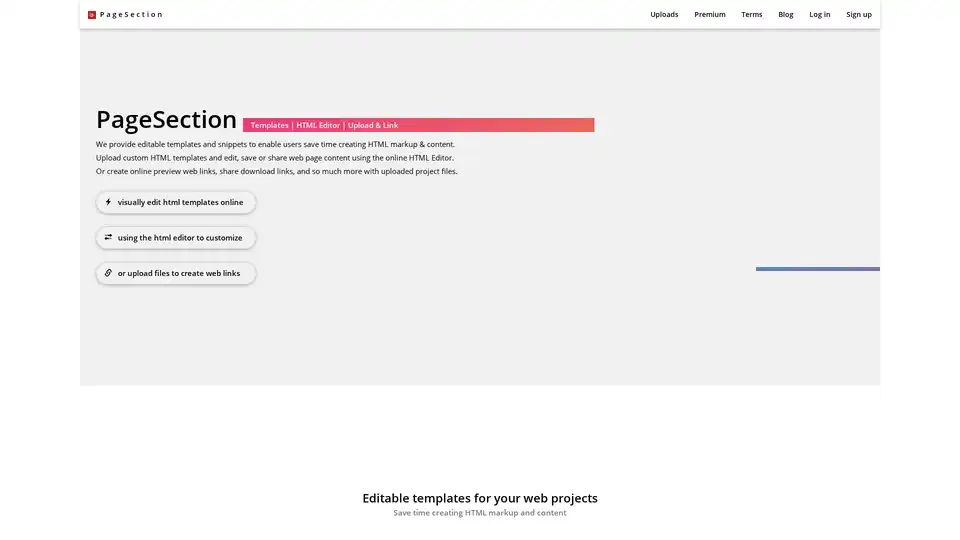
Overview of PageSection
PageSection: Your All-in-One Web Creation Toolkit
PageSection is a web-based platform designed to empower web creators with a suite of tools and services for building, editing, and hosting web projects. It combines editable HTML templates, an online HTML editor, and web file linking capabilities to streamline the web development process. Whether you're a seasoned developer, a student, or a marketing professional, PageSection offers the resources you need to bring your web projects to life.
What is PageSection?
PageSection is a comprehensive online platform that provides users with a range of tools to create, edit, and manage web content. It aims to simplify web development by offering editable HTML templates, an online HTML editor, and the ability to create live URL links for uploaded files.
Key Features and Benefits
- Editable HTML Templates: Choose from a variety of free HTML templates and snippets across different categories like Tailwind CSS, Bootstrap, and Bulma. Customize these templates directly in your web browser to save time on coding.
- Online HTML Editor: A visual editor allows you to customize and preview your HTML content in real-time. This feature is suitable for copywriters, students, bloggers, and front-end designers.
- Web File Linking: Upload your HTML projects, including HTML, CSS, and JavaScript files, in a zip file to create live URL web links. This is perfect for sharing and previewing your projects online.
- File Hosting: PageSection allows you to host temporary or sample web projects. This feature is particularly useful for students and educational purposes.
- File Conversion: Convert text (.txt) files and Word (.docx) documents into HTML webpages.
How does PageSection work?
- Select a Template: Choose an editable HTML template or snippet from the available collection.
- Customize: Use the online HTML editor to modify the template to fit your specific needs.
- Upload Project: Upload your HTML project as a zip file, ensuring it includes an
index.htmlfile at the top level. - Create Web Link: After uploading, PageSection generates a live URL link to your project, allowing you to view, edit, and share your content.
Who is PageSection for?
PageSection is designed for a wide range of users, including:
- Web Developers: Streamline your development workflow with editable templates and easy file hosting.
- Students: Practice and learn HTML using the online editor as a coding playground.
- Copywriters and Marketing Teams: Create live previews of web content for review and approval.
- Bloggers: Edit blog posts and pages directly in a web browser with live page editing.
- Freelancers: Quickly create and share web project prototypes with clients.
Pricing
PageSection offers several pricing plans:
- Starter (Free): Includes basic access with limited storage and preview links.
- Premium ($20/month): Offers unlimited preview links, 100GB of storage, and priority support.
- Custom: Tailored plans for large organizations with custom storage and support needs.
Why Choose PageSection?
PageSection provides a user-friendly platform with a range of tools to simplify web development. The ability to create live URL links, edit templates online, and host temporary projects makes it an excellent choice for various users. Whether you're looking to quickly prototype a website, edit existing HTML, or share web projects with clients, PageSection offers the features you need.
Best way to create and share web content online? PageSection simplifies web creation by offering a suite of tools for editing, hosting, and sharing HTML projects. It's designed for developers, marketers, students, and anyone who needs to create web content efficiently.
Best Alternative Tools to "PageSection"
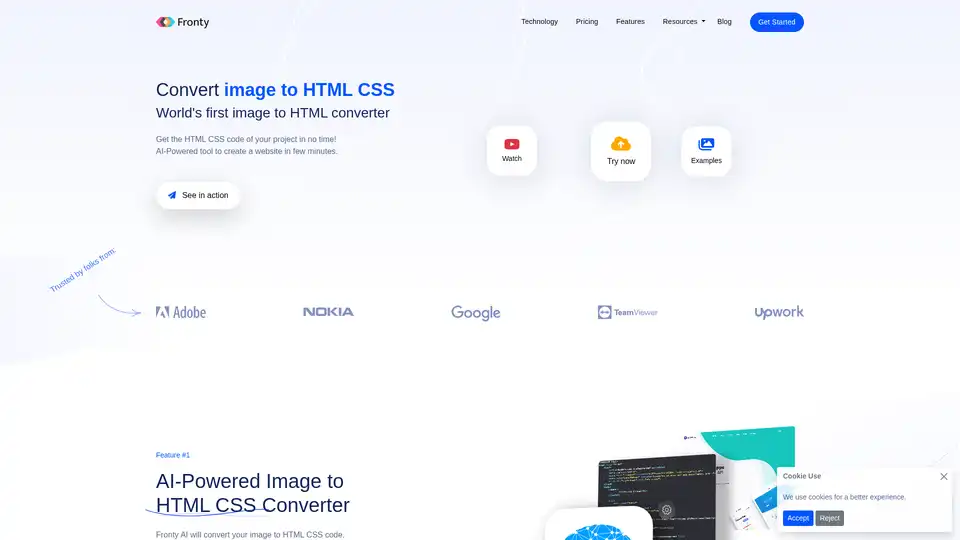
Fronty is an AI-powered image to HTML CSS converter that transforms screenshots or designs into clean, editable code. Build websites quickly without coding skills, featuring a no-code editor and hosting for seamless launches.
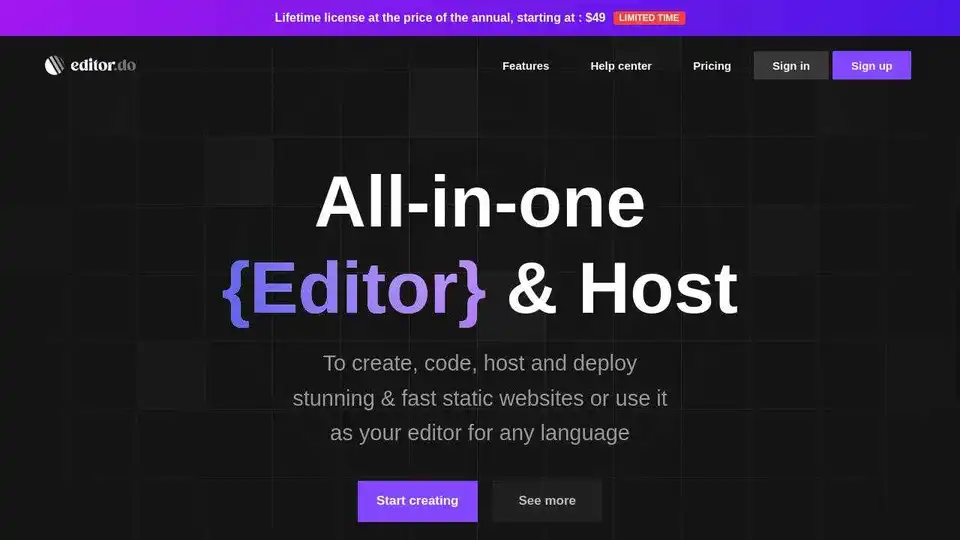
Editor.do is an all-in-one platform for creating and deploying static websites with a powerful code editor, web hosting, free SSL certificates, and AI assistant.
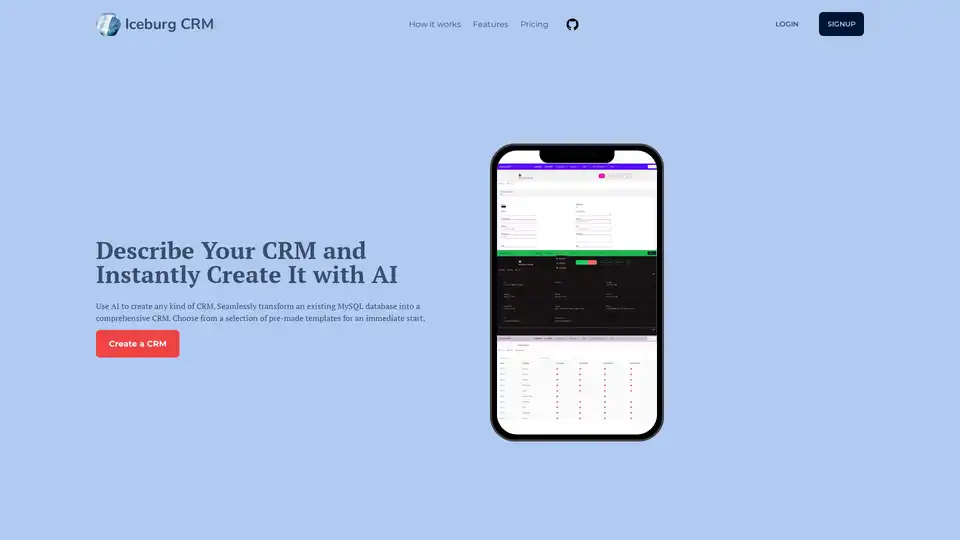
Iceburg CRM leverages AI to quickly build custom CRMs from descriptions, templates, or MySQL databases. Ideal for businesses needing efficient, no-code CRM solutions with features like AI population and unlimited relationships.
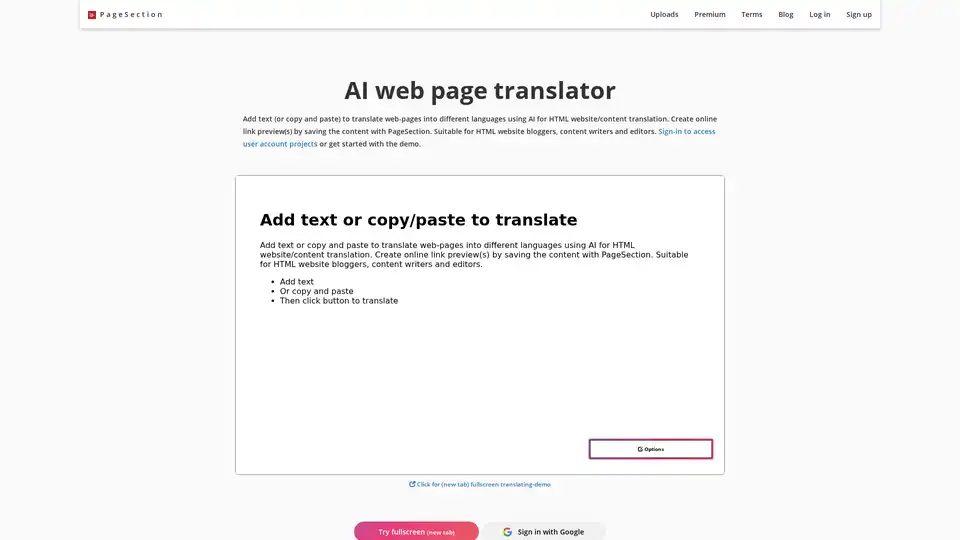
Translate HTML web pages online with PageSection's AI-powered tool. Edit, customize, and preview in multiple languages. Ideal for bloggers and content writers.