
Pinbot
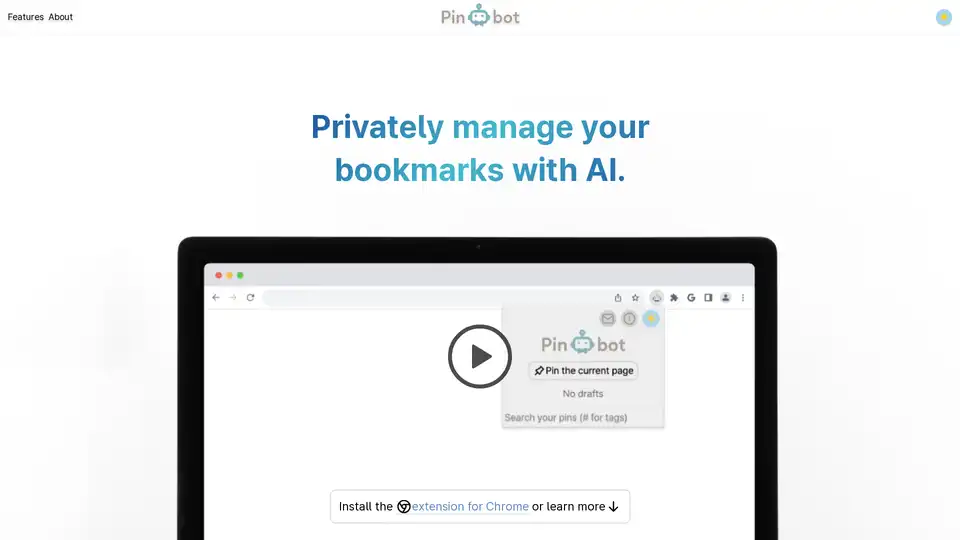
Overview of Pinbot
What is Pinbot?
Pinbot is a Chrome extension designed to help you privately manage your bookmarks using the power of AI. Unlike many AI tools that compromise your privacy, Pinbot operates entirely on your device, ensuring your data remains secure.
How does Pinbot work?
Pinbot enhances your bookmarking experience with the following features:
- One-click Bookmarks: Quickly save web pages with a single click.
- AI-Powered Summaries: The extension automatically pre-fills your bookmarks with editable summaries, saving you time and effort.
- Intelligent Tag Suggestions: Pinbot suggests relevant tags, helping you organize your bookmarks effectively.
- Natural Language Search: Find your bookmarks easily using natural language queries, searching through notes and page content.
- Offline Functionality: Pinbot works offline, ensuring your data remains private and accessible even without an internet connection.
Key Features and Benefits
- Privacy-Focused: Your data stays on your device, ensuring maximum privacy.
- AI-Driven Efficiency: AI-powered summaries and tag suggestions streamline the bookmarking process.
- Versatile Organization: Use tags to adapt Pinbot as a to-do list, knowledge database, or any other organizational system.
- User-Friendly Interface: Easy to install and use, with a seamless integration into your Chrome browser.
How to use Pinbot?
- Install the Extension: Download Pinbot from the Chrome Web Store.
- Bookmark a Page: Click the Pinbot icon in your browser toolbar to save a page.
- Review and Edit: Pinbot will pre-fill a summary and suggest tags, which you can edit as needed.
- Search and Organize: Use the search bar to find your bookmarks using natural language, and organize them with tags.
Why Choose Pinbot?
Pinbot addresses the growing need for privacy in AI-driven tools. It puts you in control of your data while leveraging AI to enhance your bookmarking experience. Whether you're a student, researcher, or professional, Pinbot can help you stay organized and productive.
Who is Pinbot for?
Pinbot is ideal for:
- Students: Organize research materials and study notes.
- Researchers: Manage and access a vast collection of online resources.
- Professionals: Keep track of important articles, websites, and documents.
- Anyone Concerned About Privacy: Enjoy the benefits of AI without compromising your personal data.
Adapt Pinbot with tags
You can use Pinbot as a to-do list, knowledge database, etc.
Privacy
Pinbot works offline: everything runs on your device.
Stay Updated
For the latest explorations and updates, visit Kamil's website. To discuss and provide feedback, join the Pinbot Discord server.
Pinbot offers a unique combination of AI-driven features and privacy-focused design, making it an excellent choice for anyone looking to enhance their bookmarking experience without compromising their personal information. The ability to work offline and keep data on-device ensures that users have full control over their information, while the AI-powered summaries and tag suggestions streamline the organization process. With its versatility and user-friendly interface, Pinbot is a valuable tool for students, researchers, professionals, and anyone who values privacy in the digital age.
Best way to manage your bookmarks and stay organized with Pinbot.
Best Alternative Tools to "Pinbot"
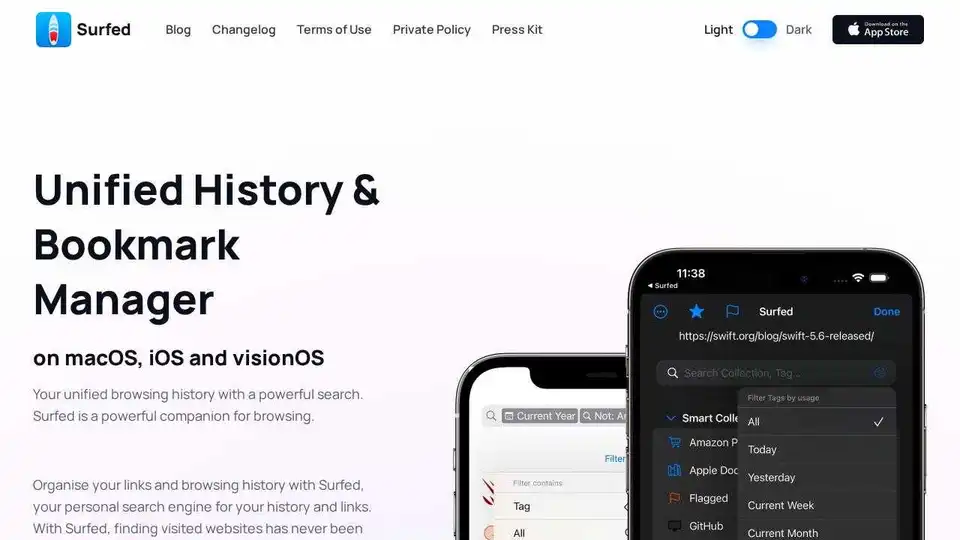
Surfed is a unified history & bookmark manager for macOS, iOS, and visionOS. Organize browsing history, manage bookmarks, and automate web tasks. Private and secure.
Ncurator is a browser extension that uses AI to help you manage and analyze your knowledge base. It can find and organize answers for you.
SaveDay is a smart bookmark manager and organizer that helps you capture, organize, and utilize your knowledge effectively. It offers features like AI search, article summarizer, and web highlighting.
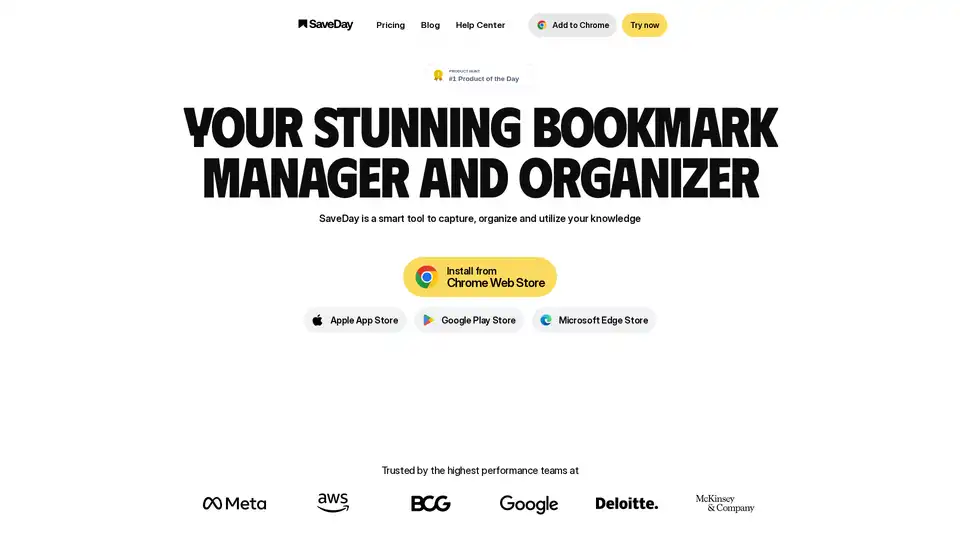
SaveDay is a smart bookmark manager and organizer that helps you capture, organize, and utilize your knowledge effectively. Capture, organize smartly, and use knowledge at its best.
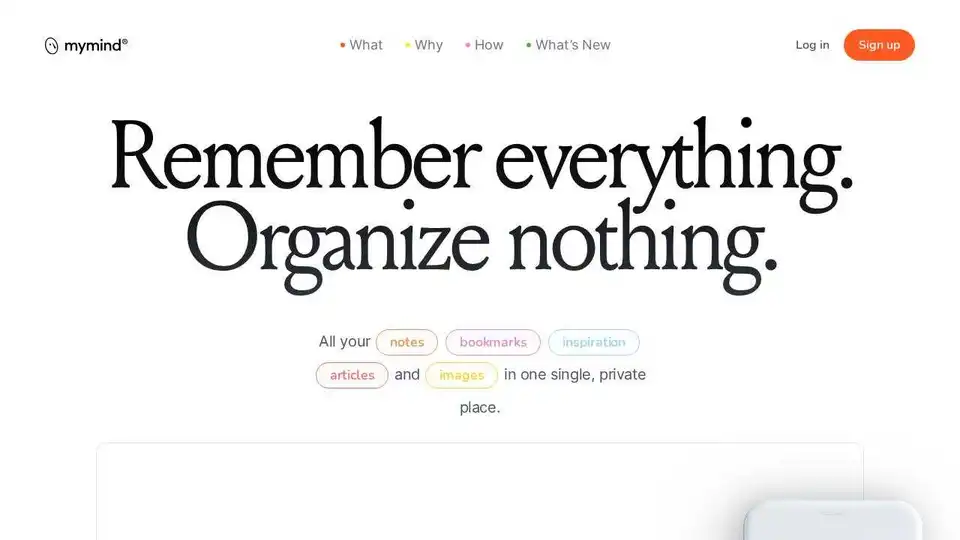
mymind is an AI-powered extension to save notes, images, quotes, and articles in one private place. AI magically organizes and visualizes everything, so you can remember everything and organize nothing.
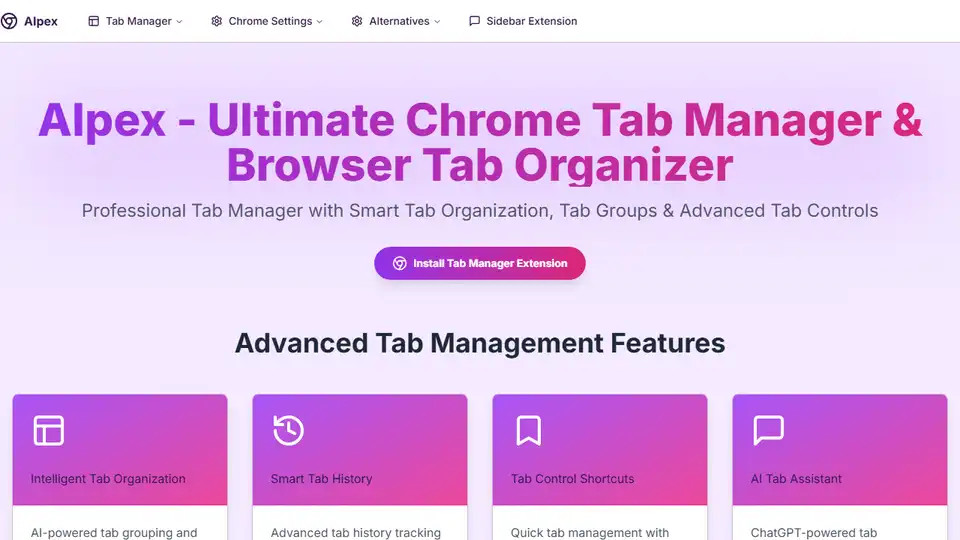
AIpex is an open-source Chrome extension that helps you manage tabs, history, and bookmarks with an integrated ChatGPT sidebar.
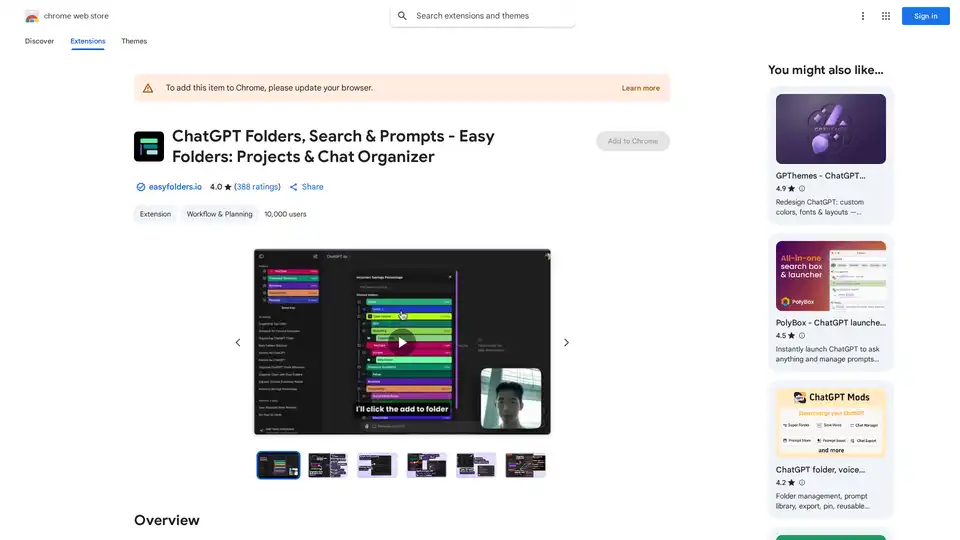
Organize your ChatGPT & Claude chats with folders, search, bookmarks, prompts. Easy Folders Chrome extension helps declutter and manage your AI conversations efficiently.
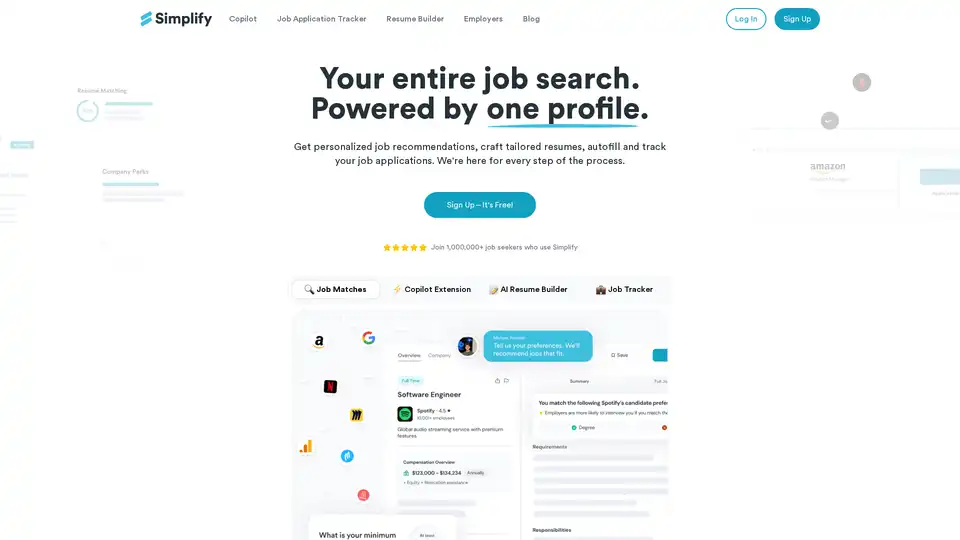
Simplify is an AI-powered job search platform that offers personalized job matches, autofill applications via Copilot extension, AI resume builder, and job tracker. Free for core features, used by over 1M job seekers.
DuckDuckGo is a privacy-focused browser and search engine that blocks trackers, targeted ads, and cookie pop-ups. It offers private search, ad blocking, and a secure password manager to protect your data.
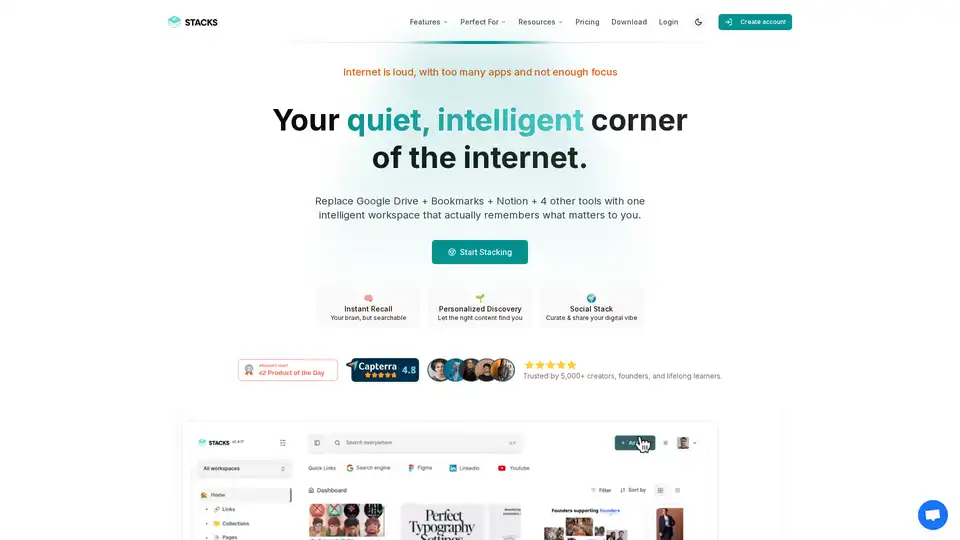
Stacks is an AI-powered workspace that combines bookmarking, note-taking, and file management. It helps users organize their digital information, discover connections, and share their insights with others.
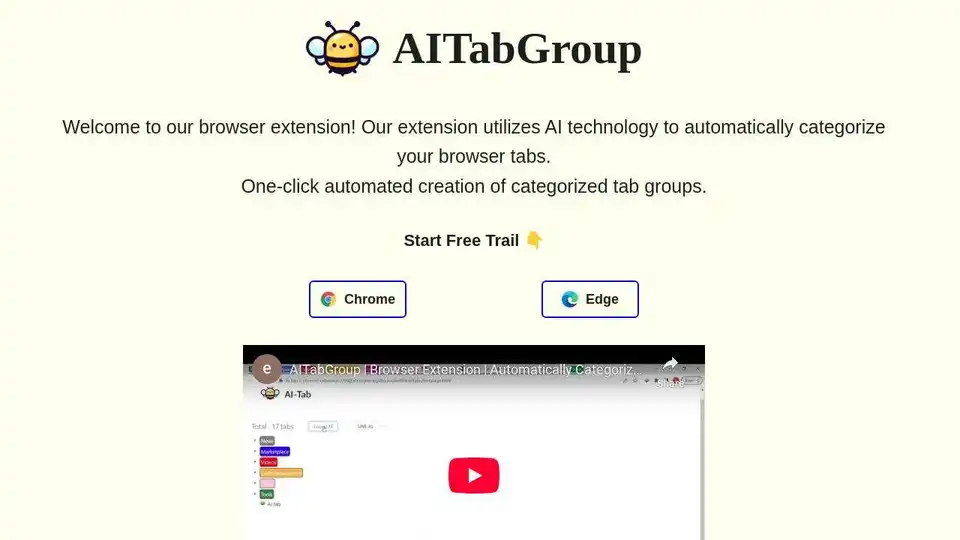
AITabGroup is an AI-powered browser extension that automatically categorizes your browser tabs using OpenAI, improving productivity and organization.
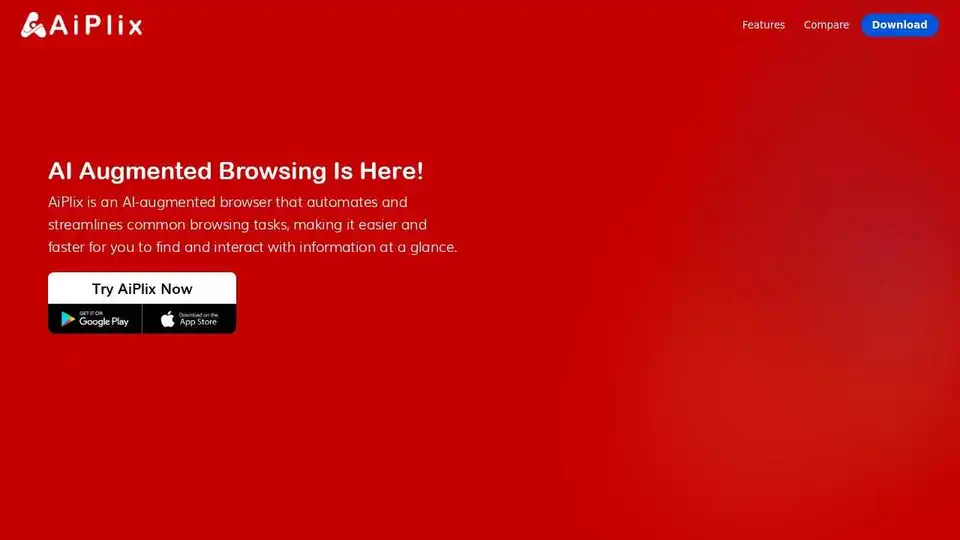
AiPlix is an AI-augmented browser automating common browsing tasks. Enjoy predictive browsing, dynamic previews, and enhanced privacy. Download AiPlix for FREE!
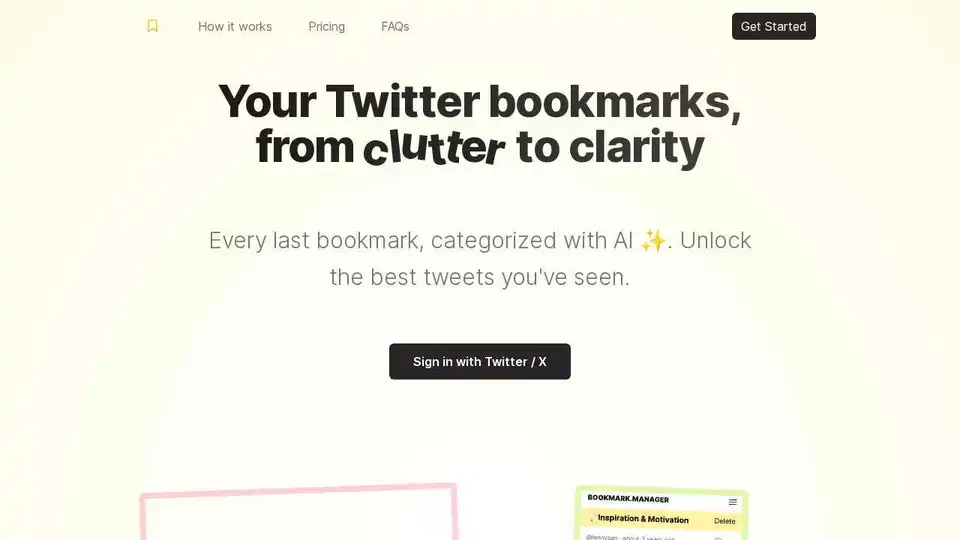
Bookmarks Manager uses GPT-4 to categorize and search your Twitter bookmarks, helping you unlock and act on your best insights. Import, categorize, and export with ease.
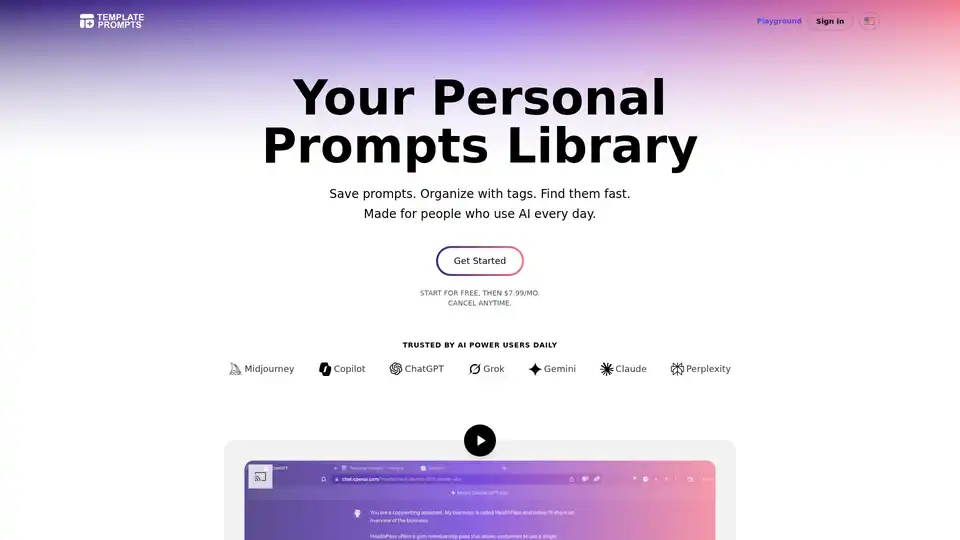
Template Prompts offers a dedicated library to save, organize, and reuse AI prompts across tools like ChatGPT and Midjourney. Tag, search, and create templates for efficient AI workflows.