
Qquest
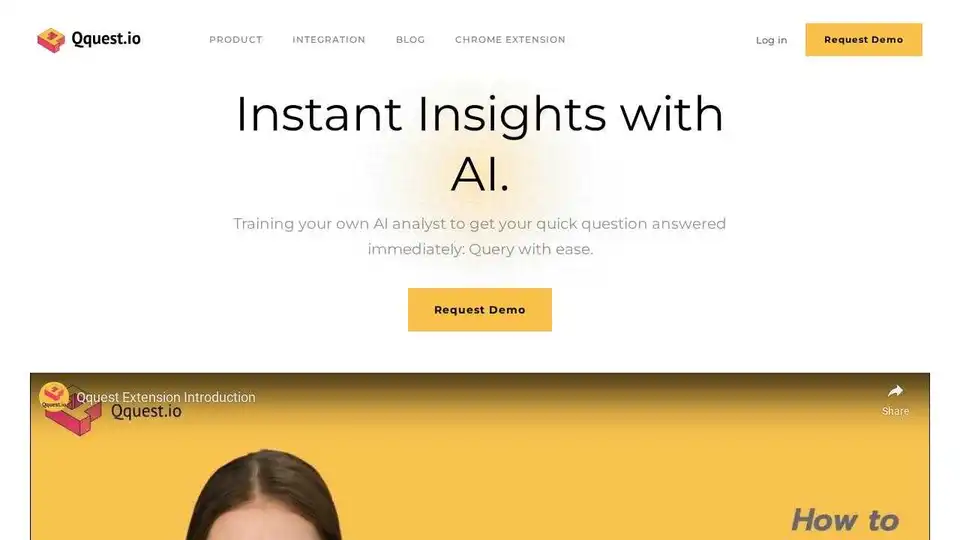
Overview of Qquest
Qquest: Your AI Assistant for Data Insights
What is Qquest? Qquest is an AI-powered assistant designed to make data analysis accessible to everyone in your organization. It bridges the gap between data teams and business functions, enabling seamless collaboration and data-driven decision-making. Whether you're in marketing, sales, or operations, Qquest provides you with the data-driven answers you need to enhance efficiency and strategic decision-making.
Key Features of Qquest
- Instant Insights: Get quick answers to your data questions without coding.
- Seamless Collaboration: Facilitate collaboration between data teams and business functions.
- Customized Insights: Tailor your AI assistant to master the nuances of your customers, products, and business dynamics.
- No-Code Querying: Enable users to query data without any coding knowledge.
How Qquest Works
Qquest leverages generative AI to transform the way your team interacts with data. By training your own AI analyst, you can get immediate answers to your queries, unlocking the true potential of your data. Here’s how it works:
- Data Integration: Connect Qquest to your data sources, including data warehouses (Snowflake, Redshift, BigQuery), databases (MySQL, PostgreSQL, SQL Server), ADS partners (Google Ads, Meta Ads, TikTok), analytic tools (Mixpanel, Amplitude, Google Analytics), and CRM tools (Salesforce, Hubspot, Braze).
- AI Training: Customize your AI assistant to understand your unique business context, including your customers, products, and business dynamics.
- No-Code Querying: Business stakeholders can query data using natural language without writing a single line of code.
- Instant Insights: Get data-driven answers and insights in real-time, enhancing decision-making and productivity.
Who is Qquest For?
Qquest is designed for:
- Data Leaders: Build your own AI Agent and unlock the potential of your data.
- Business Stakeholders: Query data without code and get insights quickly.
- Entire Organizations: Foster seamless collaboration and understanding between data teams and business functions.
Why Choose Qquest?
- Empower Your Data Team: Enable your data team to focus on more strategic initiatives by automating routine data queries.
- Democratize Data Access: Make data analysis accessible to everyone in your organization, regardless of their technical skills.
- Drive Data-Driven Decisions: Get the data-driven answers you need to enhance efficiency and strategic decision-making.
- Enhance Collaboration: Foster seamless collaboration and understanding between data teams and business functions.
Use Cases
- Marketing: Understand customer behavior and optimize marketing campaigns.
- Sales: Identify sales trends and improve sales performance.
- Operations: Streamline operations and improve efficiency.
- Business Review Meetings: Visualize data for presentations and recurring business review meetings.
- Project Use: Backfill targeting lists and predict user behaviors to boost growth.
Transform Your Query Today
Qquest enables users to query data without any coding knowledge, making data analysis accessible to everyone. This simplifies complex data interactions, allowing project managers and non-technical staff to derive insights quickly and efficiently, enhancing decision-making and productivity across the board.Start leveraging generative AI with your team and grow your business quickly.
How to use Qquest?
- Install the Chrome Extension: Add the Qquest Chrome Extension to your browser.
- Connect Your Data Sources: Integrate Qquest with your data warehouses, databases, and other data sources.
- Train Your AI Analyst: Customize your AI assistant to understand your business context.
- Start Querying: Use natural language to query your data and get instant insights.
What are the benefits of using Qquest? By using Qquest, you can:
- Save time on data analysis
- Make better decisions based on data
- Improve collaboration between data teams and business functions
- Empower non-technical staff to access and analyze data
Qquest helps organizations:
- Improve sales and marketing performance
- Optimize operations
- Reduce costs
- Increase revenue
With Qquest, unlock the potential of your data and drive growth and innovation. Elevate your decision-making with answers that resonate with your unique business context.
Best Alternative Tools to "Qquest"
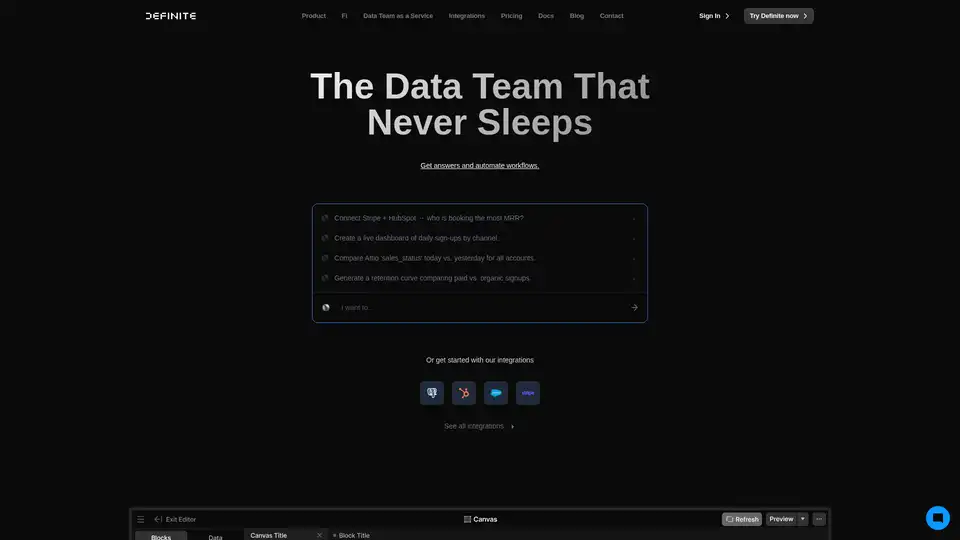
Definite is an all-in-one AI-powered data analytics platform that simplifies data collection, storage, and analysis. It offers pre-built connectors, AI assistance, and automated workflows for faster insights and decision-making.
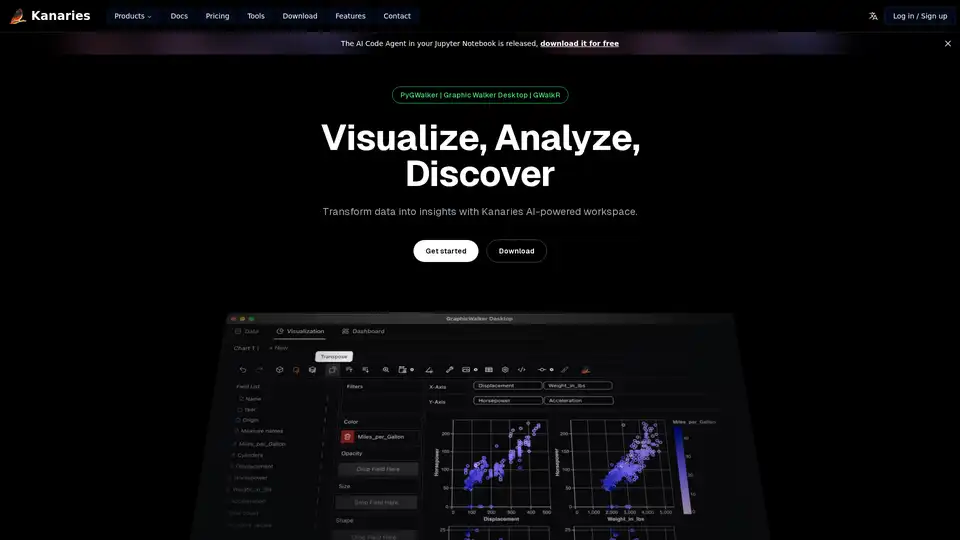
Make exploratory data analysis (EDA) easier with AI powered visual analytics. Discover, Analyze and Share data insights with ease.
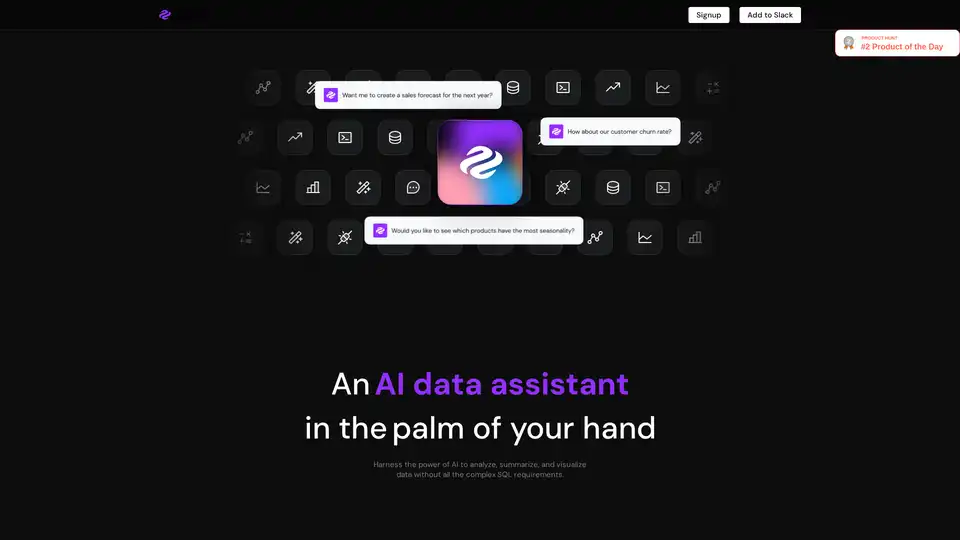
Genie is an AI data analyst that allows business users to query and visualize data without complex SQL. It connects to various data sources, providing insights in seconds within Slack, Teams, or other workspaces.
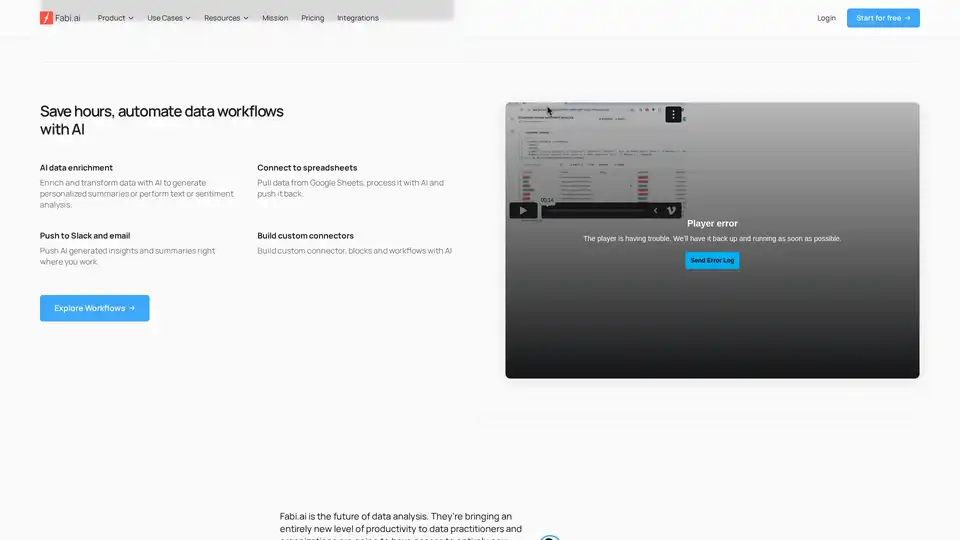
Transform complex data analysis with Fabi.ai's all-in-one AI platform. Combine SQL, Python, and AI automation for faster insights, dashboards, and workflows from your data sources like Google Sheets and warehouses.
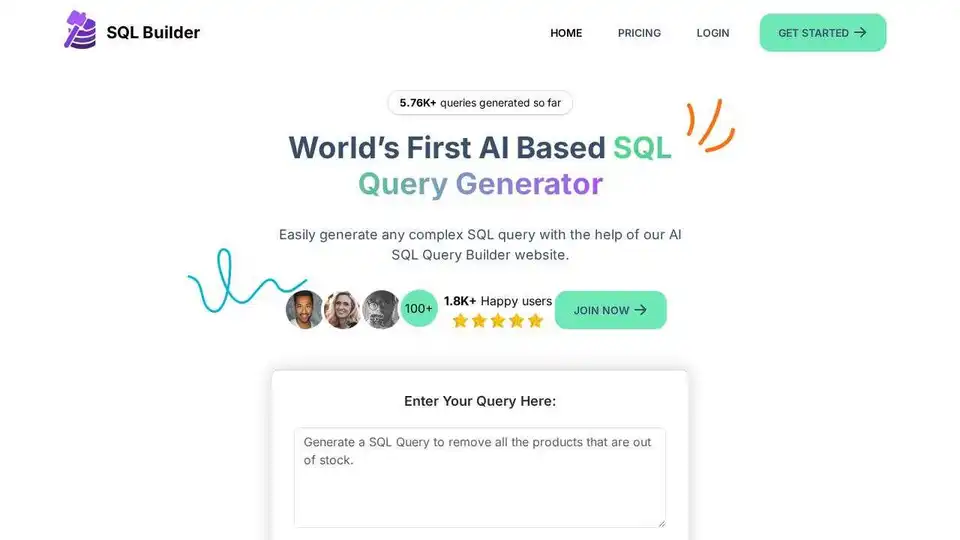
Generate SQL queries effortlessly with SQL Builder, an AI-powered tool. Optimize, format, and validate SQL without coding. Free trial available!
Monitr is the best way to query, visualize, and talk to your data. Connect your data sources and start analyzing your data in seconds with AI-powered tools for dashboards and insights.
Auxillary is an AI copilot for B2B platforms that enables users to interact with your product through natural conversation. It answers questions, executes actions, and provides guidance like a human.
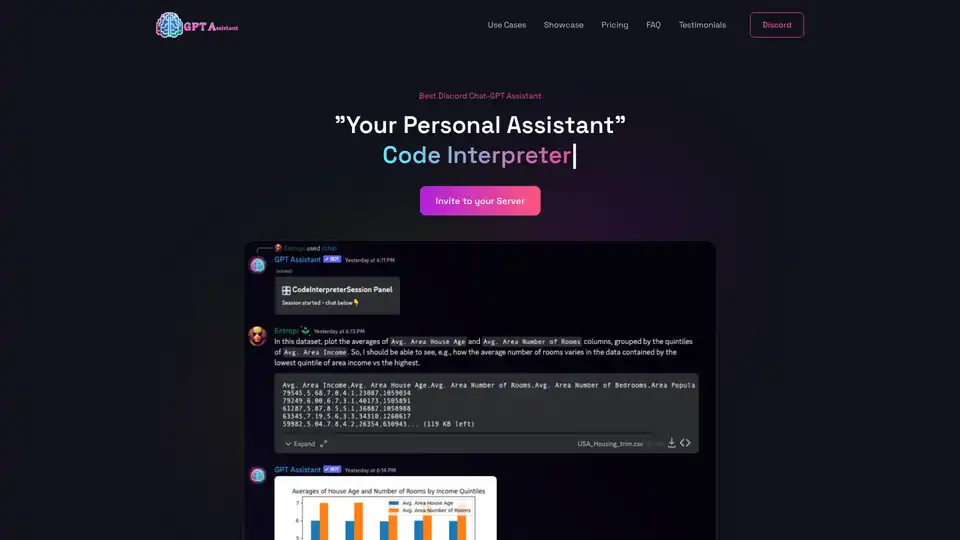
GPT Assistant is a versatile Discord bot powered by advanced AI, offering code interpretation, PDF analysis, interactive chats, and more for seamless productivity in Discord servers.
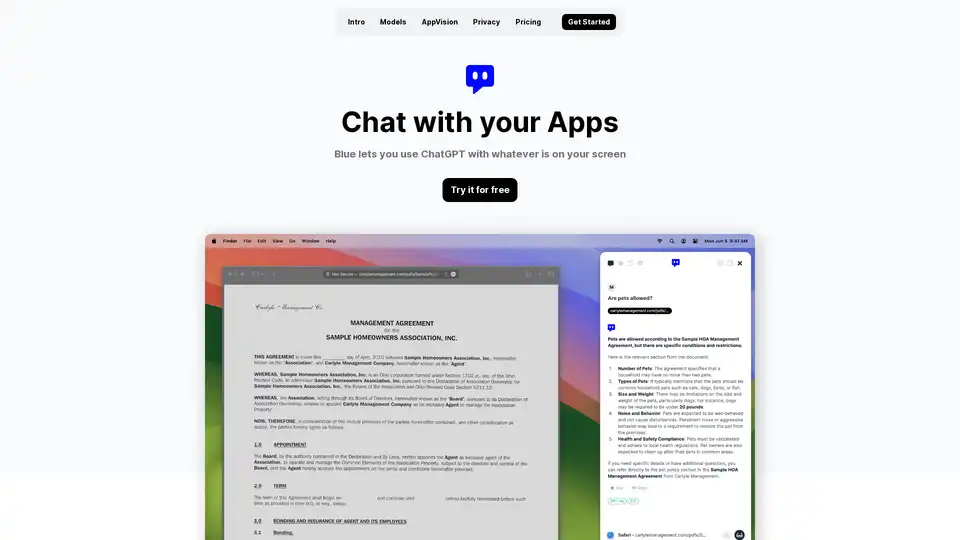
Discover Blue, the ChatGPT for Mac app that integrates AI into your workflow with AppVision for screen analysis, superior privacy, and GPT-4o models—all without leaving your apps.
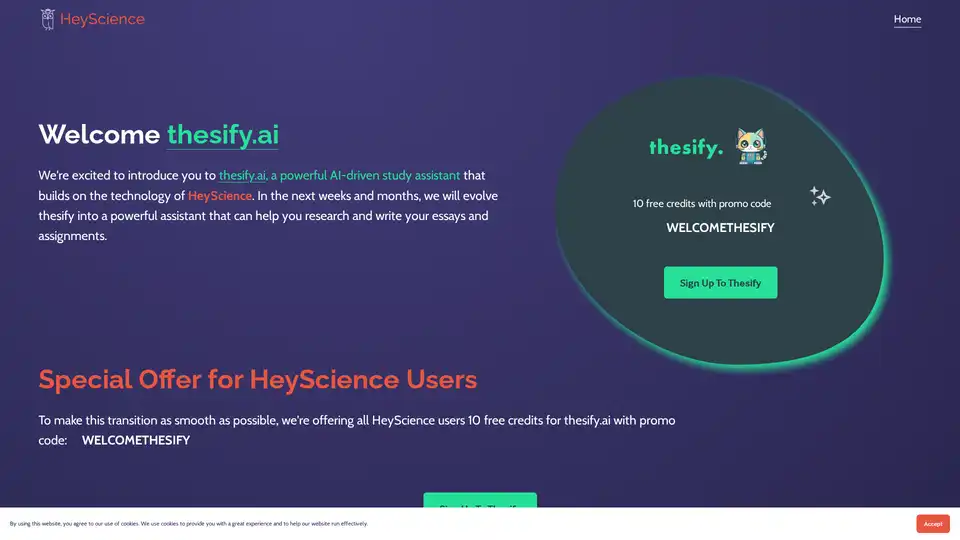
Thesify.ai is an AI-powered study assistant built on HeyScience technology, designed to help with research and essay writing. New users get 10 free credits using promo code WELCOMETHESIFY for seamless academic support.
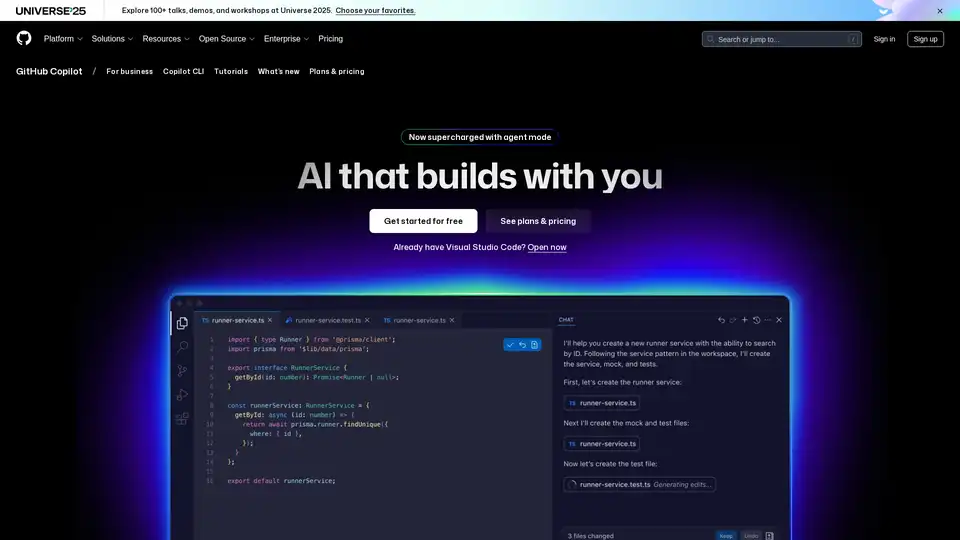
GitHub Copilot is an AI-powered coding assistant that integrates into your IDE, suggesting code lines, handling issues via agent mode, and providing reviews to boost developer productivity.
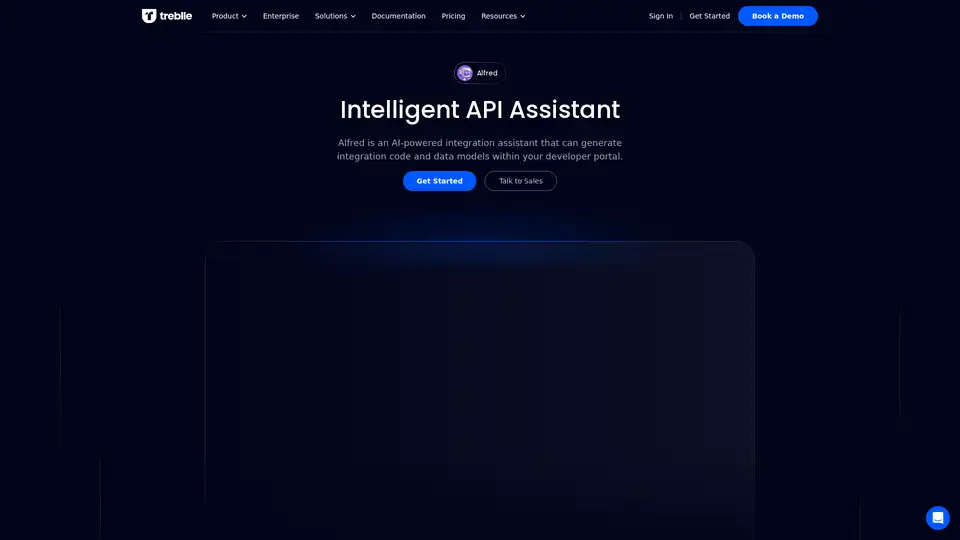
Transform your developer portal with Alfred AI—automating workflows, generating integrations, tests, or SDKs in any language, and boosting API speed 10x.
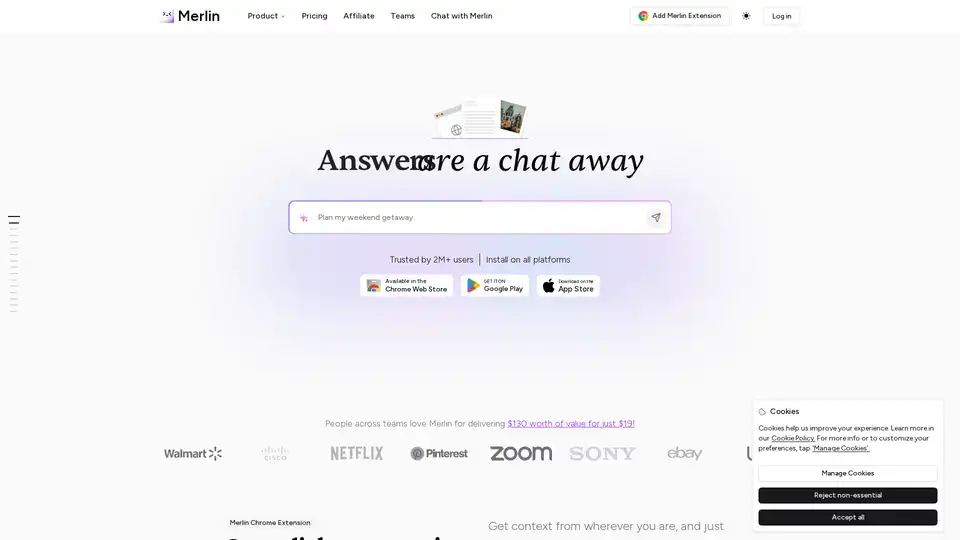
Merlin AI is a versatile Chrome extension and web app that lets you research, write, and summarize content with top AI models like GPT-4 and Claude. Free daily queries for videos, PDFs, emails, and social posts boost productivity effortlessly.
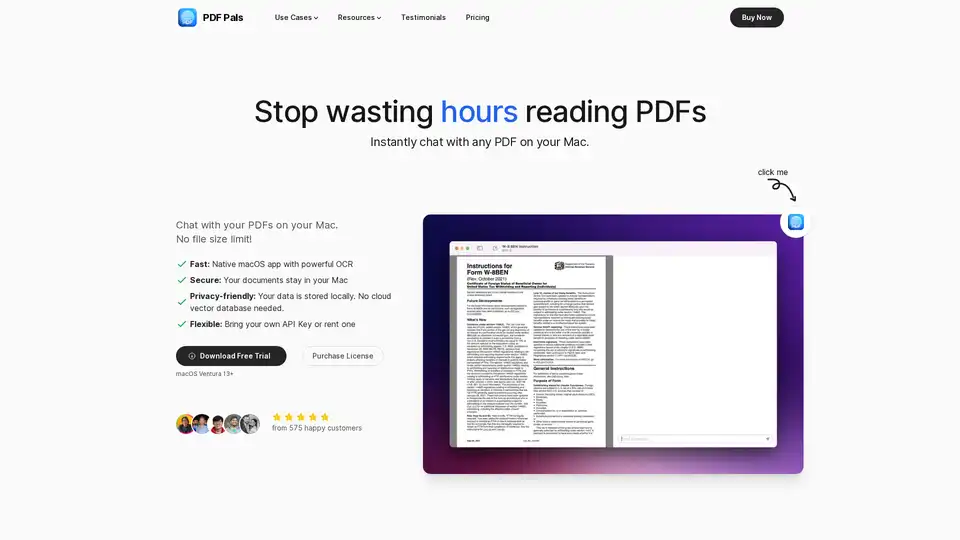
PDF Pals is a native Mac app that lets you chat with any PDF instantly using AI, with no file size limits. Enjoy fast OCR, local storage for privacy, and support for OpenAI APIs. Perfect for researchers, developers, and professionals analyzing documents.