
SlideWhisper
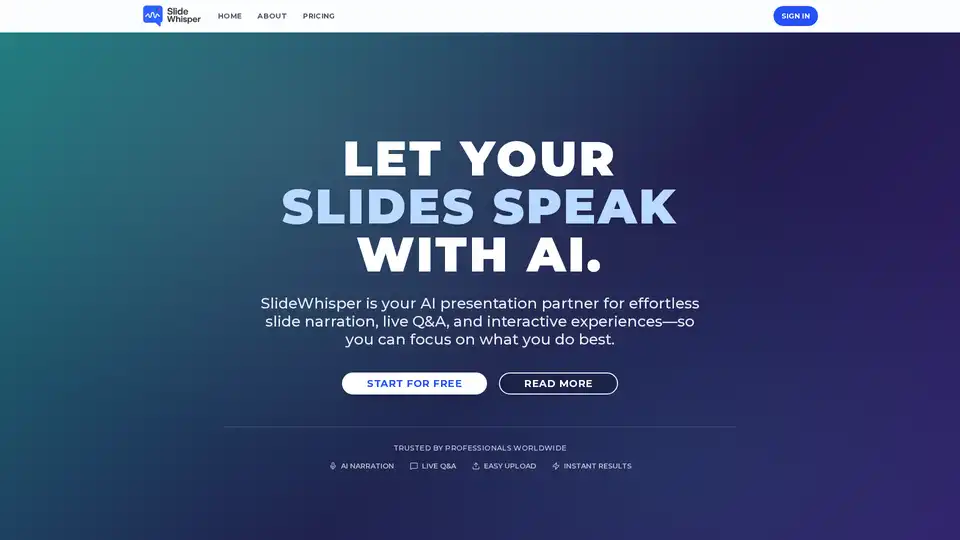
Overview of SlideWhisper
What is SlideWhisper?
SlideWhisper is an innovative AI-powered presentation platform designed to transform the way you create and deliver presentations. By leveraging cutting-edge artificial intelligence, SlideWhisper acts as your personal presentation partner, turning static slide decks into dynamic, self-running, and interactive experiences. Whether you are preparing a pitch deck, a quarterly business review, or a keynote speech, SlideWhisper automates the heavy lifting of content creation and delivery.
How Does SlideWhisper Work?
SlideWhisper operates on a simple yet powerful three-step workflow:
- Upload and Import: Users can easily drag and drop their PDF presentations or import directly from Google Slides. The platform supports files up to 25MB and processes them automatically.
- AI Generation: Once uploaded, SlideWhisper's AI analyzes the content of each slide. It then generates high-quality, natural-sounding narration and scripts that capture the core message perfectly. This eliminates the need for manual script writing or voice recording.
- Export and Engage: The platform transforms the deck into a fully narrated presentation in minutes. Users can edit the generated content in the "Green Room" editor before finalizing. The final output is an interactive presentation that can be shared live or asynchronously.
Key Features of SlideWhisper
SlideWhisper offers a suite of tools designed to maximize audience engagement and minimize preparation time:
1. AI Narration
Say goodbye to robotic text-to-speech. SlideWhisper uses the best AI models to generate natural-sounding narration for every slide. The voices are designed to be engaging and professional, ensuring your message is delivered effectively.
2. Live Q&A (Interactive Engagement)
This is a standout feature. Attendees can activate the Q&A mode by simply saying "Hey Presenter". They can ask questions using their voice, and the AI answers in real-time based on the slide content. This feature works for both live and asynchronous presentations, making every session interactive.
3. Detailed Analytics Dashboard
Understanding your audience is crucial. SlideWhisper provides comprehensive analytics, including:
- Total Views and Completion Rates: See how many people watched your presentation and how many finished it.
- Slide-by-Slide Performance: Track which slides retained attention (e.g., "95% viewed") and where viewers might have dropped off.
- Engagement Metrics: Monitor average duration, rewinds, and the number of questions asked.
4. Easy Upload & Processing
The platform handles the technical side of things. Whether you upload a PDF or import from Google Slides, SlideWhisper automates the processing so you can focus on the content.
Who is SlideWhisper For?
SlideWhisper is built for a wide range of professionals who rely on presentations to communicate their ideas:
- Sales Executives & Consultants: Create polished, self-running pitch decks and client presentations that wow audiences, even when you aren't in the room. (e.g., David Rodriguez, Sales Executive; Aisha Mohammed, Consultant)
- Marketing Directors & Business Analysts: Elevate quarterly reviews and marketing presentations with interactive Q&A and professional narration. (e.g., Marcus Johnson, Marketing Director; Alex Kim, Business Analyst)
- Product Managers & Team Leads: Perfect for remote team meetings. Upload slides once and let the AI handle the narration, ensuring consistency and saving time. (e.g., Sarah Chen, Product Manager; Priya Patel, Team Lead)
- Researchers & Academics: Transform dense research data into accessible, narrated stories that engage viewers and explain complex findings clearly. (e.g., James Wilson, Research Scientist)
- Startup Founders & Entrepreneurs: Perfect for those "zero presentation skills" moments. SlideWhisper helps you go from a simple deck to a confident, professional pitch in minutes. (e.g., Emma Thompson, Startup Founder)
Why Choose SlideWhisper?
The core value proposition of SlideWhisper is efficiency and impact. By automating narration and interaction, it allows you to:
- Save Hours of Preparation: No more writing scripts or recording audio. What used to take hours now takes minutes.
- Boost Engagement: The interactive Q&A and professional delivery keep audiences focused. As noted by users, engagement metrics can triple.
- Maintain Consistency: Deliver a perfect presentation every time, regardless of your energy levels or speaking skills.
- Scale Your Communication: Share your message globally with a self-running presentation that works in any time zone.
Best Way to Use SlideWhisper
To get the most out of SlideWhisper, start by organizing your slides into a clear narrative structure. Upload the PDF, review the AI-generated narration for any specific industry jargon you might want to adjust in the Green Room editor, and then deploy it for your next meeting or send it out for asynchronous viewing. Use the analytics data after the fact to see which parts of your presentation resonated most and refine your approach for next time.
In summary, SlideWhisper is not just a tool; it is a presentation revolution that combines the power of AI with the art of storytelling.
Tags Related to SlideWhisper
