
Smart Online Notepad
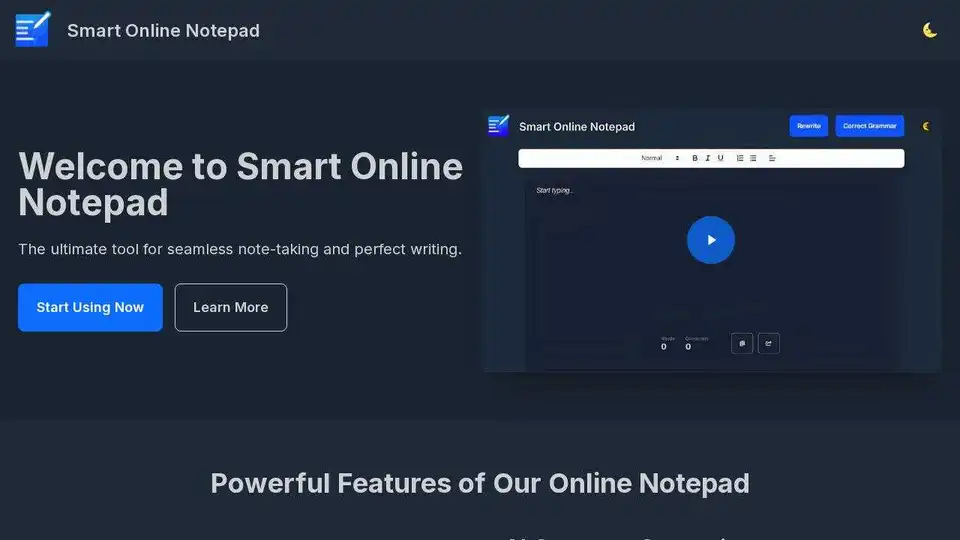
Overview of Smart Online Notepad
Smart Online Notepad: Your AI-Powered Writing Assistant
What is Smart Online Notepad?
Smart Online Notepad is a free, user-friendly online notepad designed to help you write better, faster, and without errors. It leverages the power of AI to provide features like grammar correction, text rewriting, and seamless sharing, making it ideal for students, professionals, and anyone who wants to improve their writing skills.
How does Smart Online Notepad work?
Smart Online Notepad works by providing a clean and intuitive writing interface combined with AI-powered tools. Here's a breakdown of its core functionalities:
- AI Grammar Correction: This feature automatically identifies and corrects grammar, spelling, and punctuation errors in your text with a single click. This ensures your writing is always polished and professional.
- Text Rewriting: This tool allows you to easily adjust the tone or structure of your text to suit different situations. Whether you need to make your writing more formal, informal, or concise, the text rewriting feature can help.
- Seamless Note Sharing: You can share your notes directly via email or messaging apps like WhatsApp, making it quick and simple to send polished messages to colleagues, friends, or family.
- Word & Character Count: The notepad tracks the length of your writing in real time, which is perfect for meeting word or character limits in assignments or professional documents.
- Dark/Light Mode: Customize your writing environment with a choice between dark mode and light mode for comfortable writing day or night.
- Multi-Language Support: Write in multiple languages, including English, Hindi, Hinglish, and more, making it accessible to a global audience.
- Copy with One Click: Quickly copy your text to the clipboard with a single click, ready to paste anywhere without extra steps.
- No Sign-up Required: Start writing immediately without the need to create an account or download any software.
Key Features and Benefits
- Instant Grammar Correction: Ensures error-free writing with one-click grammar, spelling, and punctuation correction.
- Text Rewriting: Adapts your text to different tones and contexts effortlessly.
- Seamless Sharing: Shares your notes easily via email and messaging apps.
- Real-Time Tracking: Monitors word and character count in real time.
- Customizable Interface: Offers dark and light mode for comfortable writing in any environment.
- Multi-Language Support: Supports multiple languages for global users.
- Quick Copy: Copies text to clipboard with a single click.
- Accessibility: Starts writing immediately without sign-up or download.
Upcoming AI Features
The notepad also has exciting upcoming AI-powered features:
- AI Email Writer: Generate perfect emails for any occasion quickly.
- AI Translator: Translate text instantly into multiple languages with a natural, spoken tone.
- AI Creative Writer: Generate creative content for blogs, stories, and more with ease.
Who is Smart Online Notepad for?
Smart Online Notepad is designed for a wide range of users, including:
- Students: Perfect for writing essays, reports, and assignments with error-free grammar and clear structure.
- Professionals: Ideal for crafting professional emails, reports, and presentations with the right tone and clarity.
- Writers: A useful tool for jotting down ideas, drafting content, and refining their writing skills.
- Anyone who wants to improve their writing: Whether you are a native speaker or learning a new language, Smart Online Notepad can help you write more effectively.
How to Use Smart Online Notepad
Using Smart Online Notepad is simple and straightforward:
- Visit the Website: Go to the Smart Online Notepad website.
- Start Writing: Begin typing your text directly into the notepad.
- Use AI Features: Click the AI buttons to correct grammar, rewrite text, or translate your content.
- Share or Copy: Share your notes via email or messaging apps, or copy the text to your clipboard.
Why is Smart Online Notepad important?
In today's fast-paced world, clear and effective communication is essential. Smart Online Notepad helps you achieve this by providing the tools you need to write confidently and accurately. Whether you are writing an important email, a school assignment, or a creative story, Smart Online Notepad can help you express yourself more effectively.
Best way to use Smart Online Notepad?
To get the most out of Smart Online Notepad, consider these tips:
- Use the grammar correction feature regularly to catch and fix errors.
- Experiment with the text rewriting tool to find the best way to express your ideas.
- Take advantage of the dark/light mode to optimize your writing environment.
- Explore the multi-language support to write in different languages.
Ready to experience the difference? Try Smart Online Notepad today and elevate your writing!
Best Alternative Tools to "Smart Online Notepad"
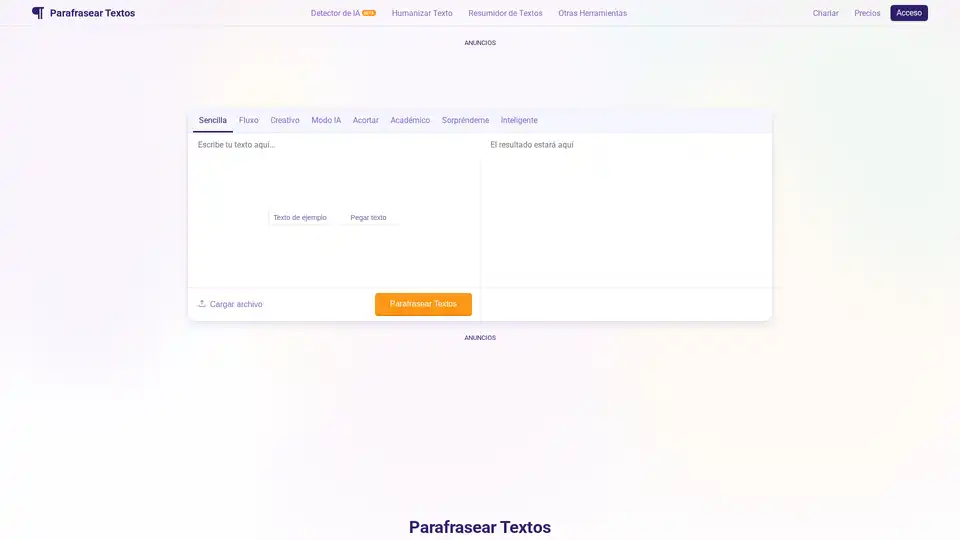
Parafrasear Textos is an AI-powered paraphrasing tool designed to help students and writers rephrase text online, eliminate plagiarism, and improve content clarity. It offers multiple modes and advanced NLP models for accurate and human-like paraphrasing.
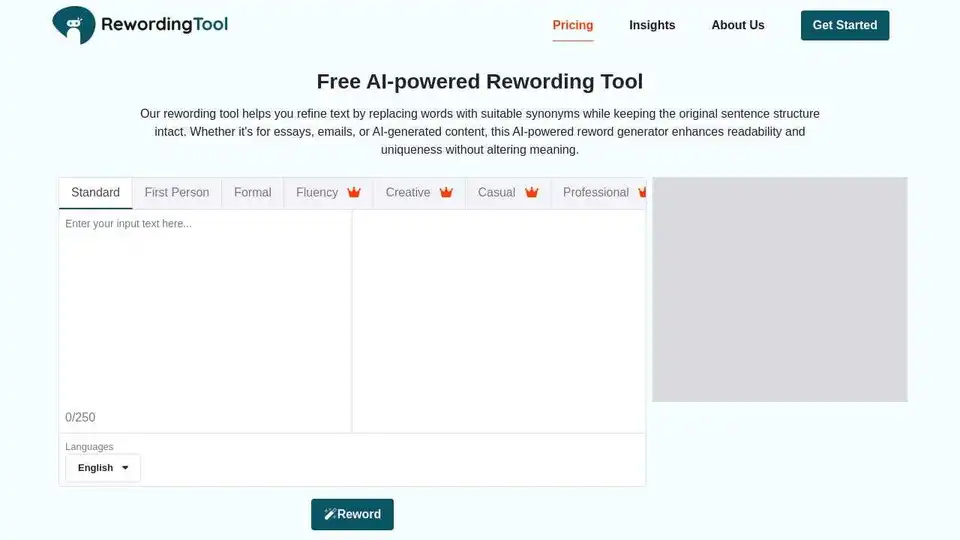
Enhance your writing with Rewording Tool, an AI-powered reword generator for clear, plagiarism-free content. Perfect for students, marketers, and professionals to rewrite essays, refine copy, and simplify complex sentences.

Humanize AI text with the leading AI Humanizer. Convert AI-generated content from ChatGPT, Gemini, and more into undetectable, human-like text. Free & unlimited!
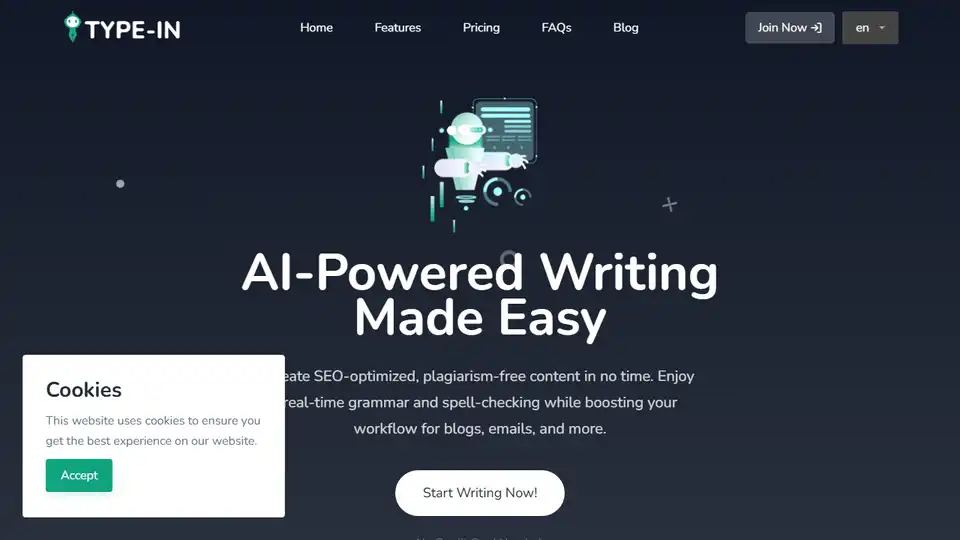
Type-In.App is an AI-powered writing assistant that helps you create SEO-optimized, plagiarism-free content for blogs, emails, and more. Features include grammar check, content rewriting, and multilingual support.
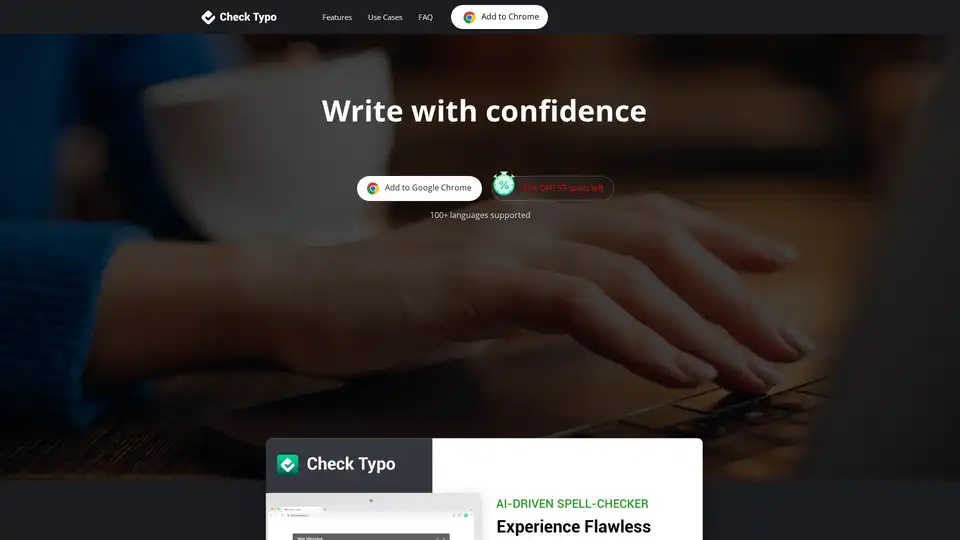
Check Typo is an AI-powered Chrome extension that integrates with Gmail, LinkedIn, and social media to correct typos and grammar errors, ensuring error-free and professional writing.
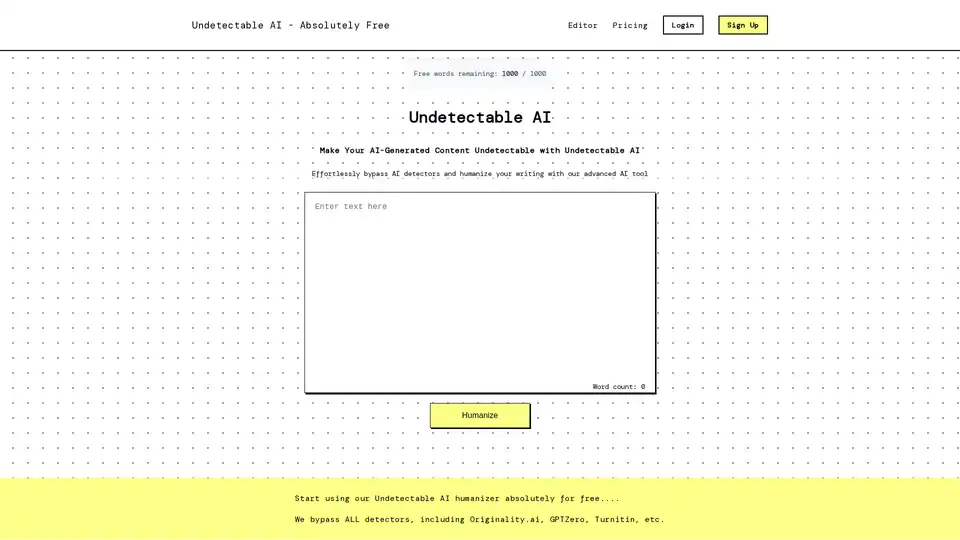
Undetectable AI is an AI humanizer tool that rewrites AI-generated text to bypass AI detectors like GPTZero and Turnitin. It enhances vocabulary, grammar, and sentence structure for natural-sounding content.
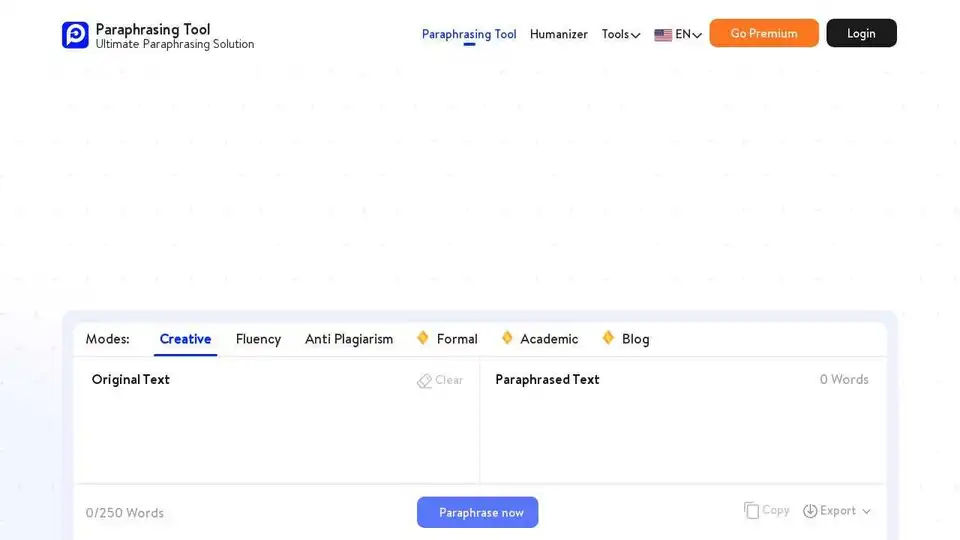
Paraphrasing-tool.ai is a free paraphrasing tool that helps students, teachers, and writers to paraphrase content in seconds. Try our Paraphraser for free.

Paraphraser.io's plagiarism checker offers in-depth, accurate, and free plagiarism detection for students, writers, and bloggers. It checks against vast online resources, supports multiple languages, and provides detailed reports.
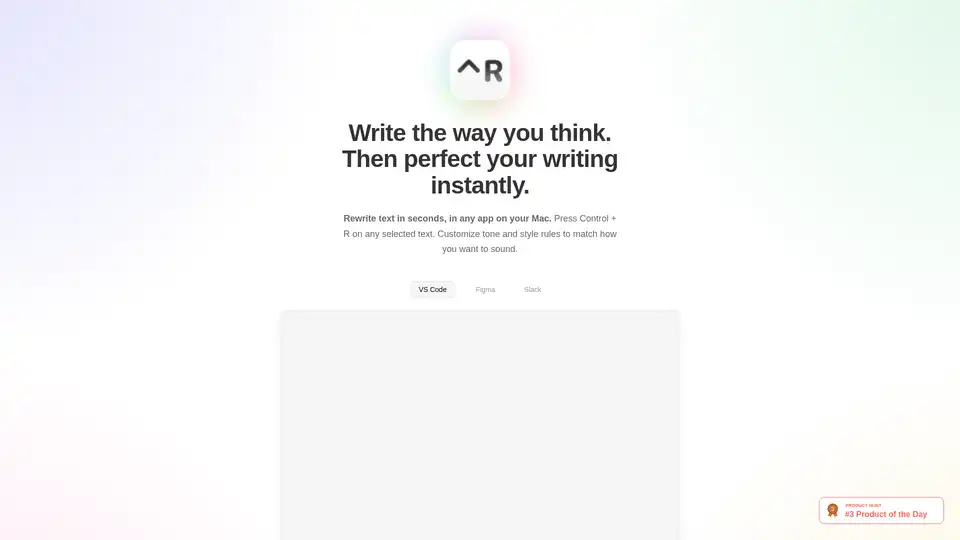
Scraib.app is an AI-powered Mac app that rewrites and improves text in any application. Use Control + R to instantly correct grammar, tone, and style. Customize writing rules and integrate with your favorite apps.
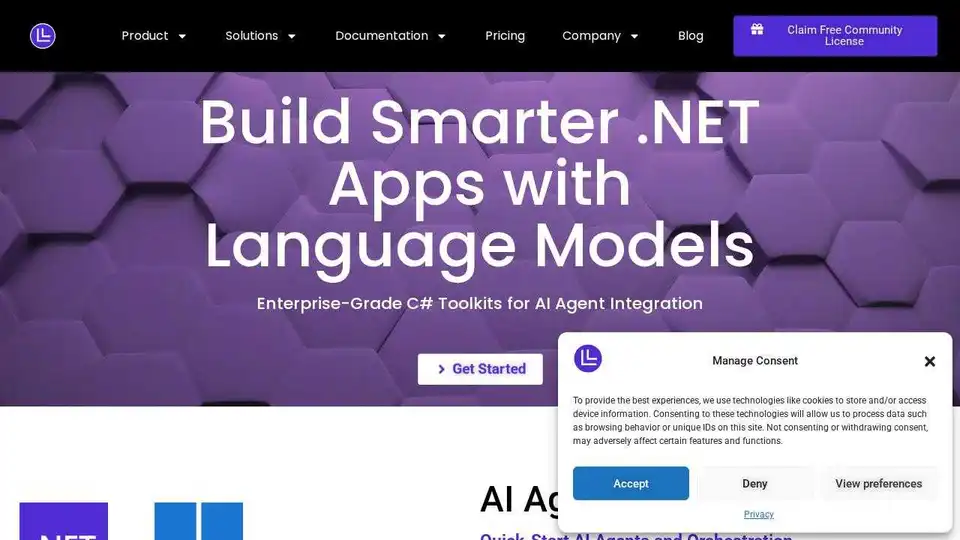
LM-Kit provides enterprise-grade toolkits for local AI agent integration, combining speed, privacy, and reliability to power next-generation applications. Leverage local LLMs for faster, cost-efficient, and secure AI solutions.
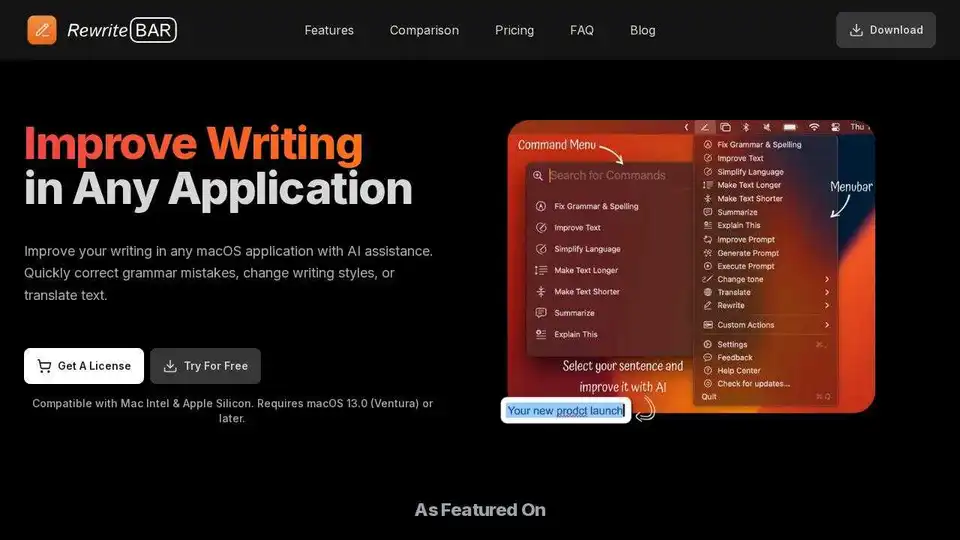
RewriteBar is an AI-powered macOS app that improves writing in any application. Correct grammar, change writing styles, or translate text with ease.

Rewriter PRO AI is an undetectable AI paragraph rewriter that humanizes AI text instantly. Avoid AI detection by GPTZero, Originality.ai, and more with SEO-friendly, natural content.
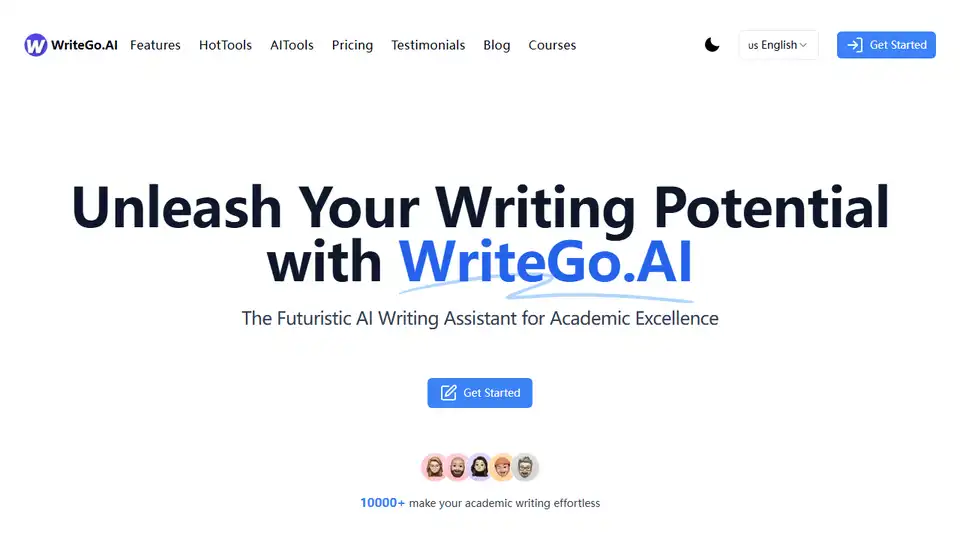
WriteGo.AI is an AI-powered academic writing assistant that simplifies essay creation, content rewriting, and summarization. Trusted by 10000+ users for academic excellence.
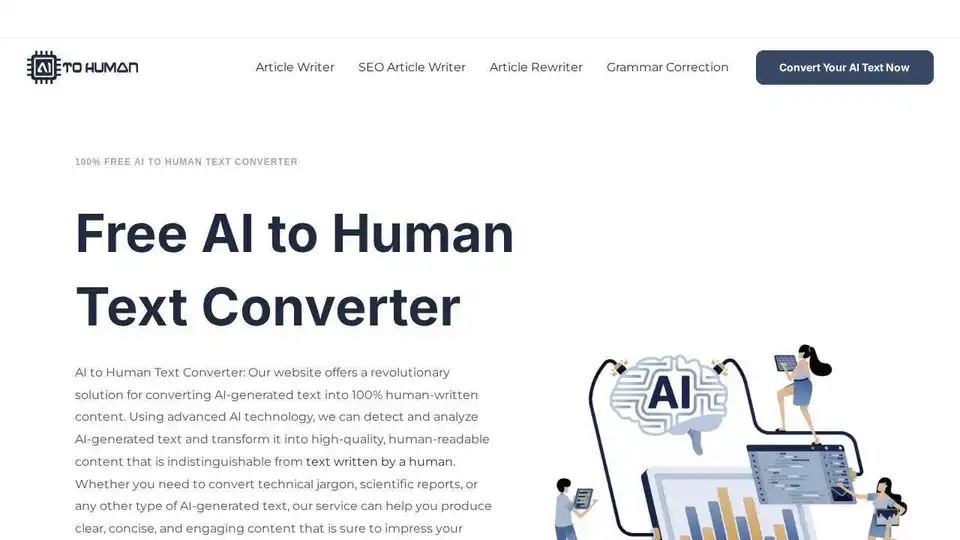
AI to Human Text Converter transforms AI-generated text into 100% human-written content. Improve clarity, engagement, and SEO with this advanced AI tool.