
superReply
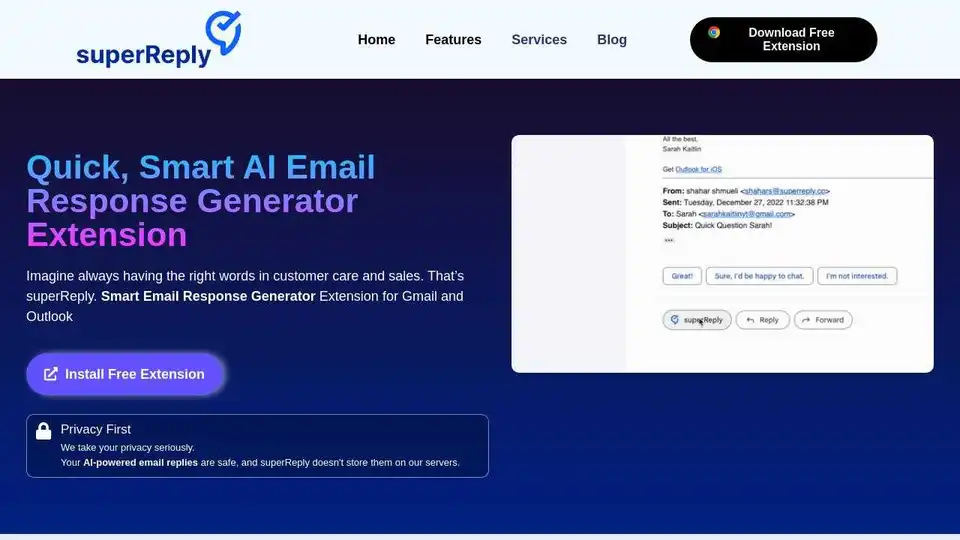
Overview of superReply
What is superReply?
superReply is an AI-powered email response generator extension designed for Gmail and Outlook. It helps users quickly generate effective and tailored email replies without the need to write from scratch. This tool is particularly useful for customer care, sales, and anyone looking to improve productivity and save time on email communication.
How to use superReply?
superReply is easy to use. Simply install the browser extension for Chrome, and it integrates directly into your Gmail and Outlook accounts. When you receive an email, superReply provides AI-powered reply suggestions with just one click. You can choose from various options to find the perfect response, whether it's a professional email or a casual conversation.
Key Features:
- AI-Powered Responses: Generates personalized responses for any situation.
- Tone Matching: Crafts the perfect tone for every customer query and sales pitch.
- Privacy First: Encrypts automated email replies and doesn't store them on servers.
- Free to Start: Allows sending up to 90 emails monthly without any cost.
- Easy Integration: Seamlessly integrates with Gmail and Outlook.
Why is superReply important?
In today's fast-paced business environment, efficient email communication is crucial. superReply helps users:
- Save Time: Automate email replies to free up time for other tasks.
- Improve Productivity: Communicate with confidence and efficiency.
- Enhance Customer Service: Craft perfect responses for customer queries.
- Maintain Professionalism: Ensure the right words are always available.
Where can I use superReply?
You can use superReply in various scenarios:
- Customer Care: Provide quick and effective responses to customer inquiries.
- Sales: Craft personalized sales pitches and follow-ups.
- General Email Communication: Improve productivity in everyday email exchanges.
Best way to get started with superReply?
- Install the Extension: Download the free superReply extension from the Chrome Web Store.
- Connect Your Email: Integrate superReply with your Gmail or Outlook account.
- Start Replying: Open an email and click on the superReply suggestions to generate instant, tailored responses.
superReply is the best AI Email Response Generator to improve your email correspondence and save valuable time.
Best Alternative Tools to "superReply"

MailMaestro: AI email assistant works in Outlook & Gmail. Draft replies, summarize threads, and manage your inbox faster. Try it for free!

ToMate uses AI trained on your messages, files, and websites to automate and improve client communication. Generate responses quickly and boost productivity.
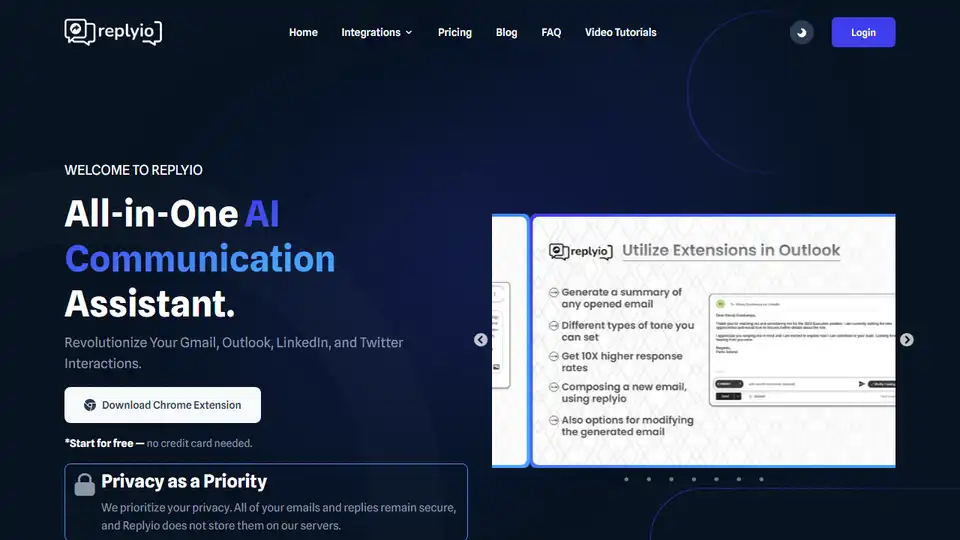
Replyio is an AI-powered communication assistant that helps you personalize messages for Gmail, Outlook, LinkedIn, and Twitter. Boost your productivity and save time with automated responses and personalized messaging.
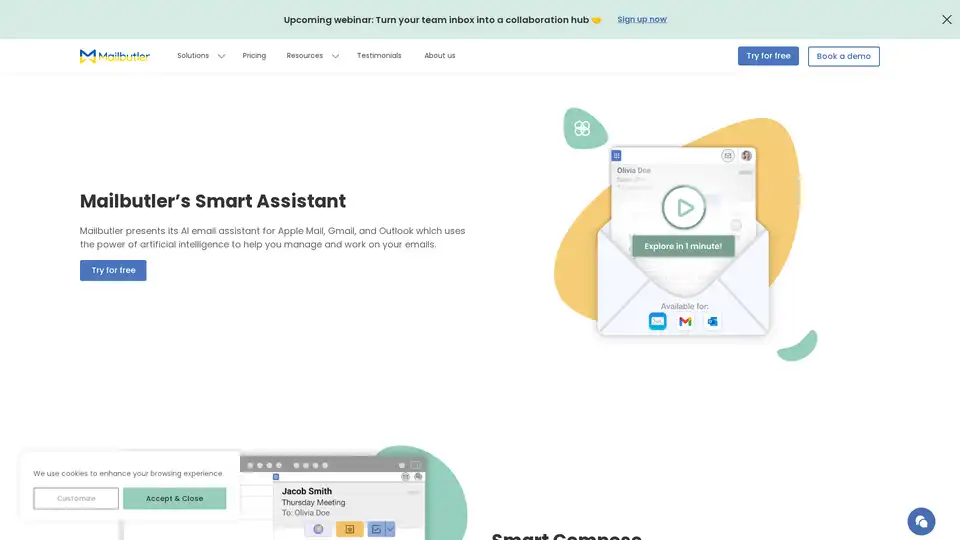
Mailbutler Smart Assistant is an AI-powered email extension that helps users manage emails efficiently with features like smart compose, auto-responses, email summarization, and task extraction for Apple Mail, Gmail, and Outlook.