
Surf
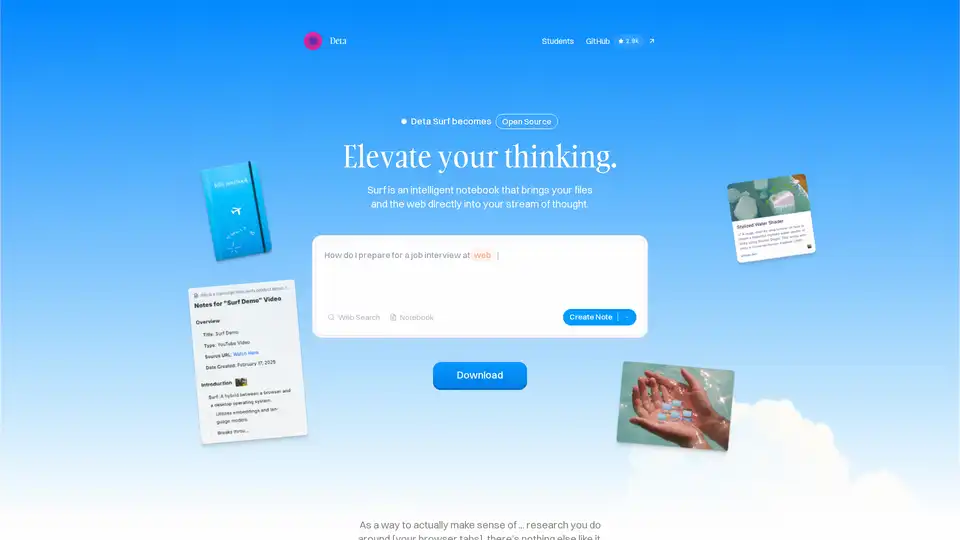
Overview of Surf
What is Surf?
Surf is an innovative open-source AI-powered notebook designed to revolutionize how you capture, process, and interact with information from the web, files, and media. Unlike traditional note-taking apps or browsers that force constant context switching, Surf brings everything into a unified stream of thought. Whether you're summarizing hours of YouTube videos, distilling hundred-page PDFs, or exploring foreign languages and scientific diagrams, Surf leverages AI to make sense of it all. Developed by Deta and handcrafted in Berlin, it's now fully open source on GitHub, emphasizing privacy with local data storage and support for your own LLMs.
This tool stands out in the crowded AI landscape by focusing on elevating your thinking rather than just generating content. It's perfect for researchers, students, professionals, and curious minds who want a "trillions of pages more powerful" alternative to standard notes apps.
Key Features of Surf
Surf packs a punch with features that blend AI intelligence with intuitive usability:
- Seamless Web and Media Integration: Explore websites, YouTube videos, and PDFs without leaving your notebook. Ask questions, get AI-generated summaries, and deep dives—all in one place.
- AI-Powered Note Generation: Automatically create personal notes from your media. Less scrolling, typing, or copying compared to browsers.
- Interactive Content Creation: Build interactive graphs, applets, and Surflets (custom mini-apps) without writing code. Ideal for visualizing data or explaining complex ideas.
- Citations and Organization: Every note includes direct links to sources for easy verification. Vertical tabs and customizable notebooks keep everything organized.
- Privacy-First Design: Data stays on your device. Import/export freely, run local LLMs, or bring your own API keys.
- User-Friendly Extras: Dark mode, drag-and-drop file imports (PDFs, images), sketches on notebooks, and a clean sidebar layout.
| Feature | Benefit |
|---|---|
| Local & Open Data | Full control, no cloud dependency |
| Open Source | Transparent, community-driven improvements |
| Open Intelligence | Compatible with any LLM (local or cloud) |
| Vertical Tabs | Clutter-free browsing |
| Surflets | No-code app creation for custom explanations |
How Does Surf Work?
At its core, Surf acts as an intelligent bridge between your browser tabs and your brain. Here's the workflow:
- Capture Content: Drag in files, paste URLs, or browse directly. Surf handles web pages, videos, images, and documents.
- AI Processing: Integrate with LLMs to summarize, translate, or analyze. For example, feed it a YouTube video for key insights or a dense PDF for bullet-point extracts.
- Interact and Expand: Pose questions in natural language—get answers with citations. Create visuals or Surflets on the fly.
- Organize and Export: Notes live in customizable notebooks. Export anytime, all local.
Powered by open-source code, it avoids vendor lock-in. Users praise its ability to "make sense of research around your browser tabs" in ways no other tool matches.
How to Use Surf?
Getting started is straightforward:
- Download the app from the official site or GitHub.
- Install and launch—your data remains local.
- Import Content: Drag PDFs/images or add web/YouTube links.
- Query with AI: Type questions like "Summarize this video" or "Explain this diagram."
- Customize: Add your LLM key or run local models for privacy.
- Build Surflets: Experiment with no-code applets for recurring tasks, e.g., a custom research summarizer.
Join the open beta for the latest features. It's cross-platform friendly, with a focus on desktop for now.
Why Choose Surf Over Other AI Notebooks?
In a sea of AI tools like Notion AI or Obsidian plugins, Surf excels by being radically personal and open. No subscriptions, no data harvesting—pure ownership. Quotes from users highlight its edge: "The new Surf browser shows why everyone's trying to connect AI to the web." It's more powerful than notes apps (trillions of pages via web access) and less fragmented than browsers.
Practical Value:
- Saves Time: Turn hours of research into minutes of actionable notes.
- Boosts Creativity: Interactive elements spark new ideas.
- Enhances Learning: Perfect for job interview prep, as in the example: "How do I prepare for a job interview?"
Who is Surf For?
- Students & Researchers: Summarize papers, videos, and web research effortlessly.
- Professionals: Streamline job prep, content creation, or data analysis.
- Developers & Tinkerers: Leverage open-source code and local LLMs.
- Content Creators: Generate cited notes from media without copy-paste hassles.
If you're tired of tab overload and fragmented workflows, Surf is your upgrade.
Real-World Use Cases
- Academic Research: Upload a 100-page thesis PDF—get summaries, key quotes, and visual graphs.
- Video Learning: Digest YouTube courses with timestamped notes and Q&A.
- Professional Prep: Web search interview tips, auto-generate personalized study notes.
- Creative Projects: Sketch ideas, build Surflets for mood boards or prototypes.
The team at Deta envisions "computers that enhance our own intelligence—and feel like they're ours." With frequent updates and community input, Surf is evolving fast.
Best Way to Boost Productivity? Download Surf today and experience thinking at another level. Search less, think better.
Best Alternative Tools to "Surf"
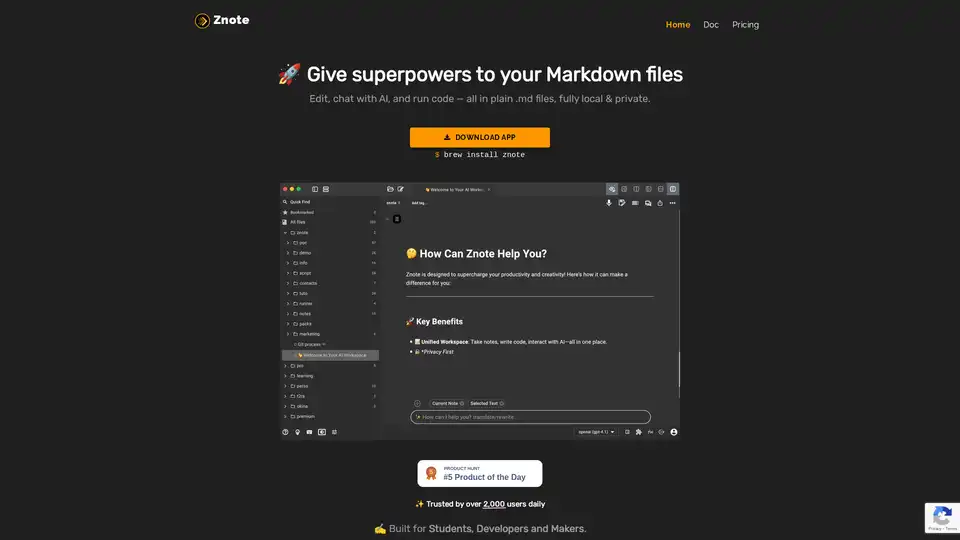
Znote empowers Markdown files with AI assistance and code execution. Edit locally, chat with AI, and run JavaScript snippets. Ideal for students, developers, and makers.
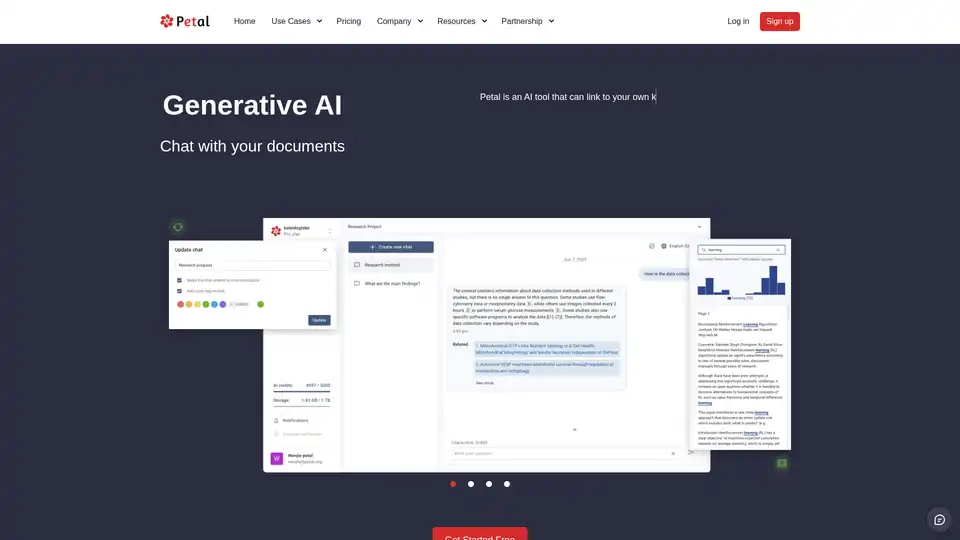
Petal is an AI-powered platform for chatting with documents, providing accurate answers, summaries, translations, and collaboration tools. Ideal for researchers in academia, R&D, and industry to analyze and organize knowledge efficiently.
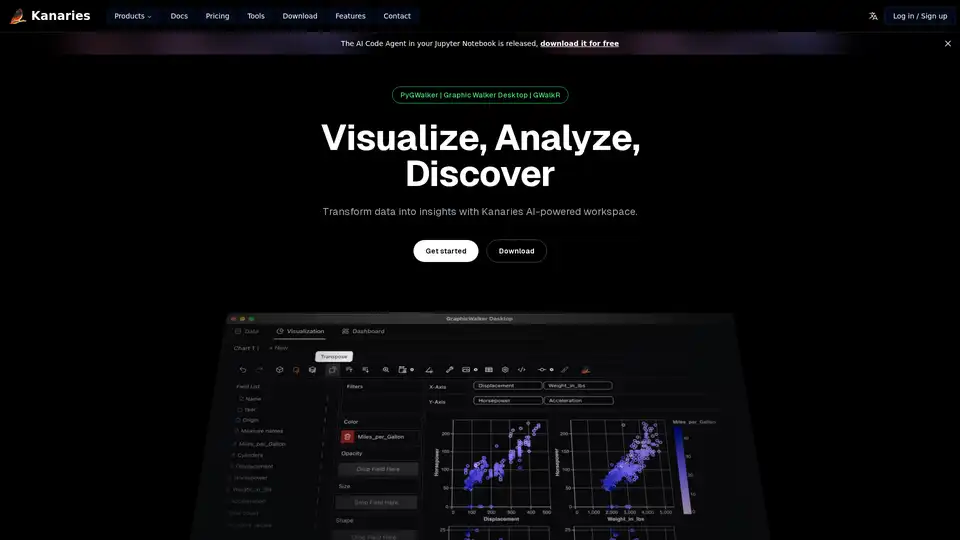
Make exploratory data analysis (EDA) easier with AI powered visual analytics. Discover, Analyze and Share data insights with ease.
MONAI is an open-source AI framework for healthcare imaging, empowering innovation by bridging research and clinical deployment. Trusted by researchers and clinicians.
Unlock your potential with Transcript, the all-in-one AI-powered learning platform. Get instant answers, deep insights, and personalized help for any subject—available anytime, anywhere.
xTuring is an open-source library that empowers users to customize and fine-tune Large Language Models (LLMs) efficiently, focusing on simplicity, resource optimization, and flexibility for AI personalization.
Volt Intelligence's Harley is an AI baseball assistant transforming data into winning strategies through natural conversation. Get a competitive edge with instant insights for pro and college teams.
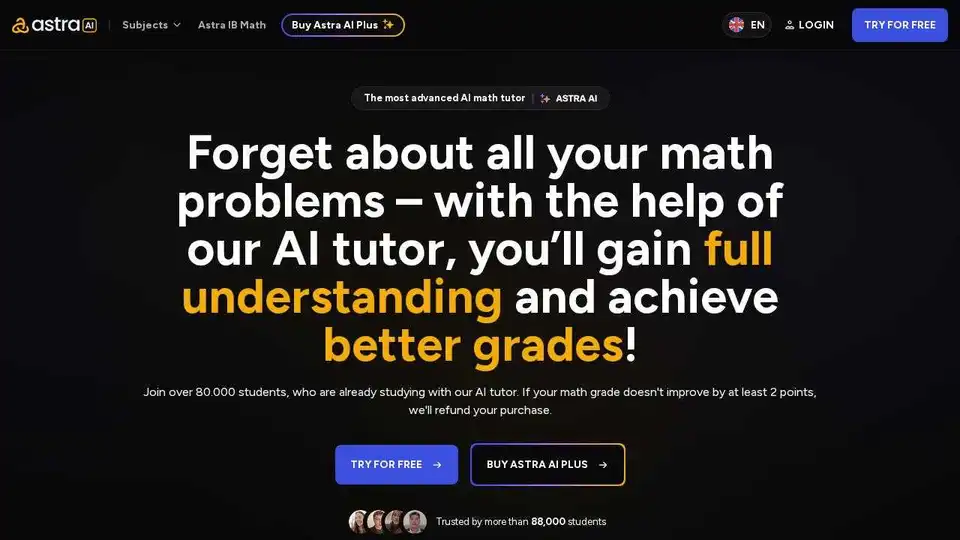
Astra AI is an AI-powered math tutor available 24/7. Get step-by-step guidance and improve your math grades with personalized AI-powered study plans. Join 256,000+ satisfied students!
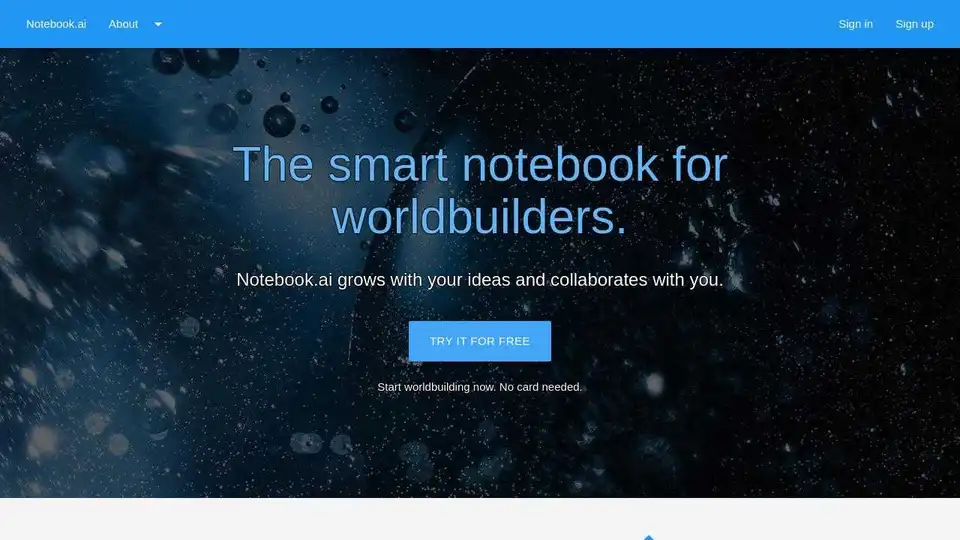
Notebook.ai is a smart notebook for writers and roleplayers to create magnificent universes. Free accounts have access to core building blocks of fictional universes.
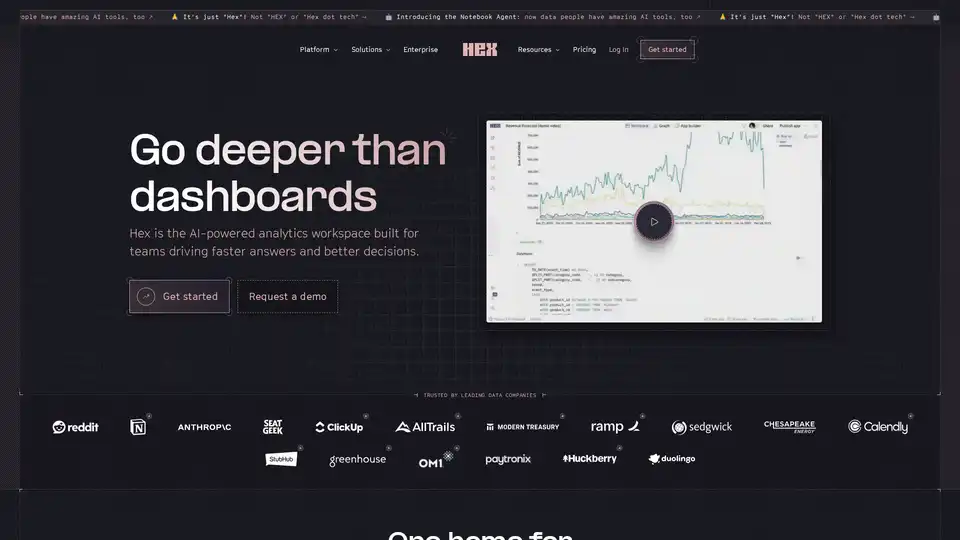
Hex is the AI-powered analytics workspace designed for teams to drive faster answers, better decisions, and collaborative data exploration with notebooks, apps, and self-serve tools.
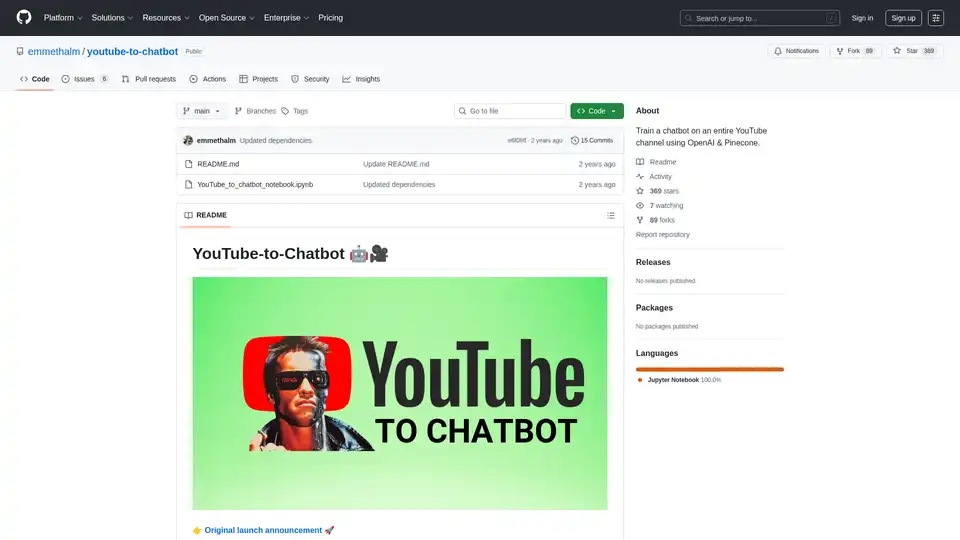
YouTube-to-Chatbot is an open-source Python notebook that trains AI chatbots on entire YouTube channels using OpenAI, LangChain, and Pinecone. Ideal for creators to build engaging conversational agents from video content.
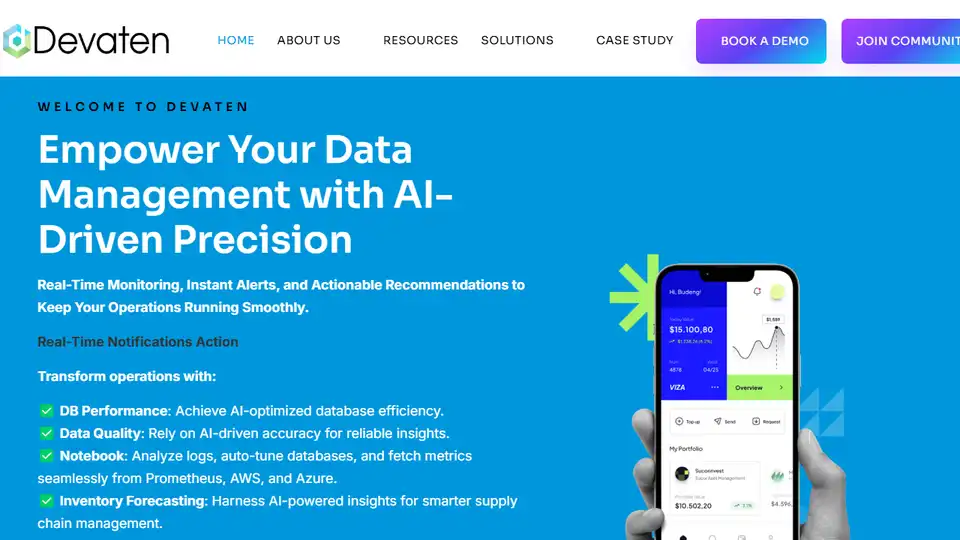
Empower Data Management with AI-Agent Precision. Real-time monitoring, intelligent alerts, and actionable insights powered by autonomous AI agents.
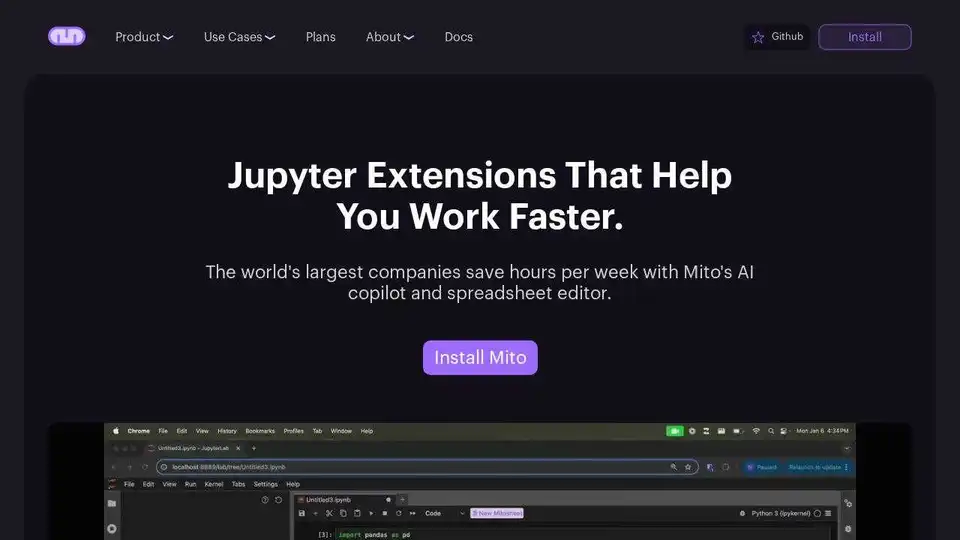
Automate Python spreadsheet tasks with Mito, an open-source tool that converts spreadsheet edits to Python code. Integrates AI for chat, debugging and data analysis in Jupyter.
Prompt Studio is an AI-powered collaborative platform that transforms raw data into meaningful insights through Promptbooks, enabling teams to perform self-service analytics without coding.