
TTS-Voice-Wizard
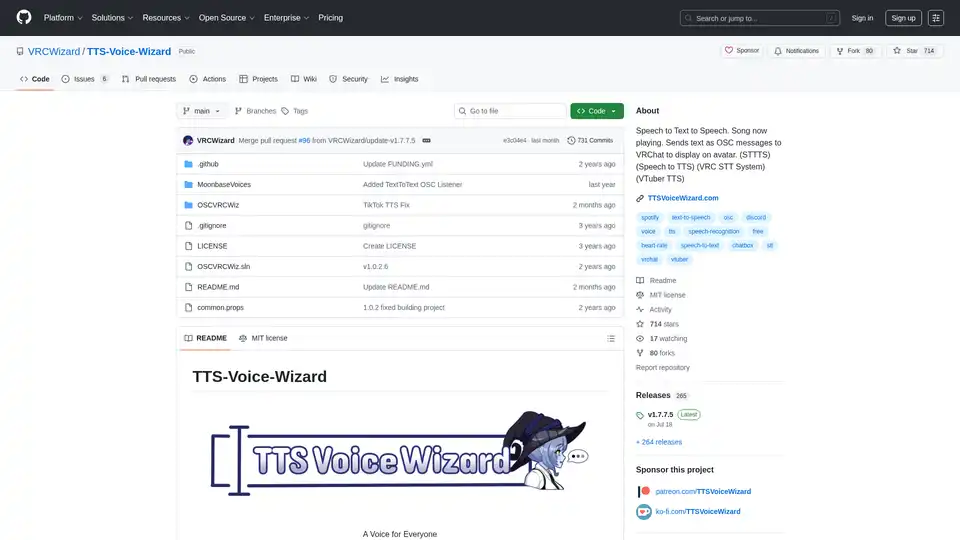
Overview of TTS-Voice-Wizard
TTS-Voice-Wizard: A Voice for Everyone in VRChat
TTS-Voice-Wizard is an open-source tool designed to enhance accessibility and interactivity within VRChat and other applications. It allows users to convert speech to text and back to speech, displaying the text on their VRChat avatars via OSC messages. This tool offers a wide range of customization options and integrations, making it a versatile addition to any VTuber or VRChat enthusiast's toolkit.
What is TTS-Voice-Wizard?
TTS-Voice-Wizard is a speech-to-text-to-speech application that sends text as OSC messages to VRChat, displaying it on avatars. It supports various speech recognition and text-to-speech methods, offering over 100 different voices and customization options. The tool also includes features for displaying the current song playing on Spotify or through a browser, as well as tracker and controller battery life via XSOverlay.
How does TTS-Voice-Wizard work?
The application works by capturing audio input, converting it to text using speech recognition, and then converting the text back to speech using a selected voice. This text can then be sent as OSC messages to VRChat, where it is displayed on the user's avatar using systems like KillFrenzyAvatarText or Frosty's Billboard. Additionally, TTS-Voice-Wizard can translate speech into over 50 languages.
Key Features:
- Speech-to-Text and Text-to-Speech Conversion: Convert speech to text and back using various methods.
- OSC Message Sending: Send text as OSC messages to VRChat for avatar display.
- Multi-Language Translation: Translate speech from one language to over 50 others.
- Voice Customization: Choose from 100+ different voices with customization options.
- Spotify Integration: Display the current song playing on Spotify or via a browser.
- XSOverlay Integration: Display tracker and controller battery life.
- Pulsoid/HRtoVRChat_OSC Integration: Display heart rate in VRChat's Chatbox.
- Voice Commands: Control VRChat avatar parameters with voice commands.
- Interactive Counters: Display customizable counters for VRChat contact receiver touches.
How to use TTS-Voice-Wizard?
- Download: Download TTS Voice Wizard from the provided link.
- Installation: Follow the instructions in the Quickstart Guide or Tutorial Video.
- Configuration: Set up the basic features of TTS Voice Wizard according to your needs.
Alternative installation is available via scoop:
scoop bucket add extras
scoop install extras/tts-voice-wizard
Why choose TTS-Voice-Wizard?
TTS-Voice-Wizard stands out due to its comprehensive feature set and ease of use. It provides a versatile solution for enhancing communication and interactivity in VRChat, with extensive customization options and integrations. The availability of a free version and a pro version with advanced features caters to a wide range of users.
Who is TTS-Voice-Wizard for?
- VTubers: Enhance your streams with real-time speech-to-text and voice customization.
- VRChat Users: Improve communication and accessibility within VRChat.
- Content Creators: Create engaging content with voice commands and interactive elements.
- Developers: Integrate speech-to-text functionality into custom applications.
VoiceWizardPro Benefits:
For users seeking more advanced features, VoiceWizardPro offers several benefits, including:
- Instant Access to Premium Voices: Enjoy hundreds of voices from Microsoft Azure, Amazon Polly, Google Cloud, and IBM Watson.
- Multilingual Magic: Translate voices into over 70 supported languages.
- Crystal-Clear Transcriptions: Access speech recognition through DeepGram's Nova-2 model.
What are the system requirements?
- Windows 10/11 (compatibility not guaranteed with older versions of Windows)
Support the Project:
Users can support the project by:
- Leaving a Github Star ⭐
- Subscribing to Ko-Fi or Patreon
- Unlocking VoiceWizardPro Benefits
External Links:
By using TTS-Voice-Wizard, users can significantly enhance their VRChat experience, making it more accessible and engaging for everyone.
Tags Related to TTS-Voice-Wizard
