Vmake AI Video Enhancer
3
1.09k
0
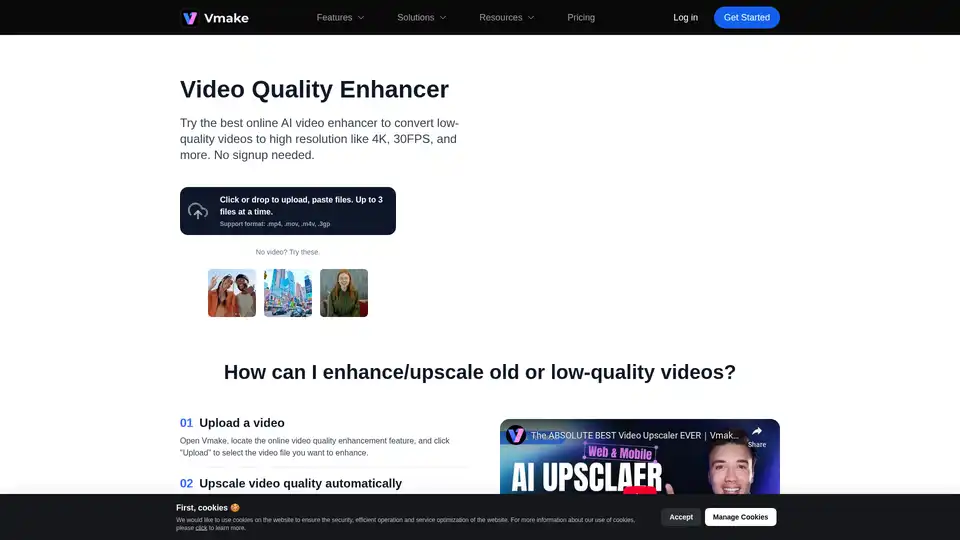
Overview of Vmake AI Video Enhancer
Vmake AI Video Enhancer: Enhance Your Video Quality Online for Free
What is Vmake AI Video Enhancer? It is an online tool designed to improve the quality of low-resolution videos, making them sharper and more visually appealing. With Vmake, you can easily convert your old or low-quality videos into high-resolution masterpieces.
Key Features:
- AI-Powered Sharpening: Utilizes advanced AI algorithms to clarify details and boost sharpness.
- 4K Upscaling: Enhances video resolution up to 4x, transforming rough clips into high-quality visuals.
- Color Correction: Recolor and clean up footage to deliver vibrant, platform-ready content.
- Noise Reduction: Removes graininess and noise from vintage or low-quality videos.
How Does It Work?
- Upload Video: Open Vmake and upload the video file you want to enhance.
- Automatic Enhancement: The AI automatically adjusts brightness, contrast, saturation, and sharpness.
- Export Upgraded Video: Preview the results, choose a file format, and save the enhanced video.
Why Choose Vmake AI Video Enhancer?
- Enhance Brand Stature: Enhanced videos leave a lasting impression, elevating your brand image.
- Boost Engagement and Conversions: Captivate and retain audience attention with engaging visuals.
- Improve IP Recognition: Deliver a superior visual experience that aligns with audience expectations.
Who is Vmake AI Video Enhancer for?
Vmake is perfect for:
- Content Creators: Sharpening mobile videos and enhancing online-sourced footage.
- Marketing Professionals: Repurposing old footage for new campaigns.
- Anyone Looking to Improve Video Quality: Whether it's for personal or professional use, Vmake can help you enhance your videos effortlessly.
Practical Value:
- Saves Time: Reduces post-production time by up to 80%.
- Increases Engagement: Users report a 30–50% increase in ad click-through rates.
- Improves Retention: Videos enhanced with Vmake see an average 22% increase in viewer retention.
Use Cases:
- Mobile Videos: Sharpen videos shot on your phone that suffer from motion blur or soft focus.
- Online-Sourced Footage: Enhance clarity and color for repost-ready assets with heavy compression.
- Outdated Content: Restore and modernize vintage clips, archived event videos, or old influencer content.
FAQ
- Is it possible to sharpen a blurry video? Yes, Vmake uses AI-powered sharpening to clarify details and boost sharpness.
- Will using the video quality enhancer feature affect the original video's aspect ratio or format? Vmake maintains the original aspect ratio and offers various format options for exporting.
- Is Vmake a free video enhancer tool? Vmake offers a free version with limited features and paid plans for more advanced options.
Best way to enhance video quality?
The best way to enhance video quality is by using an AI-powered tool like Vmake, which automatically adjusts brightness, contrast, saturation, and sharpness to provide optimal results.
With Vmake AI Video Enhancer, you can transform every video into a high-impact asset, enhancing your brand's stature and driving better engagement and conversions. Try it now and see the difference!
Tags Related to Vmake AI Video Enhancer