
FireCut
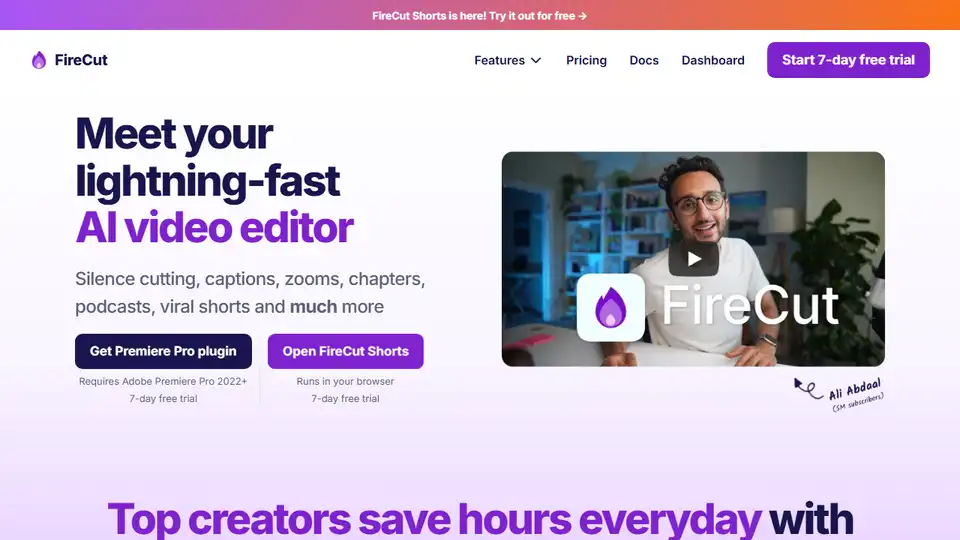
Overview of FireCut
What is FireCut?
FireCut is an innovative AI-powered video editing tool designed to revolutionize the way video editors work. By integrating seamlessly with popular video editing software like Adobe Premiere Pro and DaVinci Resolve, FireCut automates repetitive tasks, allowing editors to focus on the creative aspects of their projects.
Key Features of FireCut
- Silence Cutting: Automatically detects and removes silent parts in your footage, making your videos more engaging and concise.
- Captioning: Transcribes and adds captions in over 50 languages, enhancing accessibility and viewer engagement.
- Zoom Cuts: Creates dynamic zoom cuts at optimal times, adding depth and visual interest to your videos.
- Chapter Detection: Identifies and marks chapters in your videos, making navigation easier for viewers.
- B-roll Integration: Effortlessly finds and integrates premium stock footage powered by Storyblocks.
How Does FireCut Work?
FireCut leverages advanced AI algorithms to analyze your video footage. It identifies patterns and elements that can be automated, such as silent segments, optimal points for zoom cuts, and potential chapter breaks. By automating these tasks, FireCut significantly reduces the time and effort required for video editing.
How to Use FireCut?
- Installation: Download and install the FireCut plugin for your preferred video editing software (Adobe Premiere Pro or DaVinci Resolve).
- Integration: Open your video project and activate the FireCut plugin.
- Automation: Use FireCut's features to automate tasks like silence cutting, captioning, and chapter detection.
- Review and Edit: Review the automated edits and make any necessary adjustments.
- Export: Export your final video with enhanced features and improved efficiency.
Why Choose FireCut?
- Time-Saving: FireCut automates repetitive tasks, saving you hours of manual editing.
- User-Friendly: Designed with a minimal and purposeful interface, making it easy to use for both beginners and professionals.
- Regular Updates: The development team is dedicated to continuously improving FireCut with new features and enhancements.
- Trusted by Professionals: FireCut is used by industry-leading brands and top creators who save hours every day.
Who is FireCut For?
FireCut is ideal for:
- Video Editors: Professionals looking to streamline their workflow and focus on creative aspects.
- Content Creators: YouTubers, podcasters, and social media influencers who want to produce high-quality videos efficiently.
- Production Agencies: Teams that need to manage multiple projects and meet tight deadlines.
- Educators and Trainers: Individuals who create educational content and need to make their videos more engaging.
Best Way to Edit Videos with FireCut
To get the most out of FireCut, follow these best practices:
- Plan Your Project: Outline your video content and identify areas where automation can be most beneficial.
- Use All Features: Take advantage of all FireCut's features, including silence cutting, captioning, and zoom cuts.
- Review Automated Edits: Always review the automated edits to ensure they meet your standards.
- Stay Updated: Keep your FireCut plugin updated to access the latest features and improvements.
- Engage with the Community: Join the FireCut community to share tips, get support, and stay informed about new updates.
User Testimonials
FireCut has received rave reviews from users worldwide:
- "It has more than halved our workload." - Muslim Kasumov
- "FireCut lets us deliver 20+ more billable hours every week." - Cessna Creative
- "This plugin is a dream come true." - Daniel Antero
- "FireCut is light years ahead of the game." - Jay
- "Amazing for adding super-dynamic captions." - Zachary Staines
Conclusion
FireCut is a game-changer in the world of video editing. By automating repetitive tasks and integrating seamlessly with popular video editing software, it allows editors to focus on what they do best: creating compelling and engaging content. Whether you're a professional video editor, a content creator, or part of a production agency, FireCut can significantly enhance your productivity and streamline your workflow.
Tags Related to FireCut
