
Image Splitter
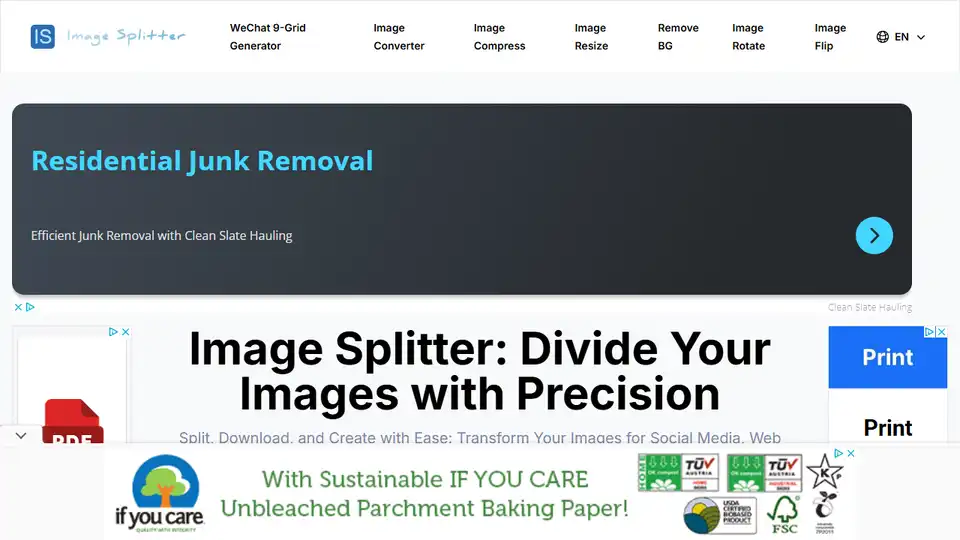
Overview of Image Splitter
Image Splitter: Divide Your Images with Precision
What is Image Splitter?
Image Splitter is a practical online tool that allows you to divide a large image into multiple smaller parts. You can split images according to user-specified rows and columns, or simply divide the image into top and bottom halves or left and right sides.
How does Image Splitter work?
Our Image Splitter tool is designed to provide a seamless and efficient image splitting experience. It uses HTML5 Canvas technology to process the image in the background, dividing it into multiple smaller images based on the chosen mode and parameters.
Why is Image Splitter important?
Image Splitter is a versatile tool with numerous applications, including social media puzzle effects, web performance optimization, and facilitating large image printing. It provides materials for collages, photo walls, albums, and other creative projects, greatly increasing design flexibility.
How to Use Image Splitter
Follow this step-by-step guide to make the most of our Image Splitter tool:
- Upload Process: Drag and drop your image into the upload area, or click to select a file. It supports common formats like JPG and PNG.
- Original Image Display: After uploading, your image appears in the top-left corner.
- Splitting Mode Selection: Choose from three splitting mode options:
- Row (2 parts): Splits the image horizontally into top and bottom halves.
- Column (2 parts): Splits the image vertically into left and right halves.
- Custom: Allows for custom splitting by specifying rows and columns.
- Custom Splitting Feature: If you select "Custom" mode, enter your desired number of rows and columns.
- Real-time Preview: See a real-time preview of your split image in the right panel.
- Individual Download Option: Hover over any split image in the preview area to reveal a download button. Click to download that specific piece.
- Batch Download Feature: Click the green "Download All as ZIP" button to package all pieces into a single ZIP file for download.
- Image Replacement Function: Hover over the original image on the left and click the delete button to remove the current image and upload a new one.
Where can I use Image Splitter?
Image Splitting is commonly used in the following scenarios:
- Social Media: Create eye-catching puzzle effects on platforms like Instagram and Pinterest.
- Web Design: Improve webpage loading speed by breaking large images into smaller ones.
- Printing: Split large posters or charts into standard paper sizes for easy printing.
- Image Processing: Break down complex images into multiple parts for individual editing or analysis.
- Creative Projects: Use for creating collages, photo walls, and other creative works.
Key Benefits of Image Splitter
- Increase user engagement on social media.
- Improve webpage loading speed.
- Adapt to various display requirements.
- Facilitate large image printing.
- Enhance creative design.
- Help with local analysis or parallel processing in image processing and computer vision fields.
- Create unique teaching materials and interactive exercises.
- Optimize resource loading and management in game development.
- Create unique digital artworks.
- Protect image privacy by displaying only specific parts of an image.
Image Splitter Frequently Asked Questions
- Is the Image Splitter free to use? Yes, it is completely free.
- Do I need to register or log in? No registration is required.
- What image formats does the Image Splitter support? JPG, PNG, GIF, and BMP.
Conclusion
Image Splitter is an indispensable tool for handling and utilizing images more flexibly, adapting to various application scenarios, improving work efficiency, and stimulating creative potential. Whether in social media, web design, artistic creation, or privacy protection, Image Splitter provides the flexibility you need.
AI Generated Art Image Enhancement and Repair Image Style Transfer AI Background Removal and Replacement AI Avatar and Cartoonization 3D Modeling and Rendering Logo and UI Design
Best Alternative Tools to "Image Splitter"
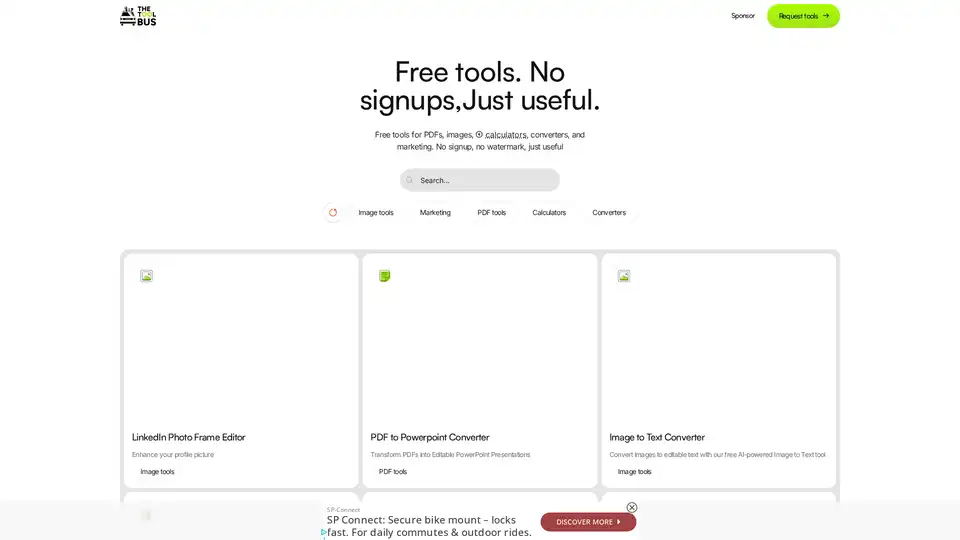
Discover TheToolBus.ai: Free online tools for PDFs, images, calculators, converters, and marketing. AI-powered features like image to text and background removal. No signup, fast, and efficient for everyday tasks.
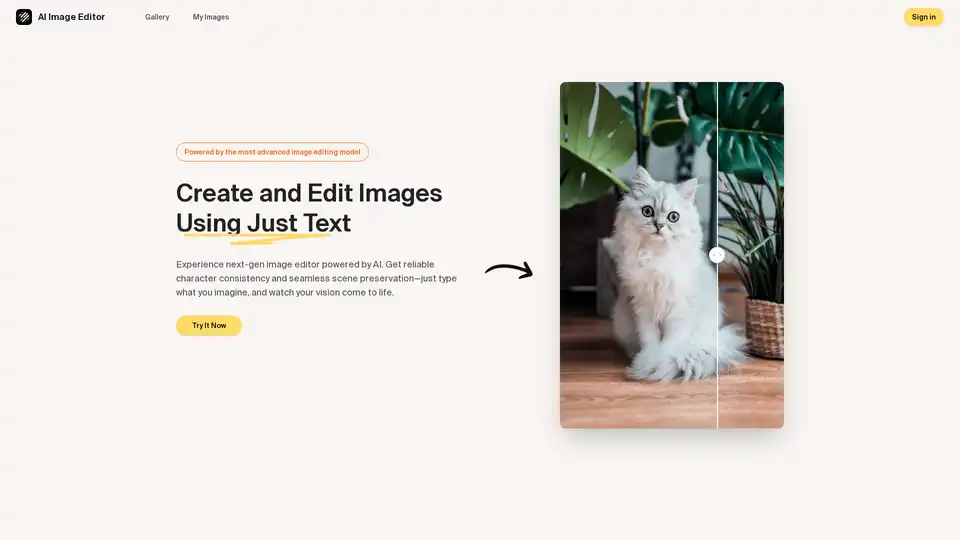
Discover the AI Image Editor: transform photos effortlessly with text prompts. Edit, enhance, and blend images while maintaining consistency—ideal for creative and professional workflows.
Expand your images effortlessly with AI Image Extender. Enlarge backgrounds, adjust aspect ratios, and extend photo edges with this powerful AI photo enhancement tool.
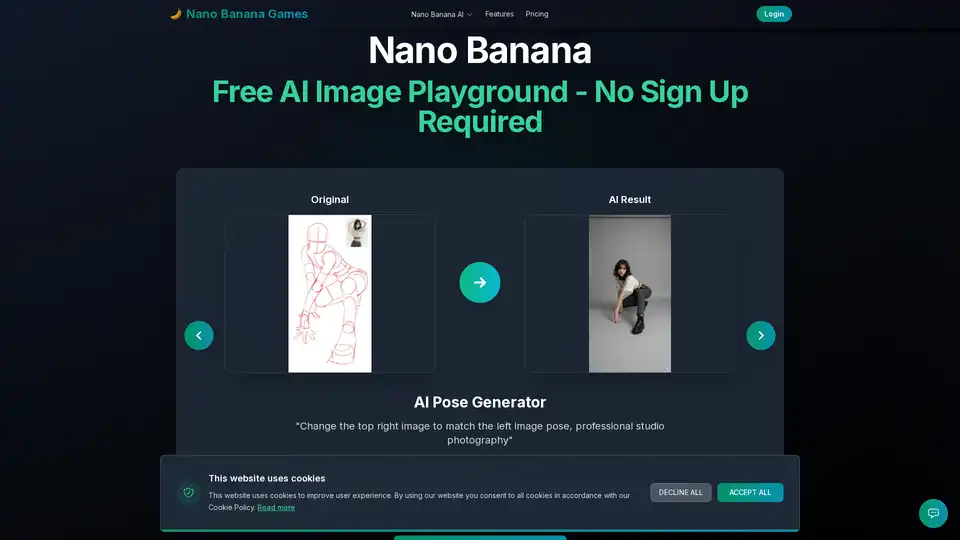
Nano Banana is a free AI image playground for instant image transformations. Use pose generation, face swaps, and background changes to create amazing art, no sign-up required!