StreamLadder
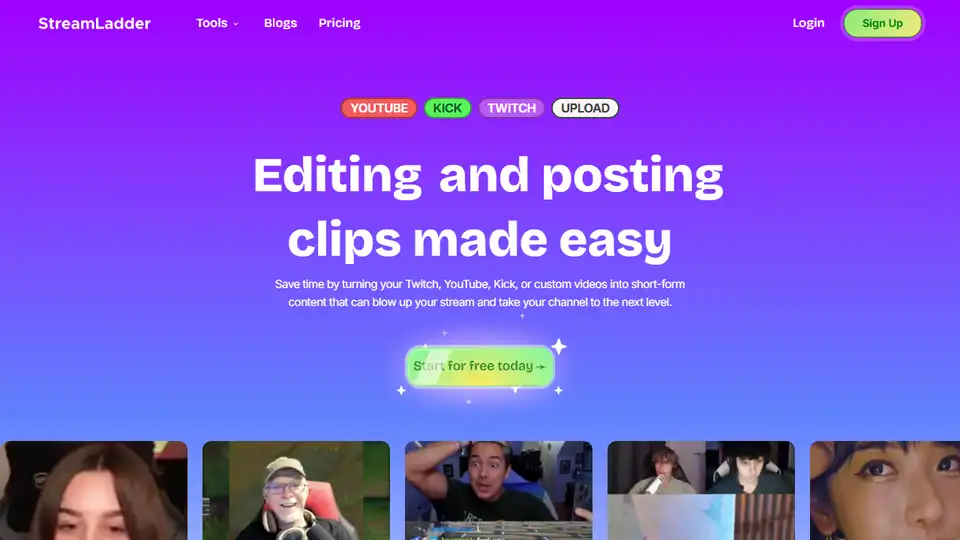
Overview of StreamLadder
What is StreamLadder?
StreamLadder is an innovative tool designed to help content creators easily convert their Twitch, YouTube, and Kick clips into vertical videos suitable for platforms like TikTok, Reels, and Shorts. It is a comprehensive solution that offers a range of features to enhance the editing and posting process, making it easier for streamers to grow their audience.
Key Features of StreamLadder
ClipEditor: The core tool for transforming clips into viral vertical videos. It allows users to perform various editing tasks such as cropping, trimming, and adding captions.
EmoteMaker: A tool that turns Twitch clips into emotes, completely free of charge.
MontageMaker: Enables users to combine multiple clips into one and edit them subsequently.
Twitch & YouTube Downloader: Allows users to download clips for free.
ClipGPT: An AI-powered tool that scans VODs to find and clip the best moments automatically.
Content Publisher: Facilitates scheduling clips to TikTok, Reels, and Shorts like a professional.
How Does StreamLadder Work?
Using StreamLadder is straightforward:
Upload Your Clip: Paste the URL of the clip you want to edit or upload it directly from your device. You can also select clips from Twitch directly from the dashboard.
Customize It: Customize the clip by changing the layout, cropping, adding effects, captions, and sound effects to make it perfect for social media channels.
Export or Schedule: Once you're done editing, you can either download the final file or use the Content Publisher to schedule it on TikTok, Instagram Reels, or YouTube Shorts.
Why Choose StreamLadder?
StreamLadder is designed to save time and effort for content creators. It offers a free version with basic features and no watermarks, making it accessible to everyone. The premium features, such as zooms and sound effects, come with watermarks but provide additional creative options.
Who is StreamLadder For?
StreamLadder is ideal for:
- Streamers: Who want to convert their best moments into viral clips.
- Content Creators: Looking to grow their audience on social media platforms.
- Gamers: Who want to share their gaming highlights with a wider audience.
Best Way to Use StreamLadder
To get the most out of StreamLadder, follow these steps:
Sign Up: Create an account on StreamLadder using your Google or Twitch account.
Upload Clips: Use the ClipEditor to upload and edit your clips.
Customize: Add captions, effects, and other enhancements to make your clips stand out.
Schedule: Use the Content Publisher to schedule your clips for optimal posting times.
Grow Your Audience: Share your clips on social media to attract more viewers and grow your channel.
Conclusion
StreamLadder is a powerful tool for content creators who want to simplify the process of converting and editing clips for social media. With its range of features and user-friendly interface, it is an essential tool for anyone looking to grow their audience and enhance their online presence.
Tags Related to StreamLadder