
AI Assistant for Framer
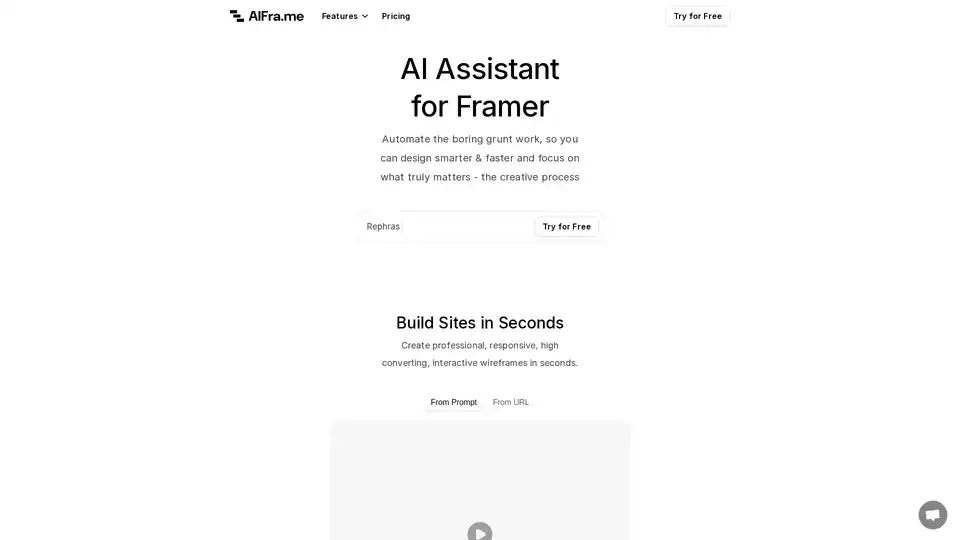
Overview of AI Assistant for Framer
What is AI Assistant for Framer?
AI Assistant for Framer, also known as AI Frame or AIFra.me, is a game-changing browser extension plugin designed specifically for Framer users. Framer is a popular no-code platform for building interactive websites and prototypes, and this AI tool supercharges it by automating repetitive tasks. Whether you're a web designer, UX/UI specialist, or marketer, it lets you generate professional, responsive wireframes and high-converting copy in seconds, freeing you to focus on creative innovation.
Unlike generic AI tools, this Framer AI assistant integrates seamlessly into your workflow, handling site building from prompts or URLs, text rephrasing, and content audits. It's built to boost efficiency, with a focus on conversion-optimized outputs that align with modern web design best practices.
Key Features of AI Assistant for Framer
This Framer plugin packs a punch with features tailored for speed and quality:
- Build Sites in Seconds: Create interactive wireframes that are responsive, professional, and conversion-focused. Input a simple prompt or paste a URL, and watch AI generate ready-to-refine structures.
- Optimize Your Copy: Rephrase, replace, or improve text with customizable tone and style. Make your content reflect your brand's personality—engaging, persuasive, and audience-captivating.
- Audit & Improve: Get a deep analysis of your copy for clarity, emotional impact, persuasiveness, urgency, and benefit-driven messaging. Each suggestion includes explanations and one-click applications, transforming weak, dry, or generic text into cohesive, active, and customer-focused masterpieces.
- Conversion-Optimized Algorithm: Goes beyond basic builders by prioritizing elements like emotional appeal, uniqueness, and direct calls-to-action.
| Feature | Benefit | Example Transformation |
|---|---|---|
| From Prompt/URL | Instant wireframes | Vague idea → Responsive site skeleton |
| Rephrase/Improve | Brand-aligned copy | Boring text → Urgent, benefit-driven |
| Audit | Actionable insights | Passive voice → Active & persuasive |
How Does AI Assistant for Framer Work?
Getting started is straightforward:
- Install the Plugin: Access via Framer's plugin menu or directly from AIFra.me. It's a lightweight browser extension that opens within your Framer workspace.
- Generate Sites: Choose 'From Prompt' for idea-based builds (e.g., "Create a landing page for a SaaS tool") or 'From URL' to clone and enhance existing sites.
- Refine Copy: Select text, hit Rephrase/Replace/Improve, tweak tone (e.g., professional, casual), and apply.
- Run Audits: Analyze full pages or sections; AI flags issues like vagueness or passivity and suggests fixes with impact scores.
- Iterate and Launch: All changes are editable in Framer, ensuring pixel-perfect control.
Powered by advanced language models, it understands design context, SEO basics, and conversion psychology, drawing from principles like those in high-converting web copy (e.g., the 7 Principles mentioned in their blog).
Best Use Cases for Framer AI Site Builder
- Rapid Prototyping: Freelancers and agencies prototyping client sites without starting from scratch.
- Content Overhauls: Marketers refreshing landing pages for better engagement and sales.
- A/B Testing: Quickly generate variants with optimized copy to test conversions.
- E-commerce Stores: Build product pages with persuasive, benefit-driven descriptions.
- Portfolio Sites: Designers creating personal showcases with unique, cohesive styling.
In real-world scenarios, users report cutting design time by 70%, turning hours of grunt work into minutes of creativity.
Why Choose AI Assistant for Framer Over Other Tools?
Competitors like basic web builders lack Framer's interactivity and this plugin's AI depth. Here's why it stands out:
- Native Integration: No exporting/importing—works inside Framer.
- Conversion Focus: Algorithm trained on proven web design tactics, not just aesthetics.
- Free Trial + Flexible Pricing: Try for free, then purchase licenses or manage plans via their dashboard.
- Proven Results: Transforms 'weak, feature-driven' copy into 'engaging, emotional, urgent' content that drives action.
User feedback highlights its role in smarter workflows: "Automates the boring stuff so I can focus on creativity."
Who is AI Assistant for Framer For?
Ideal for:
- Web Designers & Developers using Framer for no-code builds.
- UX/UI Professionals needing quick iterations.
- Digital Marketers optimizing for conversions.
- Solopreneurs launching sites without teams.
Beginners appreciate the intuitive interface, while pros value the audit depth.
How to Use AI Assistant for Framer: Quick Start Guide
- Visit aifra.me or open the plugin in Framer.
- Sign up for free trial.
- Input prompt: "E-commerce homepage for fitness gear."
- Generate, audit copy, refine tone to 'energetic & urgent.'
- Export or continue in Framer.
For advanced tips, check their blog on high-converting copy principles.
Pricing and Plans
Start with a free trial. Paid options include licenses for full access to site generation, unlimited audits, and priority support. Manage via the dashboard—no lock-ins, with clear refund policies.
Final Thoughts on Framer AI Assistant
In the fast-paced world of web design, AI Assistant for Framer is your shortcut to professional, high-converting sites. By automating wireframing, copy optimization, and audits, it empowers creators to design smarter, launch faster, and achieve better results. Ready to elevate your Framer workflow? Try it free today at AIFra.me and experience the difference.
(Word count: ~1450)
Best Alternative Tools to "AI Assistant for Framer"
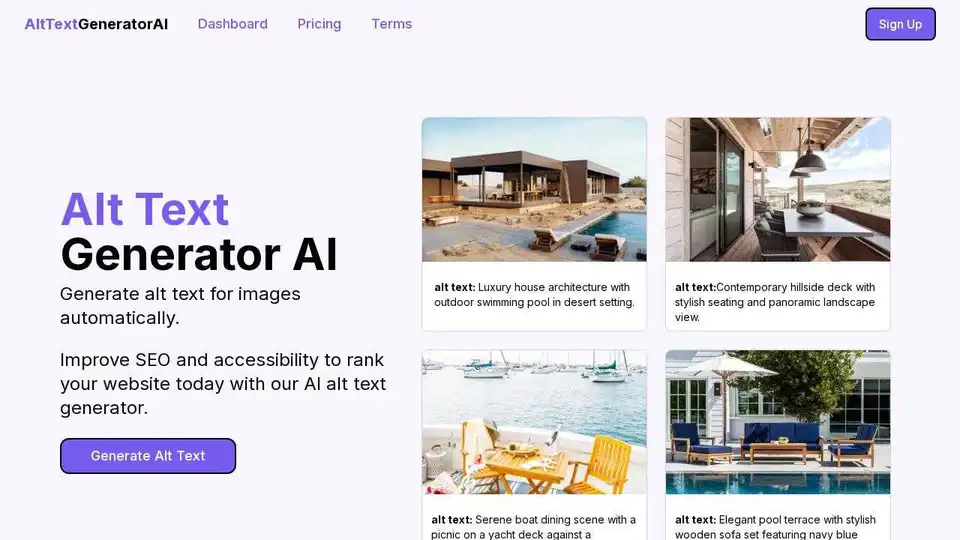
Generate SEO-friendly alt text for images automatically using AI with Alt Text Generator AI. Improve accessibility and boost your website's ranking faster.
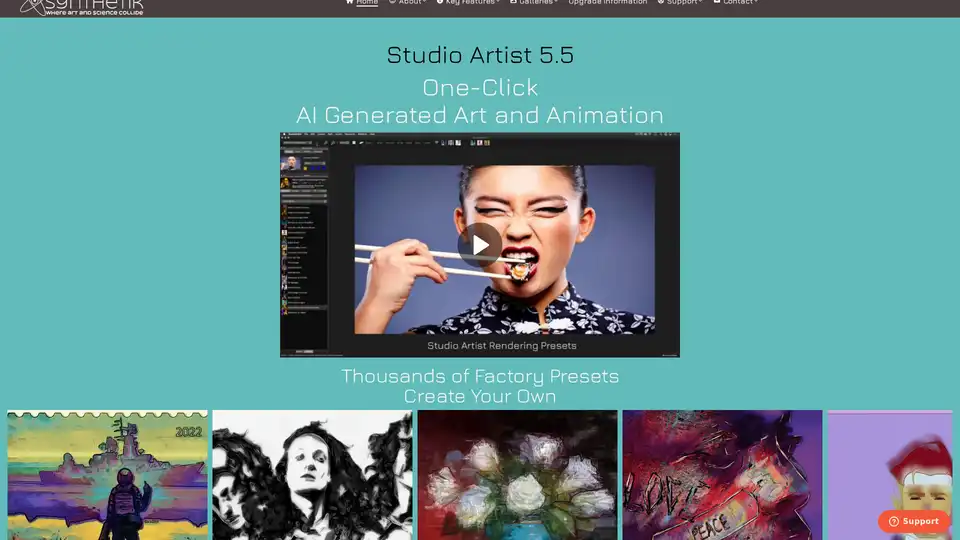
Studio Artist knows how to automatically paint and animate. You can create unique amazing art or animation with one-click. There is nothing like Studio Artist!
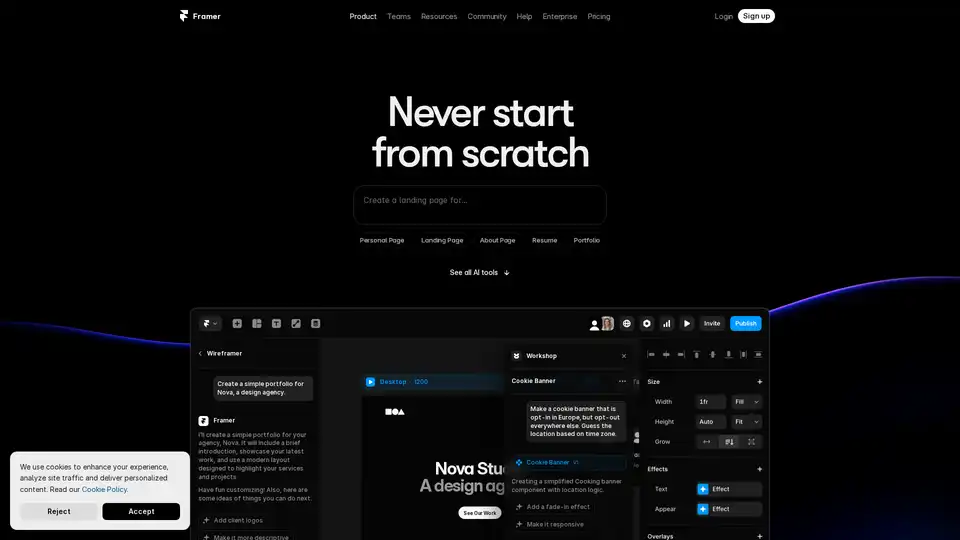
Framer revolutionizes web design with AI tools like Wireframer for instant page generation, Workshop for no-code components, and AI Translate for seamless localization. Build responsive sites effortlessly without starting from scratch.
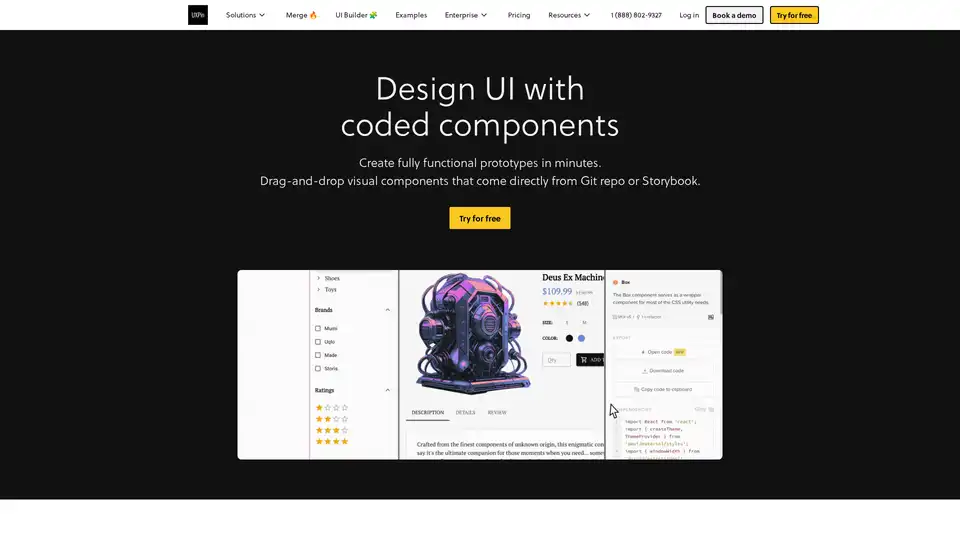
UXPin Merge accelerates UI design 8.6x faster with AI-generated components, coded libraries like MUI and Tailwind UI, and seamless React code export for developers.
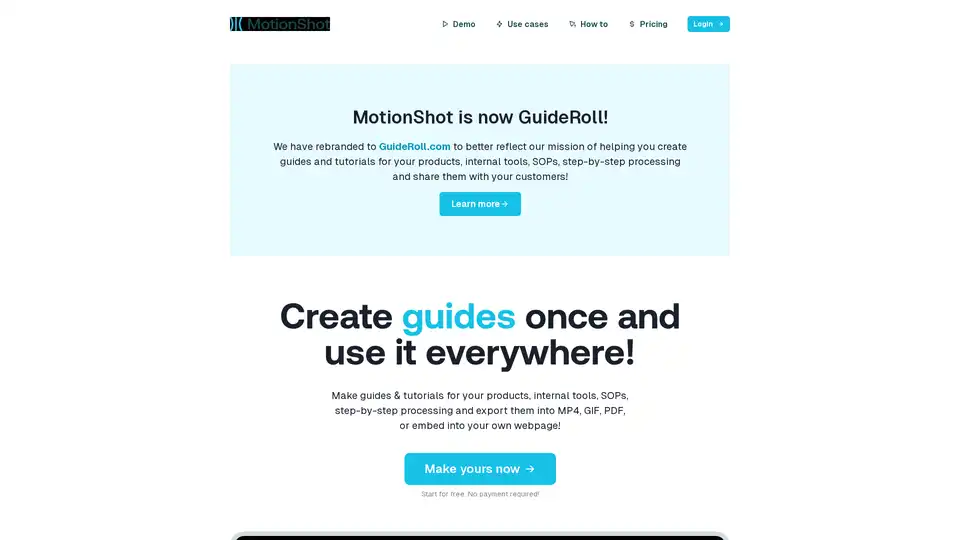
GuideRoll (formerly MotionShot) helps you create and share informative screen guides and tutorials in minutes. Export to MP4, GIF, PDF, or embed on your webpage for easy access.
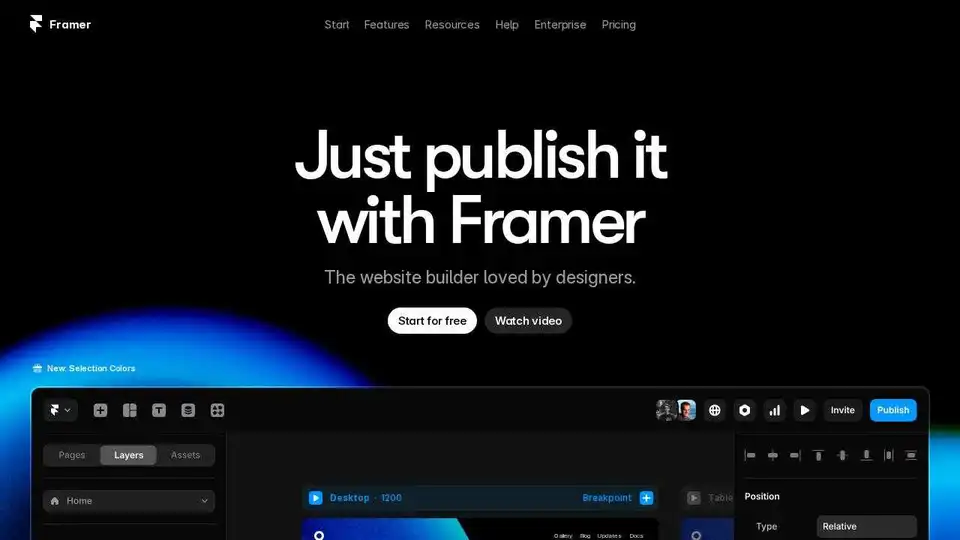
Build professional websites for free with Framer. Enjoy design freedom, powerful CMS, built-in SEO, and real-time collaboration with this no-code website builder loved by designers.
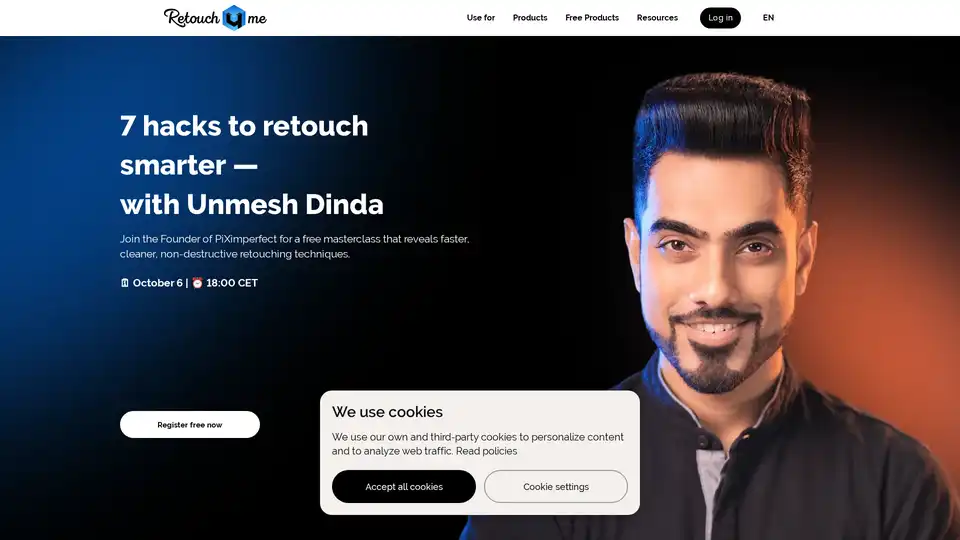
Discover Retouch4me, the AI-powered plugins that mimic professional retouchers, preserving natural skin textures. Upload photos, click to apply, and get stunning results for portraits, fashion, and more—effortless AI photo editing for everyone.
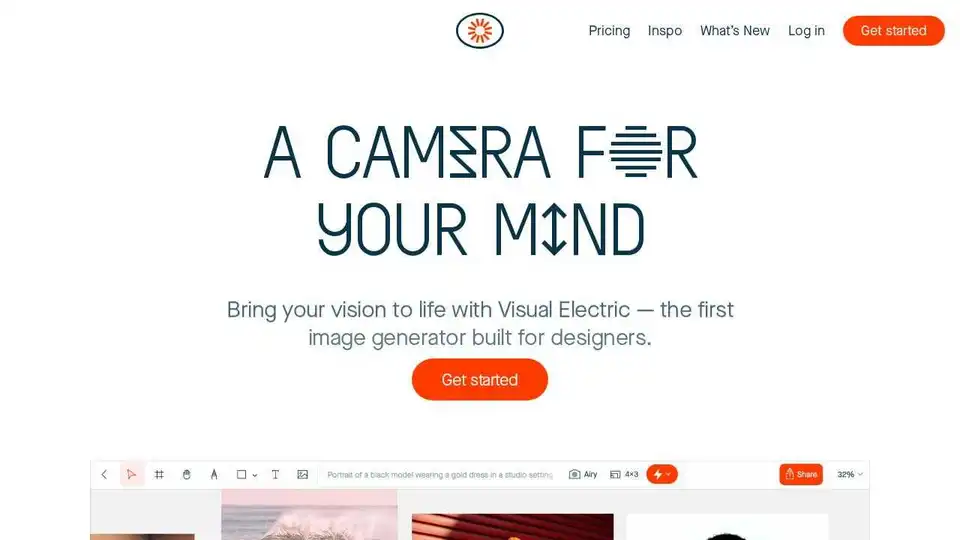
Visual Electric is an AI-powered design tool that enables designers to generate images, designs, and videos using natural language prompts and AI models. Enhance your creative workflow with AI.
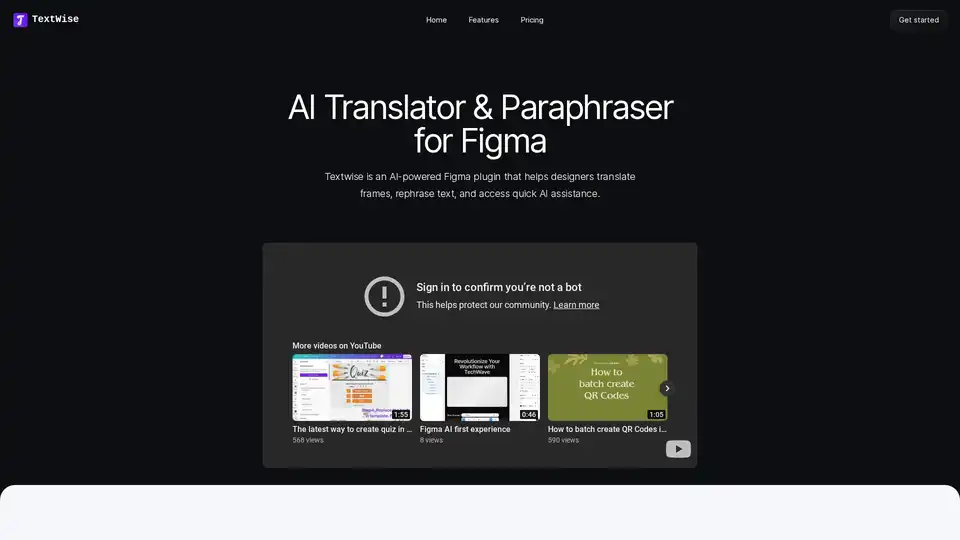
TextWise is an AI-powered Figma plugin that helps designers translate frames, rephrase text, and access quick AI assistance for design projects.

Generate smart color palettes in Figma with Droplette, an AI-powered plugin tailored to your design style. Simple setup, endless creative possibilities. Single payment.
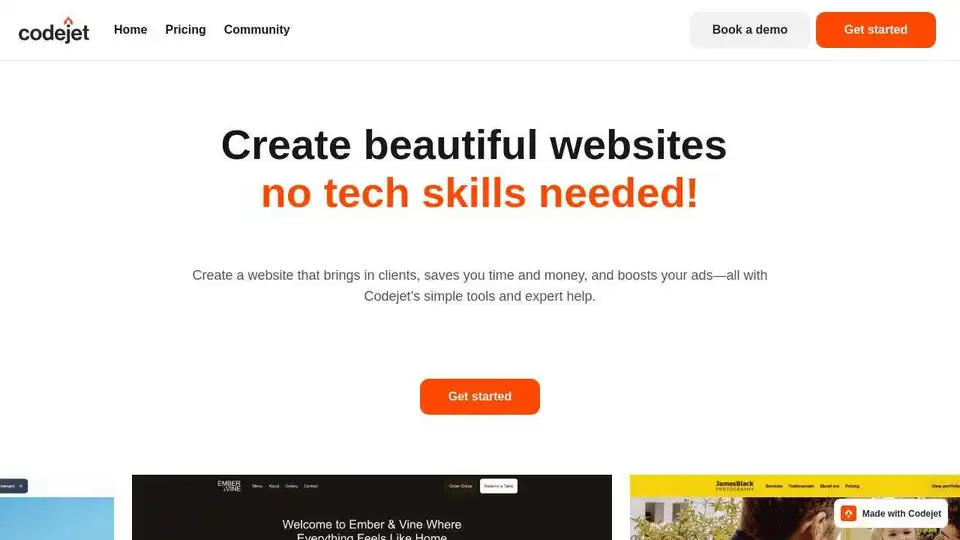
Codejet (now mysite.ai) is an AI-powered platform that turns Figma designs into production-ready websites with one-click. Edit visually and launch faster. Automate your design to code workflow.
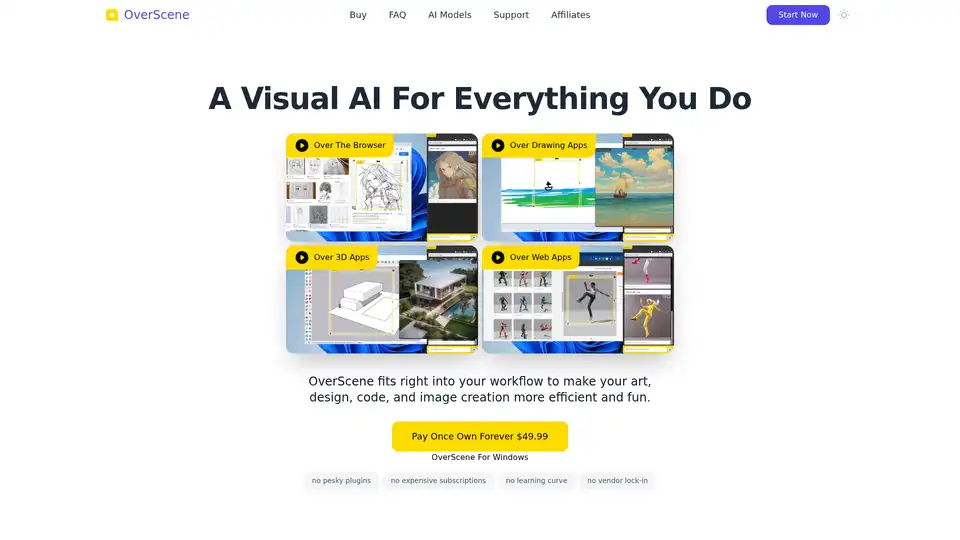
OverScene is an AI overlay for desktop apps, enhancing every application with generative AI. Boost your art, design, code, and image creation with OverScene.
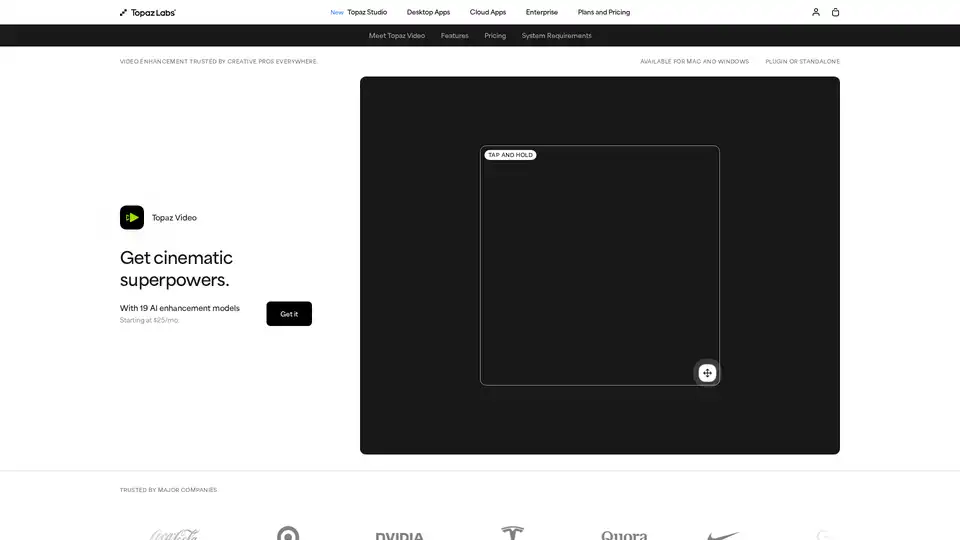
Enhance your videos with Topaz Video, an AI-powered software for upscaling, denoising, stabilizing, and smoothing footage. Trusted by creative pros for cinema-grade results.
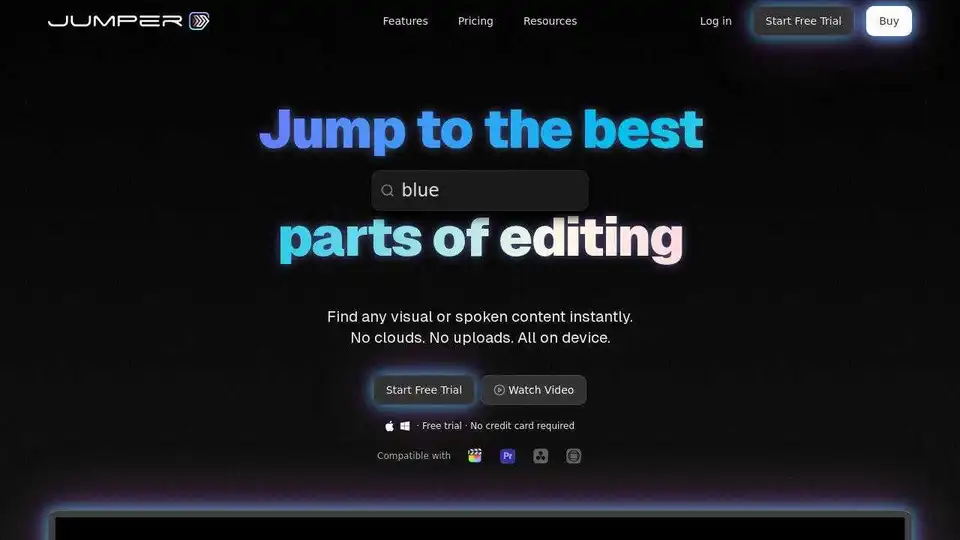
Jumper is an AI-powered video editing assistant that helps video editors find the perfect shots and spoken content instantly, saving hours on every project. Integrates with Final Cut Pro, Adobe Premiere Pro, DaVinci Resolve, and Avid Media Composer.