
AI-INSITE
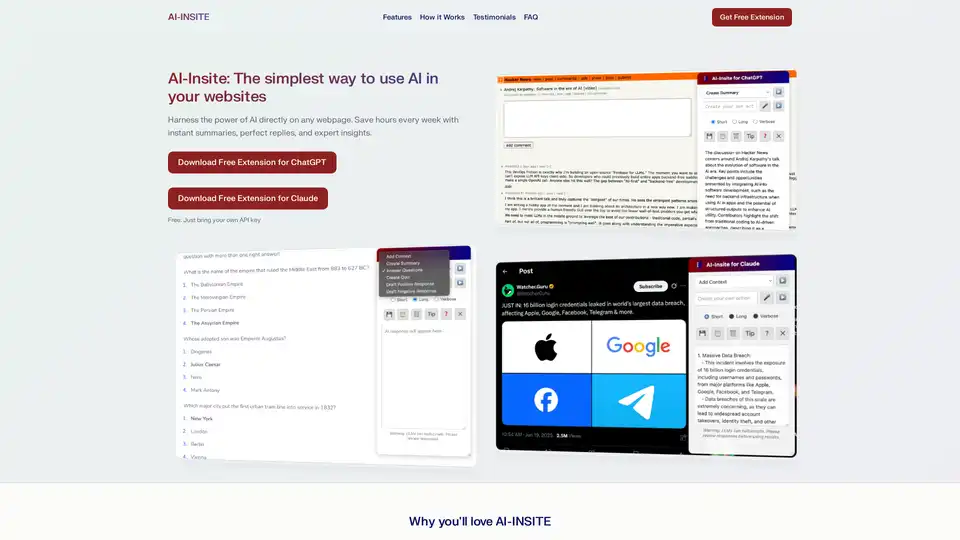
Overview of AI-INSITE
AI-INSITE: The Simplest Way to Use AI in Your Websites
What is AI-INSITE? AI-INSITE is a browser extension designed to bring the power of AI directly to any webpage. It helps users save time, improve their writing, and gain expert insights quickly and easily.
Key Features:
- Instant Summaries: Quickly summarize articles, reports, and long emails to absorb information faster.
- Perfect Replies: Draft ideal responses to emails and messages, eliminating writer's block.
- Expert Insights: Understand complex topics in seconds and impress with instant insights.
- Voice Recognition: Use voice input for hands-free interaction with AI on any webpage.
- Preset Actions: Choose from a variety of instant actions or create custom prompts.
How does AI-INSITE work?
AI-INSITE works by leveraging AI models like ChatGPT or Claude to analyze and interact with webpage content. Here’s a breakdown of how it functions:
- Installation: Add the extension to Chrome with a single click.
- API Key: Enter your ChatGPT or Claude API key.
- Activation: Click the AI-INSITE icon while browsing any webpage.
- Instant Results: Select a preset action or type your own request to get instant results.
Powerful Preset Actions:
- Add Context: Expands on key topics found on the webpage.
- Create Summary: Generates a concise summary of the webpage's main points.
- Answer Questions: Identifies and answers questions within the webpage content.
- Create Quiz: Generates multiple-choice quizzes based on the webpage content.
- Draft Positive/Negative Response: Creates professional email responses based on the webpage's sentiment.
Why choose AI-INSITE?
AI-INSITE is designed for anyone who wants to save time and boost their productivity. Here are some reasons why you should choose AI-INSITE:
- Saves Time: Quickly absorb information from long articles and emails.
- Improves Writing: Draft perfect replies without struggling for words.
- Enhances Understanding: Gain expert insights and understand complex topics easily.
- Easy to Use: Simple installation and user-friendly interface.
- Free to Use: No subscription required; just bring your own API key from OpenAI or Anthropic.
Who is AI-INSITE for?
AI-INSITE is beneficial for a wide range of users, including:
- Professionals: Save time on summarizing reports, drafting emails, and understanding complex topics.
- Students: Quickly grasp key concepts from articles and create quizzes for study.
- Researchers: Expand on key topics and gather insights efficiently.
- Anyone: Who wants to save time and improve their understanding of online content.
Testimonials:
- Jessica M., Marketing Director: "I was struggling with a 3,000-word technical article that would have taken me an hour to read. AI-INSITE summarized it in 15 seconds."
- Thomas R., Account Manager: "My boss sent me a passive-aggressive email at 4:55 PM. I asked AI-INSITE to 'draft a professional but firm response.' What it gave me was PERFECT."
- Robert L., Dad & Software Developer: "My teenager asked me about NFTs and blockchain. I had no clue. I secretly used AI-INSITE to explain it in simple terms."
FAQ:
- How secure is my API key? Your API key is securely stored in your browser's encrypted sync storage and sent directly to OpenAI or Anthropic.
- Does the extension work on all websites? It works on most standard websites but not on browser special pages or PDF files.
- Are there usage limits? Usage limits are determined by your ChatGPT or Claude API account.
- Which browsers are supported? AI-INSITE works with Chrome, Edge, Brave, Opera, and other Chromium-based browsers.
- Do I need a subscription? No subscription is required. AI-INSITE is completely free.
How to use AI-INSITE?
- Install the AI-INSITE extension from the Chrome Web Store.
- Enter your ChatGPT or Claude API key in the extension settings.
- Navigate to any webpage you want to analyze.
- Click the AI-INSITE icon in your browser toolbar.
- Select a preset action or type your own request in the prompt box.
- Enjoy the instant results powered by AI.
Conclusion
AI-INSITE simplifies how you interact with online content by providing AI-powered summaries, replies, and insights directly within your browser. Whether you're a professional, student, or researcher, AI-INSITE helps you save time, improve your understanding, and boost your productivity. Bring your own API key from OpenAI (ChatGPT) or Anthropic (Claude) and start using AI-INSITE for free today.
Best Alternative Tools to "AI-INSITE"
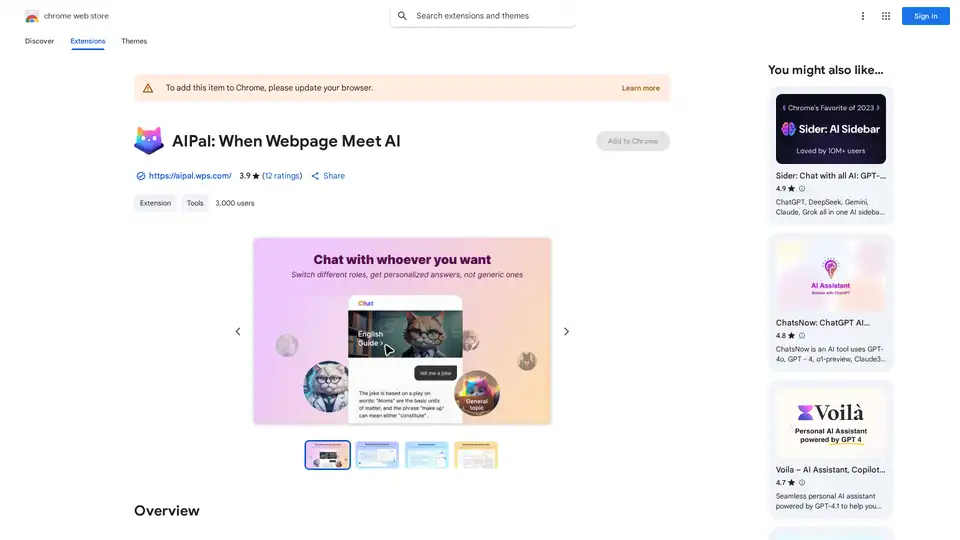
AIPal is a powerful Chrome extension that integrates AI models like GPT-4 and Claude 3 for chatting, writing, translating, and summarizing content directly on any webpage, boosting your browsing productivity.
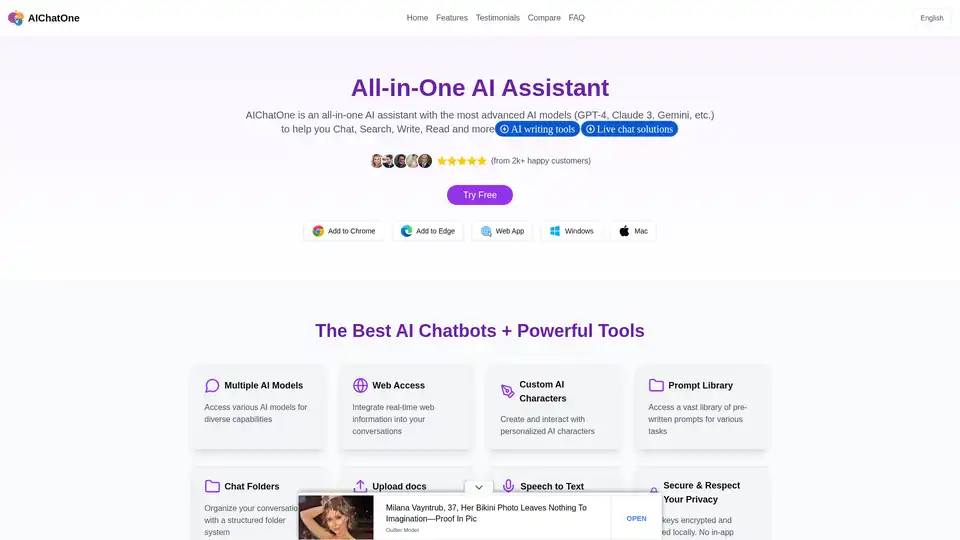
AIChatOne is an all-in-one AI assistant Chrome extension for chatting with multiple AI models like ChatGPT, Gemini, and Claude. Boost your productivity with custom AI characters, prompt library, and more.
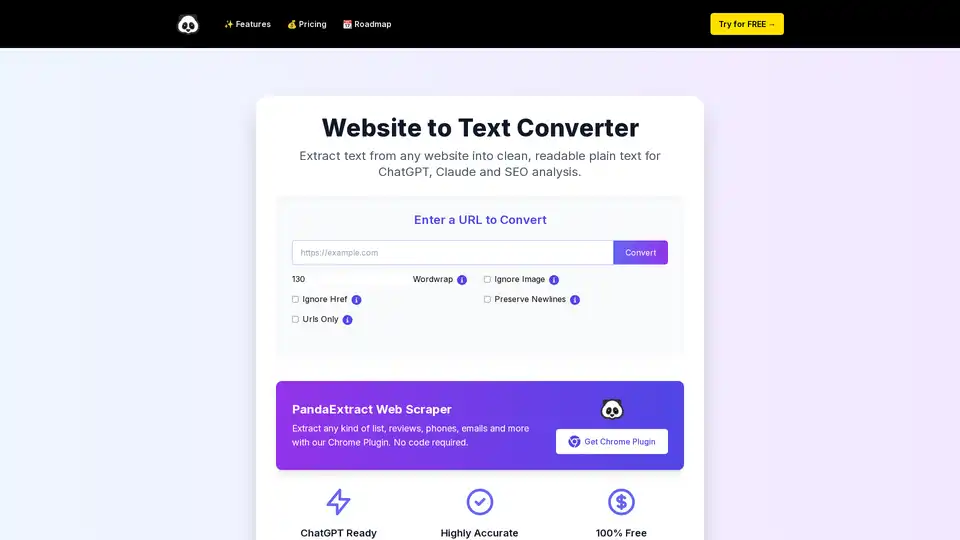
Extract text from any website into clean, readable plain text effortlessly. Ideal for ChatGPT prompts, AI analysis, SEO, and research with no installation needed.
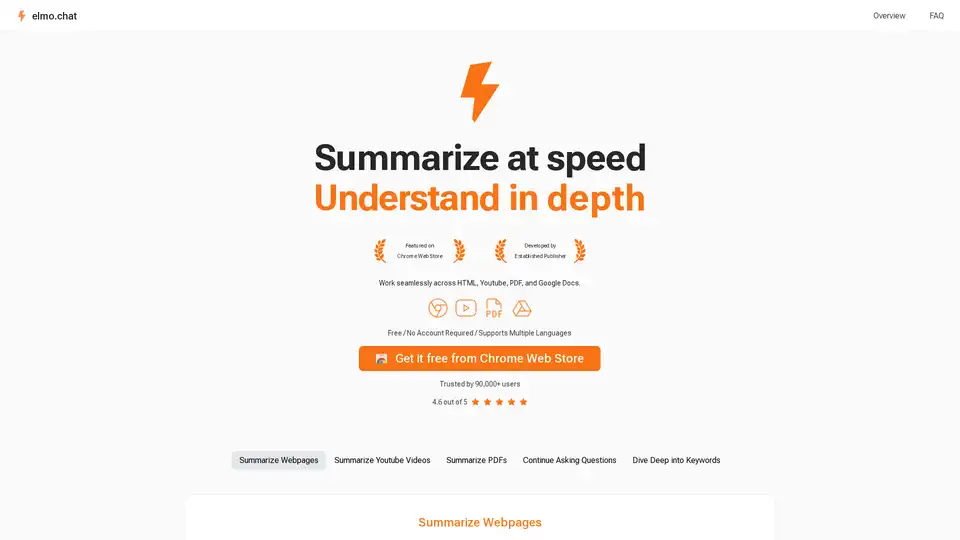
Elmo Chat is an AI Chrome extension by Lepton AI that summarizes webpages, YouTube videos, and PDFs. It allows users to ask questions, dive deep into keywords, and get quick insights.
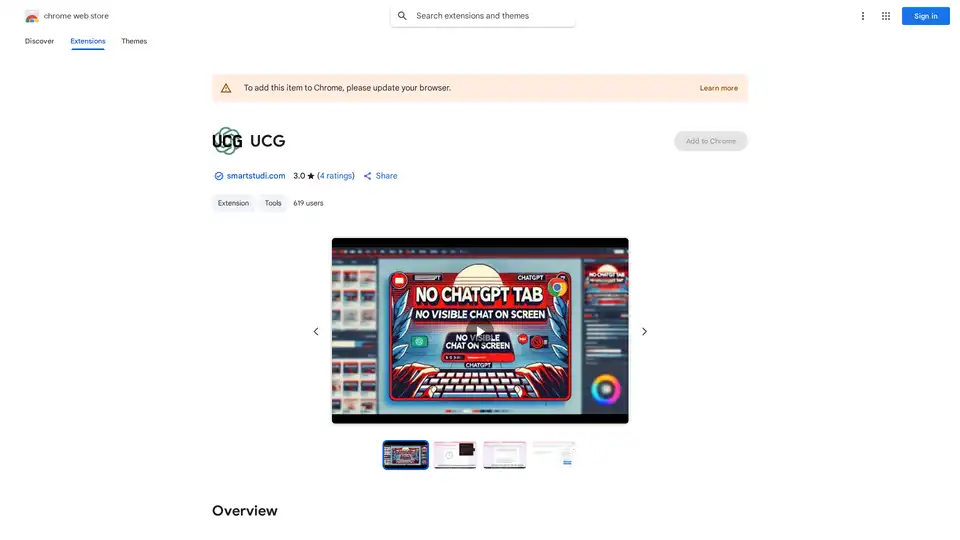
UCG is a Chrome extension that enables undetectable ChatGPT use without visible chats. Send screenshots, text, or prompts for AI responses—ideal for restricted environments like schools or work.
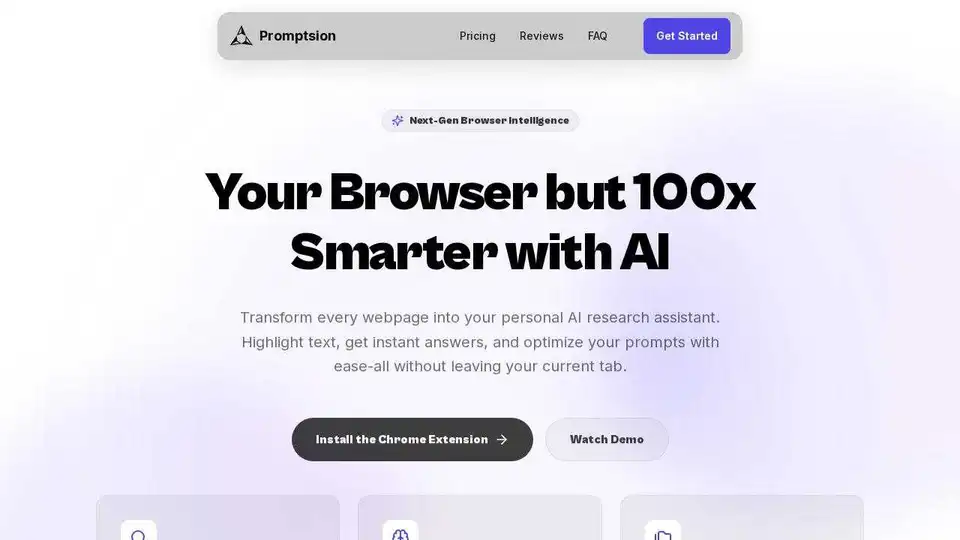
Promptsion is a Chrome extension providing instant AI explanations for any text you highlight while browsing, optimizing prompts without leaving your tab.
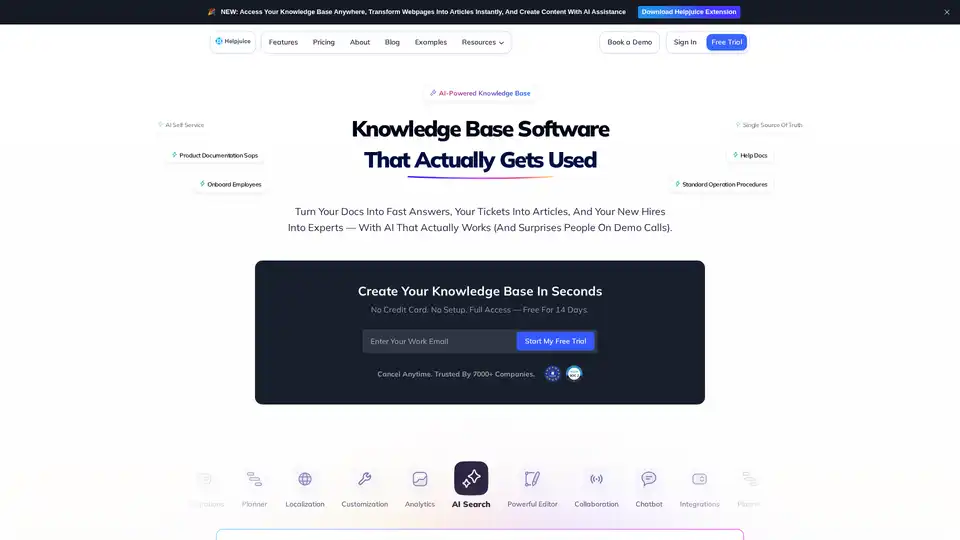
Helpjuice: Knowledge Base Software trusted by 130,000+ users from Amazon, Hertz, Shipt. Streamline support, boost productivity with AI-powered search and content creation. Start free 14-day trial.
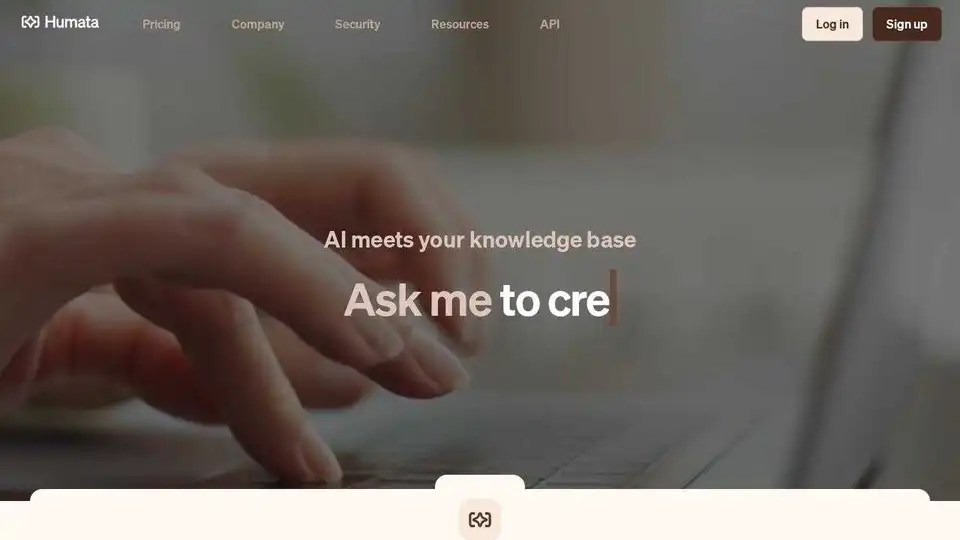
Unlock AI insights from your files instantly with Humata. Ask questions, learn quickly, and extract data 10X faster. Summarize, compare, and search PDFs effortlessly.
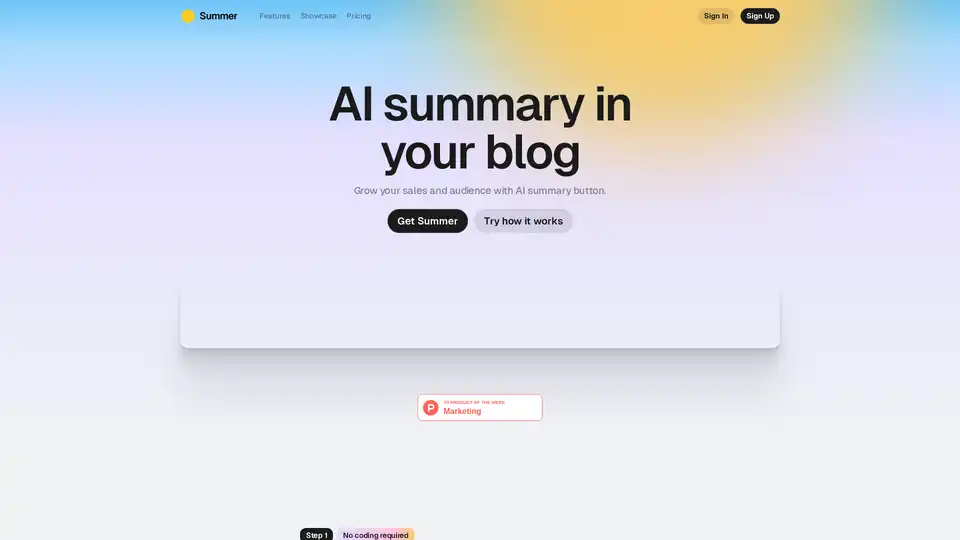
Summer AI offers an AI summary button for your blog, boosting audience engagement and sales by providing instant content summaries and relevant product suggestions.
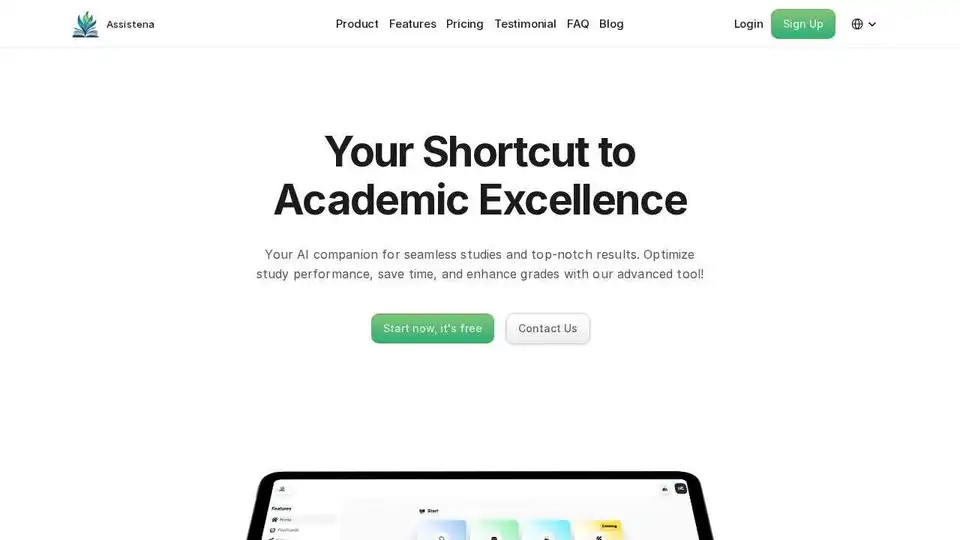
Assistena is a free AI-powered study platform for flashcards, AI summaries, and quizzes. Enhance your learning and organize study materials efficiently. Start smarter today!
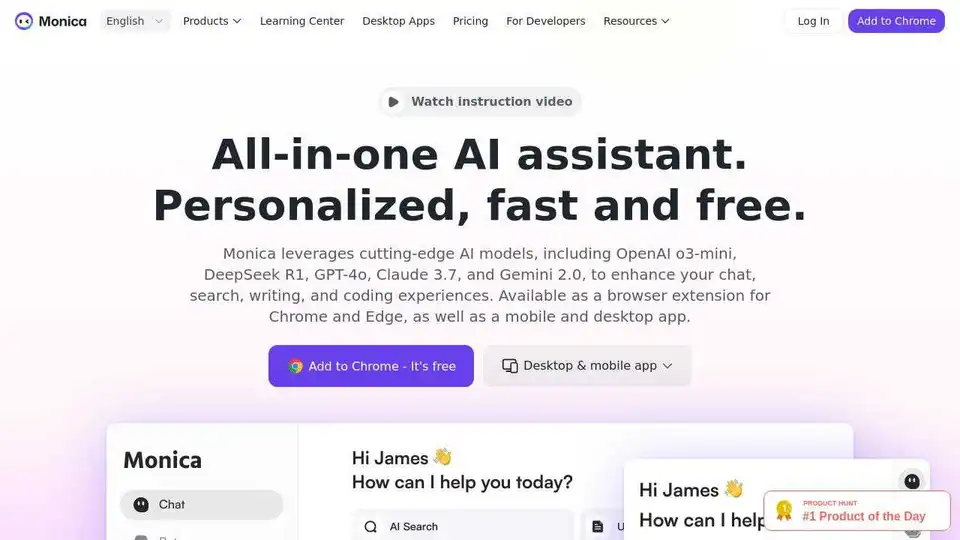
Monica AI Assistant leverages cutting-edge AI models like GPT-4o and Claude 3.7 to enhance chat, writing, search, and coding. Available as a browser extension and desktop/mobile app.
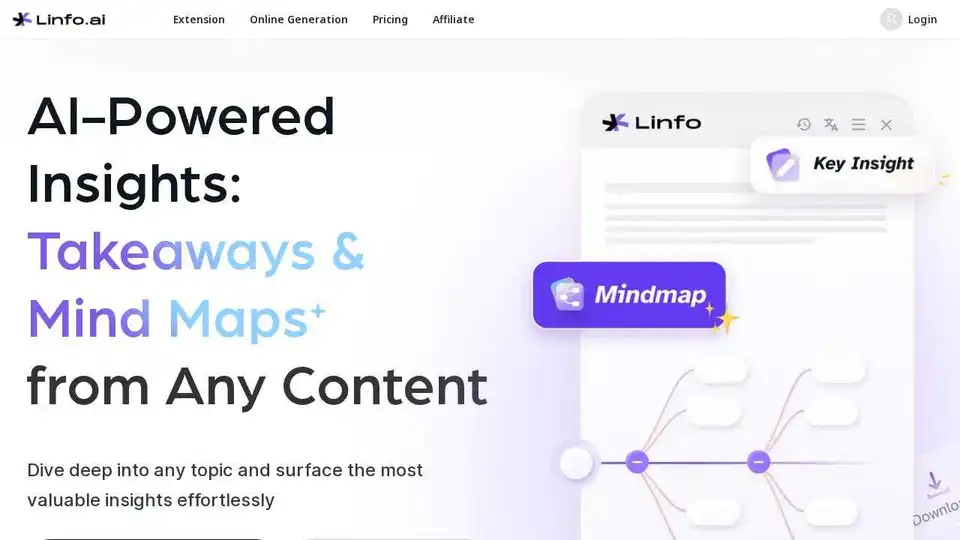
Linfo.ai is an AI-powered tool that summarizes articles and YouTube videos, extracts key insights, and generates mind maps for efficient information processing. Get structured takeaways instantly.
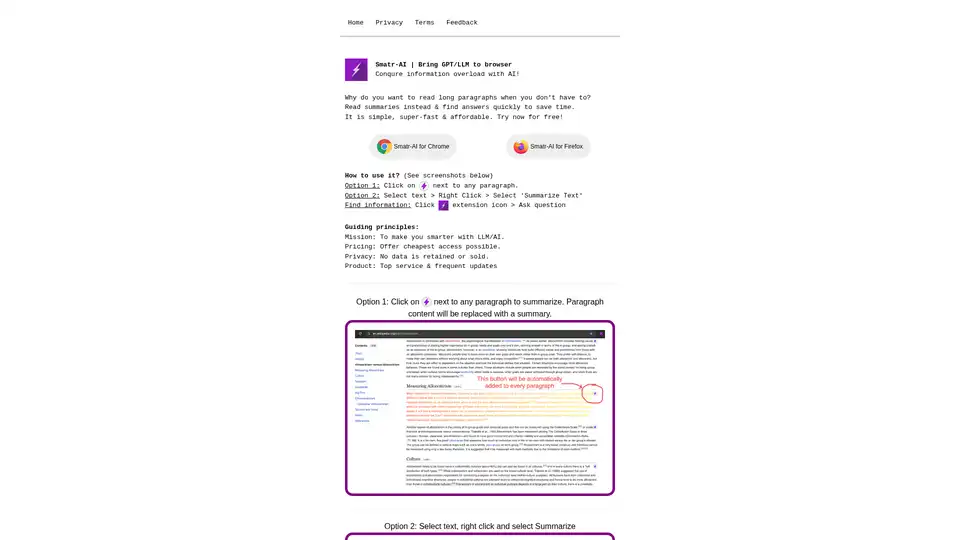
Smatr-AI is a browser extension that integrates GPT/LLM for quick text summarization and finding answers, helping users conquer information overload efficiently.
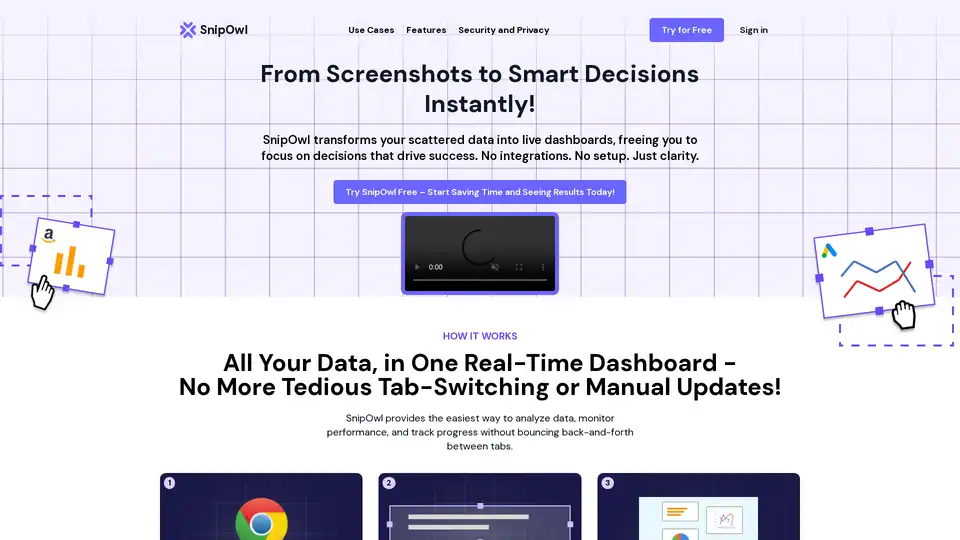
SnipOwl is a Chrome extension that turns web screenshots into live, auto-updating dashboards for effortless data analysis, AI insights, and performance monitoring—no integrations required.