
AI Watermark Remover
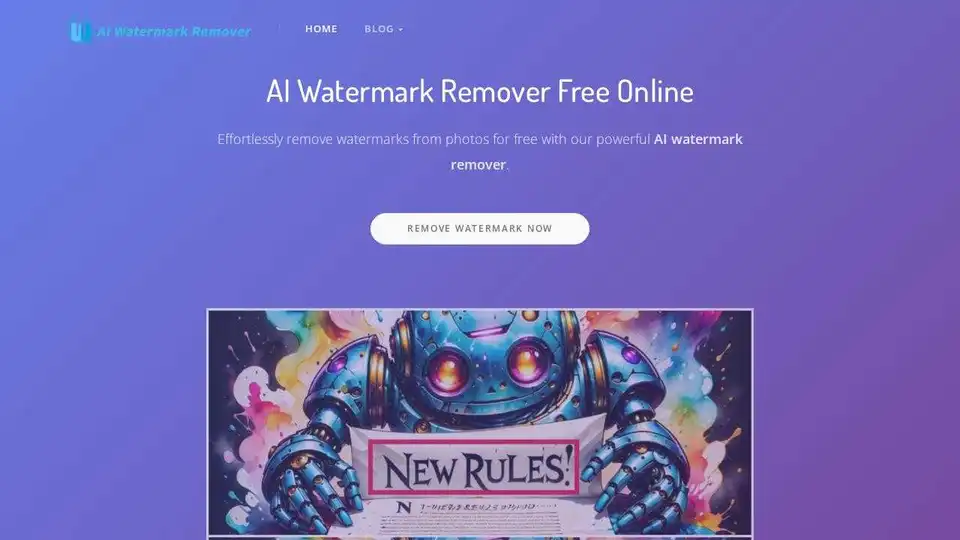
Overview of AI Watermark Remover
AI Watermark Remover: Remove Watermarks Effortlessly
What is AI Watermark Remover? It is a free online tool designed to quickly and easily remove watermarks from photos and videos. Powered by advanced AI algorithms, this tool helps users restore their content to its original clarity without requiring any specialized skills like Photoshop.
Key Features of AI Watermark Remover
- Automatic Watermark Removal: Uses AI to automatically detect and remove watermarks from images and videos.
- Manual Edit Mode: Offers an edit mode for precise adjustments and removal of specific objects or areas.
- Batch Watermark Removal: (Coming Soon) Allows users to upload multiple images and remove watermarks in batch.
- Video Watermark Remover: (Coming Soon) Supports one-click removal of watermarks from videos, including platforms like TikTok and YouTube.
- Smart Watermark Remover: (Coming Soon) Automatically detects text watermarks in photos for faster and more precise removal.
- Multi-Platform Video Downloader: (Coming Soon) Supports downloading videos from multiple platforms, including TikTok and YouTube.
How Does It Work?
The AI Watermark Remover simplifies the watermark removal process into a few easy steps:
- Upload Your Media: Simply upload the photo or video you want to remove the watermark from. The tool supports formats like PNG, JPEG, WEBP, and BMP.
- Automatic Processing: The AI algorithm automatically analyzes the image or video and removes the watermark.
- Manual Refinement (if needed): For more precise results, use the edit mode to manually adjust the removal area.
- Download the Cleaned Media: Once the watermark is removed, download the restored, high-quality image or video.
Why Choose AI Watermark Remover?
- Free to Use: The tool is completely free, with no hidden costs or watermarks added to your output.
- User-Friendly: No Photoshop skills are required. The intuitive interface makes it easy for anyone to remove watermarks.
- Privacy Focused: The tool prioritizes user privacy and does not store any user data.
- High-Quality Results: AI ensures the original quality of the image or video is maintained.
Who is AI Watermark Remover for?
- Content Creators: Ideal for removing unwanted watermarks from personal photos and videos.
- Social Media Users: Perfect for cleaning up downloaded content from platforms like TikTok and YouTube.
- Small Business Owners: Useful for quickly preparing marketing materials without watermarks.
Upcoming Features
The AI Watermark Remover is continuously improving and plans to launch several new features in the near future:
- Smart Mode: Automatic text region detection for faster watermark removal.
- Video Watermark Removal: One-click removal for videos, including support for TikTok and YouTube.
- Batch Watermark Removal: Upload and process multiple images at once.
- Multi-Platform Video Downloader: Download videos from various platforms directly.
By utilizing advanced AI technology, the AI Watermark Remover simplifies the process of removing watermarks, making it accessible to everyone. Whether you're a content creator, social media user, or small business owner, this tool provides a quick, easy, and free way to clean up your images and videos. The upcoming features promise to make it even more versatile and powerful, solidifying its place as the best choice for watermark removal.
Tags Related to AI Watermark Remover
