
CaptionCue

Overview of CaptionCue
What is CaptionCue?
CaptionCue is an innovative AI-powered platform designed specifically for video creators, particularly those on YouTube, to generate accurate captions, transcriptions, and multiple SEO-ready assets in just 30 seconds. By simply uploading video files or pasting YouTube links, users can transform their content into professional subtitles, blog posts, social media captions, newsletters, and more. This tool addresses key pain points like manual transcription time and silent viewing habits, where 85% of Facebook users and 70% of mobile YouTube viewers watch videos without sound.
Backed by real-world data, CaptionCue delivers proven results: Discovery Digital Networks reported a 13.5% increase in YouTube views within two weeks of adding captions, while videos with captions see an average 12% longer watch time according to Facebook Research 2024.
What are the Key Features of CaptionCue?
CaptionCue stands out with a suite of features tailored for modern content creators:
- Instant AI Transcription and Captioning: Upload files or YouTube URLs for high-accuracy speech-to-text conversion, ready in seconds.
- 6 SEO-Ready Content Formats: Automatically generates blog posts, social captions, newsletters, and more from one video.
- Multi-Language Support and Auto-Translations: Expand global reach with professional translations.
- Professional Formatting: Clean, platform-optimized exports including white-label options.
- YouTube Algorithm Boost: Indexed captions improve search rankings by matching spoken words to user queries.
- Silent Viewer Capture: Essential for the 85% who watch muted, boosting completion rates by 80%.
- Cross-Platform Compatibility: Optimized for YouTube, TikTok, Instagram Reels, Facebook, and LinkedIn.
These features ensure not just accessibility but also enhanced discoverability on search engines like Google, which crawls transcripts for long-tail keywords.
How Does CaptionCue Work?
The process is straightforward and user-friendly:
- Sign Up for Free: No credit card required; get 120 minutes monthly on the Free plan.
- Upload or Paste Link: Support for YouTube videos or direct file uploads.
- AI Processing: Advanced speech recognition analyzes audio, generates captions, transcripts, and derivative assets.
- Customize and Export: Choose formats, apply translations, and download or white-label exports.
- Deploy Across Platforms: Use for SEO, social media, or content repurposing.
Priority processing on paid plans ensures faster turnaround for high-volume creators.
How to Use CaptionCue for Maximum Impact?
For YouTube Creators:
- Paste video links to auto-generate captions that boost algorithm recommendations.
- Repurpose transcripts into blog posts for double SEO benefits.
Best Way for Social Media Managers:
- Add captions to Reels and TikTok videos to retain silent scrollers and improve 'For You' page visibility.
Pro Tip: Start with the Free plan to test on short videos, then upgrade to Pro ($5.99/month, 1200 minutes) or Creator ($14.99/month, 5000 minutes) for unlimited scaling.
Why Choose CaptionCue Over Competitors?
Unlike basic transcription tools, CaptionCue focuses on video SEO and engagement. It turns one video into six assets instantly, saving hours of manual work. Testimonials highlight its impact:
"After adding captions, we saw a 13.5% increase in views within two weeks." – Discovery Digital Networks
"Watch time increased by 25% on Facebook ads." – A&W Restaurant
"Unlocked new Google rankings for spoken keywords." – TechCorp
Competitors lack integrated content multiplication and proven metrics like 12% watch time gains.
Who is CaptionCue For?
- YouTube Creators and Channels: Optimize for algorithm and silent viewers.
- Social Media Marketers: Boost engagement on TikTok, Instagram, and Facebook.
- B2B Content Teams: Generate SEO content from webinars and demos.
- Brands like Restaurants and Networks: Scale video ads with captions for better ROI.
Ideal for anyone aiming to grow views, watch time, and organic traffic without technical expertise.
Real-World Use Cases and Results
| Metric | Improvement | Source |
|---|---|---|
| YouTube Views | +13.5% in 2 weeks | Discovery Digital Networks |
| Facebook Watch Time | +25% | A&W Restaurant |
| Average Watch Time | +12% | Facebook Research 2024 |
| Silent Viewers Retained | 85% | Facebook Data |
| Full Video Completions | +80% likelihood | Industry Research 2025 |
These stats underscore CaptionCue's role in modern video content strategy. For instance, TikTok's speech recognition favors captioned videos in searches, while Google ranks transcripts for spoken long-tail queries like 'best YouTube tips for beginners' even if not in titles.
Pricing Plans: Start Free, Scale Smart
- Free ($0 forever): 120 minutes, basic features, community support.
- Pro ($5.99/month, 70% off early bird): 1200 minutes, priority everything.
- Creator ($14.99/month, 70% off): 5000 minutes, custom integrations.
Cancel anytime, no lock-in.
Why Video Captions Are Essential in 2025
With mobile viewing dominating and sound-off habits at 70-85%, uncaptioned videos lose massive audiences. CaptionCue doesn't just transcribe—it supercharges discoverability, engagement, and repurposing. Join thousands of creators transforming content strategies today.
Ready to boost your channel? Start your free trial and experience the difference in views and rankings firsthand.
Best Alternative Tools to "CaptionCue"
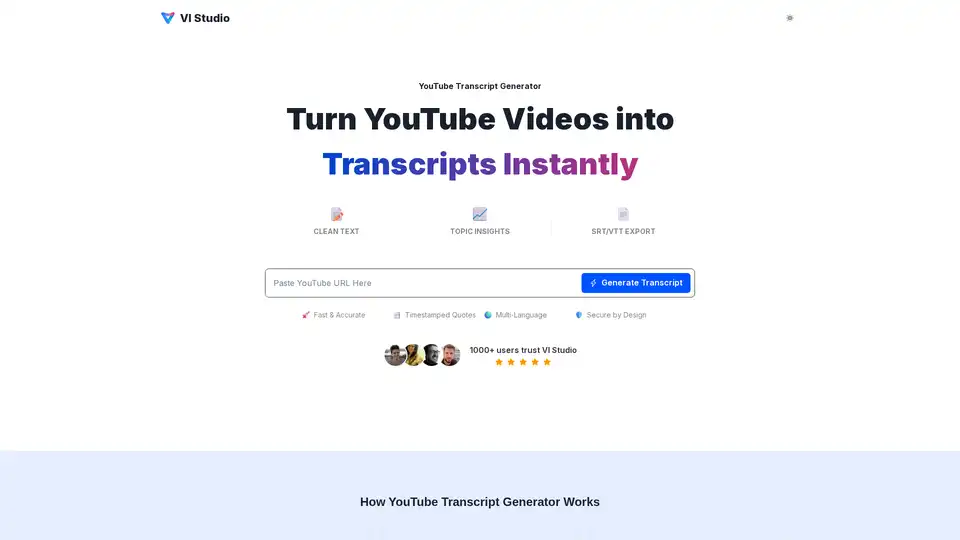
VI Studio's YouTube Transcript Generator turns videos into text instantly. Extract topics, keywords, and timestamped quotes. Export to TXT, DOCX, PDF, SRT, or VTT for easy repurposing and enhanced accessibility.
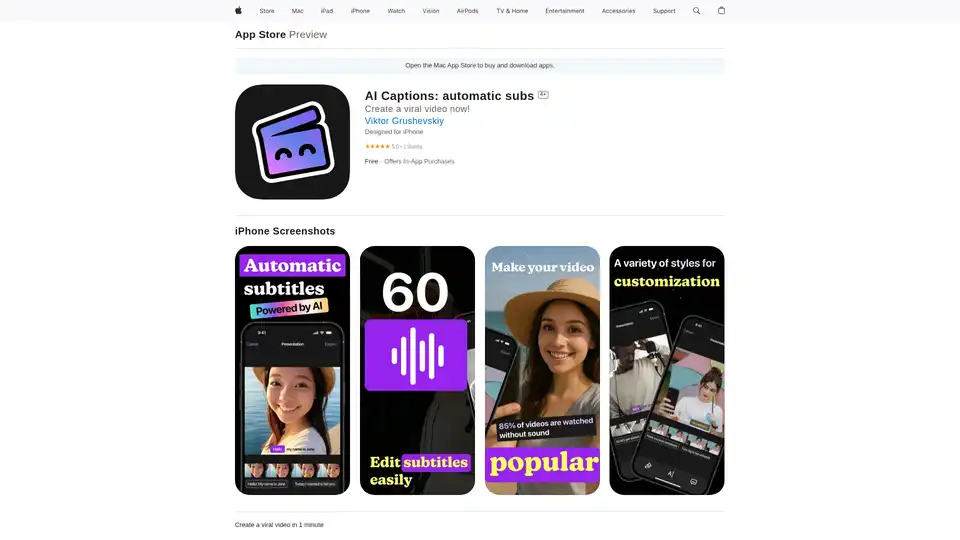
AI Captions app generates automatic subtitles for videos, boosting engagement with smart AI captions, multilingual support, and seamless social sharing. Create viral content effortlessly.
Voicetapp transforms workflows with AI-powered speech-to-text, content creation, and AI voiceover. Join 10K+ users enhancing productivity and accessibility.
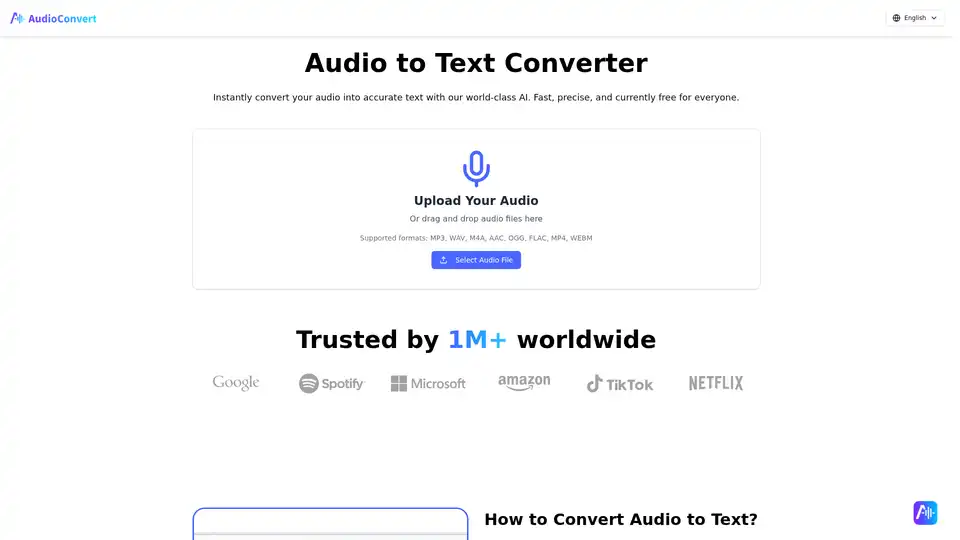
Free Audio to Text Converter uses AI to quickly and accurately transcribe audio files. Supports multiple formats and offers speaker detection, timestamps, and various export options like TXT, DOCX, and SRT.
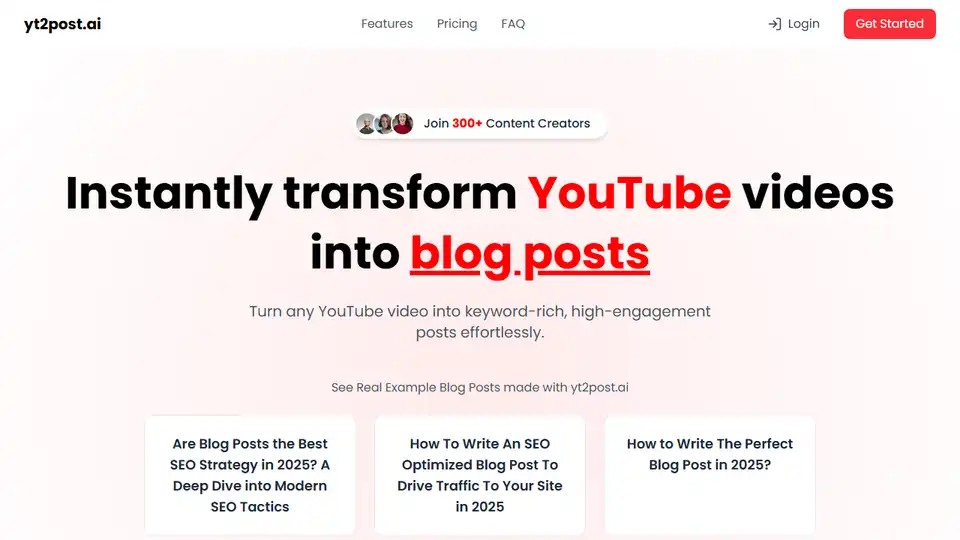
yt2post.ai transforms YouTube videos into SEO-optimized blog posts effortlessly. Save time and boost your content strategy with AI-powered content transformation.
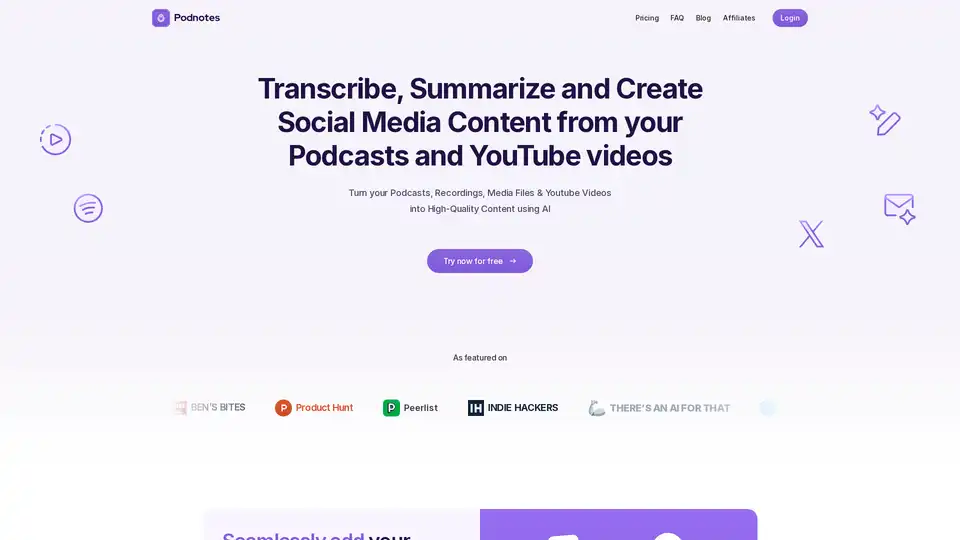
Podnotes uses AI to transcribe, summarize, and create social media content from podcasts and YouTube videos. Repurpose audio and video into blogs, tweets, and more in 19+ languages.
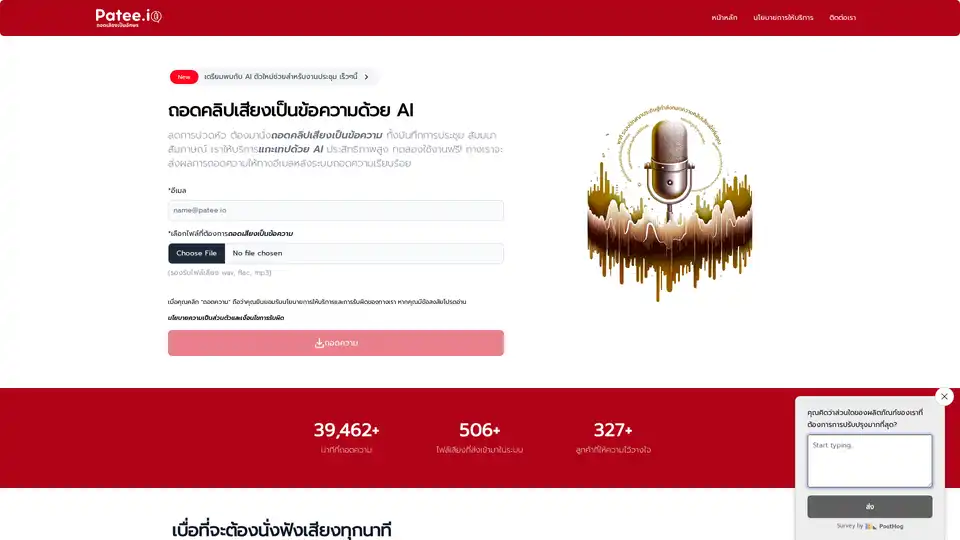
Patee.io offers AI-powered automatic transcription from audio tapes, video clips, meetings, and seminars into text. Start at just 20 THB with free trials and email delivery for efficient speech-to-text conversion.
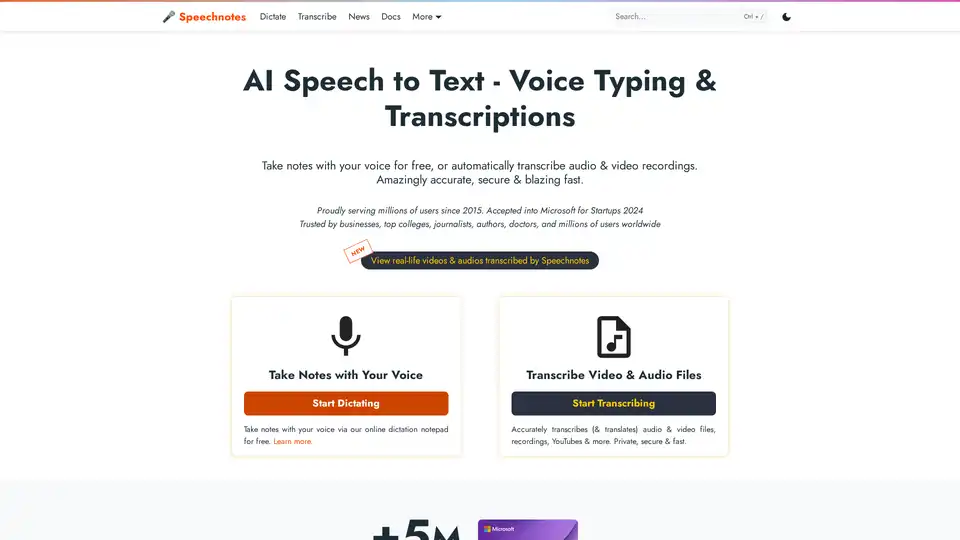
Speechnotes is a free AI-powered speech-to-text tool for real-time voice typing and fast audio/video transcription. Accurate, private, and easy to use for notes, interviews, and more.
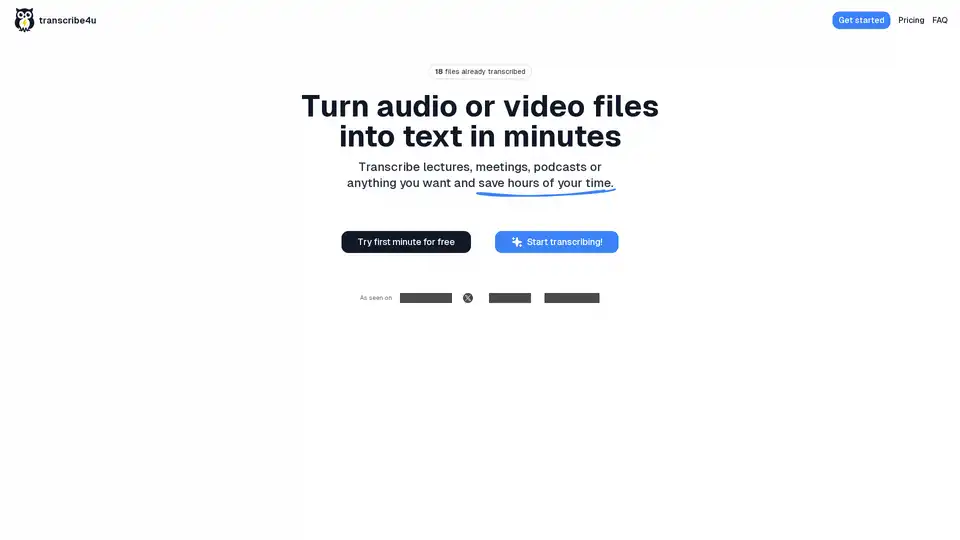
Convert large audio and video files to text instantly with transcribe4u. No subscriptions, no accounts, no credits—just fast, accurate, and affordable AI-powered speech-to-text transcription.
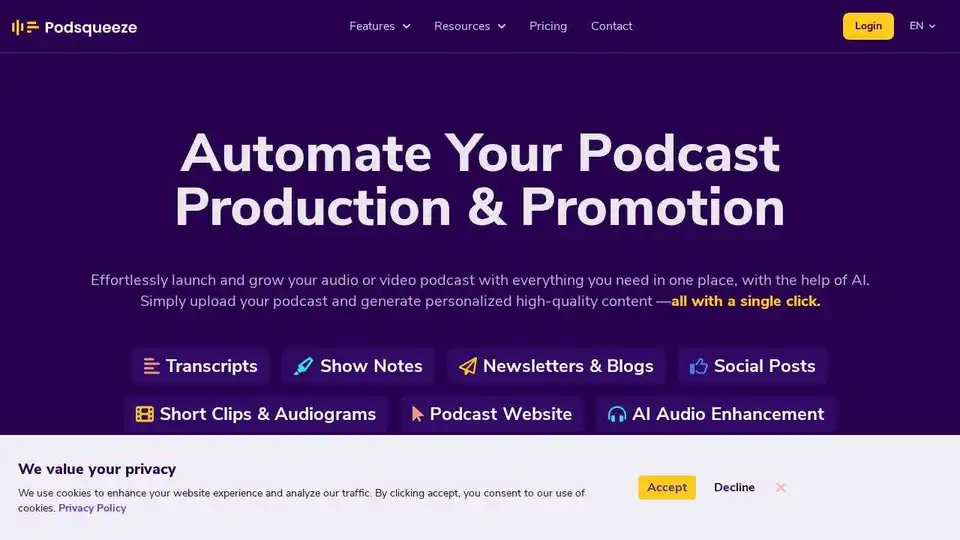
Podsqueeze is an AI-powered tool for podcast transcription, summarization, clip creation, and audio enhancement. Grow your podcast and save hours of effort. Free to sign up.
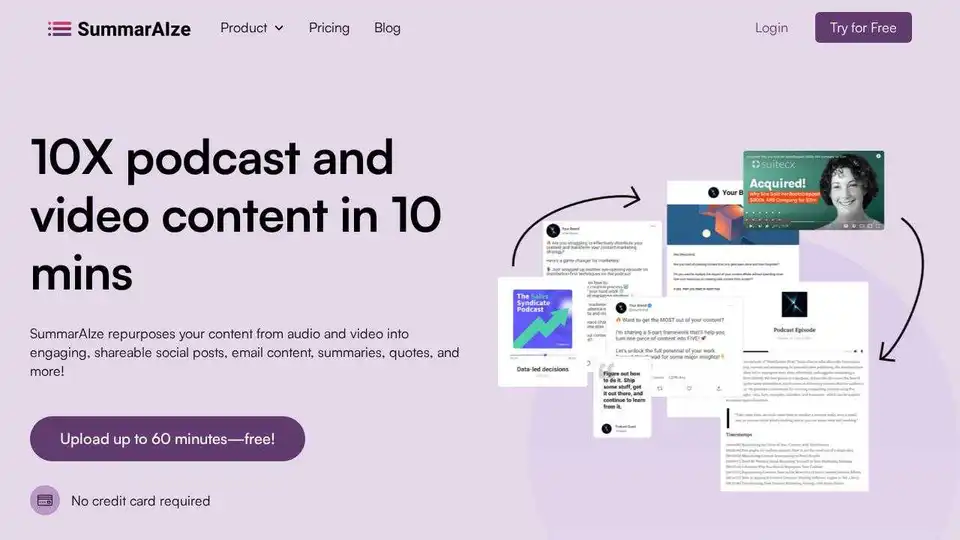
SummarAIze uses AI to repurpose podcast & video content into social posts, newsletters, video clips & more. 10x your content to reach a wider audience. Start free!
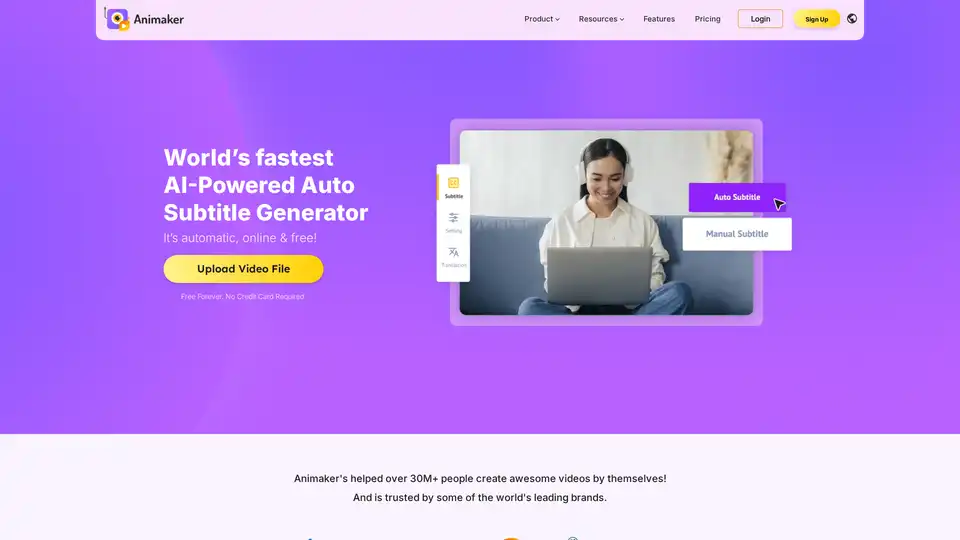
Animaker's AI-powered subtitle generator automatically creates accurate subtitles in 100+ languages with professional formatting and animations.
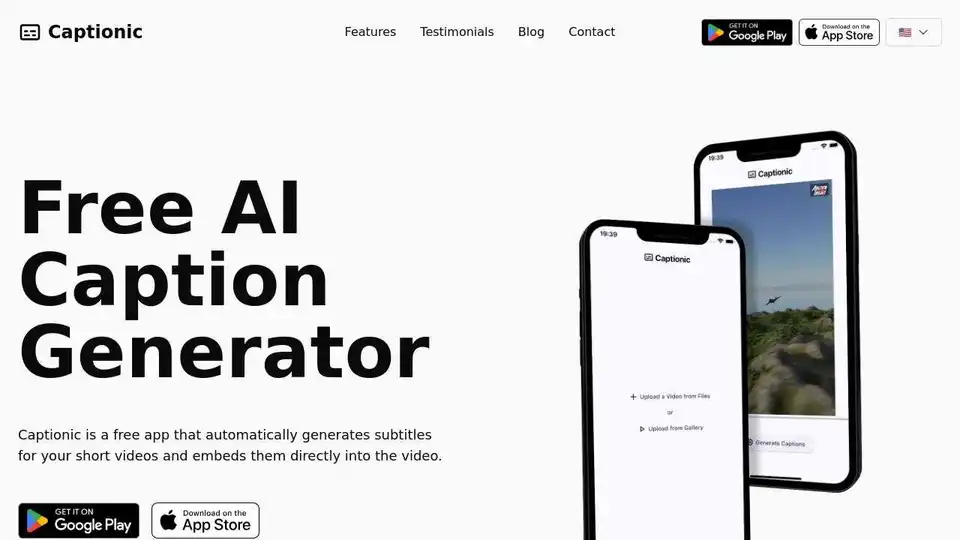
Captionic is a free AI-powered app that automatically generates and embeds subtitles into videos, supporting multiple languages to enhance accessibility and engagement.
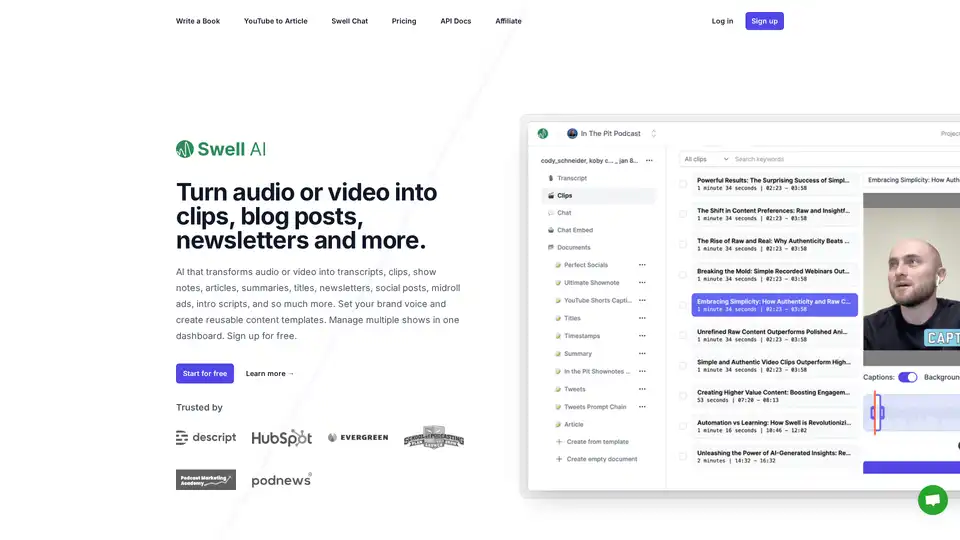
Swell AI turns podcasts or videos into transcripts, clips, show notes, articles, summaries, titles, newsletters, social posts, and more. Sign up for free to repurpose your audio content effortlessly.