
CleanVideoAI
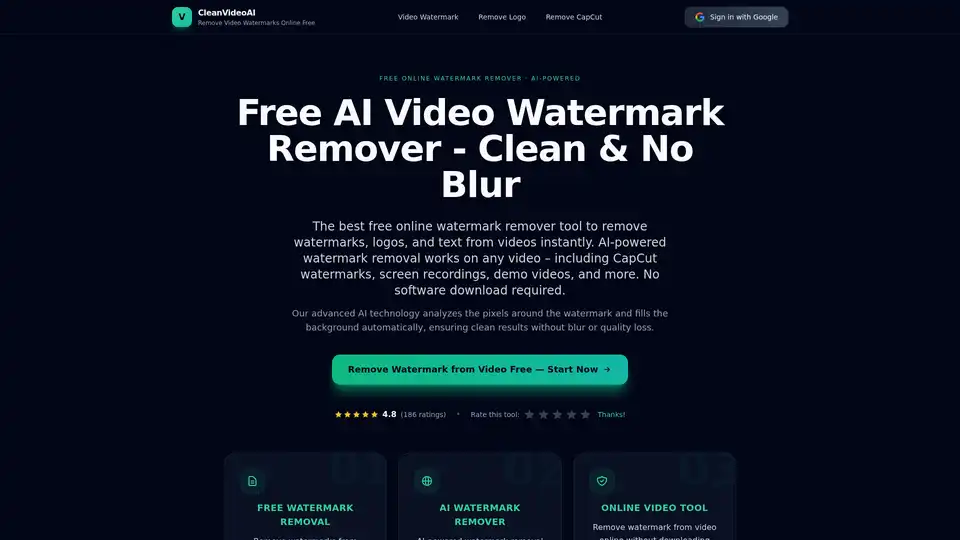
Overview of CleanVideoAI
What is CleanVideoAI?
CleanVideoAI is a free AI-powered online tool designed to remove watermarks, logos, and text from videos instantly. It is built for creators who need to clean up their footage without compromising video quality. Unlike traditional editing software that requires complex skills, this tool leverages advanced artificial intelligence to detect and reconstruct the background pixels behind watermarks, leaving the video looking natural and professional.
How Does It Work?
The tool operates on a simple yet powerful mechanism:
- AI Analysis: When you upload a video, the AI scans the frames to identify watermark patterns, edges, and colors.
- Background Reconstruction: Instead of simply blurring the area, the AI analyzes the surrounding pixels and intelligently fills in the space to restore the background texture. This prevents the "blurry square" effect common in basic editors.
- Frame-by-Frame Processing: It works on every frame to ensure that moving watermarks are seamlessly removed, maintaining consistency throughout the clip.
Key Features
- 100% Free & No Login: Unlike many competitors, CleanVideoAI offers unlimited watermark removal without requiring a sign-up or subscription.
- HD Quality Export: Preserves the original resolution. You can export in 1080p and 4K without pixelation or blur.
- Instant CapCut Removal: It has a specialized mode for removing CapCut template watermarks and ending screens, a common pain point for short-form content creators.
- Browser-Based: No software download required. It works entirely online on any device (PC, Mac, Mobile).
- Smart Logo Detection: Excellent at removing static corner logos, TV-style bugs, and channel badges.
Use Cases
- Social Media Creators: Repurpose content from TikTok, Instagram Reels, or YouTube Shorts without the original platform's watermark.
- Content Marketers: Clean up stock footage or licensed clips by removing agency logos or copyright tags for client deliverables.
- Educators & Presenters: Remove timestamps or irrelevant text from screen recordings before including them in tutorials or presentations.
- Video Editors: Quickly erase unwanted branding marks to reuse clips in new projects without starting from scratch.
How to Use CleanVideoAI
Using the tool is a straightforward 3-step process:
- Upload: Select your video file (supports all major formats) and drag it into the browser window.
- Process: The AI automatically detects the watermarks. You can let it run fully automatically or manually brush over the area you want to remove for precision.
- Download: Preview the clean video to ensure the background looks natural, then download the high-quality, watermark-free file immediately.
Why Choose CleanVideoAI?
The main advantage of CleanVideoAI is the combination of speed, quality, and accessibility. Most professional video cleanup tools require expensive subscriptions and a steep learning curve. CleanVideoAI democratizes this capability, making it accessible to beginners and professionals alike. It respects user privacy by not storing uploaded content, making it a safe and reliable choice for removing watermarks from videos online.
Tags Related to CleanVideoAI
