
Converse
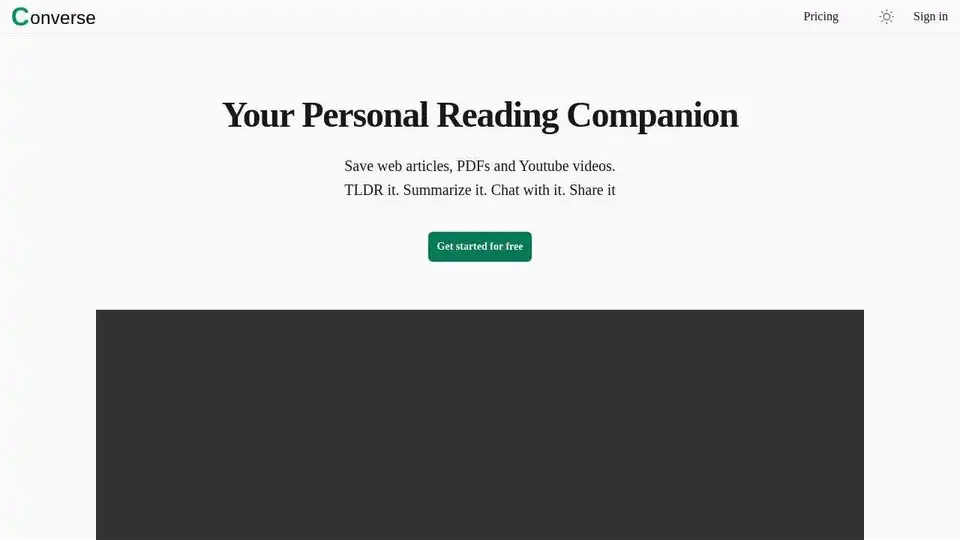
Overview of Converse
Converse: Your AI-Powered Reading Companion
What if you could drastically reduce the time you spend reading articles, analyzing PDFs, and watching YouTube videos while still grasping the key information? Converse is an innovative AI reading companion designed to empower your reading experience by providing concise summaries, intuitive document chat, and seamless social sharing capabilities. Let's explore the features and benefits that make Converse an indispensable tool for students, researchers, and anyone who wants to learn faster and more efficiently.
What is Converse?
Converse is an AI-driven platform that allows users to save web articles, PDF documents, and YouTube videos for later consumption. It leverages artificial intelligence to provide TLDR summaries, detailed summaries, and an interactive document chat feature. This enables users to quickly extract the core essence of the content, dive deeper into specific sections as needed, and engage in meaningful conversations with the information.
Key Features of Converse
Converse is packed with features designed to transform your reading experience:
- TLDR & Detailed Summaries: Quickly grasp the essence of articles and videos with executive summaries featuring key takeaways. Reduce reading and watching time by up to 80% with detailed summaries, allowing you to focus on the most relevant information.
- Intuitive Document Chat: Interact with your saved PDFs, web articles, and YouTube videos through a chat interface. Get precise answers to your questions with cited source references, making research and learning more efficient.
- Library & Collections: All saved web articles and uploaded PDFs are permanently stored in your personal library. Organize your content into separate collections for better management and easy access.
- Social Sharing & Interaction: Share saved articles and your interactions with friends and your social network. Encourage collaboration and discussion by allowing friends to interact with the documents as well.
How Does Converse Work?
Converse employs sophisticated AI algorithms to analyze and summarize content from various sources. When you save a web article, PDF, or YouTube video, Converse automatically processes the content to identify key themes, arguments, and supporting evidence. The AI then generates both a brief TLDR summary and a more detailed summary, highlighting the most important information.
The intuitive document chat feature allows you to ask questions about the content and receive precise answers cited with source references. This feature is powered by natural language processing (NLP) and machine learning models trained to understand and respond to user queries accurately.
Who is Converse For?
Converse is designed for a wide range of users:
- Students: Streamline research, quickly understand complex topics, and prepare for exams more efficiently.
- Researchers: Analyze large volumes of research papers and identify relevant information faster.
- Professionals: Stay up-to-date on industry trends, digest important reports, and enhance decision-making.
- Lifelong Learners: Explore new subjects, expand knowledge, and accelerate personal growth.
Why Choose Converse?
Here's why Converse stands out as the premier AI reading companion:
- Time-Saving: Reduce reading and watching time by up to 80% without sacrificing comprehension.
- Enhanced Understanding: Grasp key concepts and ideas more quickly and effectively.
- Improved Organization: Keep all your saved articles and documents in one organized library.
- Collaborative Learning: Share and discuss content with friends and colleagues.
How to Use Converse
- Save Content: Save web articles, PDF documents, and YouTube videos to your Converse library.
- Summarize: Use the TLDR or detailed summary features to quickly grasp the essence of the content.
- Chat: Ask questions about the content and receive precise answers with source references.
- Organize: Categorize your articles into collections for better organization.
- Share: Share your saved articles and interactions with your friends and social network.
Embark on a Transformed Reading Journey
Converse is more than just a reading tool; it's a catalyst for accelerated learning and deeper understanding. By leveraging the power of AI, Converse empowers you to dive deeper, comprehend faster, and embark on a truly transformed reading journey.
Converse offers a free plan to get started, with options to upgrade for additional features and usage. Visit the Converse website to sign up and begin your journey toward smarter, faster reading.
Best Alternative Tools to "Converse"
Myreader is an AI reading assistant that helps you summarize documents, chat with your library, and convert text to audio. Perfect for students, researchers, and professionals.
Elmo Chat is an AI Chrome extension by Lepton AI that summarizes webpages, YouTube videos, and PDFs. It allows users to ask questions, dive deep into keywords, and get quick insights.
YouLearn AI is your personalized AI tutor that transforms PDFs, YouTube videos, and lectures into notes, chats, quizzes, and more. Save time and learn smarter with interactive tools backed by Y Combinator.
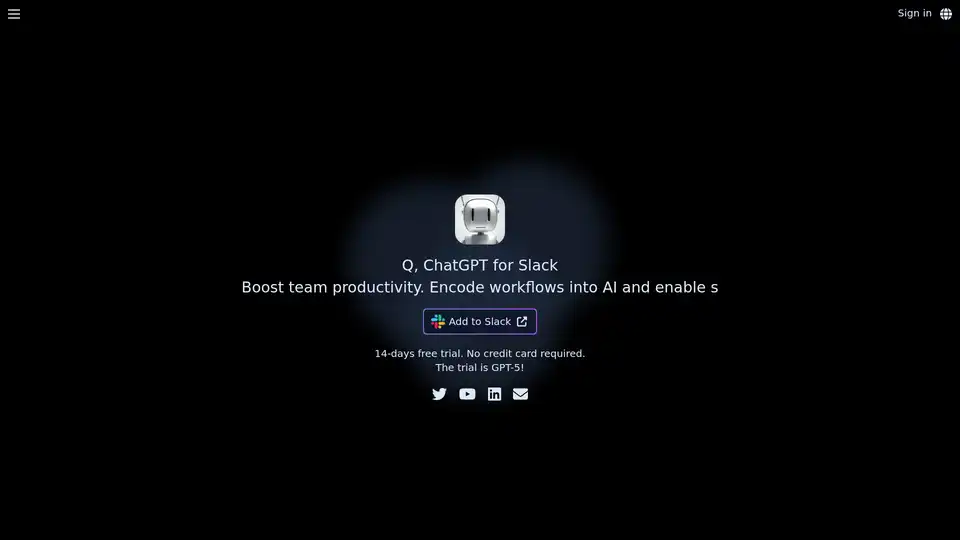
Discover Q, the official ChatGPT integration for Slack. Boost team productivity with AI-powered chats, URL/file reading, custom instructions, and secure workflows. Free 14-day trial available.
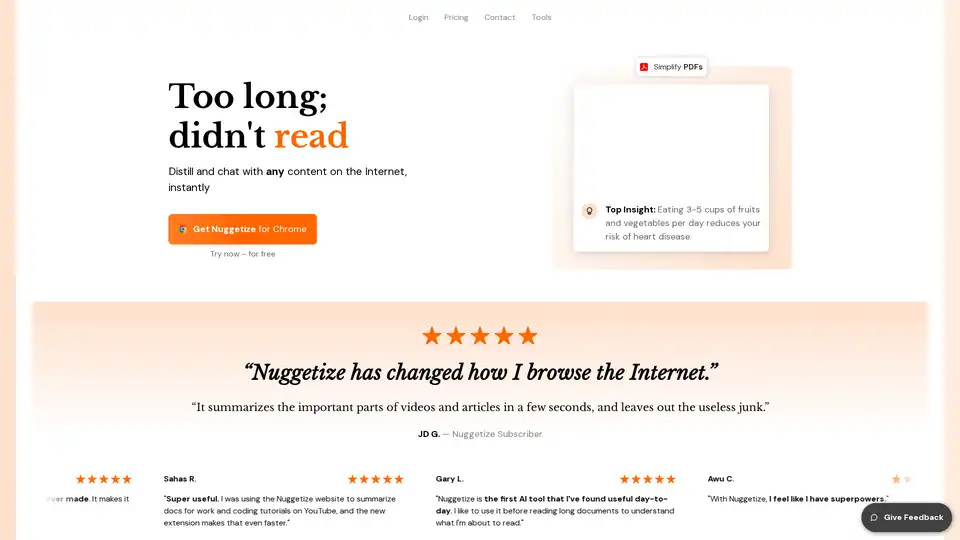
Nuggetize is an AI-powered tool that instantly summarizes web content, YouTube videos, PDFs, and podcasts. It provides key takeaways, allows users to chat with the content, and is available as a browser extension and mobile app.
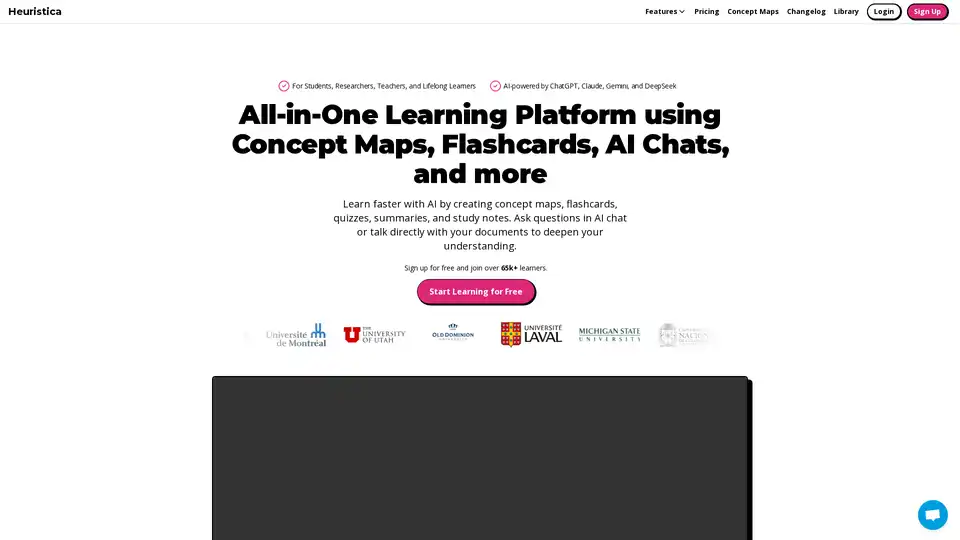
Learn faster with AI by creating concept maps, flashcards, quizzes, summaries, and study notes. Summarize YouTube videos, chat with AI, and turn ideas into learning tools all in one platform.
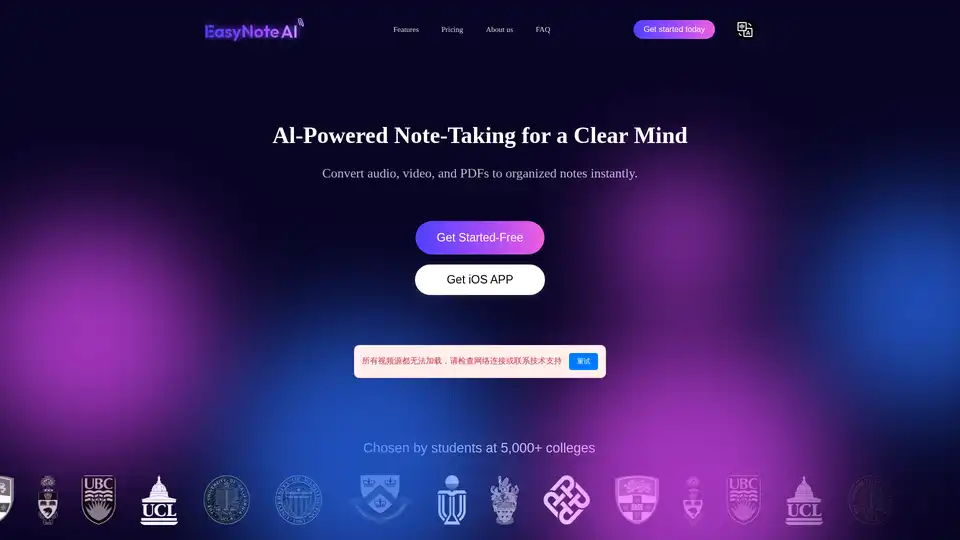
EasyNoteAI is a powerful AI note-taking assistant that converts audio, online videos, and PDFs into organized notes, outlines, flashcards, quizzes, summaries, and chatbots for efficient learning and productivity.
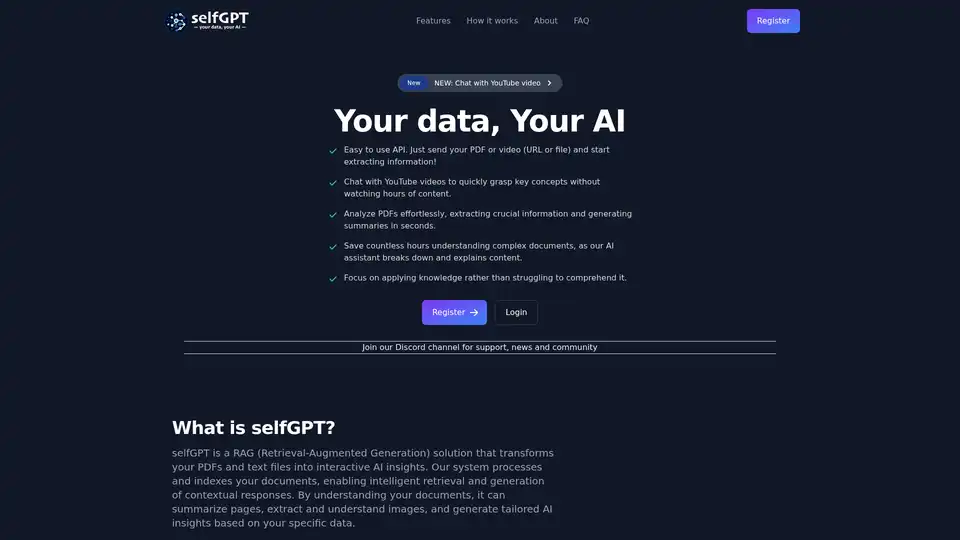
Transform your files into AI insights with selfGPT. Analyze PDFs, extract key info from text and images, and chat with YouTube videos for quick summaries and tailored responses.
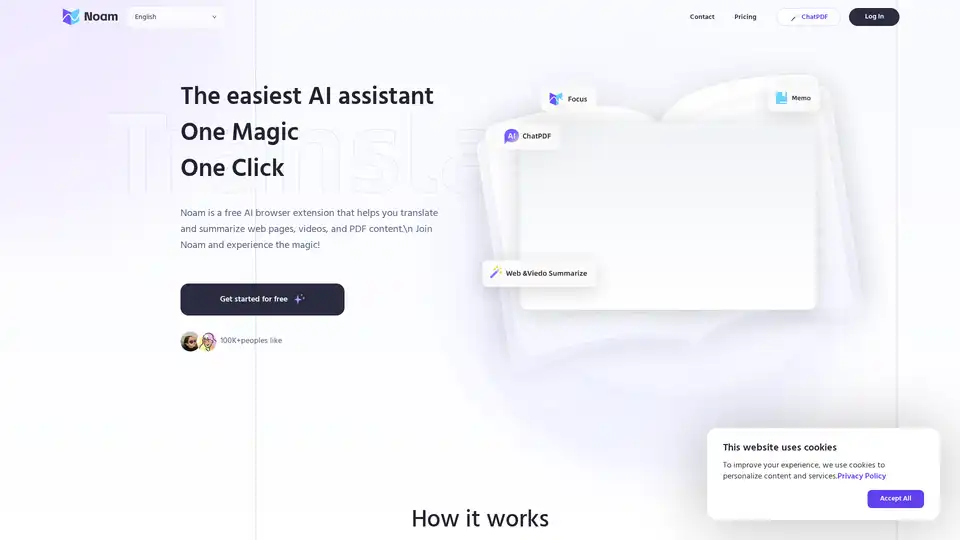
Noam is a free AI browser extension that translates and summarizes web pages, videos, and PDFs. Powered by GPT-4, it offers features like bilingual reading, hover translation, and AI-driven accuracy.
Myreader is an AI-powered reading assistant that allows users to upload documents, chat with them, get summaries, convert text to audiobooks, and organize their digital library. It supports multiple formats and languages, making it ideal for students, researchers, and professionals.

TryScribe is an AI-powered productivity suite for freelancers and professionals, featuring PDF Chat, Video Summarizer, Image Compressor, Color Palette Generator, PDF Merger, and Background Remover. Save time with simple, credit-based tools and transparent pricing starting at $5.
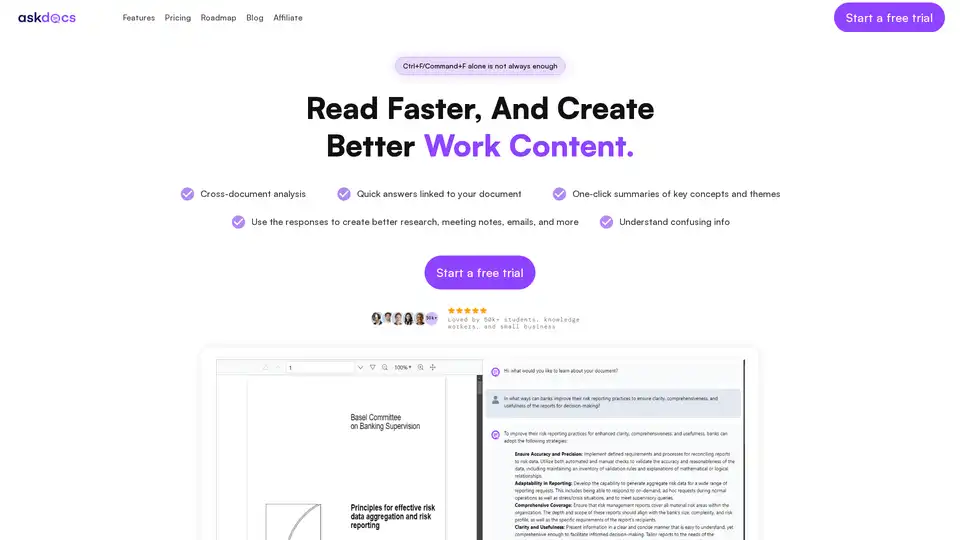
AskDocs is a trusted generative AI tool for PDF and document research. Upload files, ask questions, and get instant answers with citations plus one-click summaries. Ideal for students, researchers, and professionals to enhance productivity.
Browser Copilot AI understands your work on any website and assists with reading & writing. Explain, summarize, rewrite, and improve anything within your browser.
BrowseWiz is an AI-powered Chrome extension that enhances productivity by summarizing web pages, extracting data, generating content, and automating tasks. It integrates with OpenAI and allows custom prompt libraries.