
Creator Tools
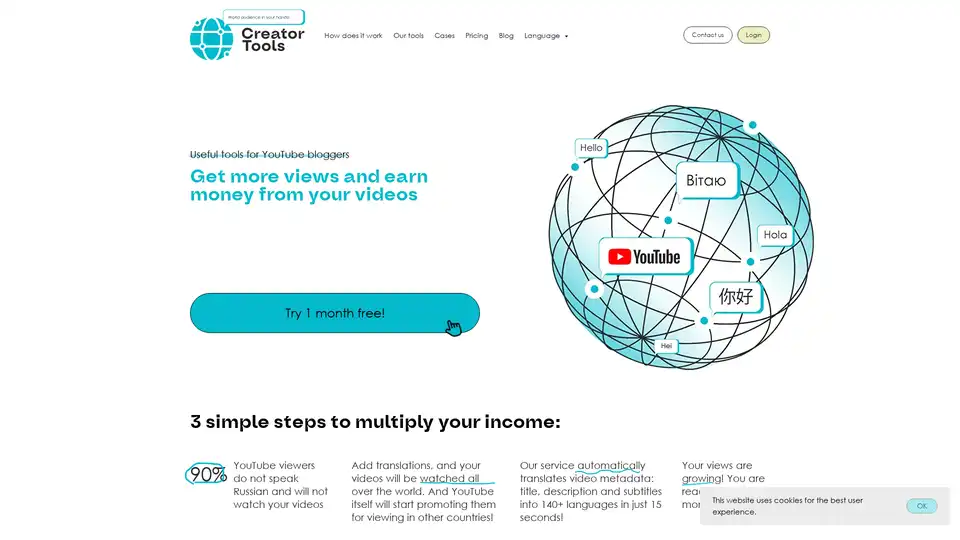
Overview of Creator Tools
What is Creator Tools?
Creator Tools is a game-changing AI translator designed specifically for YouTube creators. It automates the localization of video metadata—including titles, descriptions, and subtitles—into over 140 languages in mere 15 seconds. Say goodbye to tedious manual translations and hello to effortless global expansion. Whether you're into cooking tutorials, travel vlogs, lifestyle content, or unboxing reviews, this browser extension unlocks international audiences, skyrockets views, and fast-tracks monetization.
Key Features of Creator Tools
- Lightning-Fast Translation: Process titles, descriptions, and subtitles across 140+ languages with just two clicks—no more hours wasted on tools like Yandex Translator.
- Seamless YouTube Integration: Works directly as a plugin within your browser, making it ideal for quick uploads and publications.
- Free Trial Perks: Enjoy 100 free translations to test the waters, plus a 1-month free trial for full access.
- Proven Results: Users report massive view increases—e.g., news channels earning $1700 more, culinary channels hitting $4600 boosts, and new channels reaching monetization in 1.5 months.
- User-Friendly Interface: Simple three-step process: upload, select languages, and watch your content go global.
How Does Creator Tools Work?
Getting started is straightforward:
- Install the browser extension and log in.
- Upload or select your YouTube video.
- Choose target languages—AI handles the rest in 15 seconds.
The underlying AI leverages advanced neural machine translation models, similar to those in leading large language models, ensuring context-aware, natural-sounding outputs. It preserves your video's essence while adapting to cultural nuances, helping YouTube's algorithm promote localized content to relevant regions.
Real User Reviews and Success Stories
Don't just take our word—here's what creators are saying:
- Anna Shelemekh: "Mega time saver! A few clicks translate into all needed languages. Life-changing!"
- Ekaterina Dolgova: "Frees up huge time—no more manual work. One button for worldwide translations."
- Siva ArtStudio: "Quick fixes from devs; now flawless."
- Unusual Stories: "Ditched manual subtitles; 100 free trials sealed the deal."
- Olga Beresneva: "From 30-60 mins per video to one button. Pure relaxation!"
These testimonials highlight the tool's reliability, with rapid developer support ensuring peak performance.
Who is Creator Tools For?
Ideal for:
- Faceless Channels: Gaming, ASMR, tutorials without on-camera presence.
- Niche Creators: Cooking, DIY, sports, health, reviews, unboxings, hobbies, travel, lifestyle.
- Growing Bloggers: Anyone aiming to break language barriers and tap into non-Russian (or native) audiences, where 90% of potential viewers speak other languages.
Why Choose Creator Tools Over Manual Translation or Competitors?
Manual methods drain time and motivation—fingers "bleed" from repetitive copy-paste. Competitors lack the speed, breadth (140+ languages), or YouTube-specific focus. Creator Tools stands out with:
- Cost-Effective Pricing: View rates for transparency; bonuses like extra translations.
- Holistic Suite: Beyond translation, access Streaming (schedule live streams) and AI Comments (auto-reply in any language for engagement).
- SEO Boost: Optimized titles/descriptions align with YouTube SEO, drawing organic traffic via multilingual keywords.
Best Ways to Maximize Creator Tools for YouTube Growth
- Target High-Impact Languages: Prioritize English, Spanish, Hindi, Arabic for massive audiences (as per their blog insights).
- Combine with Analytics: Use YouTube internal metrics post-translation to refine strategies.
- Leverage Bonuses: Join their program for free extras.
| Feature | Manual Translation | Creator Tools |
|---|---|---|
| Time | 30-60 mins/video | 15 seconds |
| Languages | Limited | 140+ |
| Cost | Time sink | Free trial + affordable |
| Ease | Tedious | 2 clicks |
Practical Value and Use Cases
For a new culinary channel, translations propelled it from zero to monetization in 1.5 months. News creators saw 1700% income jumps by reaching international viewers. In competitive niches like health or sports, localized subtitles keep retention high, signaling quality to algorithms.
Backed by a team with 12+ years in IT (CEO Andrey Radzkou), 7+ years YouTube experience (Engineering Manager Ihar Rubanovich), and marketing expertise (Tanya Areshkova), Creator Tools embodies creator-first innovation.
Ready to multiply views? Head to creator-tools.com, try free, and transform your channel. For tips on YouTube SEO, subtitle strategies, or global titles, check their blog.
Pricing and Next Steps
Explore rates for AI Translator, Streaming, and AI Comments. Contact info@creator-tools.com for custom needs. Start today—your global audience awaits!
Tags Related to Creator Tools
