
Floneum
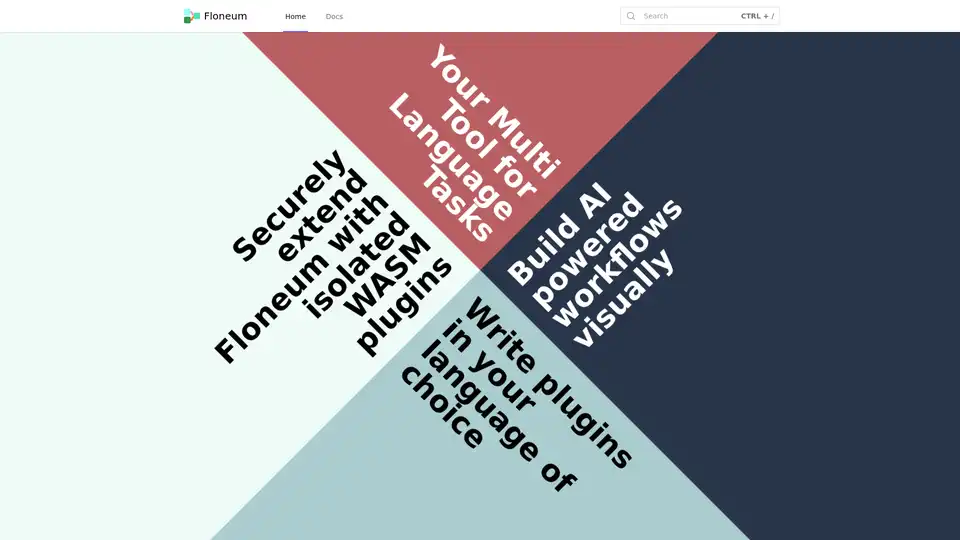
Overview of Floneum
Floneum: Your Visual AI Workflow Builder
Floneum is a versatile graph editor designed to empower users to construct AI-driven workflows visually, leveraging local Large Language Models (LLMs). This open-source tool offers a user-friendly, drag-and-drop interface, making it accessible to both seasoned developers and those new to the world of AI.
What is Floneum?
Floneum is a visual programming environment tailored for creating AI workflows. It provides a canvas where users can connect various nodes representing different functionalities, such as text generation, data manipulation, and external API calls. By linking these nodes, users can design complex AI applications without writing extensive code.
How does Floneum work?
Floneum operates on a graph-based architecture, where each node performs a specific task. The data flows from one node to another, enabling the execution of the entire workflow. The platform supports the integration of local LLMs, allowing for offline processing and enhanced data privacy.
Key Features:
- Visual Interface: Build workflows with a simple drag-and-drop interface.
- Local LLM Integration: Leverage the power of local Large Language Models for secure and private AI processing.
- Secure Plugin Extension: Extend Floneum’s capabilities with isolated WebAssembly (WASM) plugins.
- Multi-Language Support: Write plugins in any language that compiles to WebAssembly, including Rust, C, Java, and Go.
- Built-in Plugins: Includes 41 pre-built plugins for various tasks such as text generation, data formatting, search engine integration, and more.
Why Choose Floneum?
- Ease of Use: The visual interface simplifies the creation of complex AI workflows.
- Security: WASM plugins run in a sandboxed environment, ensuring system security.
- Flexibility: Supports multiple programming languages for plugin development.
- Extensibility: Easily extend functionality with custom plugins.
- Privacy: Local LLM integration ensures data privacy and offline processing capabilities.
Who is Floneum for?
Floneum is suitable for a wide range of users, including:
- AI Enthusiasts: Those interested in exploring and experimenting with AI workflows.
- Developers: Professionals seeking a visual tool to design and implement AI applications.
- Researchers: Academics looking for a platform to prototype and test AI models.
- Businesses: Organizations aiming to automate tasks and improve efficiency with AI.
How to use Floneum?
- Installation: Download and install Floneum from the official website or GitHub repository.
- Workflow Creation: Use the drag-and-drop interface to add and connect nodes.
- Configuration: Configure each node with the necessary parameters and settings.
- Execution: Run the workflow and observe the results.
- Plugin Development: Extend Floneum’s functionality by writing custom WASM plugins.
Built-in Plugins:
Floneum comes with a variety of built-in plugins to facilitate workflow creation. Some notable plugins include:
- Add Embedding: Adds embeddings to the workflow.
- Embedding: Manages embeddings.
- Embedding DB: Provides database functionality for embeddings.
- Format: Formats data.
- Generate Text: Generates text using language models.
- Generate Structured Text: Generates structured text.
- Search: Performs searches.
- Search Engine: Integrates with search engines.
- If Statement: Creates conditional branches in the workflow.
- Contains: Checks if a string contains a specific substring.
- Write To File: Writes data to a file.
- Read From File: Reads data from a file.
- Run Python: Executes Python scripts.
- Create Browser: Creates a browser instance.
- Find Node: Finds a specific node in the workflow.
- Find Child Node: Finds a child node of a given node.
- Click Node: Clicks on a node in a browser instance.
- Node Text: Retrieves text from a node.
- Type In Node: Types text into a node.
- Navigate To: Navigates to a specific URL.
- Get Article: Retrieves an article from a URL.
- Read RSS Stream: Reads data from an RSS feed.
- Split: Splits a string into multiple parts.
- Slice: Extracts a portion of a string.
- Join: Joins multiple strings together.
- Add To List: Adds an item to a list.
- New List: Creates a new list.
- Length: Determines the length of a list or string.
- More Than: Checks if a value is greater than another.
- Less Than: Checks if a value is less than another.
- Equals: Checks if two values are equal.
- And: Performs a logical AND operation.
- Or: Performs a logical OR operation.
- Not: Performs a logical NOT operation.
- Add: Adds two numbers.
- Subtract: Subtracts two numbers.
- Multiply: Multiplies two numbers.
- Divide: Divides two numbers.
- Power: Raises a number to a power.
- Number: Represents a numerical value.
How to extend Floneum with plugins?
Floneum supports extending its capabilities through WASM plugins. These plugins can be written in any language that compiles to WebAssembly, providing developers with a flexible and secure way to add new functionalities. The use of WebAssembly ensures that plugins run in a sandboxed environment, preventing them from accessing system resources without explicit permission.
Best way to build AI-powered workflows?
The best way to build AI-powered workflows with Floneum involves leveraging its visual interface to connect pre-built and custom plugins. Start by defining the desired outcome, then break down the process into smaller, manageable steps. Use the available plugins to handle tasks such as data retrieval, text generation, and data transformation. For specialized tasks, consider developing custom WASM plugins. Regularly test and refine the workflow to optimize performance and accuracy.
By using Floneum, you can create sophisticated AI workflows without being bogged down by complex coding. Its intuitive design and robust plugin support make it an excellent choice for anyone looking to harness the power of AI.
AI Programming Assistant Auto Code Completion AI Code Review and Optimization AI Low-Code and No-Code Development
Best Alternative Tools to "Floneum"

Tate-A-Tate is a no-code AI agent builder that allows you to build, deploy, and monetize AI agents without coding. It features a built-in marketplace and seamless integration across multiple platforms.
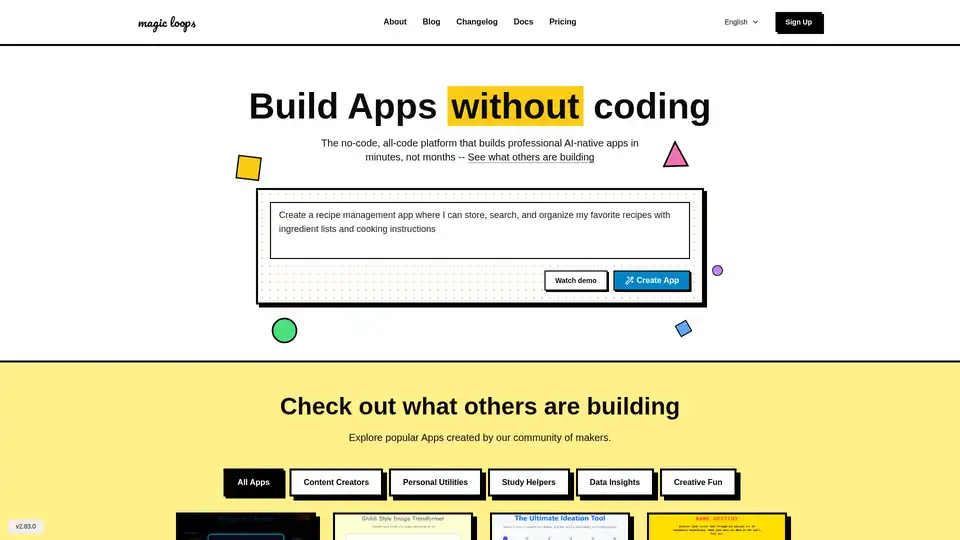
Magic Loops is a no-code platform that combines LLMs and code to build professional AI-native apps in minutes. Automate tasks, create custom tools, and explore community apps without any coding skills.

Bottr offers top-tier AI consulting and customizable chatbots for enterprises. Launch intelligent assistants, automate workflows, and integrate with major LLMs like GPT and Claude for secure, scalable AI solutions.
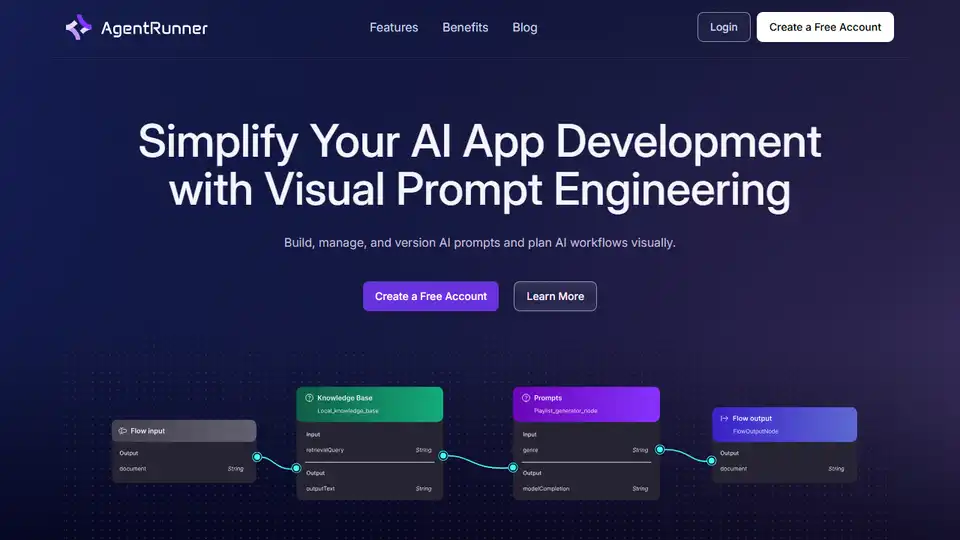
Accelerate AI development with AgentRunner, the all-in-one AI workflow builder. Visual editor, prompt chaining, versioning, and deployment tools.