
Flowtext.io
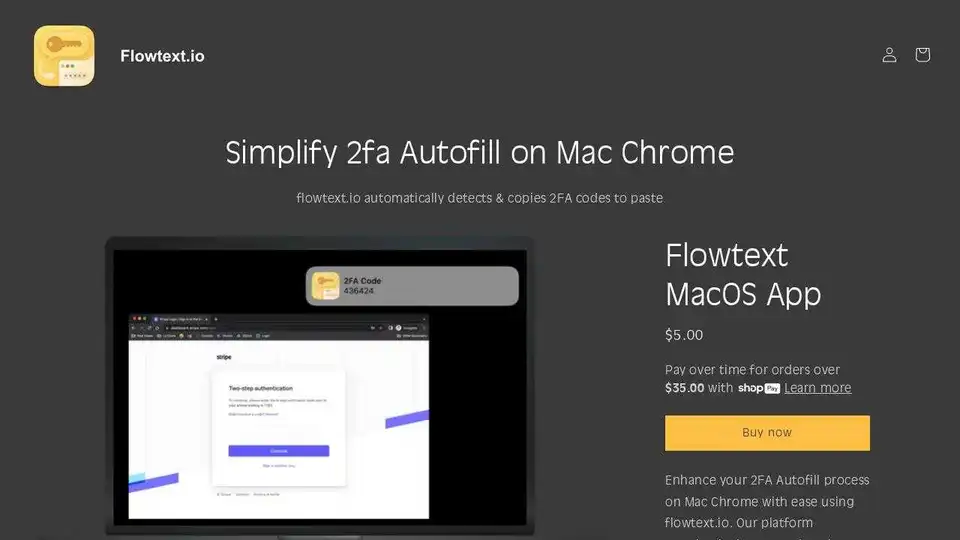
Overview of Flowtext.io
Flowtext.io: Simplify 2FA Autofill on Mac Chrome
What is Flowtext.io?
Flowtext.io is a MacOS application designed to streamline the two-factor authentication (2FA) process on Mac Chrome. It automatically detects and copies 2FA codes from incoming SMS messages to your clipboard, making it effortless to paste them into Chrome.
How does Flowtext.io work?
Flowtext.io works by monitoring incoming SMS messages on your Mac. When a new message arrives, the application scans it for 2FA codes. Once a code is identified, it's immediately copied to your clipboard, and you'll receive a notification.
Key Features:
- Automatic Detection: Flowtext.io automatically detects 2FA codes in incoming SMS messages.
- Seamless Copying: Once a code is detected, it's instantly copied to your clipboard.
- Notification: You'll receive a notification when a new 2FA code is copied.
- Easy Pasting: Simply paste the code into Chrome without having to manually copy it from iMessage.
Why is Flowtext.io important?
Two-factor authentication is an essential security measure, but it can be inconvenient to manually copy and paste codes every time you log in to a website or service. Flowtext.io eliminates this hassle, saving you time and effort.
User Reviews:
Users have praised Flowtext.io for its convenience and ease of use:
- "This is exactly what I have been hoping for. Thank you!"
- "Works as advertised!"
- "We love it and we use it!"
- "It's one of my fave apps on the Mac now."
How to get started with Flowtext.io:
- Purchase and download the Flowtext.io MacOS app.
- Install the app on your Mac.
- Grant the app the necessary permissions to access your SMS messages.
- Start using Flowtext.io to automatically copy 2FA codes.
Best way to streamline your 2FA process:
Flowtext.io offers a simple and effective solution for managing two-factor authentication on Mac Chrome. By automating the process of copying and pasting 2FA codes, it saves you time and improves your overall security.
Where can I use Flowtext.io?
Flowtext.io can be used with any website or service that supports two-factor authentication and sends 2FA codes via SMS.
Best Alternative Tools to "Flowtext.io"
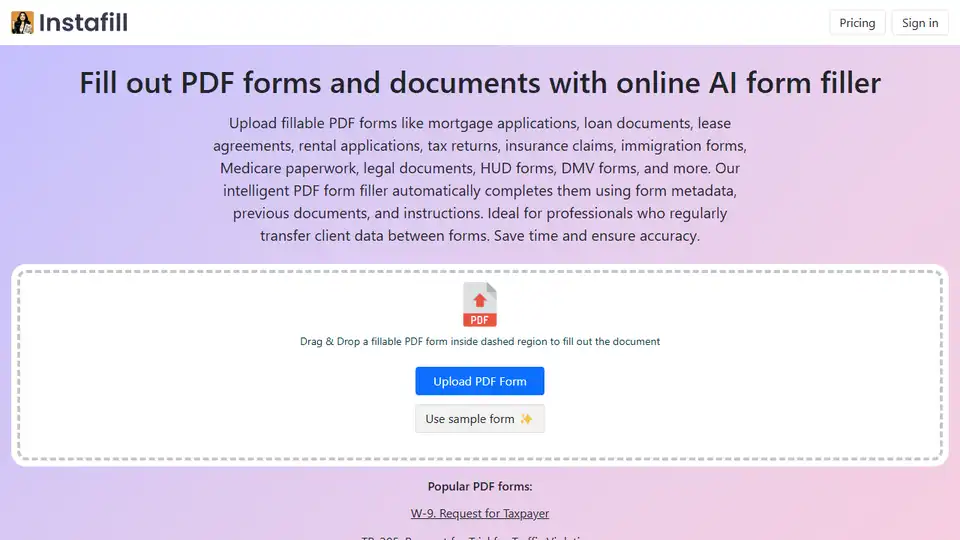
Automate PDF form filling with Instafill.ai. Quickly and accurately fill out PDF forms and documents using AI, saving time and reducing errors. Try the online AI form filler today!

Faktor is a macOS app that provides 2FA code autocomplete for Google Chrome, enhancing your security and productivity by seamlessly integrating with iMessage. Never manually copy 2FA codes again!

Kvery.io: AI-powered SQL editor transforming queries into powerful applications. Generate tables, charts, APIs, and dashboards automatically.
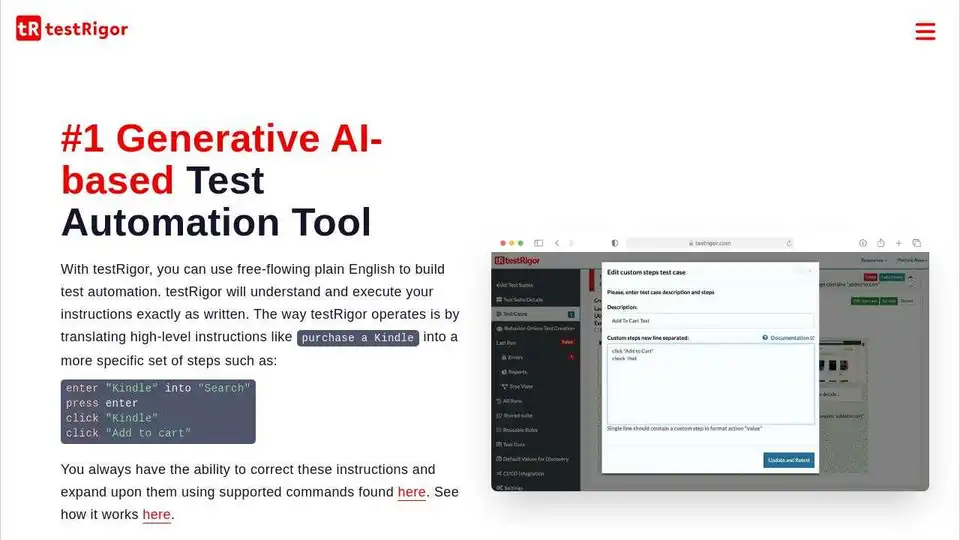
testRigor is an AI-powered test automation tool enabling users to create and maintain tests in plain English. It supports web, mobile, desktop, and API testing, reducing maintenance and increasing test coverage.