
JotMe
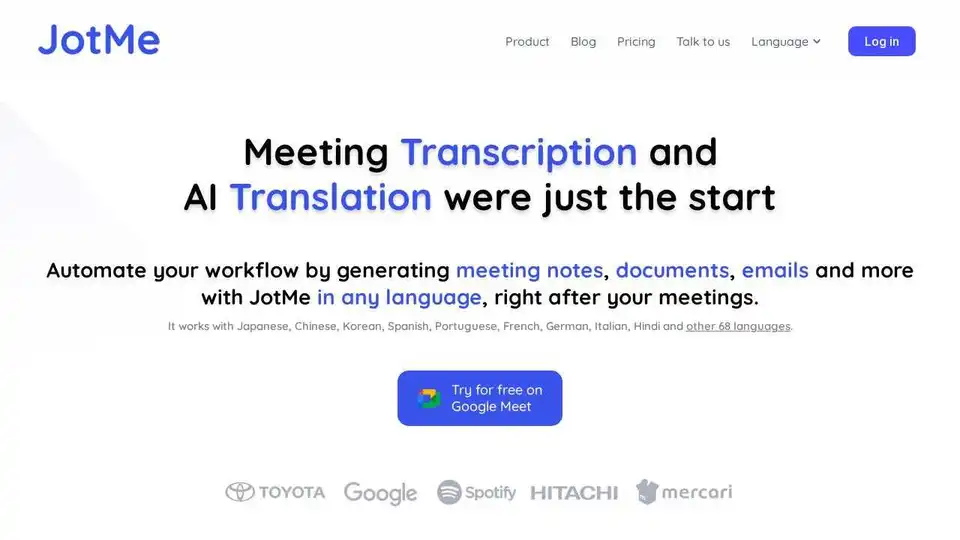
Overview of JotMe
JotMe: Your Real-Time AI Meeting Assistant
Tired of long meetings and endless follow-ups? JotMe is an AI-powered meeting assistant designed to enhance your meeting productivity. It provides real-time answers, contextual translation, live transcription, and actionable meeting notes, all in one place. Supporting 107 languages, JotMe is available as a desktop app and a Chrome extension.
What is JotMe?
JotMe is like having a smart assistant alongside you during meetings. It answers questions, translates contextually, and captures your thoughts in real time. It helps you keep everyone aligned with real-time answers, contextual translation, live transcription, and actionable meeting notes, no matter the context or language spoken.
How to Use JotMe?
- Download JotMe: Get the desktop app for Mac/Windows or install the Chrome extension.
- Start Your Meeting: JotMe seamlessly integrates with your meetings.
- Ask Questions and Take Notes: Use live translation or transcription to keep track of everything.
Why is JotMe Important?
- Real-time Answers: Get immediate answers based on the live conversation, filling context gaps as they happen.
- Accurate AI Translation and Transcription: JotMe considers context, nuance, and your industry’s domain knowledge, ensuring you're never lost in translation.
- AI Note Taker with Clear Next Action Items: Capture your thoughts as they happen and let AI summarize everything with meeting transcript, so you always know what's next. No need to follow up with anyone.
Where Can I Use JotMe?
JotMe supports a variety of platforms, including:
- Zoom
- YouTube
- Microsoft Teams
- LINE
- Google Meet
- Webex
Best Way to Maximize JotMe?
- Use JotMe in multilingual meetings to ensure seamless collaboration.
- Utilize the AI note taker feature to capture key points and action items.
- Take advantage of the real-time translation to understand context and nuance.
User Reviews
- Adam (Operations Specialist / Tiktok): "As my job involves translation and bridging cultures, I have found this tool as a game changer to my daily work."
- Stamatis (Consultant / Deloitte): "Japanese was once a mystery to me, but this product made it clear and accessible with contextual understanding."
- Cesar (Program Manager / Amazon): "JotMe streamlines our multilingual meetings, ensuring seamless collaboration in our fast-paced work environment."
- Yusuke (Sales Manager / NTT): "This bilingual feature streamlines note-taking at work, saving time and boosting efficiency in both languages."
- Jesse (Software Freelancer): "Essential for non-fluent speakers; simplifies complex meetings with real-time translation and accurate transcriptions."
- Elston (Founder / Tiny.host): "The translation tool we've needed for years – now a reality with JotMe!"
JotMe offers flexible pricing plans, including a free plan, a Pro plan for individuals, and a Premium plan for businesses and teams. Unlock your true potential in meetings with JotMe!
Tags Related to JotMe
