
MailAI
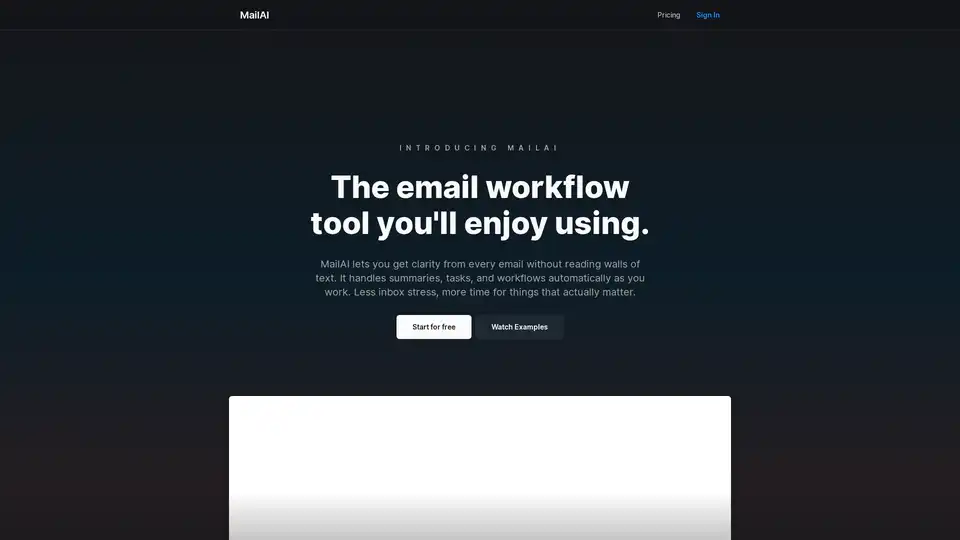
Overview of MailAI
What is MailAI?
MailAI is an innovative AI email assistant designed to transform how you handle your inbox. It automates tedious email tasks like summarizing long threads, extracting tasks, categorizing messages, and integrating with your favorite tools. By leveraging advanced AI, MailAI helps users achieve inbox zero, save over 10 hours per week, and boost productivity by up to 300%. Whether you're drowning in emails from clients, invoices, or team updates, MailAI acts as your always-on agent, working 24/7 to keep things organized without you lifting a finger.
Unlike traditional email clients, MailAI doesn't just store messages—it intelligently processes them. It reads walls of text, pulls out key insights, and turns them into actionable items. This makes it a game-changer for email automation and workflow optimization in busy professional environments.
Key Features of MailAI
MailAI packs a punch with features tailored for modern email overload:
- Email Summaries: Get concise, intelligent breakdowns of lengthy threads, so you grasp the essence without reading everything.
- Auto-Categorization and Prioritization: Emails are sorted and ranked instantly, 10x faster than manual methods.
- Calendar Integration: Automatically schedules meetings from email invites, eliminating back-and-forth.
- Payment Tracking: Monitors invoices and Stripe payments with reminders for late payers.
- Workflow Automations: Set up once-and-forget-it rules for routine tasks like invoice recovery or sales follow-ups.
- Secure Sandbox: CASA-verified isolation ensures your data stays protected.
These features shine in integrations like full Gmail support, Slack notifications for summaries, and Stripe for billing automation. It's built to fit seamlessly into your stack.
| Feature | Benefit | Integration |
|---|---|---|
| Email Summaries | Skip reading walls of text | Gmail |
| Task Extraction | Turn emails into to-dos | Calendar |
| Payment Reminders | Recover late invoices | Stripe |
| Auto-Replies | 24/7 customer support | Slack |
How Does MailAI Work?
Getting started is simple: Sign up for free, connect your Gmail (or other supported accounts), and let the AI agent take over. MailAI monitors your inbox continuously, processing new arrivals in real-time.
- Ingest Emails: It scans incoming messages securely.
- AI Analysis: Uses natural language processing to summarize, categorize, and extract entities like dates, amounts, or action items.
- Automate Actions: Triggers workflows—e.g., adding meetings to your calendar, pinging Slack, or sending reminders via Stripe.
- User Oversight: You review summaries and approve high-level decisions, but most runs on autopilot.
This set-it-and-forget-it approach is powered by robust AI models, similar to those in leading LLMs, fine-tuned for email contexts. Security is paramount with sandboxed processing, ensuring compliance and privacy.
Use Cases: Who is MailAI For?
MailAI excels in diverse scenarios:
- Freelancers & Solopreneurs: Automate invoice recovery and get paid faster without chasing payments.
- Sales Teams: Handle sales follow-ups and never miss hot leads with timely nudges.
- Customer Support: Provide 24/7 auto-replies, reducing ticket volume.
- Growing Businesses: Streamline Stripe workflows for subscriptions and billing.
- Teams: Integrate with Slack for AI-powered comms, keeping everyone updated.
For instance, a marketing agency used MailAI to automate meeting scheduling, cutting coordination time by 80%. A SaaS founder recovered 20% more overdue invoices through smart reminders.
Why Choose MailAI Over Other Email Tools?
In a sea of email apps, MailAI stands out with its deep AI integration and focus on automation. Competitors might offer basic filters, but MailAI's proactive agent handles end-to-end workflows. It's free to start, scales with upgrades, and boasts high user satisfaction for its time-saving magic.
Productivity stats speak volumes: Users report 10x faster management and stress-free inboxes. Plus, it's versatile—one platform for any workflow, from instant meeting scheduling to customer support automation.
How to Use MailAI: Best Practices
- Onboard Quickly: Connect accounts and explore pre-built workflows like 'Invoice Recovery' or 'Sales Automation'.
- Customize: Describe your own workflows in plain English—AI builds them.
- Monitor & Tweak: Check dashboards for insights and refine rules.
- Scale Up: Upgrade for advanced features as your needs grow.
Pro tip: Start with Gmail integration for immediate wins in summarization and prioritization.
Practical Value and Real-World Impact
MailAI isn't just a tool—it's a productivity multiplier. In today's fast-paced world, where email volume surges 20% yearly (per industry reports), tools like this are essential. It empowers busy professionals, entrepreneurs, and teams to focus on high-value work, not inbox drudgery.
Backed by strong security and seamless integrations, MailAI delivers measurable ROI: hours saved translate to revenue gained. Whether optimizing email workflows or enhancing business communication, it's the smart choice for inbox mastery.
Ready to supercharge your email? Get started with MailAI today for free and experience the difference.
Best Alternative Tools to "MailAI"
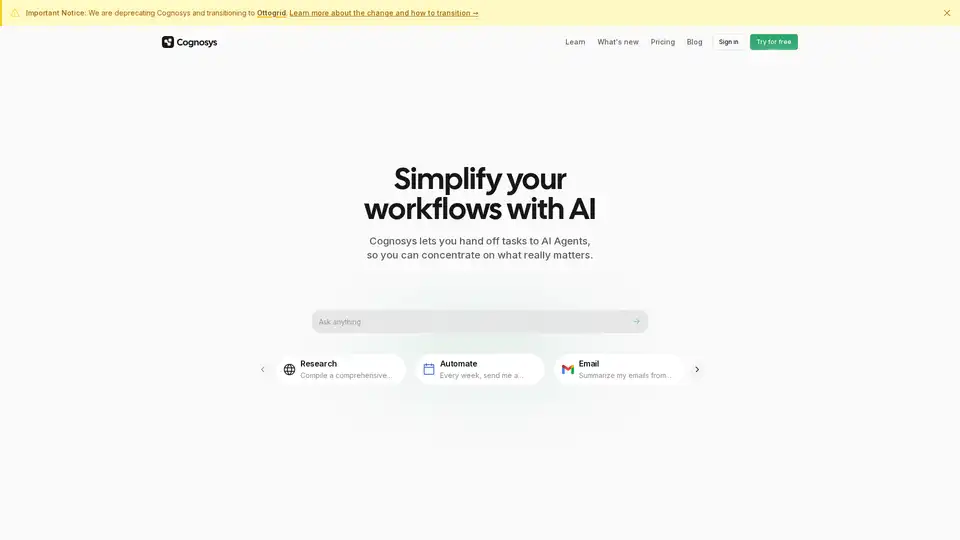
Cognosys is an AI agent that simplifies workflows by automating tasks like research, email summarization, and app integrations, helping users focus on high-value work for faster productivity gains.
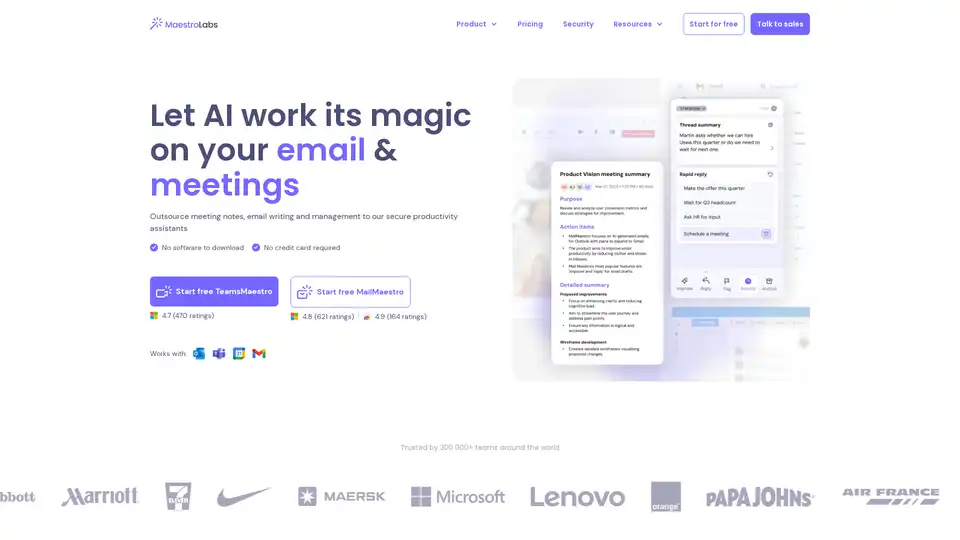
MailMaestro is an AI-powered email assistant that drafts replies, summarizes threads, manages inboxes, and integrates seamlessly with Outlook and Gmail. Save hours weekly with multilingual support and enterprise-grade security.

Superhuman is an AI-powered email app that boosts productivity by letting users fly through emails twice as fast, with features like instant replies, snoozing, and smart integrations for Gmail and Outlook.
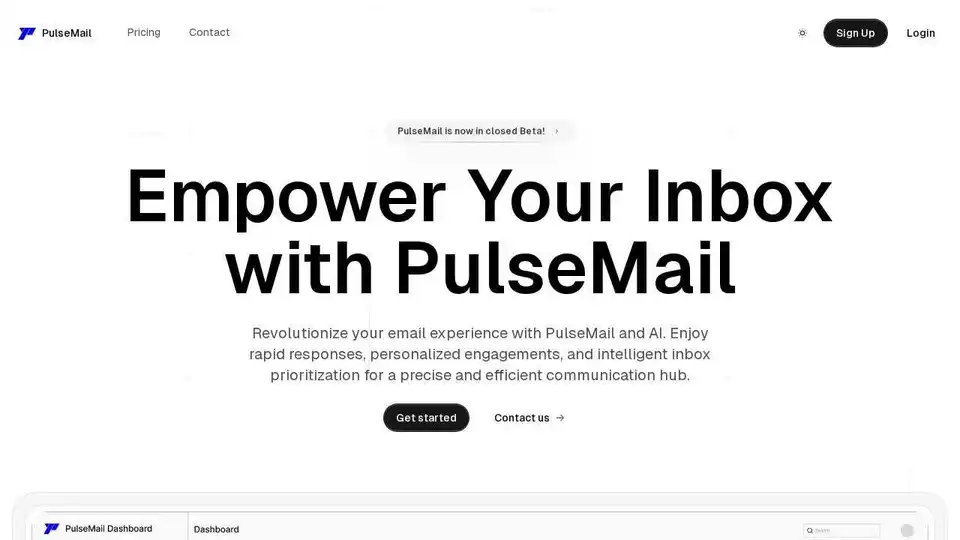
PulseMail is an AI-powered email assistant that revolutionizes your inbox. It offers rapid responses, personalized engagements, and intelligent inbox prioritization powered by GPT-4o.

Amie is an AI personal assistant that transforms meeting notes into automated workflows, managing summaries, tasks, and emails. It integrates with popular tools like Google Calendar and Slack to boost productivity.
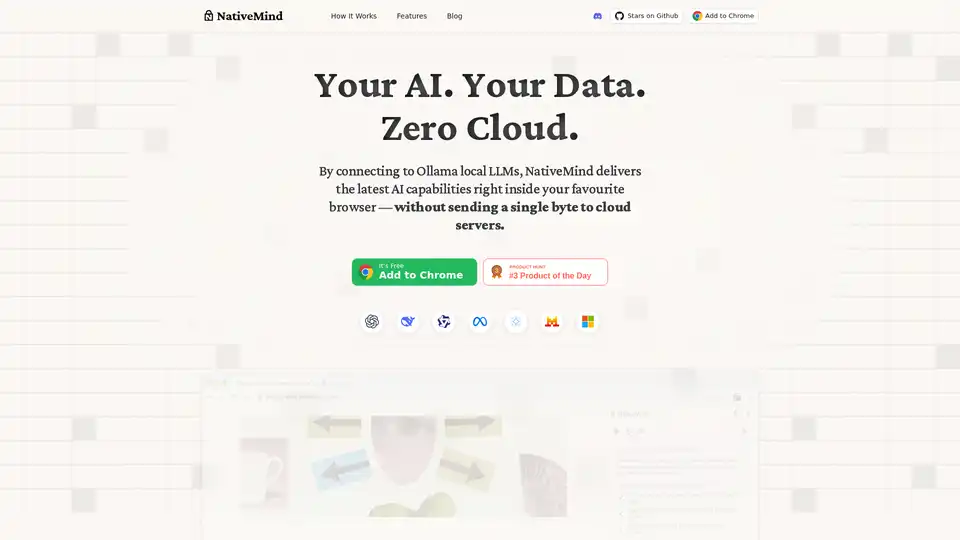
NativeMind is an open-source Chrome extension that runs local LLMs like Ollama for a fully offline, private ChatGPT alternative. Features include context-aware chat, agent mode, PDF analysis, writing tools, and translation—all 100% on-device with no cloud dependency.
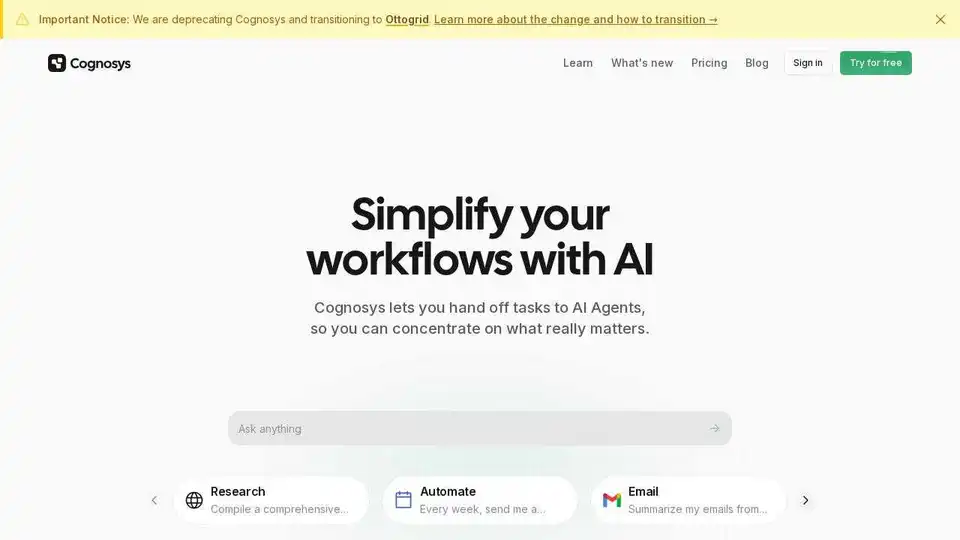
Cognosys simplifies workflows with AI agents. Automate research, email summarization, and connect your favorite apps for actionable insights. Focus on what matters.
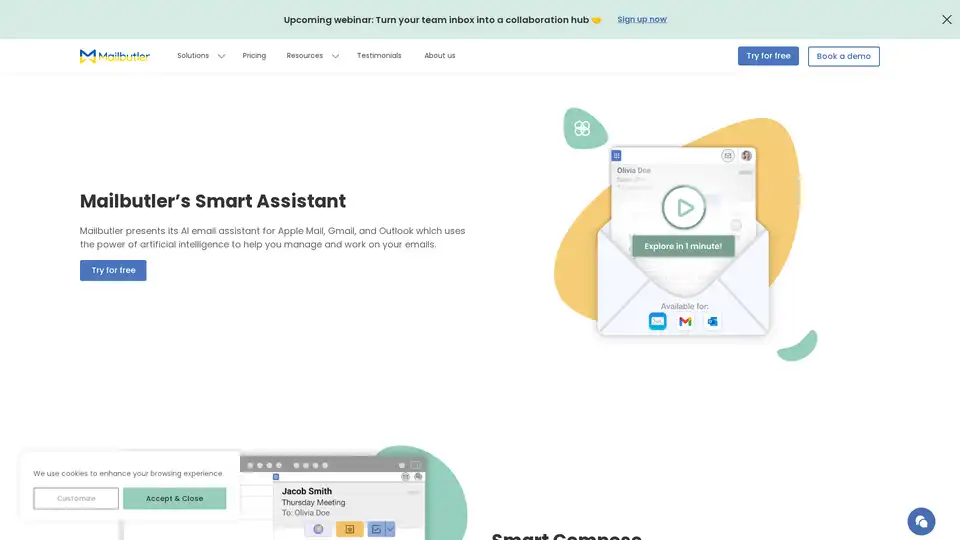
Mailbutler Smart Assistant is an AI-powered email extension that helps users manage emails efficiently with features like smart compose, auto-responses, email summarization, and task extraction for Apple Mail, Gmail, and Outlook.
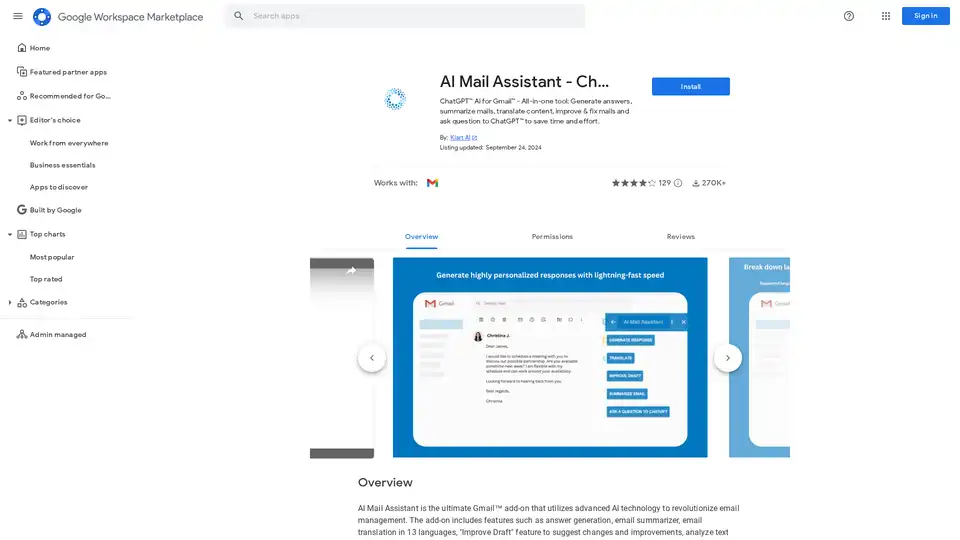
AI Mail Assistant integrates ChatGPT into Gmail for generating responses, summarizing emails, translating in 13 languages, improving drafts, and analyzing content. Save time with AI-powered email management.
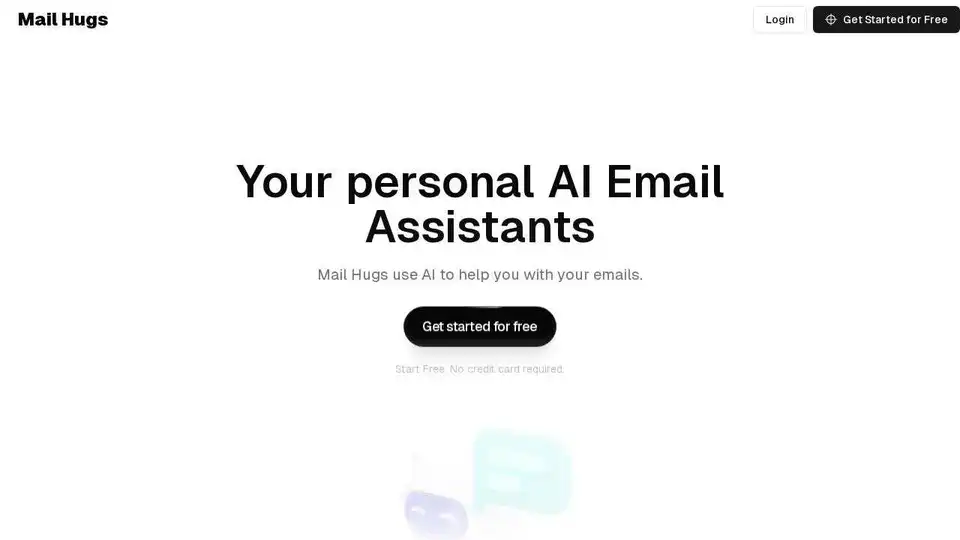
Mail Hugs is an AI-powered email assistant that helps you manage your emails efficiently with features like AI email drafting, prioritization, and summarization. Start your free trial today!
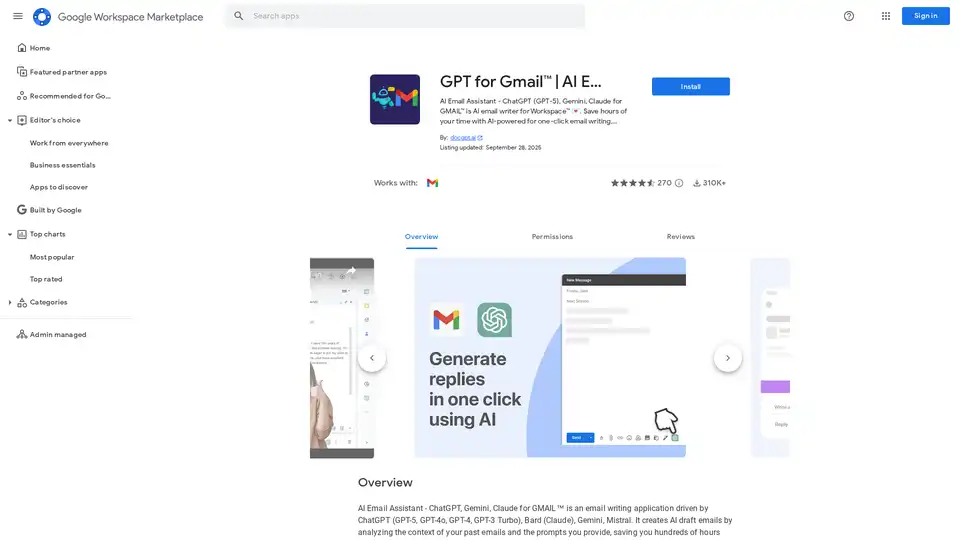
Discover GPT for Gmail, an AI email assistant powered by ChatGPT, Gemini, and Claude. Effortlessly write, translate, and rephrase emails to save hours on Workspace tasks.
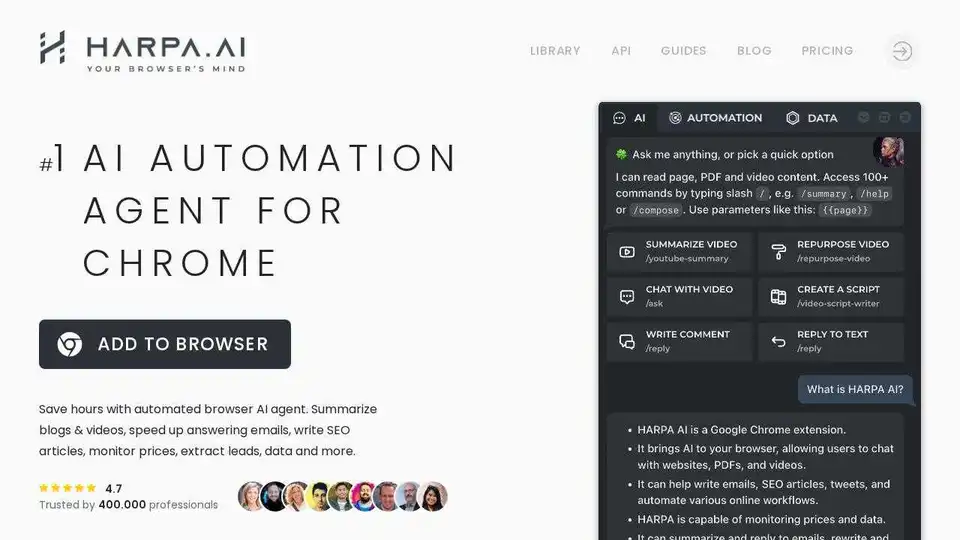
HARPA AI is an AI-powered Chrome extension that combines ChatGPT, Claude, Gemini, and more to automate online tasks, saving time on searching, writing, coding, and summarizing.
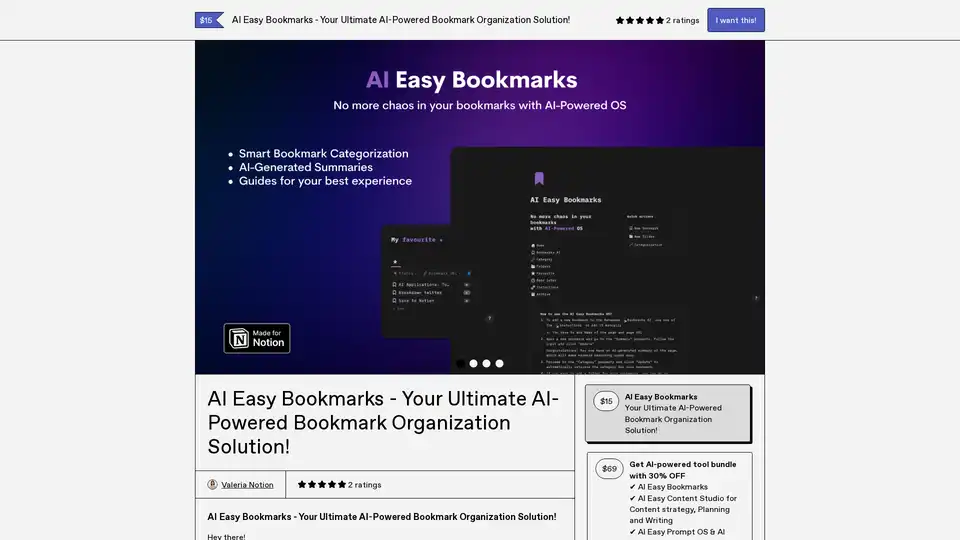
AI Easy Bookmarks revolutionizes bookmark management with AI-driven categorization, instant page summaries, and an intuitive dashboard for seamless organization and productivity.
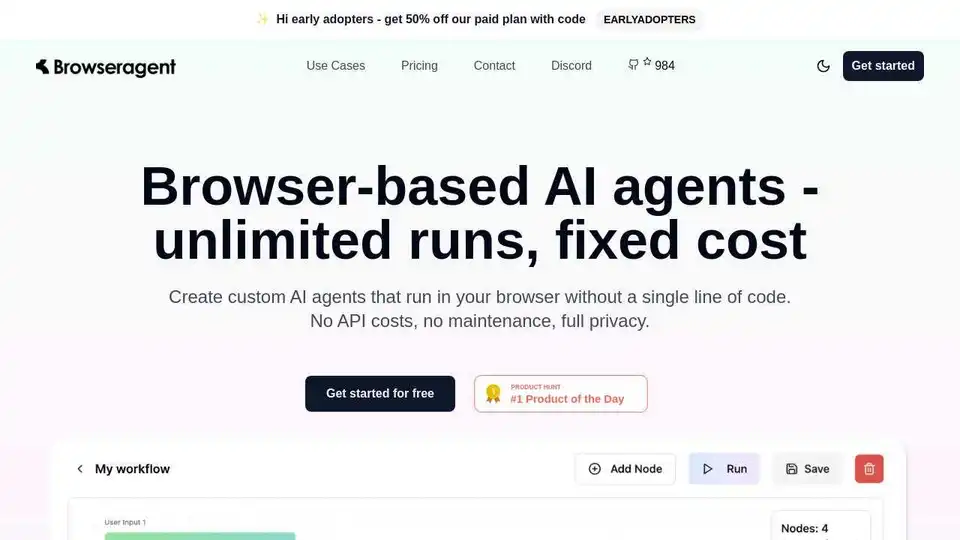
Browseragent: Build AI agents that automate tasks directly in your browser with unlimited executions & full privacy. No API costs, no maintenance.