
Murmur
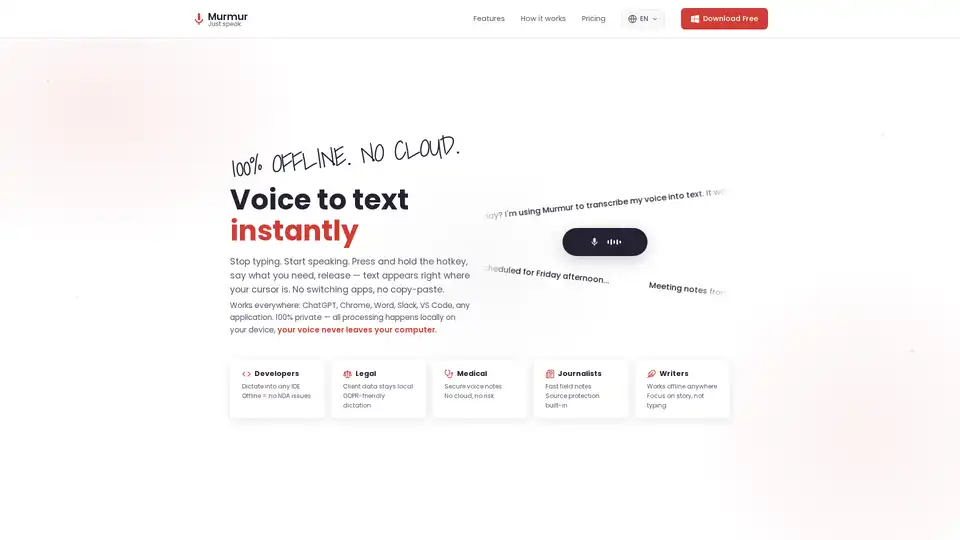
Overview of Murmur
What is Murmur?
Murmur is an innovative voice-to-text software designed specifically for PC and Windows users, transforming spoken words into written text with remarkable speed and accuracy. Leveraging the cutting-edge OpenAI Whisper AI model, Murmur aims to revolutionize the way you interact with your computer, allowing you to stop typing and start speaking. This powerful AI dictation tool integrates seamlessly into your workflow, inserting transcribed text directly wherever your cursor is located, eliminating the need for copy-paste or switching between applications.
Key Features and Advantages of Murmur
Murmur stands out with a suite of features engineered for efficiency, privacy, and versatility, making it a premier choice for speech recognition software:
- Instant Voice to Text: Experience dictation that is up to 3 times faster than traditional typing. Simply press and hold a global hotkey, speak your thoughts, and release—the text instantly appears at your cursor's position.
- Universal Compatibility: Murmur works seamlessly across virtually any application on your Windows PC. Whether you're drafting emails in Outlook, coding in VS Code, collaborating in Slack, browsing in Chrome, or composing documents in Word and ChatGPT, Murmur is there to assist.
- Unrivaled Privacy (100% Local Processing): A cornerstone of Murmur's design is its commitment to user privacy. All speech processing occurs locally on your device, ensuring that your voice data never leaves your computer. This makes Murmur an ideal private voice typing solution, especially critical for sensitive information and GDPR-friendly dictation scenarios.
- Powered by OpenAI Whisper AI: At its core, Murmur utilizes the industry-leading OpenAI Whisper AI model, renowned for its exceptional 95%+ accuracy in speech recognition. This advanced AI technology ensures highly precise and reliable transcriptions, even in challenging audio environments.
- Blazing Fast Performance: Thanks to GPU-accelerated transcription, Murmur delivers instant results. The moment you release the hotkey, your spoken words are converted into text, enhancing productivity without delay.
- Multilingual Support: Murmur breaks down language barriers by supporting 90+ languages with automatic language detection, making it a versatile tool for a global user base.
- Smart Audio Processing: Advanced internal filters automatically enhance your voice, ensuring crystal-clear audio input for optimal transcription accuracy.
- Global Hotkey for Seamless Operation: The intuitive global hotkey (Ctrl+Win+Alt) allows you to initiate dictation from any application, providing a truly integrated and fluid user experience. An additional hotkey (Ctrl+Win+Shift) lets you copy the last transcription to your clipboard.
- PRO Feature: Notebook: For users requiring more extensive transcription capabilities, the PRO version includes a 'Notebook' feature, enabling the transcription of longer recordings and audio files.
How Does Murmur Work?
Using Murmur for AI dictation is incredibly straightforward, designed for maximum efficiency:
- Place Your Cursor: Simply click where you want the text to appear—be it a document, chat window, email, or any other input field.
- Hold the Hotkey: Press and hold the designated global hotkey (Ctrl+Win+Alt) and begin speaking naturally.
- Release and Transcribe: Release the hotkey, and your spoken words will automatically and instantly appear at the cursor's position.
Who is Murmur For? Target Audiences and Use Cases
Murmur is a versatile Windows dictation tool that caters to a wide array of professionals and individuals seeking to enhance their productivity and reduce typing strain. Its practical value extends across numerous scenarios:
- Developers: Dictate directly into any Integrated Development Environment (IDE) like VS Code. The offline processing feature ensures no NDA issues or data leakage, making it secure for proprietary code.
- Legal Professionals: Securely transcribe client data and legal notes locally, ensuring GDPR-friendly dictation and upholding client confidentiality.
- Medical Professionals: Create secure voice notes without the risk of cloud storage, safeguarding sensitive patient information.
- Journalists: Capture fast field notes and interviews with built-in source protection, allowing quicker documentation of crucial information.
- Writers & Authors: Focus entirely on storytelling or content creation without the distraction of typing. Murmur works offline, providing flexibility for writing anywhere.
- Students & Researchers: Quickly transcribe lectures, research notes, or brainstorm ideas, improving efficiency in academic pursuits.
- Content Creators & Bloggers: Generate content faster for articles, scripts, or social media posts, streamlining the creation process.
- Anyone Who Hates Typing: If you find typing cumbersome or slow, Murmur offers a liberating alternative to put your thoughts into text effortlessly.
Why Choose Murmur for Your Voice to Text Needs?
Choosing Murmur means opting for a speech to text solution that prioritizes speed, accuracy, and absolute privacy. Its integration with OpenAI Whisper, coupled with local processing, sets a new standard for dictation software. By facilitating instant, accurate, and private transcription across all your applications, Murmur not only saves time but also provides peace of mind, allowing you to focus on your ideas rather than the mechanics of input. Download Murmur free from the Microsoft Store and experience the future of typing today.
Tags Related to Murmur
